How to Find Embroidery Designs That Fit Your Hoop
Which of your designs actually fit the 5x7 hoop? Here are the real sewing-field sizes, why "4 inch" in a file name isn't enough, and how to filter a whole library by hoop.
Hoop sizes are the sewing field, not the frame
A hoop's name describes roughly how big a design it can stitch, not the outside of the frame. The numbers that matter are the sewing field, the area the needle can reach. For the common home hoops:
| Hoop | Sewing field (mm) | Sewing field (inches) |
|---|---|---|
| 4x4 | 100 x 100 | 3.9 x 3.9 |
| 5x7 | 130 x 180 | 5.1 x 7.1 |
| 6x10 | 160 x 260 | 6.3 x 10.2 |
| 8x12 | 200 x 300 | 7.9 x 11.8 |
Exact fields vary a little by brand and machine, so check your manual for your largest hoop. A design fits if its width and height are within the field in either orientation: a 170 x 120 mm design fits a 5x7 hoop turned sideways.
Why "4 inch" in the file name isn't enough
Designers usually name a size set by the design's largest side: "Bell 4 inch", "Bell 5 inch". But:
- 4 inches is 101.6 mm, just over a 4x4's 100 mm field. A "4 inch" design often needs a 5x7 hoop.
- Sizes are rounded. A "5 inch" design might be 5.2 inches.
- Many files have no size in the name at all, especially older and free designs.
The only reliable size is the one stored in the file. PES, DST, JEF and the other formats all record the stitch coordinates, so software can measure the design exactly.
Check one design
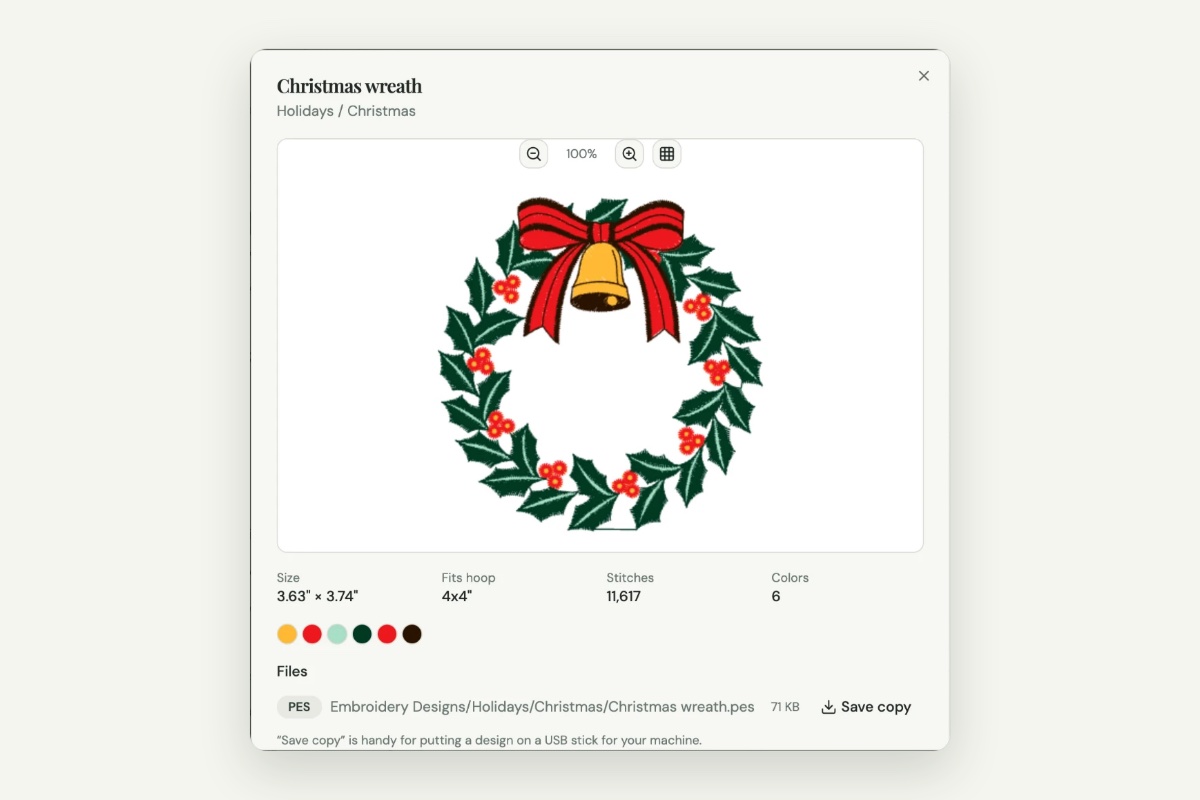
To check a single file, open it in a viewer that reads its size. The free Sewist Studio embroidery file viewer shows the width and height in millimeters and inches and the smallest standard hoop it fits. Nothing is uploaded.
Filter your whole library by hoop
Checking files one at a time doesn't help when you want to know "which of my 300 Christmas designs fit the 5x7?". For that you need a catalog that reads every file's size.
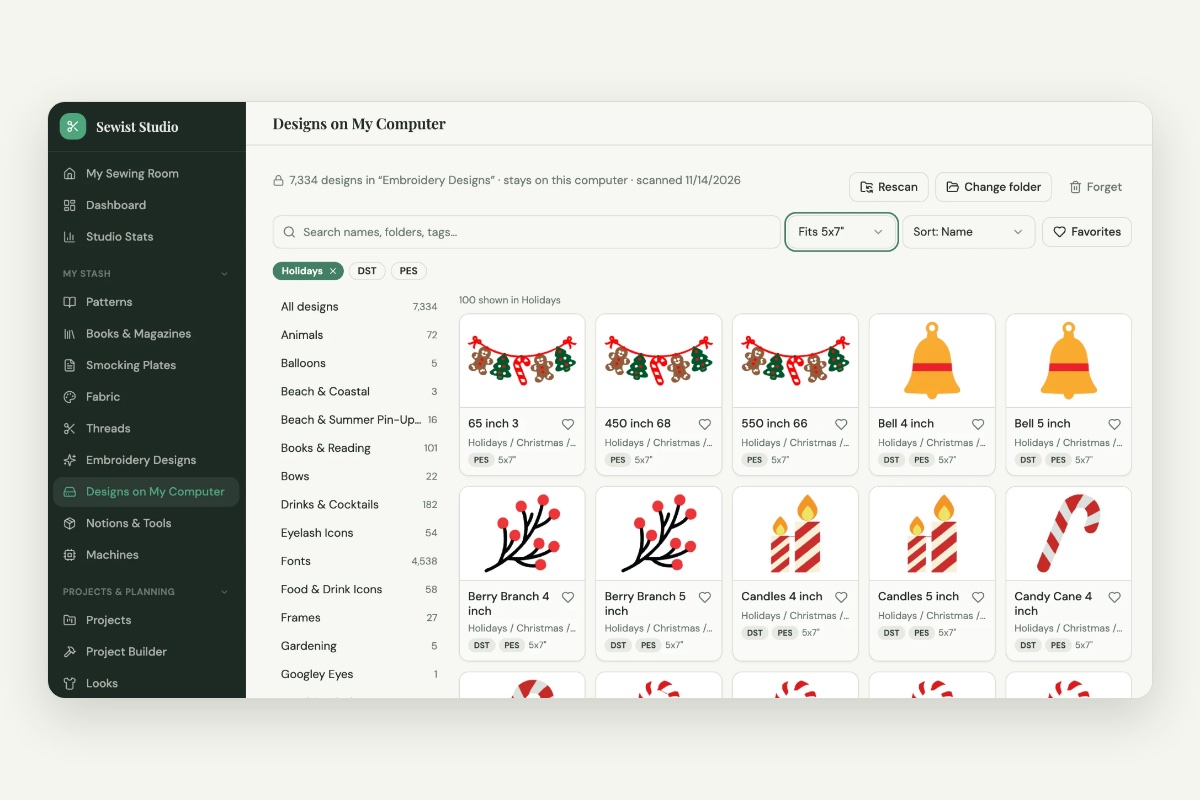
Designs on My Computer in Sewist Studio turns your design folder into an organized, searchable, filterable catalog:
- Choose the folder where your designs live. Sewist sorts them into themes for you, even if they're all in one folder.
- Pick a theme, for example Christmas & Winter.
- Set the hoop filter to Fits 5x7. You'll see every design that fits, including the smaller ones that also fit a 4x4, turned either way.
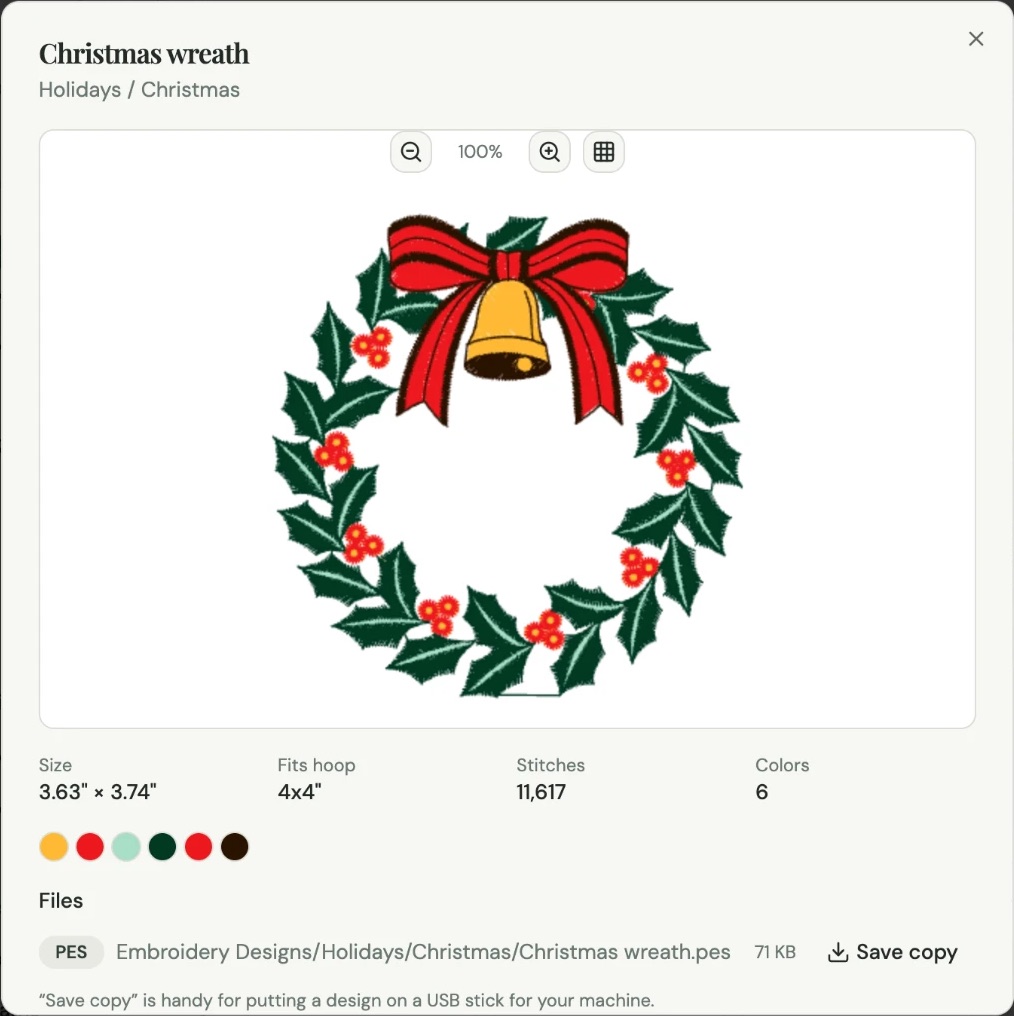
- Sort by stitch count to find quick stitch-outs first, and open a design to see its exact size and colors.
Your files never leave your computer; Sewist reads them in your browser. It's part of Sewist Studio Pro, with a 14-day free trial.
When a design doesn't fit
- Resize carefully. Most designs scale 10 to 20 percent up or down safely in editing software that recalculates stitches. Larger changes can make satin columns too thin or too dense.
- Look for the next size. Many designs come in a size set; the smaller one may already be in your folder.
- Split it. Some software splits a large design across two hoopings, but alignment takes practice.
- Rotate it. If it's close, turning it 90 degrees in the hoop may be all you need.
Quick reference
- Fits a 4x4: both sides 100 mm (3.9") or less.
- Fits a 5x7: one side 130 mm (5.1") or less, the other 180 mm (7.1") or less.
- Fits a 6x10: 160 x 260 mm (6.3" x 10.2").
- Fits an 8x12: 200 x 300 mm (7.9" x 11.8").