Back to blog
duplicate embroidery designs
stop buying duplicate embroidery designs
find embroidery designs I own
search embroidery design library
embroidery design catalog
How to Stop Buying the Same Embroidery Design Twice
By Sewist Studio5 min read
Bought the same snowflake twice? It happens when your designs are invisible. Here's a 30-second check before every purchase and the catalog that makes it work.
Why it keeps happening
Nobody buys a duplicate on purpose. It happens because:
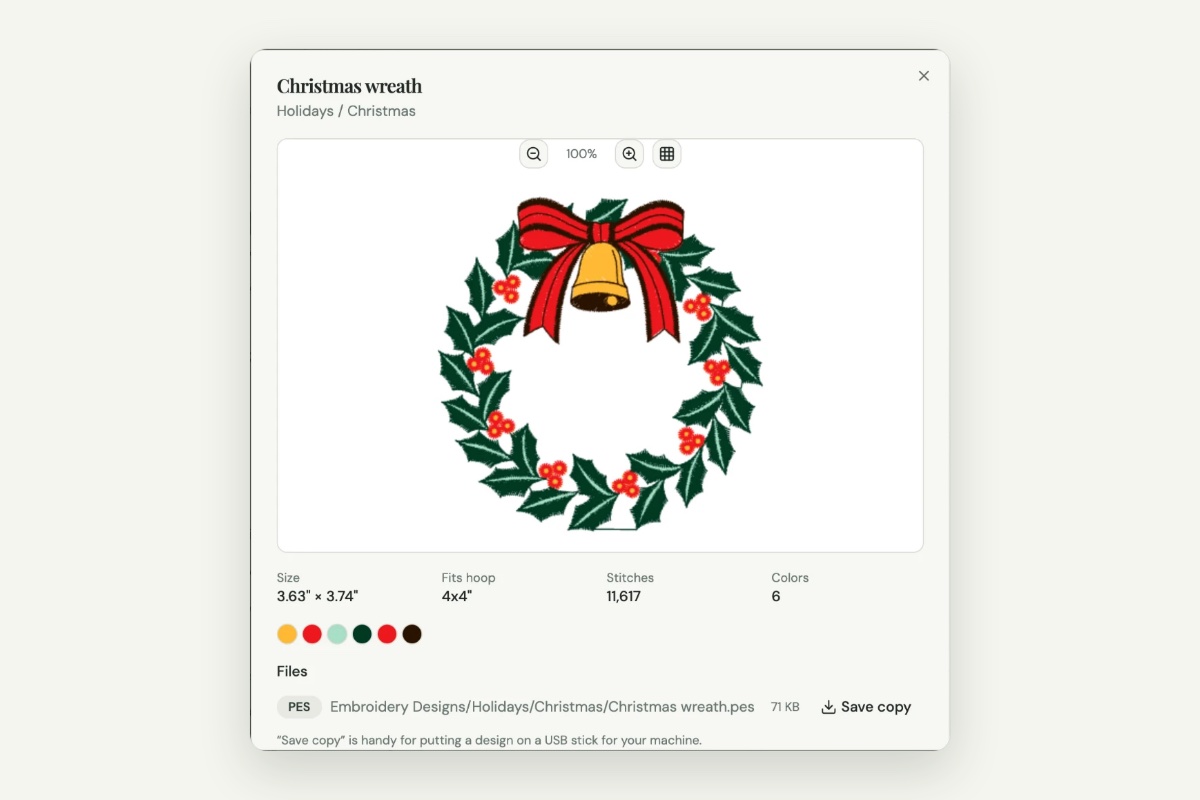
- Your computer can't show you the design. PES and DST files show a blank icon, so you can't scroll and recognize anything.
- File names don't match shop names. You bought "Gingerbread Garland"; the file is `GB-2241_5x7.pes`.
- Bundles hide designs. A 50-design bundle you bought two years ago is one folder you've never opened.
- Sales create urgency. Holiday sales and "design of the week" emails don't leave time to check.
The fix is making your library visible and searchable, and checking it every time.
Make your library visible
- Put everything in one place. Every design under one main folder, sorted into subject folders. See how to organize machine embroidery designs.
- Unzip your downloads. Designs inside zips are invisible to search. See how to organize embroidery zip downloads.
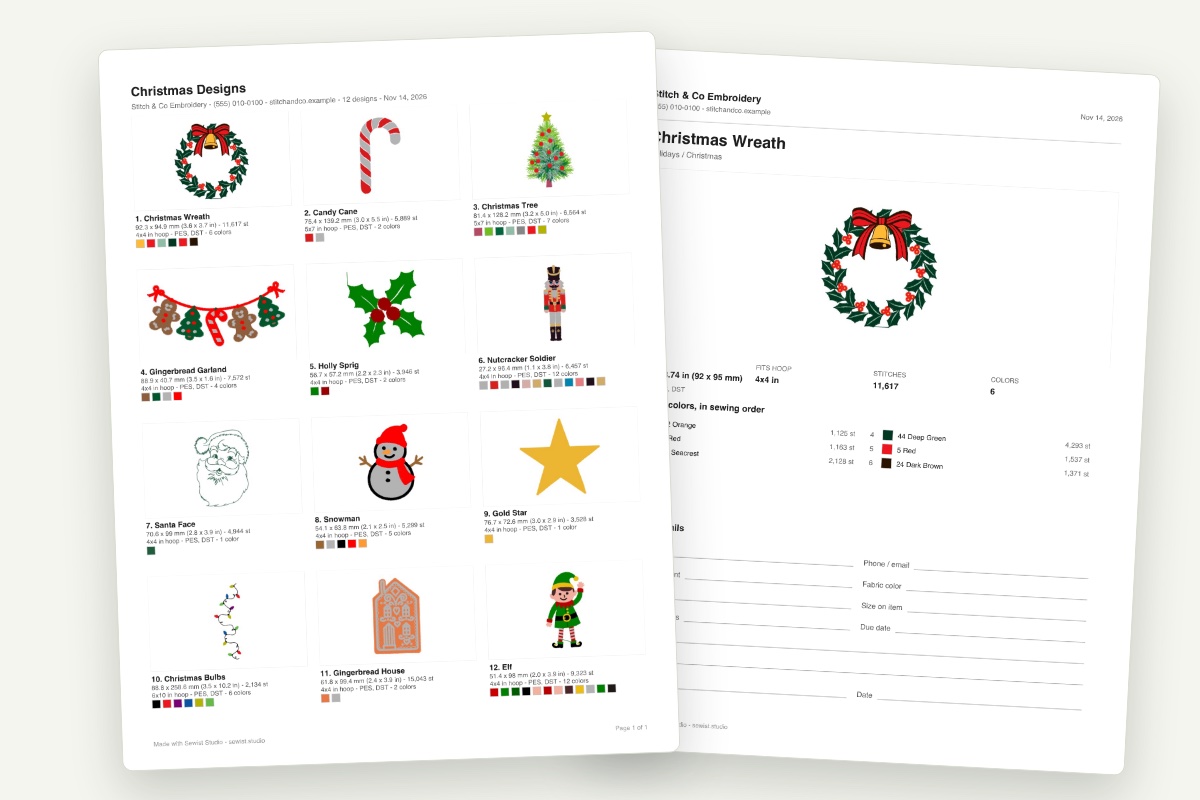
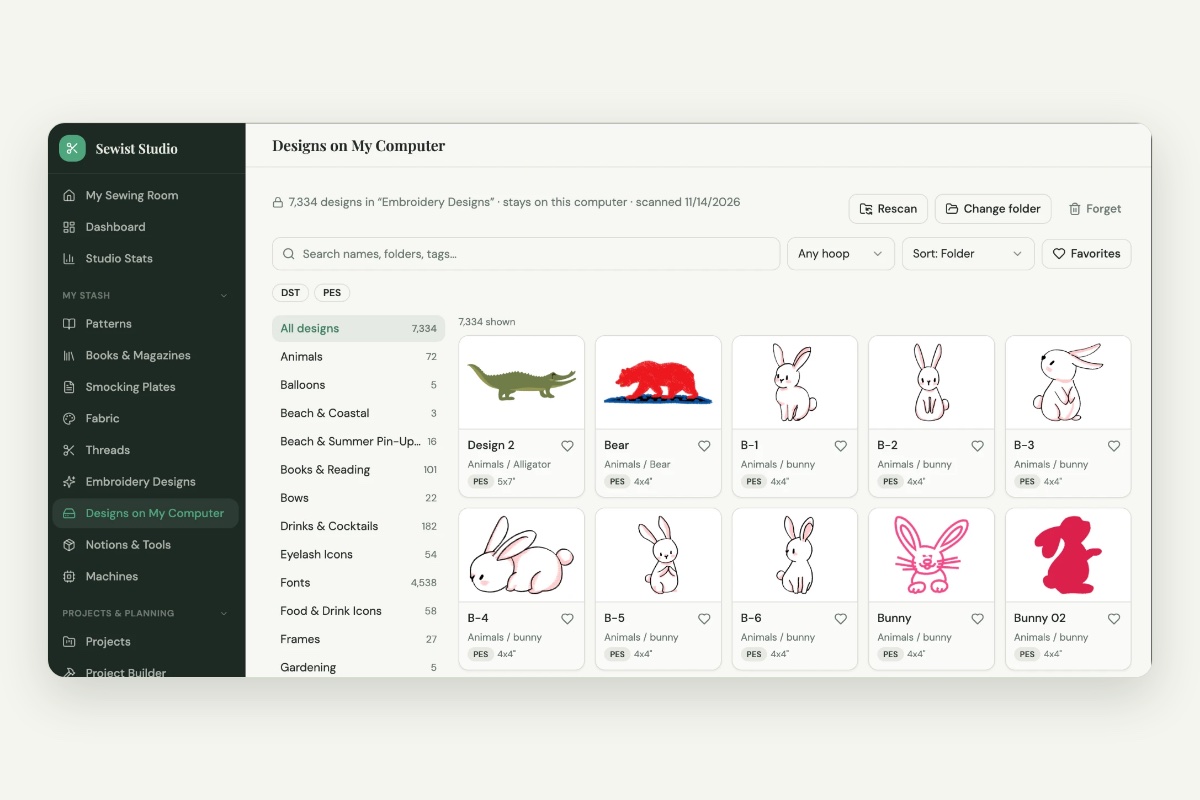
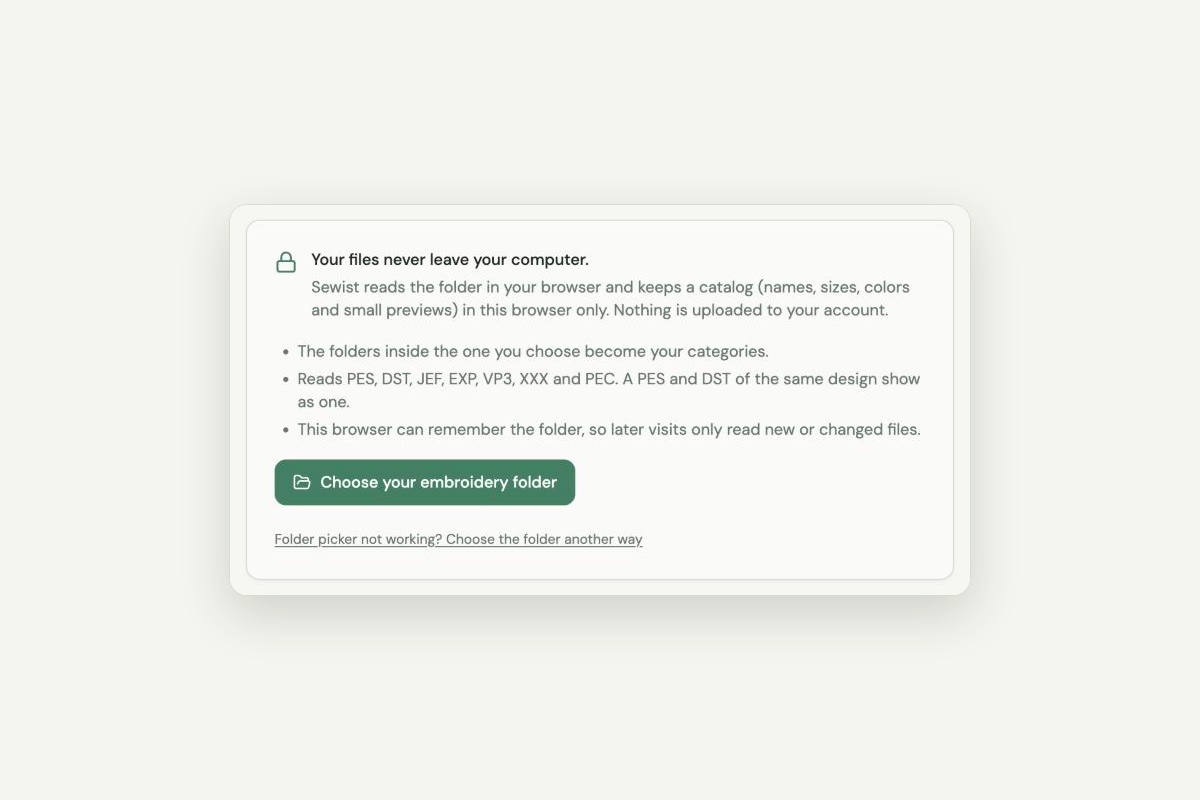
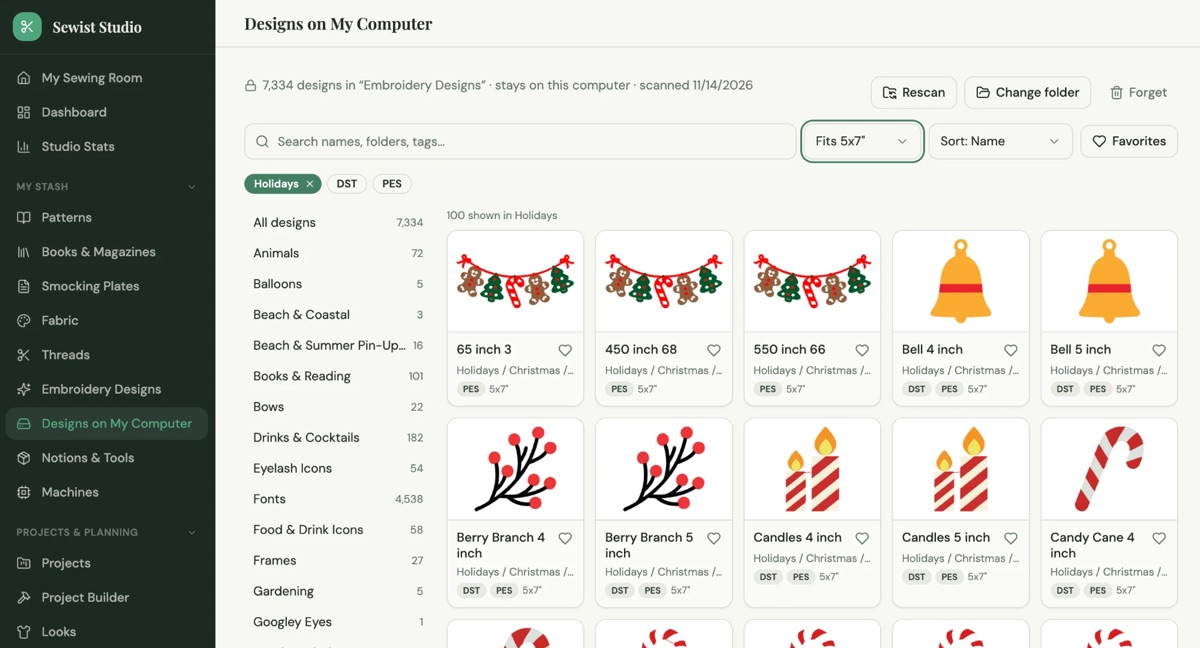
- Use a catalog with previews. Designs on My Computer in Sewist Studio turns that folder into an organized, searchable, filterable catalog: your folders become categories, every design gets a stitch preview, and you can search by name or folder and filter by hoop size. Your files never leave your computer.
The 30-second check
Before you click buy:
- Search the name and the subject. Try the design name and a plain word for it: "gingerbread", "wreath", "gnome".
- Open the folder it would live in. Scroll Holidays or Animals and look at the previews; your eyes find a match faster than a search does.
- Filter by hoop. If you need a 5x7 design, filter to designs that fit a 5x7. You may already own something that works.
- Check favorites. Heart designs you love when you see them, so they're easy to find again.
If nothing matches, buy it, and file it the same day.
Bundles and freebies
- Before buying a bundle, look at every design in the listing and check the two or three you want most. If you own them, the bundle may not be worth it.
- Free designs add up. "Design of the week" emails are a big source of forgotten files. File each one when you download it, or skip the ones you won't stitch.
Keep a wish list, not a cart
When you see a design you like but don't need yet, save the link in a wish list instead of buying it. When the next sale comes, compare the list with your catalog first. Sewist Studio's wishlist keeps links in one place.
The short version
- Make every design visible: one library, unzipped, with a catalog.
- Search the name and a plain word for it.
- Scroll the folder and filter by hoop before you buy.
- File new designs the day you get them.