Machine-Embroidered Summer Gifts: Monograms, Totes & Towels
Weddings, grads and host gifts stack up all summer. Here's how to turn blanks into personalized embroidered gifts fast, and keep your design files organized.
Summer is gift season, and embroidery is the shortcut
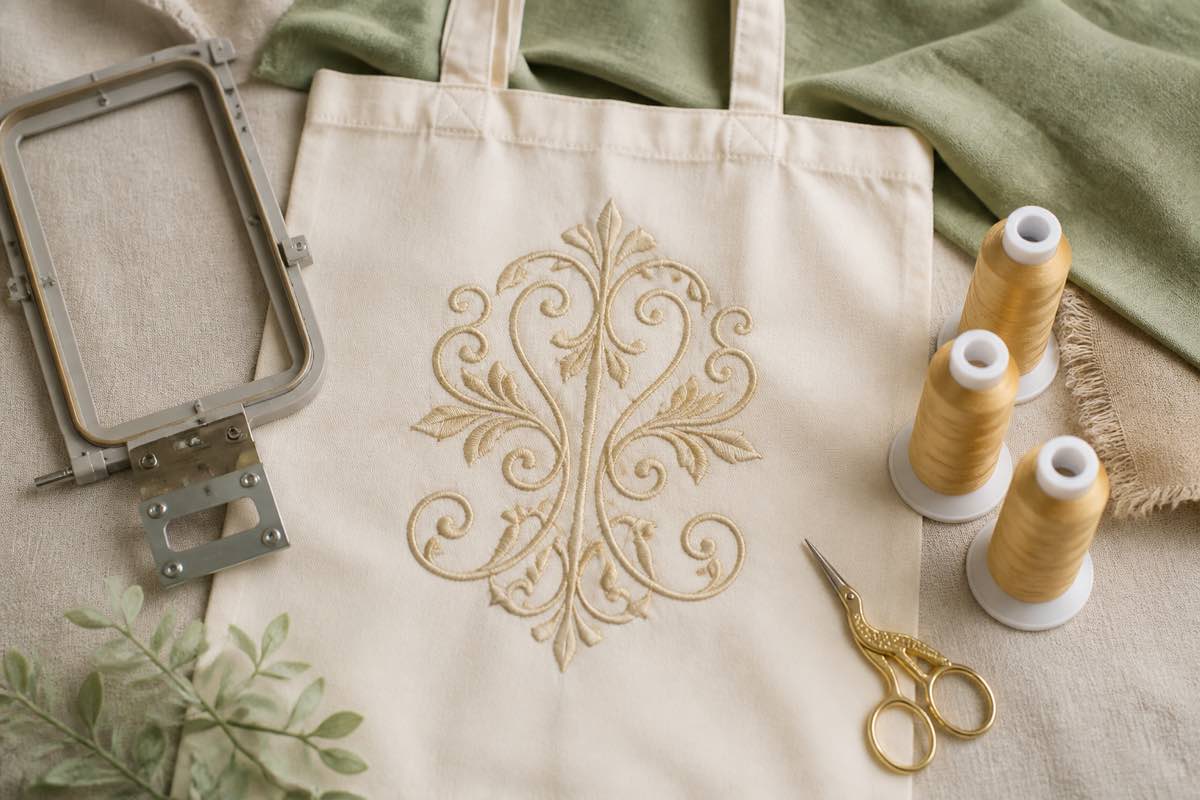
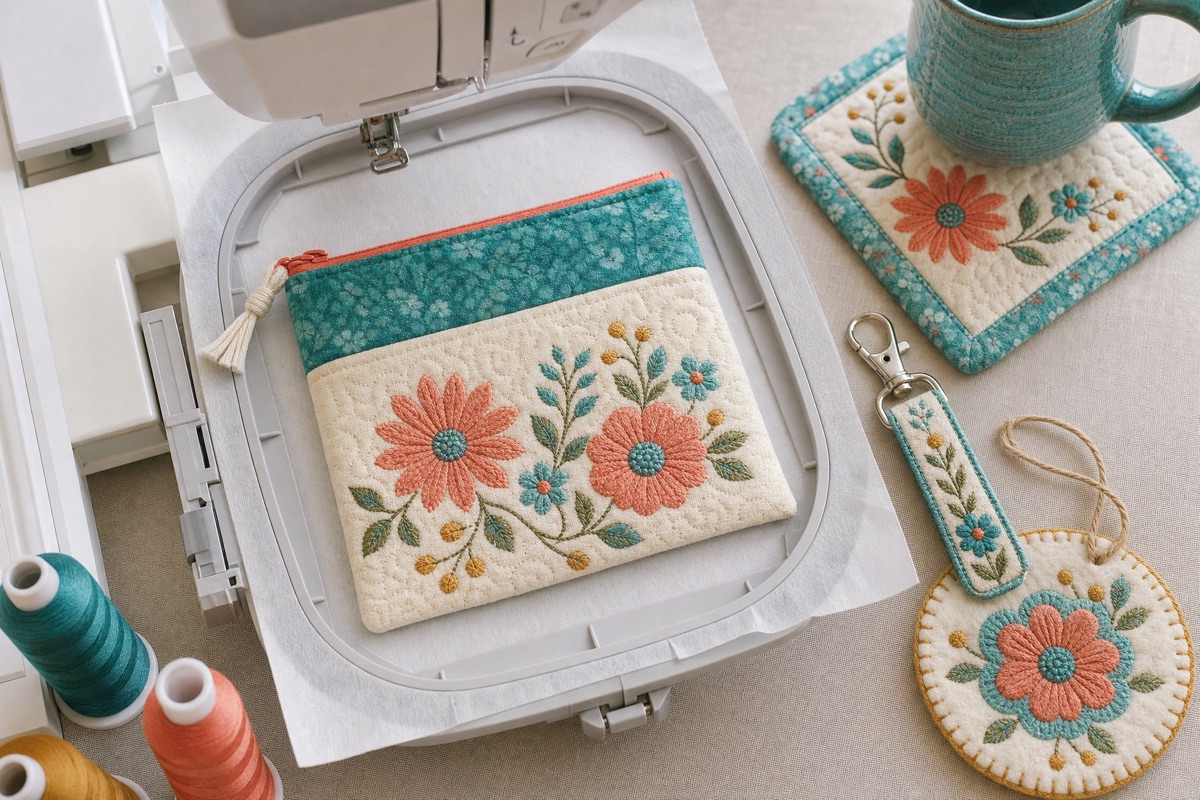
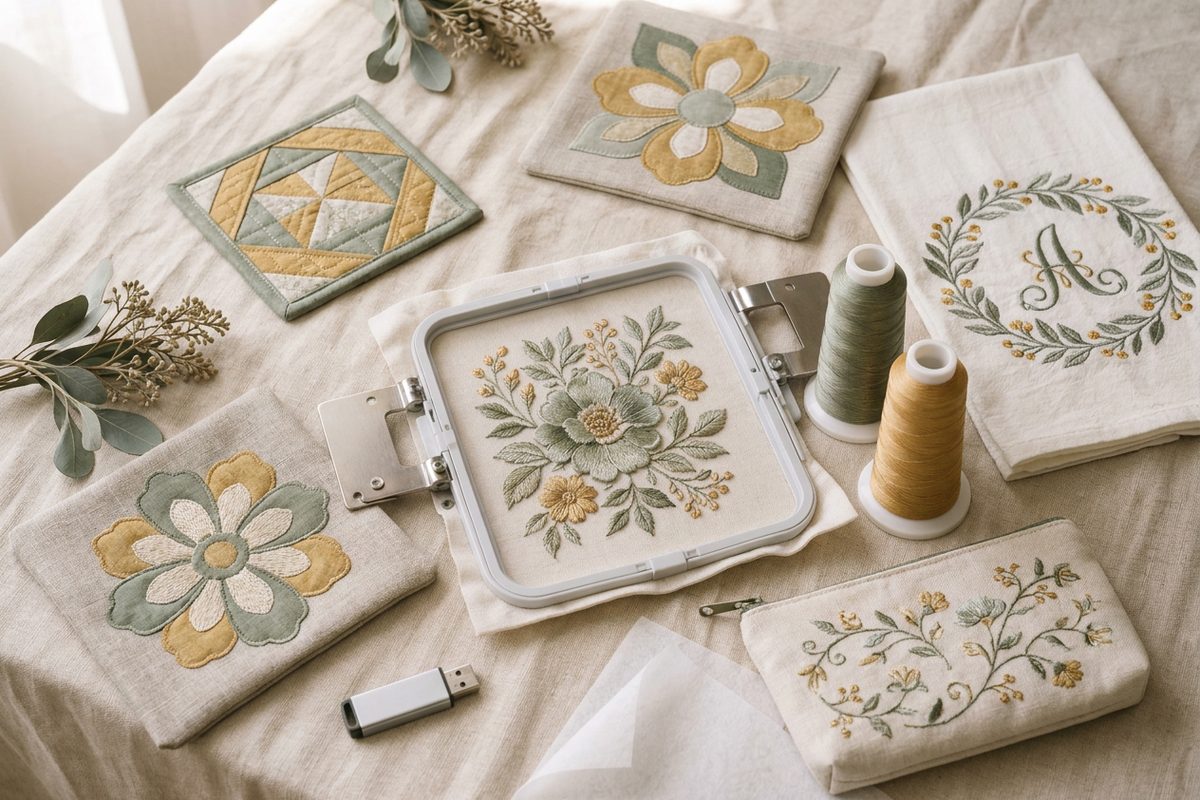
Between weddings, graduations, housewarmings and weekend visits, summer is one long run of occasions that call for a gift. Machine embroidery makes those gifts personal without spending all weekend at the machine: a monogram on a tote, a name on a beach towel or an initial on a zip pouch reads as thoughtful and stitches out in minutes.
The part most embroiderers trip on isn't the stitching, it's the file chaos. You buy a design for one gift, can't find it next month, and your folders fill up with "untitled_final_v2" files. Here's a cleaner workflow.
Step 1: Pick the blank, then the design
Start with what stitches well and gives fast:
- Canvas totes: beach bags, market bags, library totes
- Cotton or waffle towels: hand towels and beach towels
- Zip pouches: toiletry, makeup or cord pouches
- Cloth napkins: a host-gift set with a single initial
Once you know the blank, you know the design size and placement.
Step 2: Set the initials (don't buy one file per name)
Buying a separate monogram file for every set of initials adds up. Instead, use your machine's built-in lettering, a pre-digitized monogram alphabet in lettering software, or the free Ink/Stitch lettering tool. Our guide to custom monograms for machine embroidery walks through each option and the right sizes for towels, totes and shirts.
Step 3: Organize your design files by gift
This is the step that saves your sanity all summer. Keep every file, whether PES, DST, JEF, EXP or VP3, in one embroidery design library. Drop in a folder or the zip you downloaded and each design gets a preview, its size, thread colors and the smallest hoop it fits. Duplicates are skipped, so re-adding a folder is safe.
Name or tag designs by recipient, and when five gifts are in progress you can pull up "Sarah's tote monogram" in a second.
Step 4: Check thread, hoop and placement
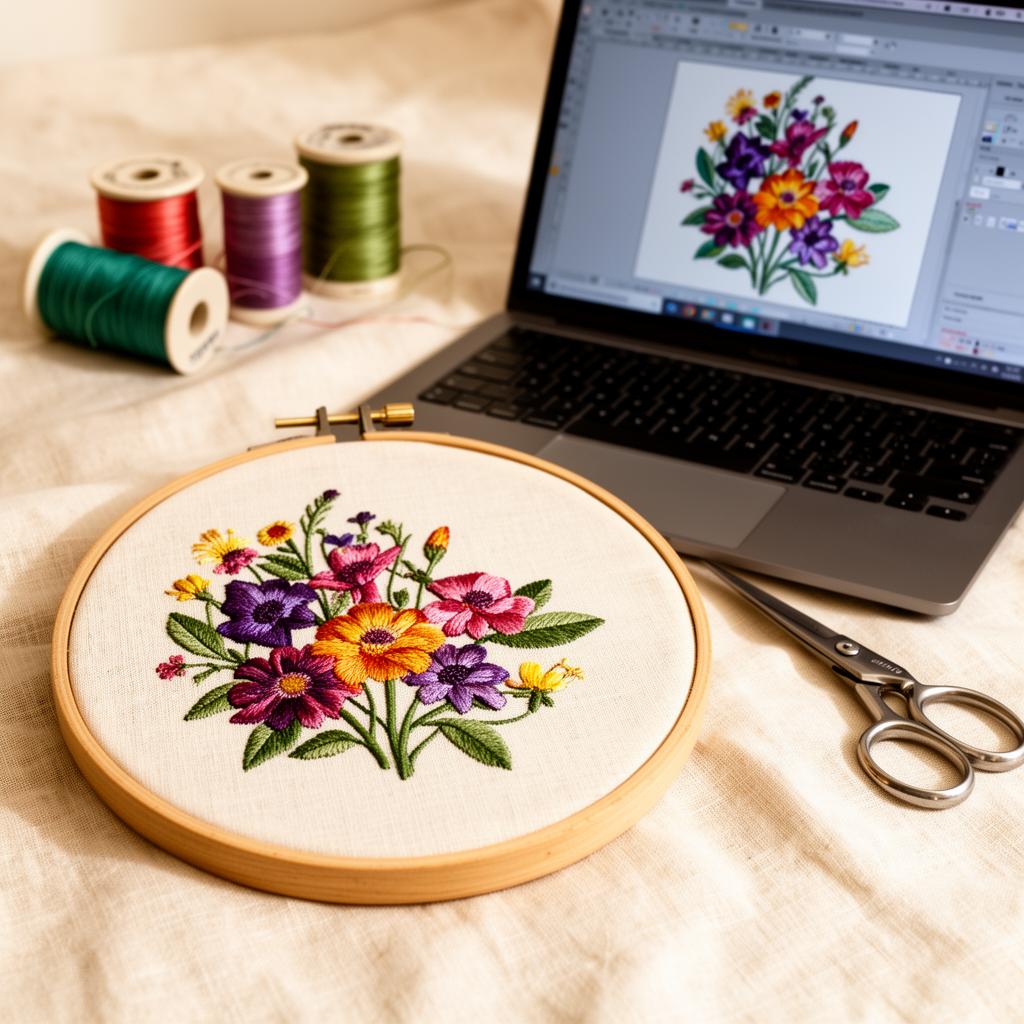
Before you hoop, open the design in the viewer to see the thread colors in sewing order and confirm it fits your hoop. With your thread library logged too, you can check the colors are on your shelf and add anything missing to a shopping list.
Then print a true-size template with center lines, lay it on the tote or towel, and mark your placement. Planning several gifts at once? Select them and print a contact sheet so you can see every design, size and thread list on one page.
Step 5: Stitch
Transfer the original file to your machine (it downloads straight from your library in the format you added), test-stitch on a scrap of the same fabric, then stitch the gift.
Your summer gift workflow in 5 steps
- Pick your blank and the design size it needs.
- Set the initials with machine lettering or a monogram font.
- Add the design to your library with a recipient-tagged name.
- Check thread and hoop, then print a placement template.
- Test-stitch and stitch.