How to Make Custom Monograms for Machine Embroidery
Skip buying a new monogram file for every name. Here are the ways to make custom monograms for towels, totes and gifts, and how to size and place them.
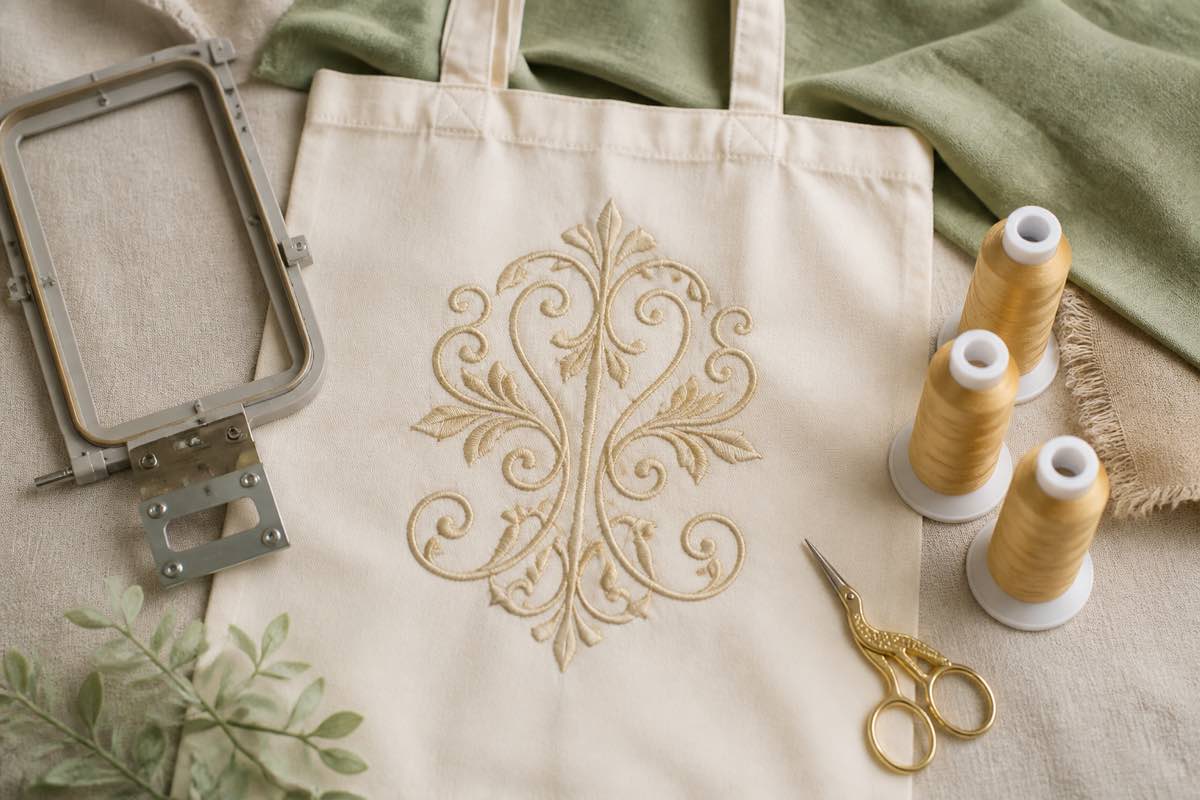
Why custom monograms are the perfect embroidery project
Monograms turn a plain towel, tote or shirt into a gift. They're quick to stitch, forgiving on most fabrics, and every recipient gets something that's clearly theirs. The only catch is that every set of initials is a different design, so buying a separate file for each name gets expensive fast.
Option 1: Your machine's built-in lettering
Most embroidery machines include a few lettering fonts and often monogram frames or layouts. You type the initials on the machine's screen, pick a size and stitch. It's free and instant, though the font choice is limited and large sizes can look thin.
Option 2: Pre-digitized alphabet fonts and lettering software
Embroidery fonts sold as alphabets are digitized letter by letter, so they stitch cleanly at the sizes they were made for. Lettering software (Embrilliance Essentials is a popular low-cost choice, and it reads BX fonts) lets you type initials with those fonts, arrange a classic three-letter monogram, add a frame, and save in your machine's format.
This is the most reliable route if you make monograms often or sell personalized pieces.
Option 3: Ink/Stitch lettering (free)
Ink/Stitch, the free extension for Inkscape, has a lettering tool with fonts made for embroidery. Type your initials, choose a font and size, add a simple frame drawn in Inkscape if you like, and export to PES, DST, JEF, EXP, VP3 or other formats.
Avoid converting ordinary computer fonts automatically: letters designed for screens rarely have the satin widths and underlay that make embroidered letters crisp.
Sizing and placement tips
- Towels: 2 to 3 inches tall, centered about 3 to 4 inches above the hem or band.
- Totes: 3 to 4 inches, centered on the front panel.
- Shirts and pockets: 1 to 1.5 inches, so the letters don't overwhelm the garment.
- Classic three-letter monogram: the surname initial sits in the middle and larger.
Print a true-size template to check placement before you hoop. The free Sewist Studio embroidery file viewer opens your monogram file in the browser, shows the size and the smallest hoop that fits, and prints a 1:1 template with center lines.
Stitching your monogram
- Choose a stabilizer that matches the fabric: tear-away for towels and canvas, cut-away for knits, and a water-soluble topper on terry so stitches don't sink.
- Hoop carefully so the fabric is taut but not stretched.
- Test-stitch on a scrap of the same fabric.
- Stitch the real blank.
Great blanks for monogram embroidery
- Cotton tea towels and hand towels
- Canvas and linen tote bags
- Baby bibs and burp cloths
- Pillowcases and napkins
- Polo shirts and caps
Keep every monogram findable
Save each finished monogram with the recipient's name so you can stitch it again. An embroidery design library keeps them all with previews, sizes and thread colors, free for up to 15 designs, and you can print a contact sheet of a whole set of gifts.