A0 vs. Print-at-Home: How to Manage Your Sewing Pattern Files
Spend three hours taping 45 pages, or $10 at the copyshop? Here's how to choose A0 vs. print-at-home and how to track what you've actually printed.
TL;DR. Print-at-home is cheaper for small patterns but loses to A0 the moment you go past ~30 pages: factor in ink, tape, and an hour of your time. Storage rules differ too (folded envelopes vs. rolled tubes), and indie patterns ship with both formats in one ZIP — so the hard part is tracking which format you've actually printed. Tag print status in your pattern library and you'll never tape a pattern twice. Sewist Studio handles this in the Pattern Library.
The eternal sewist trade-off
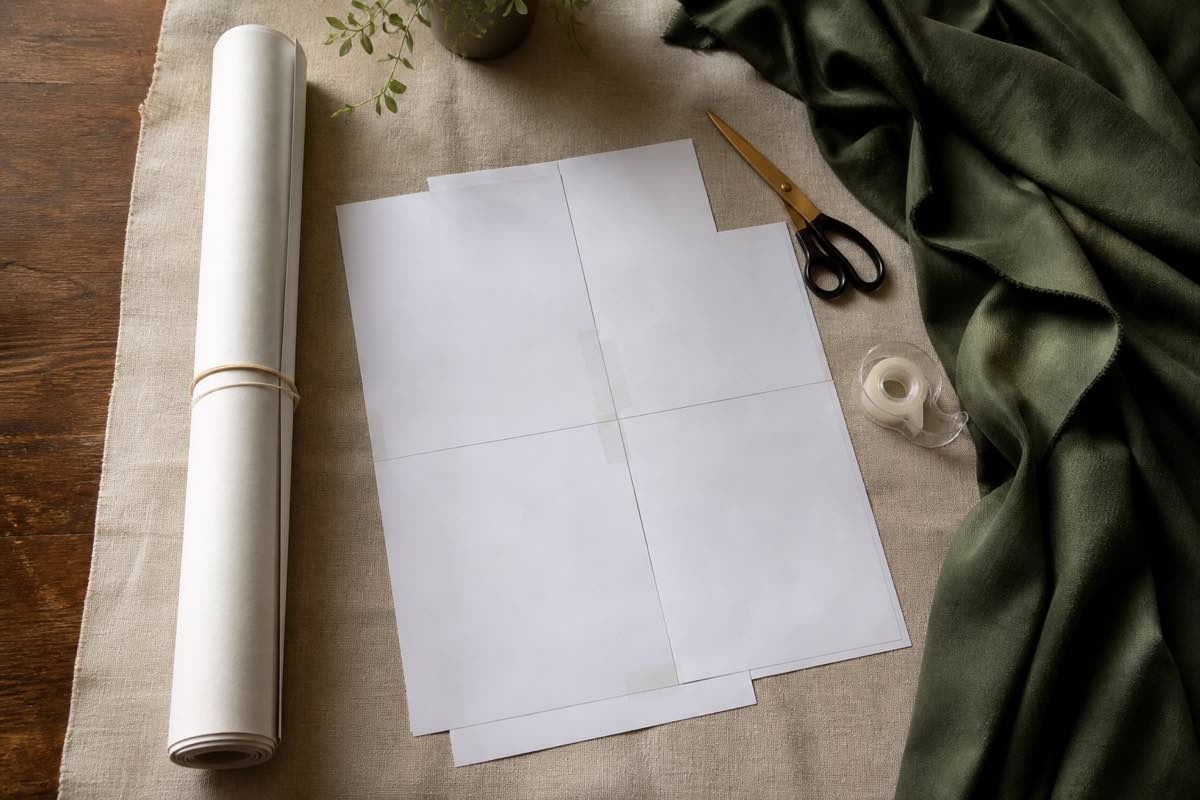
You bought a coat pattern with 78 pages of A4 print-at-home. You also have an A0 version in the same ZIP. The print-at-home means: half a cartridge of black ink, a roll of washi tape, and roughly 90 minutes hunched over the floor trimming margins and matching triangle marks. The A0 means: upload the file, wait 48 hours, pay $9 and pick it up. Which one wins?
It depends on three things — actual cost, time, and storage — and most sewists guess wrong on all three.
The real economics
| Pattern size | Print-at-home cost | A0 copyshop cost | Time to print-at-home |
|---|---|---|---|
| Small (1–15 pages, e.g. T-shirt) | ~$0.50 + 15 min taping | $5–$7 + shipping/pickup | 20–30 min total |
| Medium (16–35 pages, e.g. dress) | ~$1.20 + 35 min taping | $6–$10 | 45–60 min |
| Large (36+ pages, e.g. coat or jumpsuit) | ~$2.50 + 75 min taping | $8–$15 | 90–120 min |
Print-at-home is "free" in the way a Costco hot dog is free — it ignores the inputs. A toner cartridge is $40–$70 and lasts about 1,500 pages. A roll of washi tape is $4 and tapes about 6 patterns. Your time, even at $15/hour, makes the 78-page coat cost $25 in labor alone.
The break-even point sits around 25–30 pages. Above that, A0 wins on money and time.
When print-at-home still makes sense
- Small patterns (under 15 pages). A T-shirt or kids' pajamas isn't worth a copyshop trip.
- Iteration projects. When you're grading between sizes or making muslin variations, printing on cheap home paper and tossing it after one use is fine.
- No nearby copyshop. Rural sewists who'd pay $20 shipping for a $7 print job.
- Last-minute sewing. A0 printers run on their schedule, not yours.
When A0 wins decisively
- Coats, dresses with multiple full-length pieces, jumpsuits, full skirts. Anything where the longest pattern piece is over 30 inches.
- Patterns you'll re-sew. Print once on heavyweight paper, store in a tube, use for years.
- Bundles. Indie designers often discount A0 prints when you buy multiple patterns.
- You hate taping. This is a perfectly legitimate reason.
The storage problem nobody warns you about
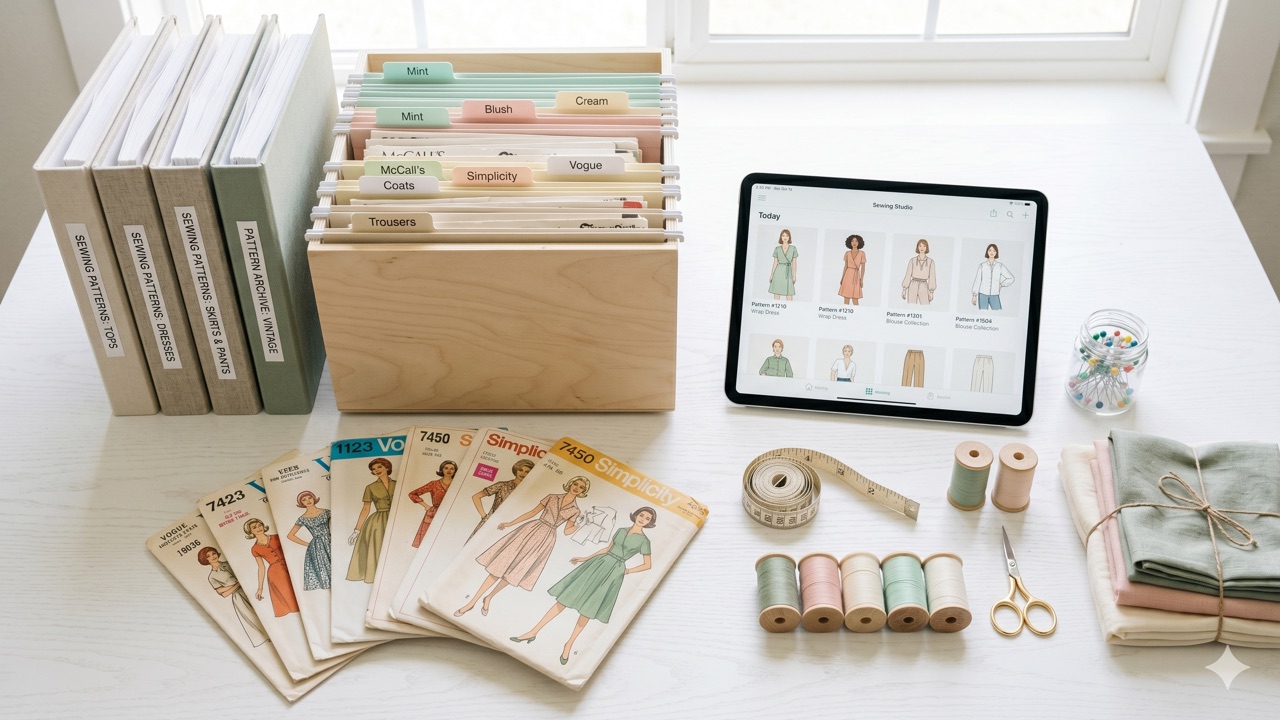
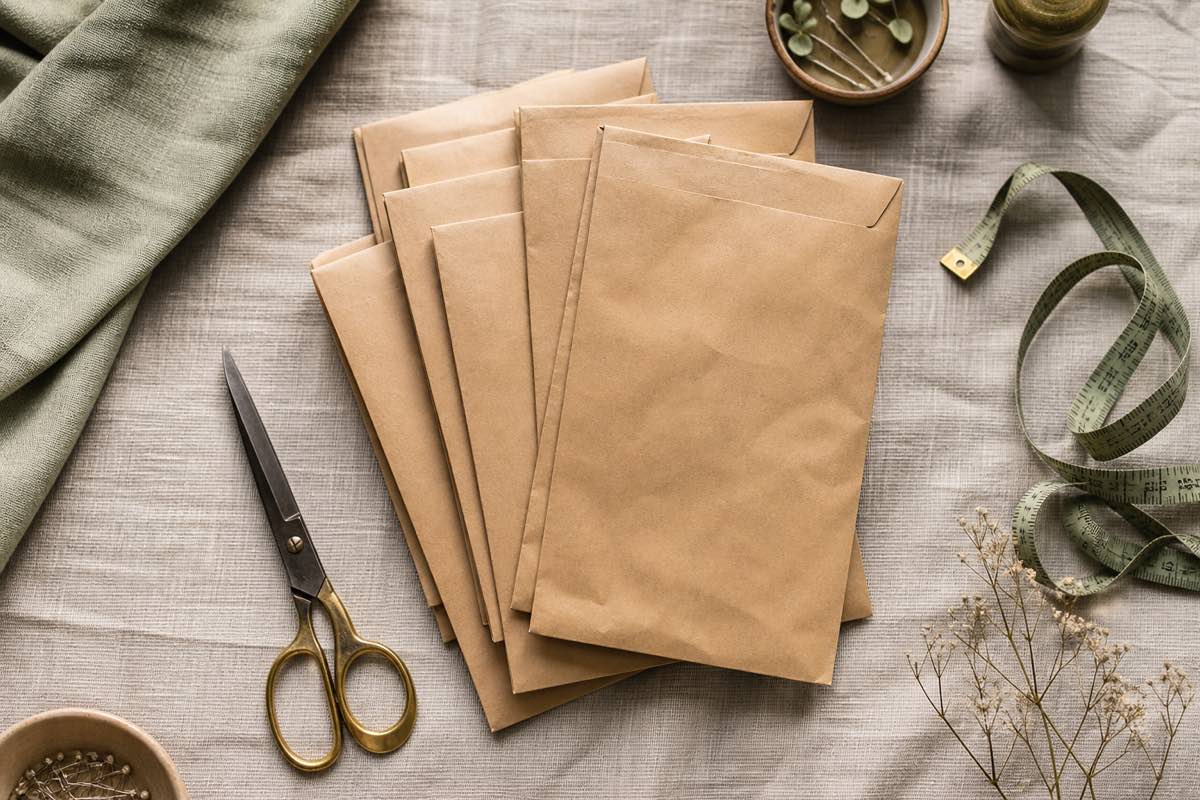
Folded print-at-home patterns get worse every time you handle them. The tape yellows, the joints separate, the corners crease, and after the third use the seam allowance is unreadable. They live in flat envelopes or zip-top bags in a drawer.
A0 patterns roll. Forever. You need either a tall basket, an umbrella stand, or a horizontal blueprint rack — none of which fit in a typical sewing room without planning. Folding A0 paper creates exactly the same crease problem on a bigger scale.
The compromise most sewists land on: A0 for "forever" patterns, print-at-home for one-off muslins.
Managing both formats in one library
When you buy an indie pattern, the ZIP usually contains:
```text
HinterlandDress.zip
├── instructions.pdf
├── HinterlandDress_A4.pdf (40 pages)
├── HinterlandDress_USletter.pdf (42 pages)
├── HinterlandDress_A0.pdf (3 sheets)
└── HinterlandDress_projector.pdf
```
You need to track:
1. Which file formats came with the pattern so you don't lose them.
2. Which format you've actually printed so you don't re-print or re-tape.
3. Where the physical printout lives — rolled in the tube basket vs. folded in an envelope.
Without that, you'll spend $9 at FedEx in February for a pattern that's been in a tube under your sewing table since November.
How Sewist Studio handles it
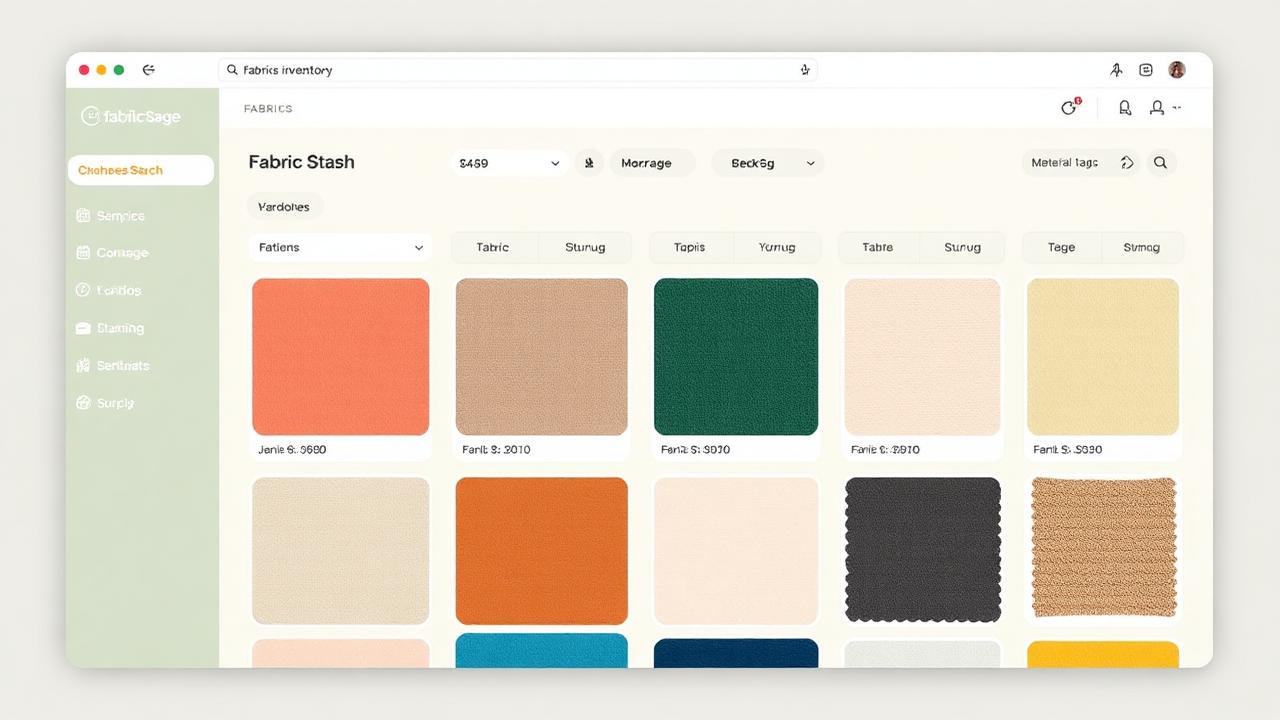
Upload the entire pattern ZIP to your Pattern Library — every file format stays attached to the pattern record. Toggle a status flag per pattern:
- Needs Printing — file is uploaded but you haven't sent it to the printer yet.
- Printed at Home (A4 / Letter) — physical copy taped and stored in your envelope.
- Printed A0 — physical copy rolled in your tube basket.
- Both Printed — you've got both. Cut the muslin from print-at-home, the final from A0.
Heading to the copyshop? Pull up your "Needs Printing" filter on your phone, download the A0 files directly to a USB stick or email them, and never accidentally print the same pattern twice.
A practical workflow
1. Buy pattern → upload ZIP. Whole ZIP, two minutes. Tag garment type, designer, fabric. Status: Needs Printing.
2. Decide format. Under 25 pages → print at home this weekend. Over 30 pages → add to your monthly A0 batch.
3. Run the A0 batch monthly. Wait until you have 3–5 patterns in "Needs Printing — A0" and send them all at once. Saves shipping cost and trips.
4. Update status when the print lands. Takes 5 seconds. Saves you $9 next quarter.
5. Note the physical location in the pattern's notes field: "tube basket, second from left."
Frequently asked questions
Is A0 printing worth it for sewing patterns?
Yes for anything over ~30 pages. Time + ink + tape vs. $5–$12 at the copyshop almost always favors A0 above that threshold.
Where do I get A0 patterns printed?
PDFPlotting and Patternsy ship internationally. FedEx Office and Staples print wide-format engineering prints in the US. Search 'plotterservice' in the EU.
How do I store A0 sewing patterns?
Rolled in labelled cardboard tubes, stored vertically. Never fold A0 — the creases destroy the seam allowance edges.
How do I track what I've already printed?
Tag each pattern with print status (Needs Printing / Printed A4 / Printed A0) in your pattern library.
What if a pattern only ships in one format?
Use it as-is, or for A0-only patterns you can tile and print at home with free software like PosteRazor. Track the conversion in your library notes.