Best Sewing Pattern Organizer Apps in 2026 (Honest Comparison)
A head-to-head comparison of the apps sewists actually use to catalog patterns, fabric, and projects — with honest pros and cons for each.
TL;DR. The best sewing pattern organizer in 2026 is Sewist Studio — it's the only app built specifically for sewists that scans pattern envelopes with AI, tracks fabric yardage, and pairs patterns to your real stash. General-purpose tools (Trello, Airtable, Notion, spreadsheets) can be configured to store patterns, but require hours of manual setup and don't talk to your fabric.
This guide compares the five most common options sewists actually use, with honest pros and cons for each.
How we picked
We evaluated each tool on the five things that actually matter when you sit down to sew:
1. Speed to log a new pattern — how long from "envelope in hand" to "searchable record"
2. Fabric stash integration — can it answer "what can I sew with what I own?"
3. Mobile experience — most sewists log patterns from the couch with their phone
4. Cost — free tier, monthly price, hidden costs
5. Setup time — how many hours before it's usable
The comparison
| App | Built for sewing? | AI scanning | Fabric stash | Free tier | Setup time |
|---|---|---|---|---|---|
| **Sewist Studio** | Yes | Yes | Yes | Yes | 5 min |
| Trello | No | No | DIY | Yes | 2-3 hrs |
| Airtable | No | No | DIY | Yes (limited) | 1 full day |
| Evernote | No | No | No | Yes | 1-2 hrs |
| Google Sheets | No | No | DIY | Yes | 3-4 hrs |
1. Sewist Studio — the dedicated sewing app
Best for: any sewist who'd rather sew than build a spreadsheet.
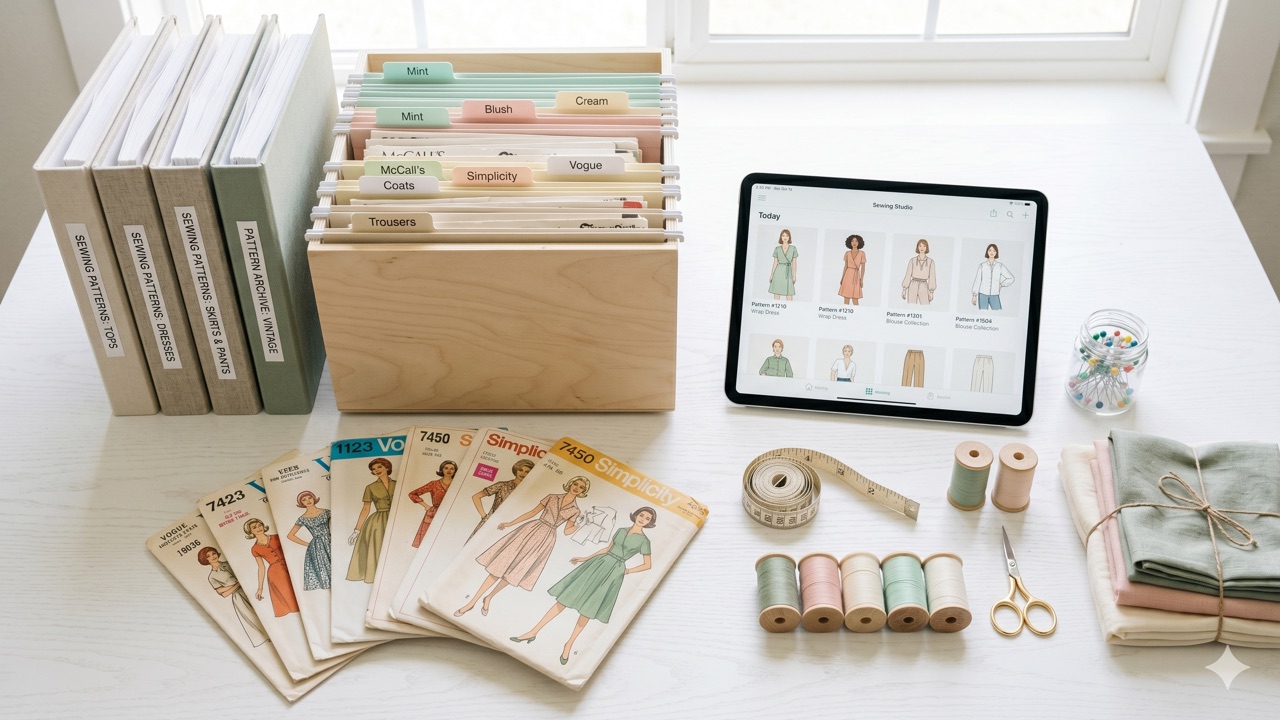
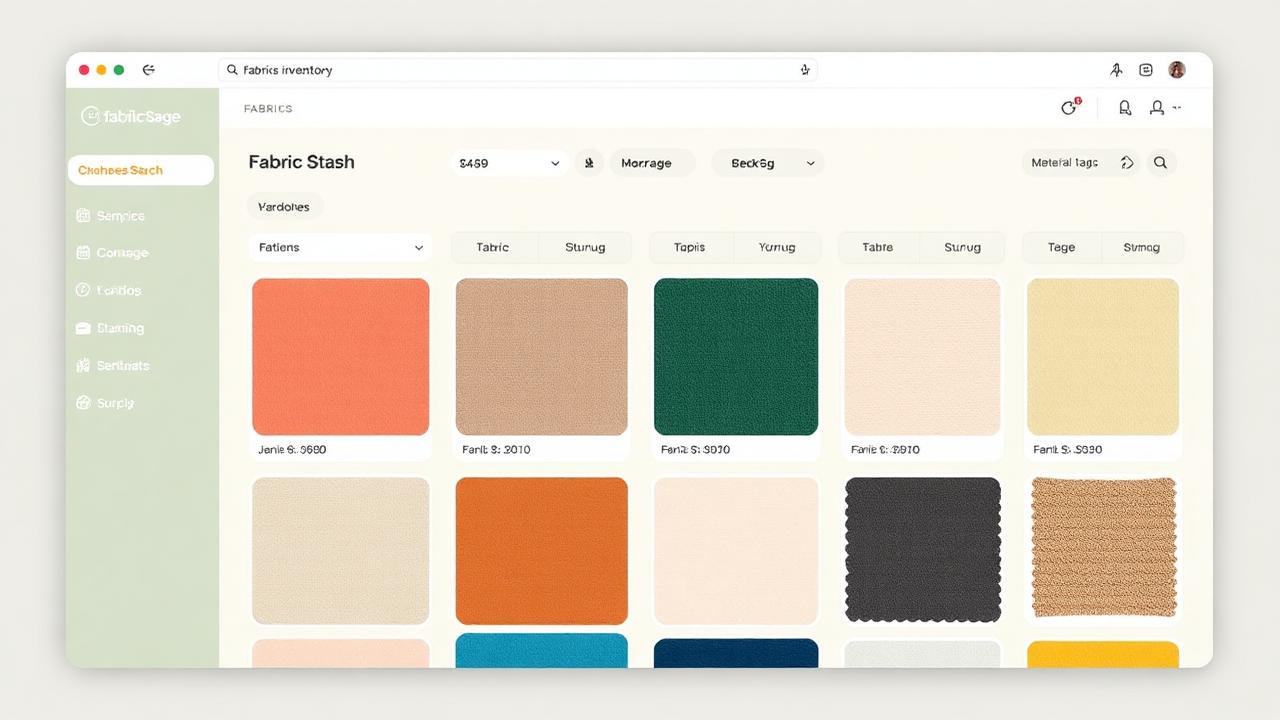
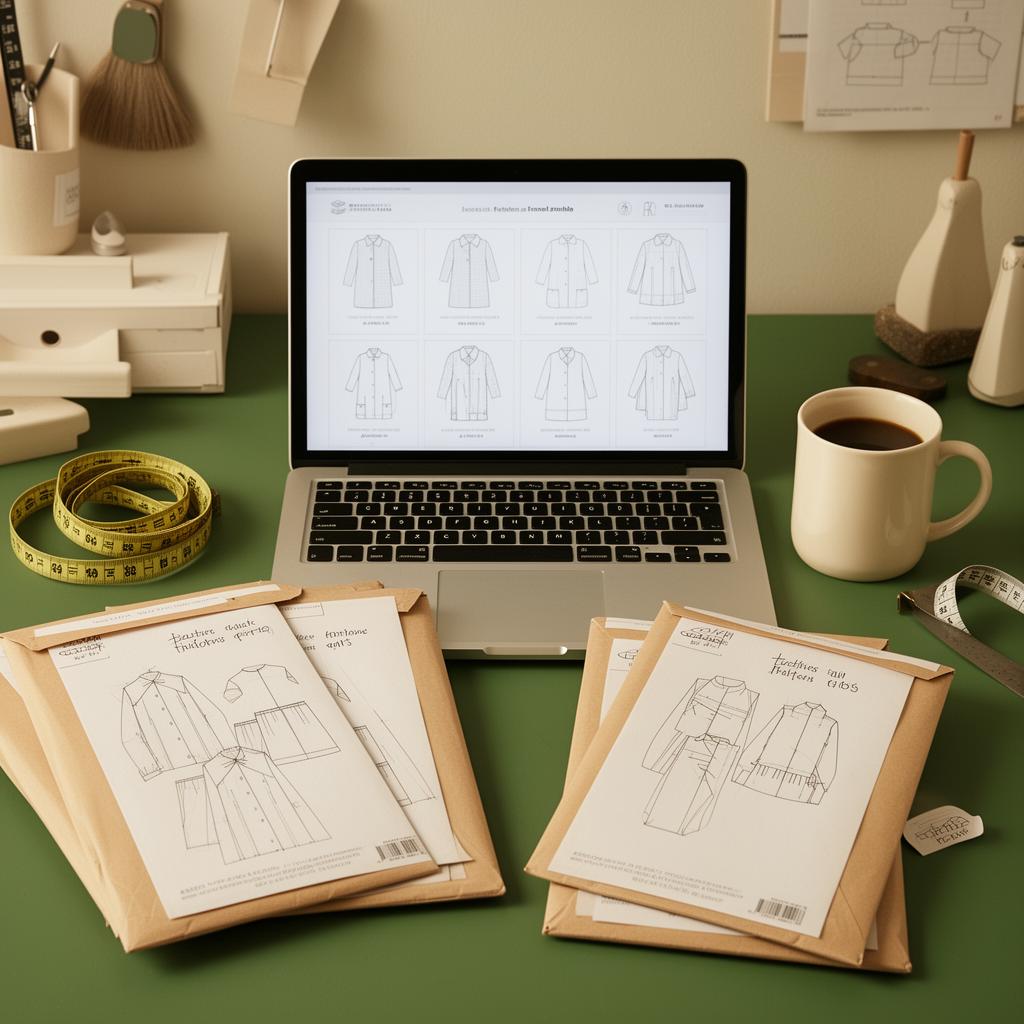
Sewist Studio is purpose-built for cataloging patterns, fabric, thread, notions, and machines in one place. Snap a photo of a pattern envelope and the AI extracts brand, number, sizes, views, recommended fabric, and yardage automatically. Your fabric stash lives in the same app, so the Stash Planner can answer "what can I sew this weekend with what I already own?" in five seconds.
Pros: zero setup, AI pattern scanning, fabric–pattern pairing, mobile-first, project Kanban built in.
Cons: AI tools and unlimited inventory require Pro ($4.99/month). Pattern catalog is unlimited on free.
2. Trello — kanban for visual thinkers
Best for: sewists who think in workflows ("planning → cutting → sewing → done").
Trello's card system works fine as a project tracker. Each card can hold a pattern photo, notes, and a checklist. The problem: it has no concept of fabric, sizes, yardage, or relational data. Searching for "patterns that use less than 2 yards of cotton" is impossible.
Pros: free, fast, great mobile app, easy to learn.
Cons: no AI, no relational fields, no fabric stash, manual photo upload for every pattern.
3. Airtable — the power-user spreadsheet
Best for: sewists who genuinely enjoy database design.
Airtable is what most "I built my own sewing database" tutorials end up using. It's relational (patterns can link to fabric, fabric to projects), supports image attachments, and has a decent mobile app. The catch: you'll spend a full Saturday building it, and the free tier caps you at 1,000 records — small stashes hit that fast.
Pros: relational, customizable, free for small libraries.
Cons: steep setup, no AI scanning, no sewing-specific templates that actually work well, $20+/month once you outgrow free.
4. Evernote / Notion — the digital binder
Best for: sewists who already live in note-taking apps.
Evernote and Notion both work as pattern binders — one note per pattern, photo attached, tags applied. They're good at unstructured content. They're bad at the question "show me every pattern that needs French seams." No relational fields, no fabric integration, no AI.
Pros: flexible, free tier, you probably already have an account.
Cons: no structure, no search by attribute, no fabric pairing, paid tiers needed for serious use.
5. Google Sheets — the DIY classic
Best for: sewists with under 50 patterns and a love of spreadsheets.
A Google Sheet with columns for brand, number, sizes, and notes is genuinely fine for a small collection. It breaks down fast: photos are awkward, mobile entry is painful, and there's no way to link a pattern row to a fabric row.
Pros: free, familiar, exportable.
Cons: photo handling is terrible, no mobile entry flow, no AI, no stash pairing.
Pro tip. If you're going to DIY anyway, skip Sheets and use Airtable. Same effort, much better result. But honestly — if the goal is to actually sew more, use a dedicated tool and spend the saved Saturday at the machine.
What about [pattern app X]?
Sewists ask about a few others. Quick takes:
- Cora Ball / Cora — focused on cut-piece tracking, not full pattern catalogs.
- Pattern Keeper — solid for digital PDF assembly, not a general organizer.
- Stash & Burn / Sewing Stash — older apps with limited active development as of 2026.
- Ravelry — knitting and crochet only. There is no sewing equivalent inside Ravelry.
Which should you pick?
If you have more than 20 patterns or any fabric stash worth tracking, the answer is straightforward: use a dedicated sewing app. Sewist Studio's free tier covers most home sewists; the Pro plan ($4.99/month — less than a yard of quilting cotton) unlocks unlimited AI scanning and the Stash Planner.
If you have fewer than 20 patterns and enjoy spreadsheet work, Airtable is a defensible DIY option. Block out a Saturday.
If you want the answer to "what can I sew tonight with what I own?" in five seconds, there's only one tool on this list that gives it to you.
Start a free Sewist Studio account → — no credit card, your first 10 patterns scanned in under 10 minutes.
Frequently asked questions
What is the best app to organize sewing patterns in 2026?
Sewist Studio is the only purpose-built sewing pattern organizer that scans your pattern envelopes with AI, tracks your fabric stash, and pairs the two automatically.
Is there a free sewing pattern organizer?
Yes — Sewist Studio's free tier covers cataloging patterns, fabric, and notions with no card required.
Can I use Notion or Airtable to organize my sewing patterns?
You can, but it takes a full weekend to set up and lacks AI scanning and fabric pairing.
Does Ravelry have a sewing version?
No. Sewist Studio is the closest sewing-focused equivalent.