ChatGPT vs Sewist Studio for Previewing Fabric on a Pattern
A general chat tool can sketch your fabric on a pattern for free, and sometimes that is all you need. Here is how to tell when it is not.
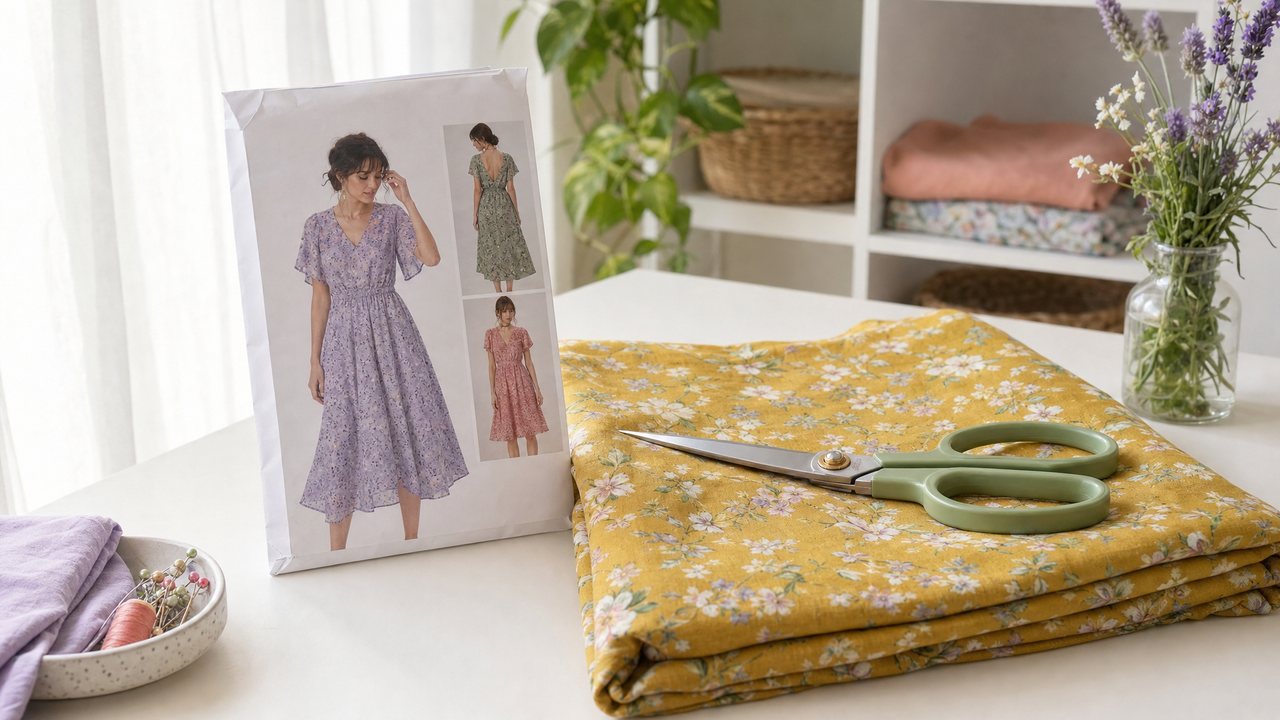
You can use ChatGPT to preview your fabric on a sewing pattern. Upload a photo of the pattern's model or line drawing, upload a photo of your fabric, and ask for an image of the garment in that fabric. It is quick, it costs nothing to try, and for a casual gut check it can be enough.
Sewist Studio does the same basic job with sewing-specific inputs: your saved stash, your pattern photos as tagged references, print scale pinned from your fabric record, and the option to see the garment on you or in motion. This post compares the two honestly, including when you should just use ChatGPT.
Can ChatGPT show my fabric on a sewing pattern?
Yes, roughly. ChatGPT can take uploaded images and produce a new image that combines them, so you can ask it to dress the pattern's design in your fabric.
The results depend heavily on your photos and your wording. Image generation limits vary by plan and change often, so check what your account allows before you plan a long session.
How to try it in ChatGPT
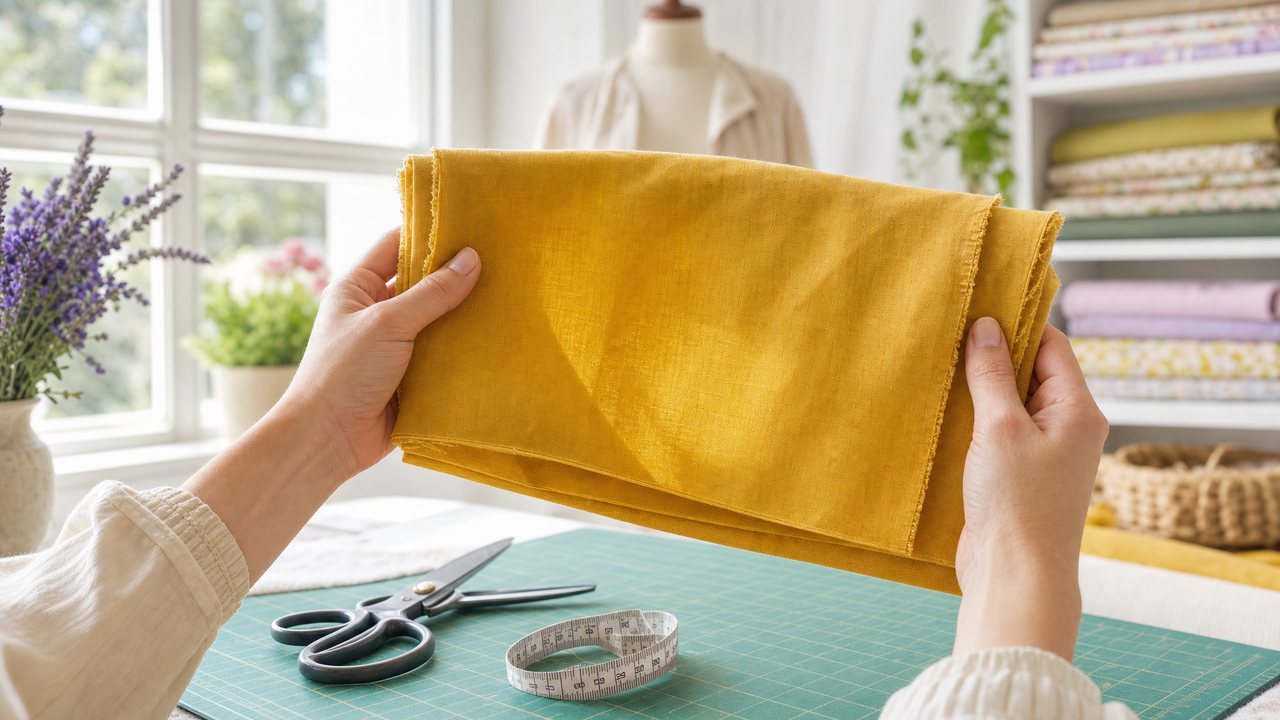
1. Photograph your fabric flat in daylight, with the print filling the frame.
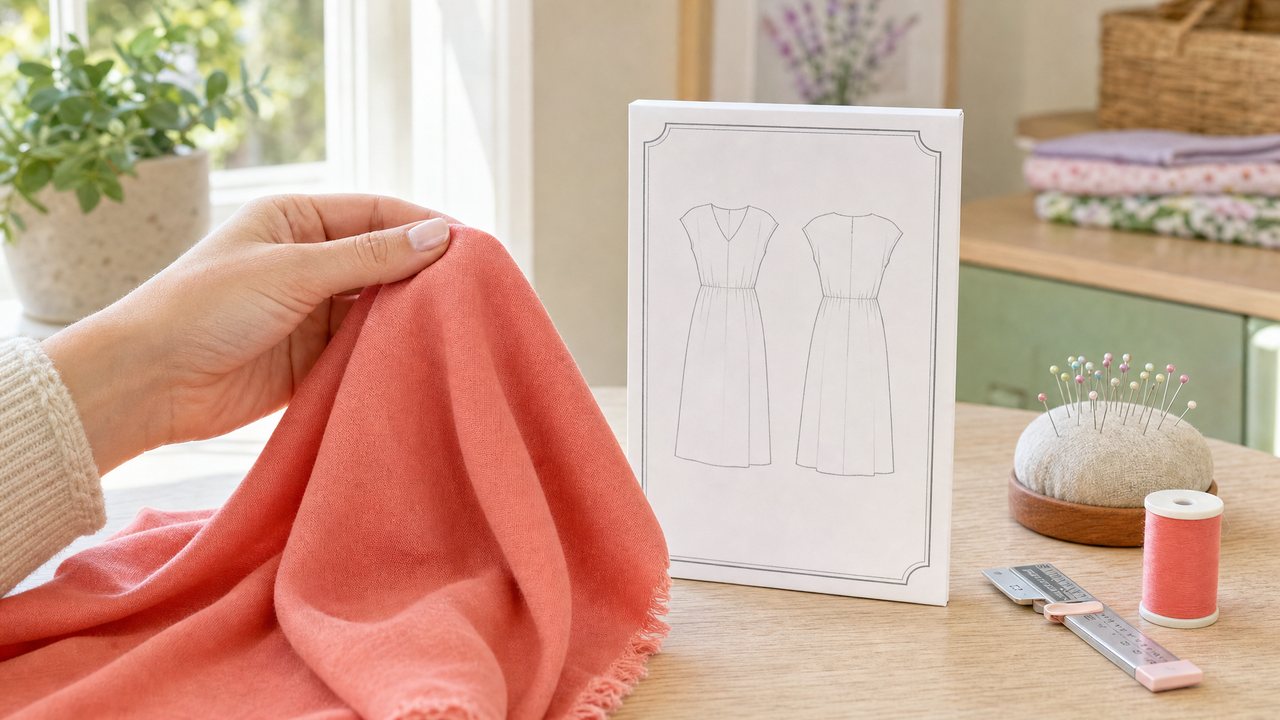
2. Take a clear photo of the pattern envelope front or the line drawing.
3. Upload both and ask something specific, for example: "Show the dress from the first image made in the fabric from the second image, on a plain background, keeping the print the same size relative to the dress as it would be in real life."
4. Tell it the scale in plain numbers. For example: "The print repeat is about 3 inches on a 45-inch-wide fabric."
5. Ask for changes one at a time ("make the sleeves elbow length like the envelope") rather than rewriting the whole request.
That fourth step matters most. Without numbers, a general tool has no way to know how big your print is.
Where does ChatGPT fall short for sewists?
It falls short on anything that depends on knowing your studio. A general chat tool sees only what you upload and type in that conversation.
- It does not know your stash. You re-upload photos and retype widths every time.
- Print scale is up to you. If you forget to give the repeat and width, scale is a guess.
- Pattern shape can drift. Necklines, seam lines and sleeve shapes may be reinterpreted.
- No sewing context. It will not check whether you have enough yardage for that pattern unless you give it both numbers.
None of this makes it useless. It just means you are doing the bookkeeping by hand.
What does Sewist Studio do differently?
Sewist Studio starts from what you have already saved. You pick a pattern and a fabric from your own library, and the preview is built from those records.
- Stash-linked. The Visualizer picks a pattern and fabric from your stash, so photos and widths are already there.
- Reference-first. Your envelope, clipped pattern pieces and fabric photos go to the image model as tagged references, and the text only says how they relate. Why this matters is explained here.
- Print scale pinned. Each fabric's print type, bolt width and repeat keep the print at true scale.
- Styles. Photo, Flat or Sketch, with Best or Fast quality.
- On you. Add your photo and the garment is put on you (face, hair and body kept), not on a dress form. See virtual try-on for sewing projects.
- Motion. Make it move turns the still into a 5-second vertical video with Runway Gen-4.5 in about 2 minutes. More in the AI video preview guide.
ChatGPT vs Sewist Studio at a glance
| ChatGPT | Sewist Studio | |
|---|---|---|
| Cost to try | Free to start, limits vary by plan | Pro: $4.99/month or $47.88/year, 14-day free trial |
| Knows your fabric stash | No, you upload each time | Yes, pick from your saved stash |
| Uses your real photos | Yes, as uploads in the chat | Yes, as tagged references |
| Print scale | Only if you describe it | Pinned from print type, bolt width and repeat |
| Preview on your own photo | Possible if you ask, not built for it | Built in, with private storage |
| 5-second video | Not covered here | Make it move, powered by Runway |
| Color-block and mashup previews | Describe it yourself | Cut Line Studio and Pattern Mashup |
| General sewing questions | Strong | Through tools and the Wren coach |
When is ChatGPT enough?
ChatGPT is enough when you want a quick mood check and you are happy to do the setup yourself. Use it if:
- You are deciding between two very different fabrics and only need a rough feel.
- You do not keep a digital stash and are not planning to.
- You only preview a project now and then.
- You want to talk through a sewing question in the same chat.
If that is you, save your money. The prompt in the steps above will get you a reasonable start.
When is a dedicated tool worth it?
A dedicated tool is worth it when you preview often or when accuracy matters before an expensive cut. Signs it is time:
- You keep re-typing the same fabric widths and repeats.
- Print scale keeps coming out wrong and you are about to cut a costly fabric.
- You want to see the garment on your own body, or moving.
- You plan color-block makes or pattern mashups and want each panel in a real fabric.
Be clear on the costs. Pro includes 3 Runway renders a month across all render features; after that each render costs 3 purchased credits, refunded if a render fails. Renders and photos are kept in private storage and returned as signed links that expire after 24 hours.
For the wider picture of every AI tool and when to use which, see the complete guide to AI sewing tools. If you are still choosing a stash app in general, our honest comparison of sewing stash apps covers the non-AI side.
Try it
Run the same pattern and fabric through both and compare. Try the stash-linked Visualizer on one of your patterns, or start a free account and catalog a fabric first. Pricing details are on the Pro plan page.