How to Make a Sewing Mood Board With AI
A mood board helps you decide what a season of sewing should feel like. Here is how to make one with AI, and where it stops being the right tool.
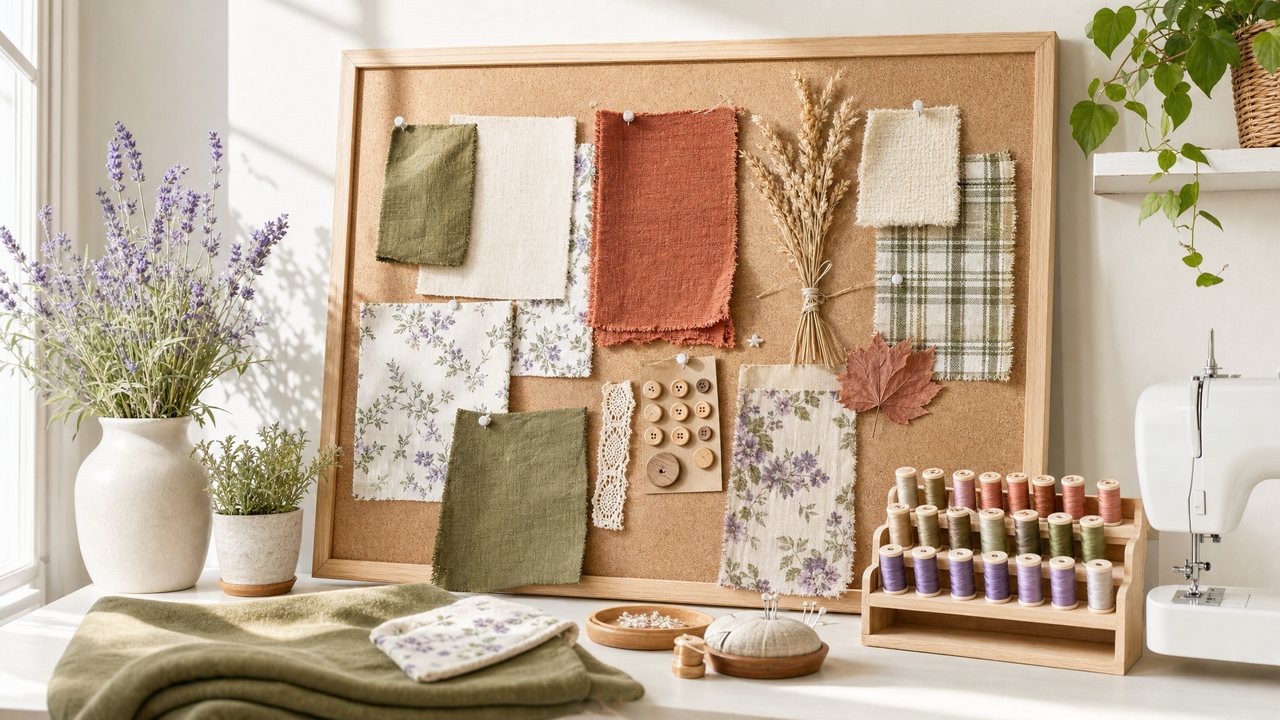
To make a sewing mood board with AI, you describe the feeling you are after in a sentence or two, add a few loose reference images if you have them, and let the tool generate a handful of boards. You then keep the one that feels right and use it to guide fabric, pattern and color choices.
In Sewist Studio, Mood Board takes a text prompt, up to 3 vibe images, and returns 1 to 6 variations in the aspect ratio you choose. This post covers how to write a useful prompt, what to use as references, and the one thing it is not designed to do.
What is a sewing mood board for?
A mood board sets direction before you commit fabric. It answers "what should this project, or this season of sewing, feel like" so that later decisions have something to check against.
Sewists use them for:
- Capsule wardrobes. Six to ten pieces that should work together, like a linen-heavy summer capsule in rust, olive and cream.
- A single special make. A wedding guest dress or a coat you want to get right.
- A color story. Deciding between a soft pastel spring and a deep jewel-tone autumn.
- Breaking a rut. When every make starts to look the same, a board in an unfamiliar mood helps.
A board will not tell you which pattern to cut or whether your fabric is enough. It tells you which direction to look.
How do you write a good mood board prompt?
Describe mood, palette, textures and setting in plain words. Short and specific beats long and vague.
A simple formula: feeling + palette + textures + garments + setting.
Some examples:
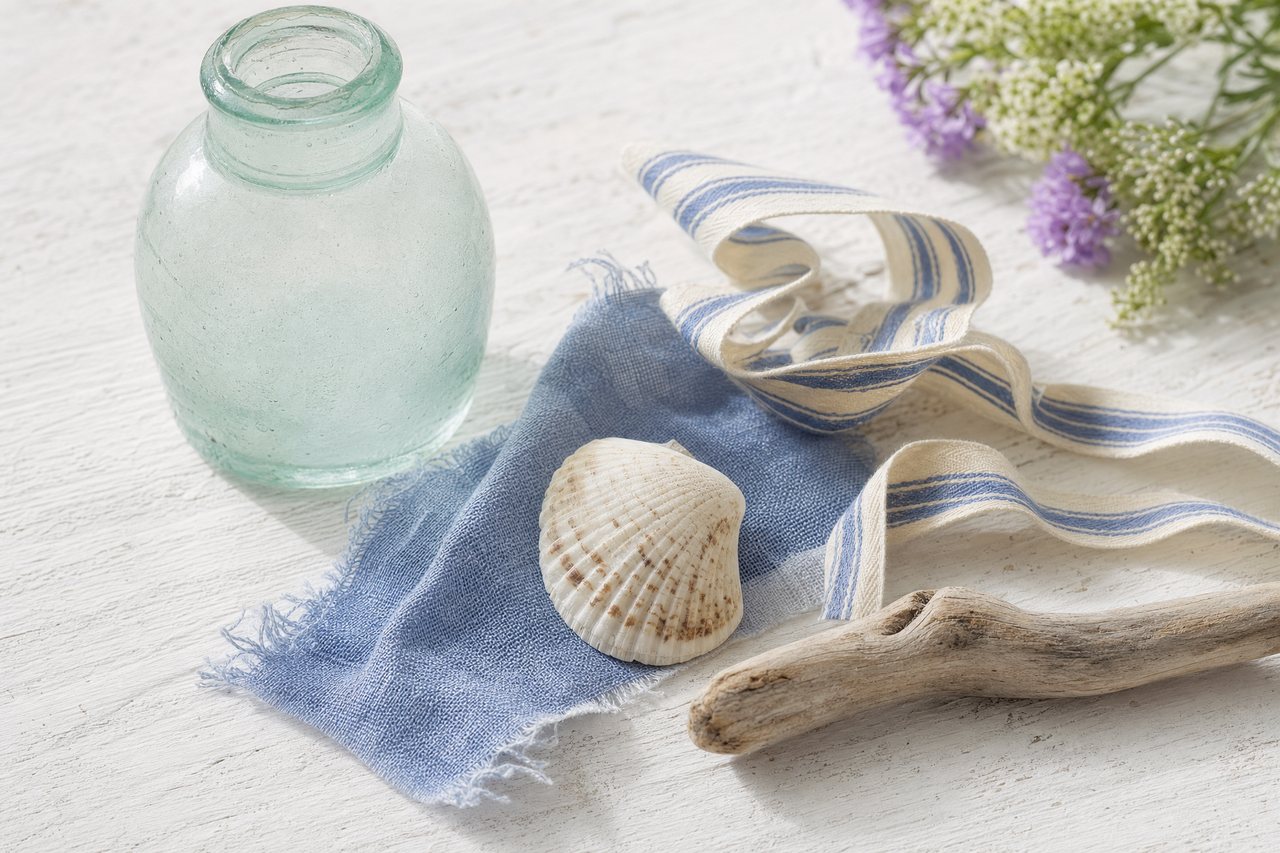
- "Slow coastal summer, faded indigo and sand, washed linen and cotton gauze, loose shirts and wide trousers, a weathered porch"
- "Autumn library, rust, mustard and forest green, wool tweed and corduroy, a pinafore and a collared blouse, dark wood shelves"
- "Soft romantic spring, blush, butter yellow and white, cotton lawn and broderie anglaise, tiered dresses with puff sleeves, a garden in morning light"
Avoid stacking a dozen ideas in one prompt. If you want two moods, make two boards and compare them.
What should you use as vibe references?
Anything that carries the mood: a photo of a place, a ceramic you like, a scrap of fabric, a painting, a garden. They are loose guides, not things to copy.
You can add 0 to 3 reference images. A few tips:
- Mix types. One landscape, one texture close-up and one garment photo usually work better than three similar outfits.
- Keep them on-mood. A single off-palette reference can pull the whole board somewhere else.
- Zero is fine. A clear prompt with no references still gives useful boards, especially for a first pass.
How many variations and what aspect ratio?
Start with the default of 4 variations at square. You can choose anywhere from 1 to 6, and pick a different aspect ratio if the board is headed somewhere specific.
| Setting | Options | Good default |
|---|---|---|
| Prompt | A sentence or two | Feeling, palette, textures, garments, setting |
| Vibe references | 0 to 3 images | 1 to 2 mixed types |
| Variations | 1 to 6 | 4 |
| Aspect ratio | Square or another ratio | Square |
More variations give you more to choose from. Fewer is useful when you have a clear idea and just want to see it.
Behind the scenes, Mood Board uses Runway's model router to pick a cost-efficient image model for the job, so you do not need to choose one.
The honest limit: it is for vibes, not your exact fabric
Mood Board does not try to reproduce your exact fabric or pattern. If you upload a photo of your stash floral as a vibe reference, it is treated as a loose influence, not as the fabric that must appear at true scale.
That is on purpose. A mood board should be free to suggest things you do not own yet. But it means the board is not the place to answer "will my 1.5 meters of navy ditsy floral look good as this skirt".
For that question, use a reference-first tool. The Visualizer takes a pattern and a fabric from your stash as reference images and pins the print scale using the print type, bolt width and repeat you recorded. The guide to seeing fabric on a pattern before cutting walks through it, and why AI sewing images often look fake explains the difference between the two approaches.
From mood board to a real project
A board is only useful if it changes what you sew. A short process to move from mood to make:
1. Pick one board and save it.
2. Pull a palette of 3 to 5 colors from it.
3. Shop your stash first. Look for fabrics in those colors and textures. What to sew with your fabric stash has ideas for turning a pile of fabric into a plan.
4. Choose patterns that fit the garments in the board. If you have a fabric but no pattern, what pattern to use for a given fabric covers pairing by drape, weight and stretch.
5. Preview the real thing in the Visualizer before cutting.
What it costs
Mood Board is part of Sewist Studio Pro: $4.99 a month or $47.88 a year, with a 14-day free trial. It is an image feature, so it draws on the same render allowance: Pro includes 3 Runway renders a month across all render features, then each render costs 3 purchased credits, refunded if a render fails. Images are kept in private storage and returned as signed links that expire after 24 hours, so save the boards you want to keep.
Try it
Write one sentence for the season you want to sew next, add one texture photo, and generate four boards. Make a sewing mood board, start a free account, or see what Pro includes. For how Mood Board fits with the other tools, read the complete guide to AI sewing tools.