How to Organize Your Fabric Stash in an Afternoon (Without Pulling Everything Out)
Every sewist has a 'doom box.' Here's how to organize your entire fabric stash in one focused afternoon — without pulling everything onto the floor.
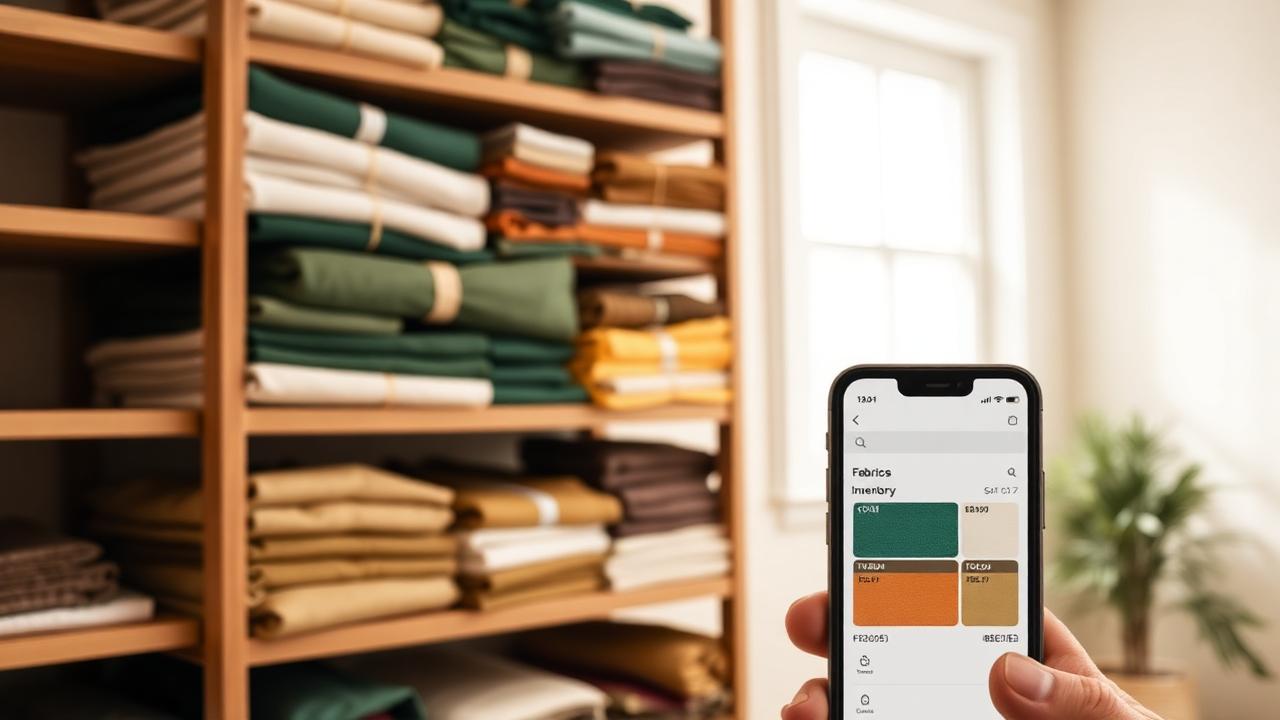
TL;DR. You can organize a normal home-sewist fabric stash in one focused afternoon without pulling everything onto the floor. Work shelf by shelf, fold onto comic-book boards, and log each cut into a digital fabric inventory as you go. By dinner you'll have a searchable stash you can browse from your phone in the fabric store.
The "doom box" problem
Every sewist has one — the box, drawer, or shelf where fabric goes to be forgotten. The contents fall into predictable categories:
- Beautiful pieces you bought on vacation and have "saved for the right project" for four years.
- Coordinating cuts from a project you abandoned.
- Half-yards that aren't enough for anything and too nice to throw out.
- A single mystery knit you can't identify.
The two real costs of the doom box aren't space — they're buying duplicates (because you forgot you had that mustard linen) and passing on patterns (because you assume you don't have enough yardage when you actually do).
The old way vs. the new way
| Method | Setup time | Searchable from phone? | Yardage tracking | Cost |
|---|---|---|---|---|
| Folded in drawers | 0 | No | Memory only | Free |
| Comic-book board library | 2-3 hrs | No | Sticky notes | $20-40 |
| Excel/Google Sheets | 3-4 hrs | Painful | Manual | Free |
| Digital fabric inventory app | 2-3 hrs | Yes | Per cut | Free tier exists |
| Digital inventory + AI scanning | 1-2 hrs | Yes | Auto-extracted | $4.99/mo |
The physical method (comic-book boards) and the digital method (an inventory app) aren't competitors — they're the two halves of a working system. Boards solve the "I can see what I have" problem; the app solves the "I can search what I have from the fabric store" problem.
The 4-hour stash plan
You don't have to pull everything out. That's the move that turns an organizing afternoon into a three-week disaster. Instead:
Hour 1: Sort one shelf at a time
Pick the most chaotic shelf. Pull out that shelf only. Make three quick piles:
- Keep. Anything you'd buy again.
- Donate or destash. Fabric you've owned for 2+ years and never reached for.
- Scraps. Pieces under a fat-quarter that belong in a separate bin.
Don't make any decisions harder than that. Spend 10 minutes per shelf, max.
Hour 2: Fold onto boards
Wrap each "keep" cut around a comic-book board (7" x 10.5", $15 for a hundred on Amazon — search "comic book boards"). Boards let you store fabric upright like books, see colors at a glance, and pull a single cut without disturbing the rest.
Pro tip: write yardage + fiber in pencil directly on the board's edge. It's redundant with your digital catalog, but it saves time when you're cutting.
Hour 3: Log everything into a digital catalog
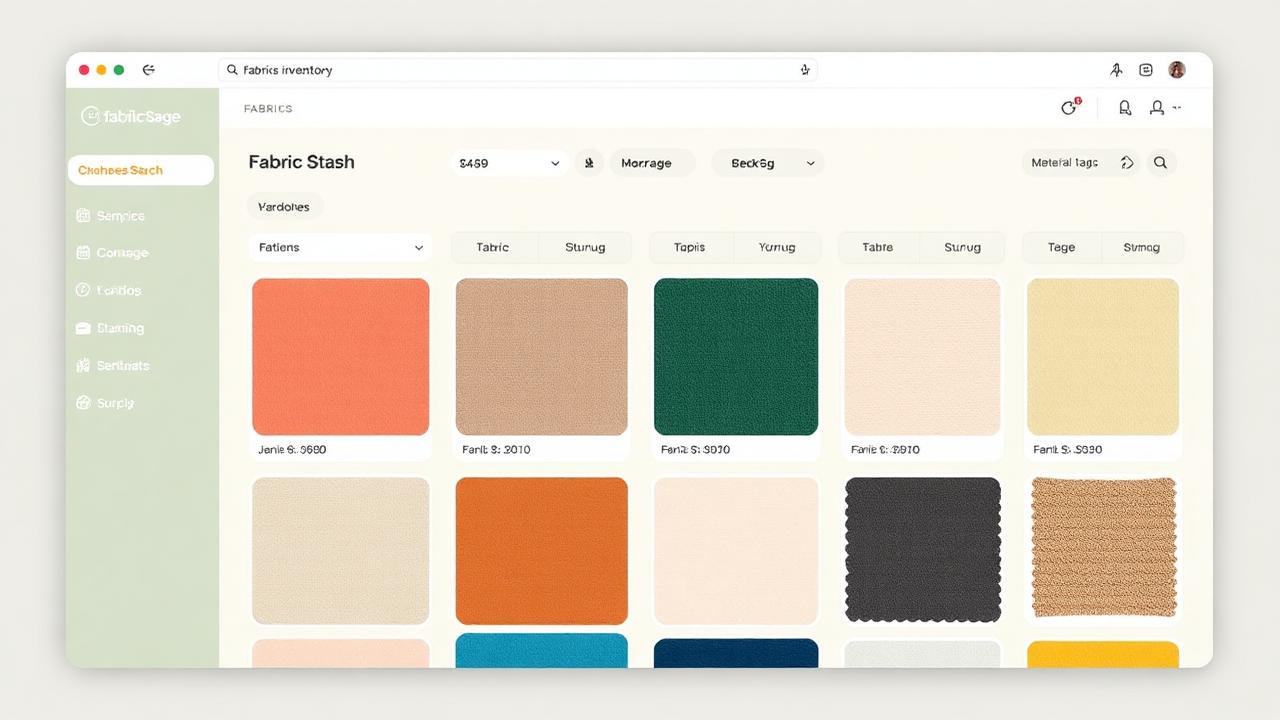
This is the hour that pays for itself. As you put each board back on the shelf, snap a photo and add a record to your fabric inventory. The minimum fields are length, width, fiber, color — anything else is bonus.
In Sewist Studio, the free tier covers unlimited fabric cuts. You can do this whole step manually and it takes about 60-90 seconds per cut.
On Pro, the AI camera scan takes about 15 seconds per cut: point, tap, review, save. The AI extracts likely material, color family, and approximate yardage automatically, then drops it into your catalog with the photo attached. For a 60-cut stash, that's the difference between an hour of typing and twenty minutes of tapping.
Hour 4: Set up your filing system
Decide on one sort order and commit to it. Most sewists land on one of three:
- By color — best if you sew a lot of garments and shop your stash by mood.
- By fiber/weight — best if you sew across categories (quilting, garment, home).
- By project status — "earmarked" / "stash" / "scraps."
You don't have to physically resort the shelves if it's working — but tag each fabric in your digital catalog so you can filter by it.
How to maintain it without going crazy
Two habits, both small:
1. Log new fabric within 48 hours of buying it. Before you fold it onto a board. While the receipt is still in your purse. Otherwise it joins the doom box.
2. Five-minute monthly scroll. Open the fabric tab in your app once a month and just scroll. That's it. You'll be shocked how much it resets your memory of what you own — and how often it makes you choose a stash piece over a new buy.
The payoff
A digital fabric inventory pays for itself the first time you're standing in front of a beautiful $18/yd cotton sateen and remember — by checking your phone — that you bought three yards of nearly the same thing six months ago.
Try Sewist Studio Pro and scan your entire stash this weekend. Free tier covers unlimited cataloging if you'd rather start without AI scanning — both flows live side-by-side in the app.
Frequently asked questions
How long does it take to organize a fabric stash?
3-4 focused hours for 50-150 cuts, shelf by shelf.
What's the best way to fold fabric for storage?
Comic-book boards for anything over a half-yard; clear bins by color for scraps.
Do I need an app?
No, but without one you'll forget what you have within a month.
How does AI fabric scanning work?
Point your camera, the AI extracts material, color family, and yardage, you review and save.