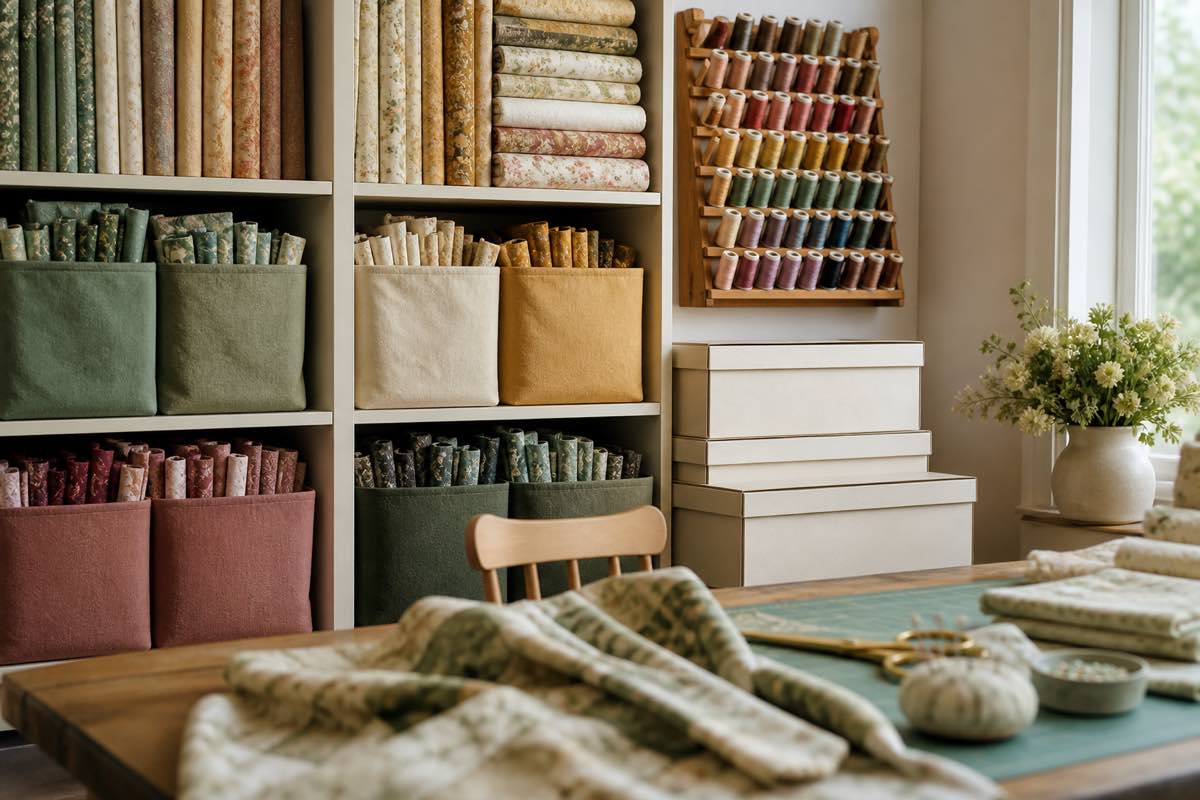
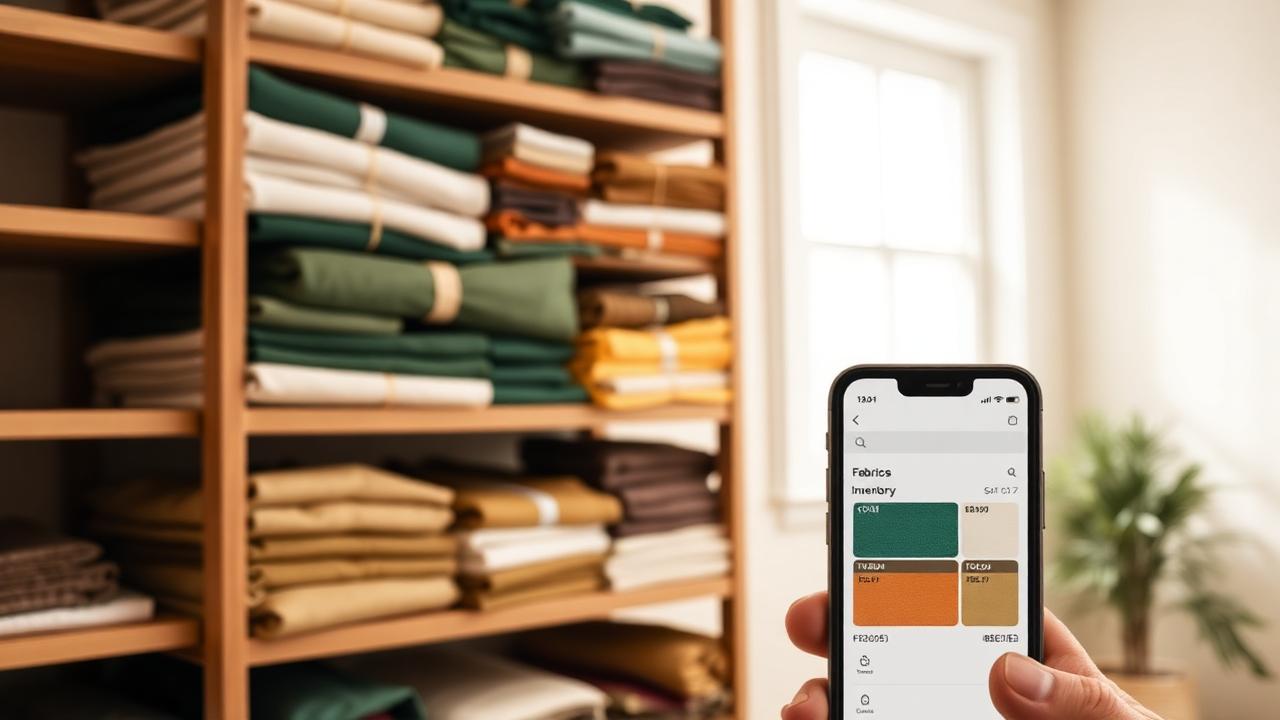
Tagging Your Sewing Stash: Patterns, Fabric, Thread and Notions
Folders force one item into one box. Tags let a single fabric be 'summer', 'knit', 'gift sewing' and 'needs lining' at the same time. Here's a tagging system that works.
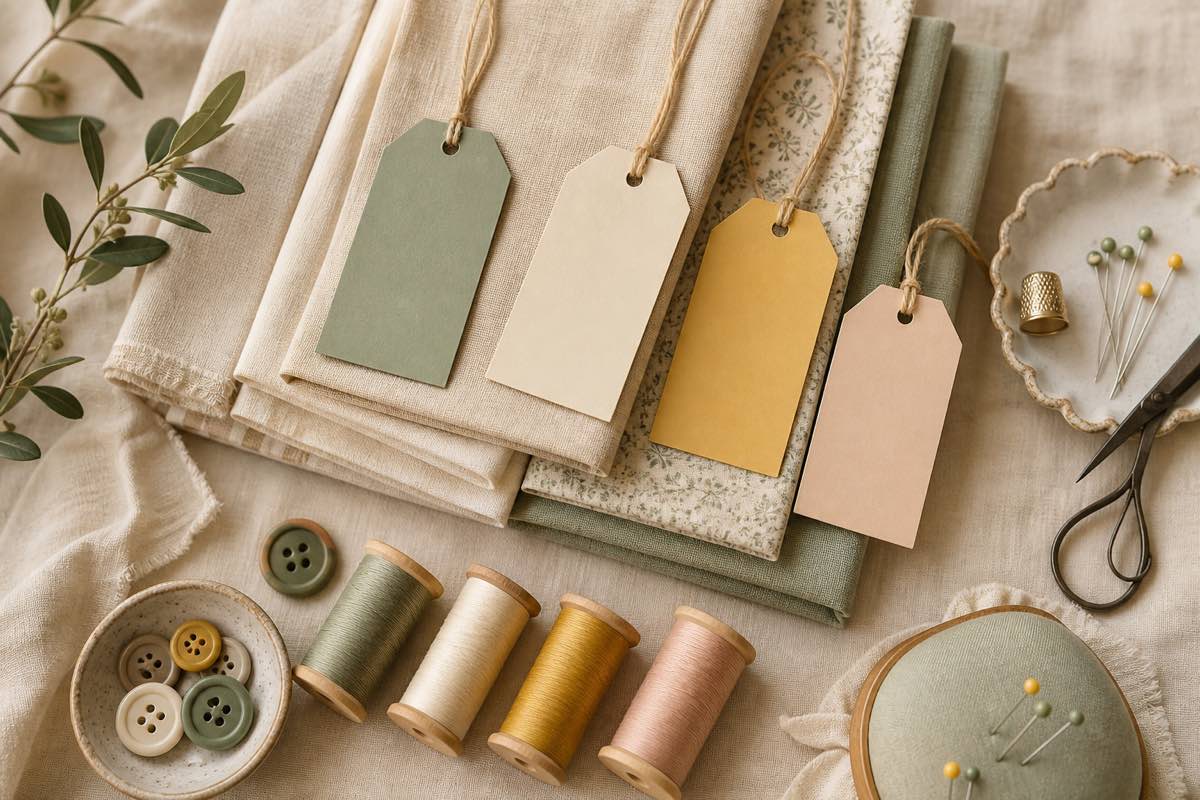
Categories fail. Tags don't.
Every folder-based system eventually hits the same wall: an item belongs in two places. Is that navy ponte filed under knits, navy, or work wardrobe? Pick one and you'll look in the wrong place later.
Tags solve this by letting one item carry as many labels as it needs. The fabric is tagged `knit`, `navy`, `work wardrobe`, and `needs 2 yards more` — and it shows up in all four searches.
A tag vocabulary that actually stays consistent
The failure mode of tagging is inventing a new tag every time. Decide on a small vocabulary up front, then reuse it. These five families cover almost everything:
1. Intent — what you plan to do with it
`next up`, `someday`, `muslin only`, `destash`, `gift sewing`
2. Season — when it'll be worn or sewn
`spring`, `summer`, `fall`, `winter`, `year round`
3. Recipient — who it's for
`me`, `kids`, `baby gifts`, `commissions`
4. Material or technique — the sewing-specific facts
`knit`, `woven`, `silk`, `stretch 50%`, `heirloom`, `smocking`, `serger only`
5. Status — anything you need to remember
`needs prewash`, `short yardage`, `flaw in fabric`, `missing notion`
Keep tags lowercase and singular. `gift` and `gifts` and `Gifts` are three tags to a computer and one idea to you.
Tag every stash type, not just fabric
The system pays off when the same vocabulary spans your whole studio:
- Patterns — tag with technique (`smocking`, `french seams`), fit status (`tnt`, `needs fba`), and intent
- Fabric — tag with fiber, hand, and prep status
- Thread — tag with weight and use (`topstitch`, `serger cone`, `floss`)
- Notions — tag with the project they were bought for so zippers stop going missing
Now a single tag search — `baby gifts` — surfaces the pattern, the batiste, the floss, and the buttons together. That's a cut-out-ready project in one query instead of four rummages.
Combine tags with your existing filters
Tags aren't a replacement for structured fields like pattern maker, era, colour, or yardage — they're a layer on top. The useful searches stack both:
- Patterns tagged `tnt` + garment type "dress"
- Fabric tagged `summer` + at least 2 yards remaining
- Notions tagged `missing notion` across everything, right before a shopping trip
In Sewist Studio the tag filter bar sits above every stash grid, so the same chips work on patterns, fabric, thread, and notions.
Retrofitting an existing stash
Don't stop everything to tag 400 items. Instead:
- Tag as you touch. Anything you pull out for a project gets tagged before it goes back.
- Bulk-tag the obvious. Run one pass just for `destash` and one for `next up` — those two are worth more than a perfect taxonomy.
- Prune quarterly. Merge near-duplicate tags and delete ones you never filtered by.
Signs your tagging is working
You'll know the system has clicked when you stop opening bins to remember what you own, when your shopping list is built from `short yardage` tags rather than guesswork, and when planning a project starts with a filter instead of a search of your memory.
Want tags across your whole stash? Create a free Sewist Studio account and start labelling patterns, fabric, thread, and notions today.