Embroidery Design Organizer Software Compared (2026)
Thumbnails, a catalog, or full editing software? We compared five ways to organize embroidery designs on Mac and Windows, with prices checked November 14, 2026.
Thumbnails, catalog or editor: know which you need
"Embroidery organizer" covers three different kinds of tool:
- Thumbnail tools replace the blank icon on PES and DST files with a picture in Finder or File Explorer. You still browse folders the normal way.
- Catalogs read your whole library and let you search and filter it, by name, size, hoop or format.
- Editors (Hatch, Embird, Embrilliance Essentials, PE-Design) open designs to resize, recolor and combine them. Some include a catalog, some don't.
If you mostly lose track of what you own, you want a catalog. If you just want to recognize files while browsing, thumbnails are enough.
The comparison
We checked each vendor's own page on November 14, 2026: Hatch Embroidery Organizer, Embrilliance Thumbnailer, StitchBuddy on the Mac App Store and Embird. Prices change, so check the vendor before you buy.
| Tool | Type | Runs on | Search and filters | Price |
|---|---|---|---|---|
| Hatch Embroidery Organizer | Catalog + light editing | Windows 11 only | Search and sort by name, type, size and more | $199 one time |
| Embrilliance Thumbnailer | Thumbnails | Mac and Windows | None; uses Finder/Explorer | $39 on sale (list $44.95) |
| StitchBuddy | Thumbnails + editor | Mac (macOS 12+), iPad, iPhone | Spotlight search by size, stitches or colors | Free; Pro $49.99 |
| Embird | Editor with design manager | Windows (Mac via Wine or Parallels) | Browse folders, view thumbnails | Paid |
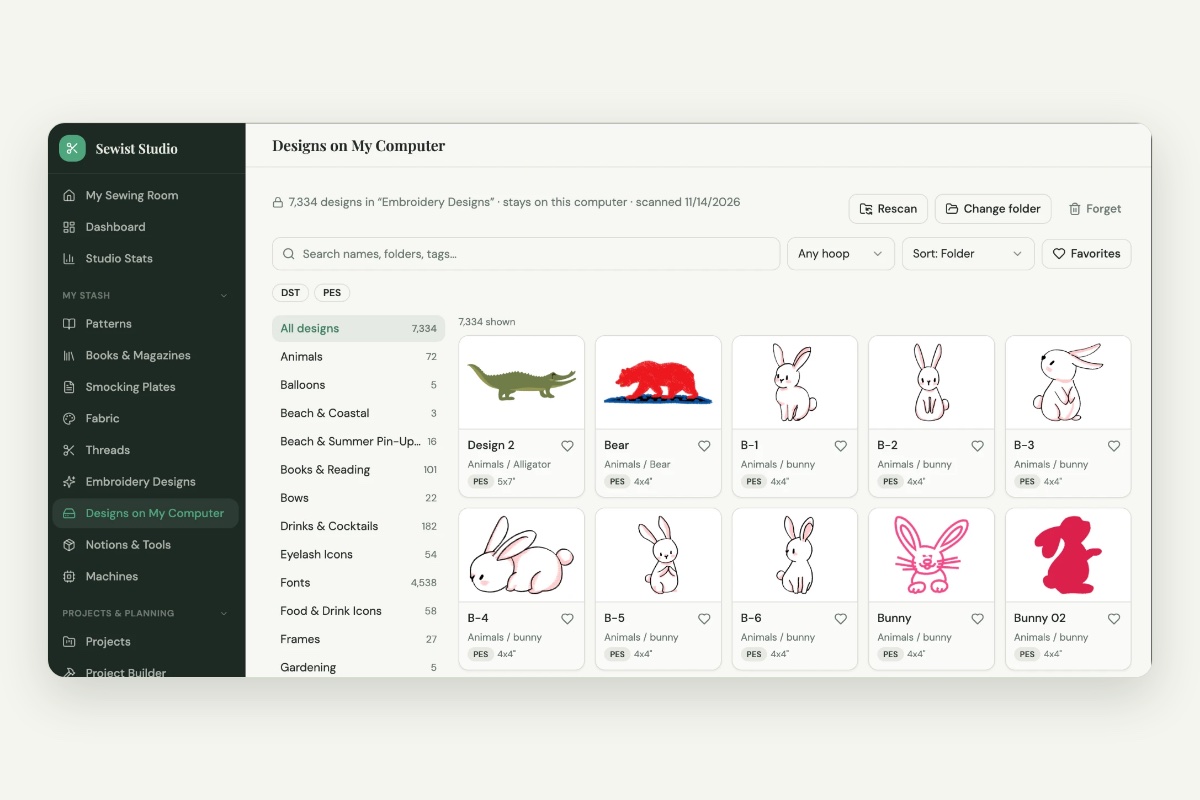
| Sewist Studio Designs on My Computer | Catalog | Any desktop browser (best in Chrome or Edge) | Sorts designs into themes automatically; search by name, theme or tag; filter by hoop size and format; sort by stitches or size | Pro, 14-day free trial |
Hatch Embroidery Organizer
Hatch Organizer is the entry level of Wilcom's Hatch Embroidery 4. Its Design Explorer browses designs across your PC and lets you search and sort by name, type and size, with previews, plus resizing, recoloring, format conversion and a stitch simulator.
- Good for: Windows users who also want light editing and conversion.
- Watch out for: Windows 11 only. On a Mac you'd need Parallels. $199 is a lot if you only want to find your designs.
- Source: Hatch Embroidery Organizer
Embrilliance Thumbnailer
Thumbnailer adds realistic thumbnails to PES, DST and other embroidery files in Finder on a Mac and File Explorer on Windows. One license covers both. It doesn't add search or filters; it makes normal folder browsing visual.
- Good for: Embrilliance users who browse folders and want pictures instead of blank icons.
- Watch out for: EXP files don't get thumbnails on recent macOS versions, according to Embrilliance.
- Source: Embrilliance Thumbnailer
StitchBuddy
StitchBuddy is a Mac, iPad and iPhone app that opens and edits most home embroidery formats. On a Mac it adds Quick Look previews and Finder thumbnails, and it makes designs findable in Spotlight by size, stitch count or colors.
- Good for: Mac users who want free thumbnails and occasional editing.
- Watch out for: No in-app catalog of your library; organizing is still Finder plus Spotlight. Saving larger designs needs the paid Pro upgrade.
- Source: StitchBuddy on the Mac App Store
Embird
Embird is long-running Windows embroidery software. Its Manager mode browses folders, shows thumbnails of selected designs and lists thread colors and consumption.
- Good for: existing Embird users and people who need its editing plug-ins.
- Watch out for: Windows only; on a Mac it needs Wine or Parallels. Browsing is folder by folder rather than a searchable catalog.
- Source: Embird
Sewist Studio: Designs on My Computer
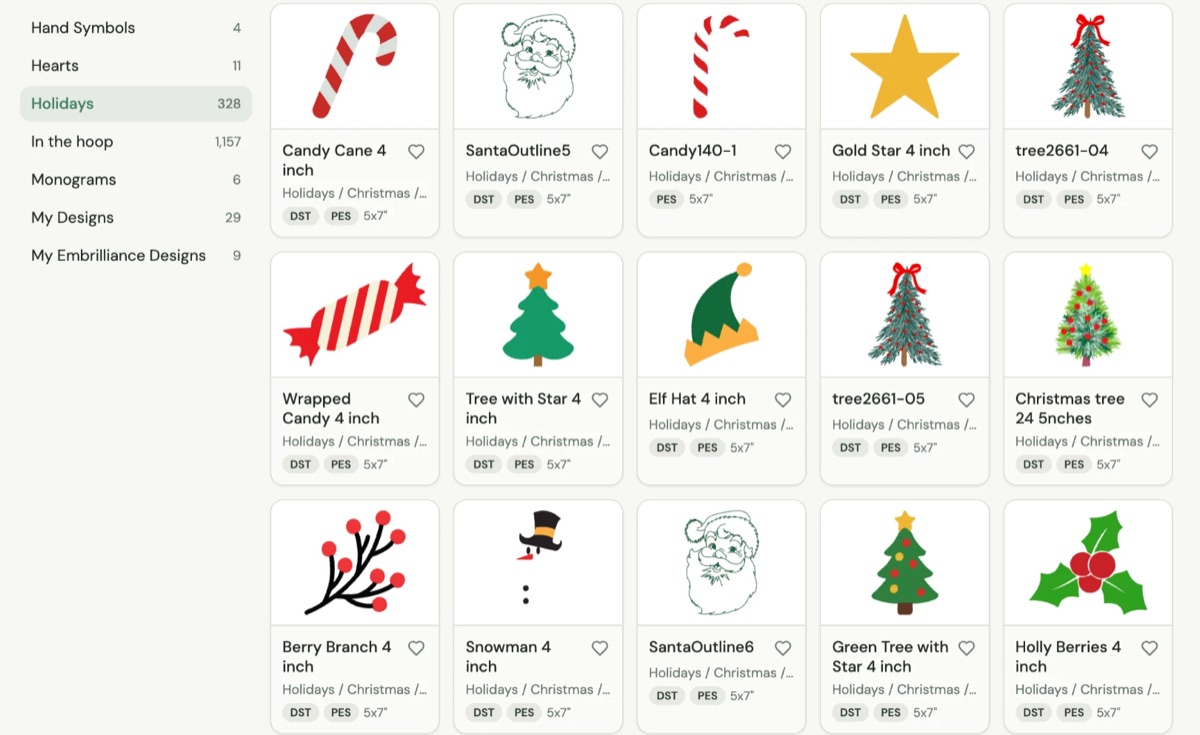
Designs on My Computer turns the folder your designs already live in into an organized, searchable, filterable catalog, right in the browser.
- Organized for you: designs are sorted into themes, project types and hoop sizes from their names, no folders needed.
- Searchable: search by name, theme, folder or tag.
- Filterable: filter by hoop size or format, sort by stitch count or size, and keep favorites.
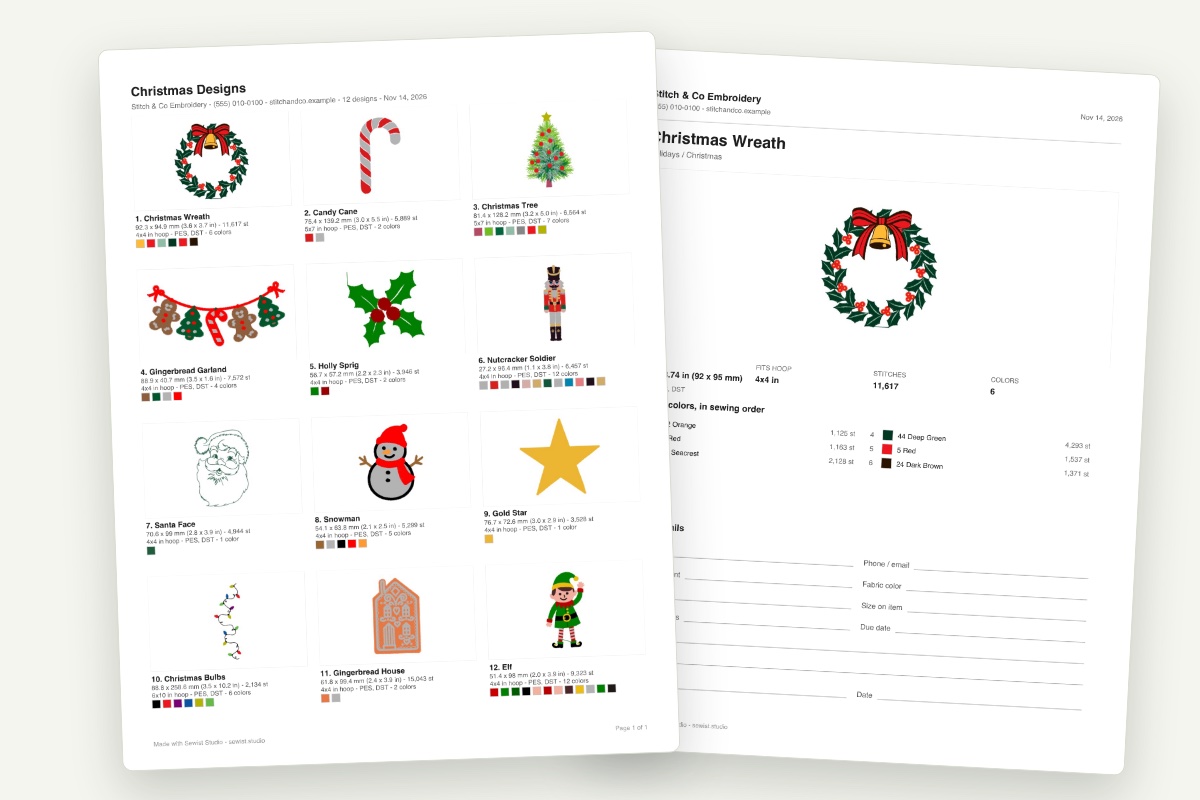
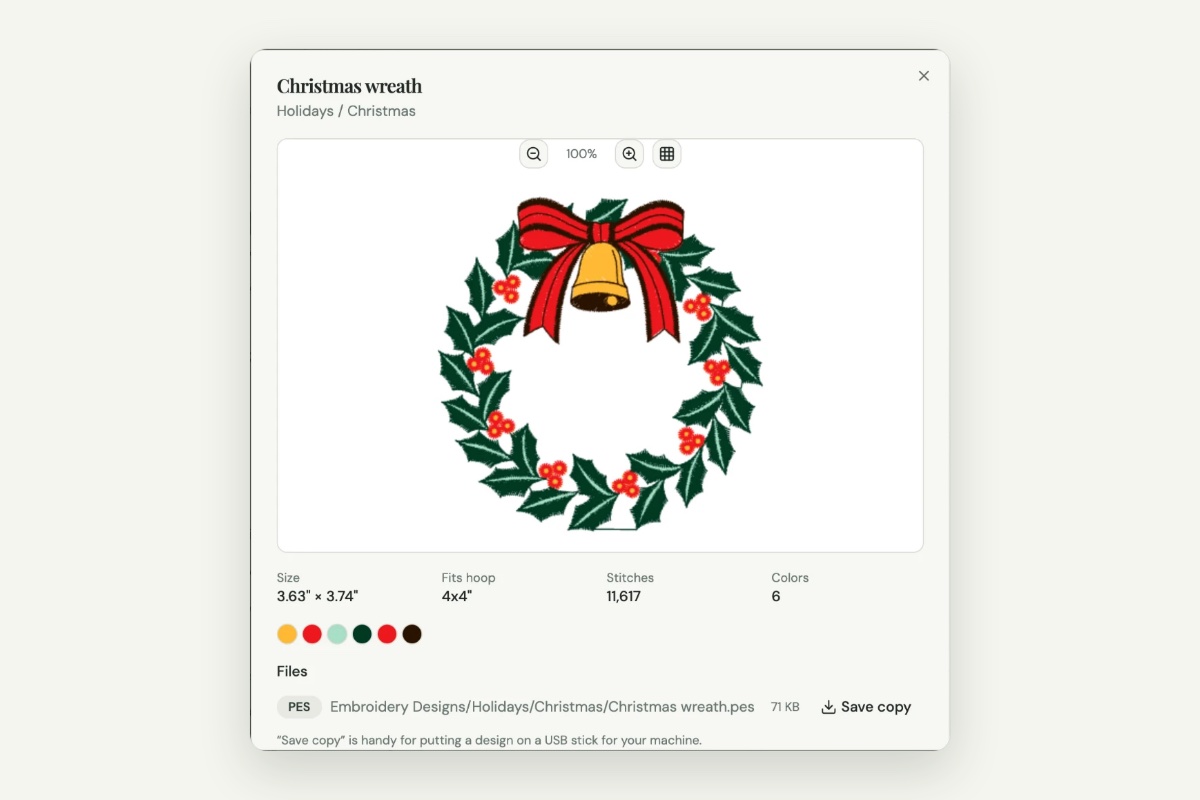
- Detailed: each design shows a stitch preview, its real size, the smallest hoop it fits, stitch count and thread colors, and a PES and DST of the same design show as one.
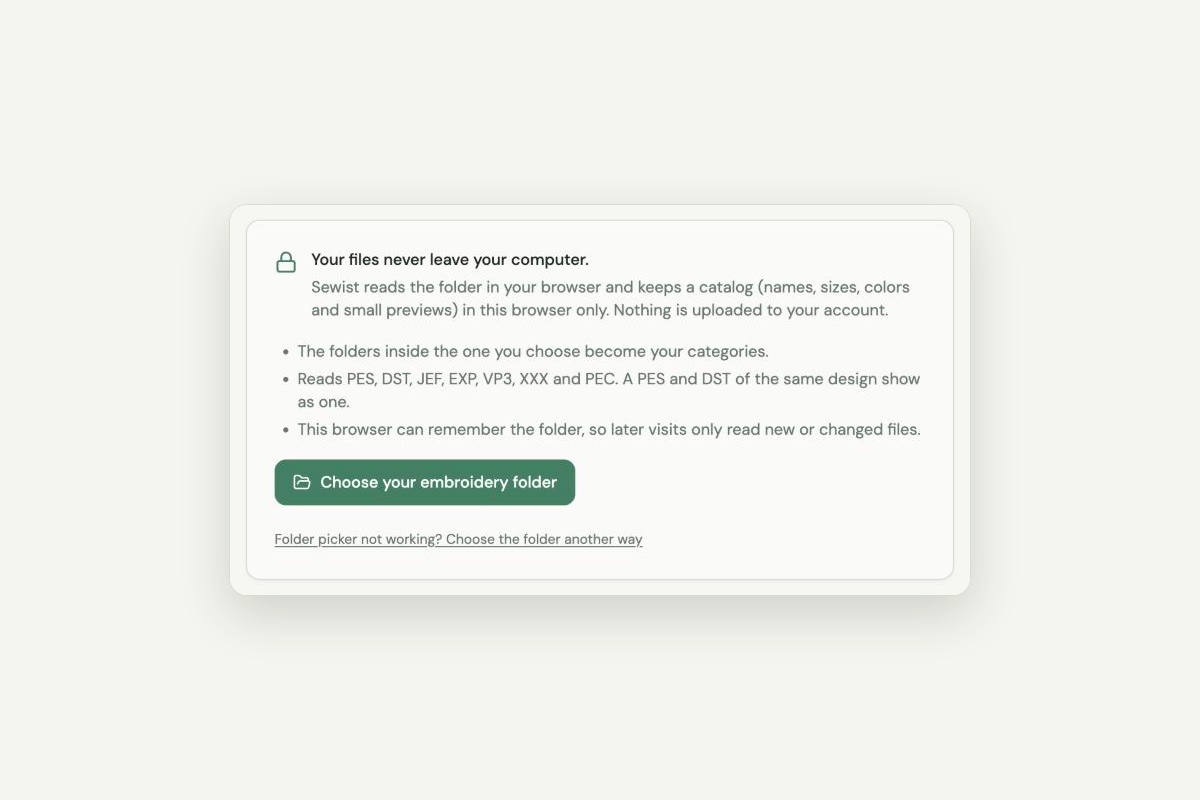
- Private: files never leave your computer. The catalog is stored in that browser only.
It reads PES, DST, JEF, EXP, VP3, XXX and PEC. Chrome and Edge remember the folder, so a rescan only reads new or changed files; Safari and Firefox ask for the folder again each visit.
- Good for: Mac or Windows users who want a catalog without installing software, and anyone with a big library.
- Watch out for: it organizes and previews; it doesn't edit or convert. It can't preview Embrilliance BX files. It's part of Sewist Studio Pro, with a 14-day free trial.
Which should you choose?
- Windows, and you want editing too: Hatch Embroidery Organizer.
- You just want pictures in Finder or Explorer: Embrilliance Thumbnailer, or StitchBuddy on a Mac for free.
- You already own Embird: use its Manager before buying anything else.
- You want a searchable, filterable catalog on any computer, with nothing to install: Sewist Studio's Designs on My Computer.
Whatever you pick, a tidy folder structure makes every tool work better. See how to organize machine embroidery designs for a system that scales.