How to Catalog Your Thread Collection (Sewing + Embroidery)
A 6-step system for cataloging thread by fiber, weight, and color code so you stop buying duplicates.
Why catalog thread at all
Thread is small, cheap-feeling, and easy to double-buy. Serious embroiderers can own 500+ DMC colors; garment sewists accumulate hundreds of spools in decades of sewing. Without a catalog you'll re-buy DMC 310 (black) five times over.
What to record per thread
- Fiber — cotton, polyester, silk, rayon, metallic
- Weight — 30, 40, 50, 60 (higher = finer)
- Brand — Gutermann, Mettler, Aurifil, DMC, Sulky
- Color code — brand-specific number (e.g., DMC 310, Aurifil 2600)
- Color family — for visual browsing
- Quantity — spool count, or remaining % for embroidery floss
- Location — which drawer/rack
Step 1: Empty and group
Pull every spool. Group by brand first (cataloging goes faster with one brand at a time).
Step 2: Photograph groups
Snap a photo of each color-family group per brand. This is your visual reference for shopping.
Step 3: Log in a catalog
Log each thread as an entry in Sewist Studio's digital stash. Use custom fields for weight and color code.
Bulk shortcut: for embroidery floss, log only the color code (DMC 310 etc.) — brand and fiber are implied.
Step 4: Sort physically
Two proven options:
- By color family (best for visual browsing)
- By color code numerical order (best for embroidery — matches pattern charts)
Choose one, be consistent.
Step 5: Log project use
When you use a thread, note the project in the catalog. Now you can see "I used DMC 310 on 4 projects — running low" at a glance.
Step 6: Maintenance
Every new thread purchase gets logged and shelved the same day. Every finished project gets thread usage noted. Ten seconds per event; hours saved over a year.
Storage that mirrors the catalog
See thread storage options. Whatever storage you pick, the catalog "location" field should match — Drawer 1, Rack A row 3, etc.
Special cases
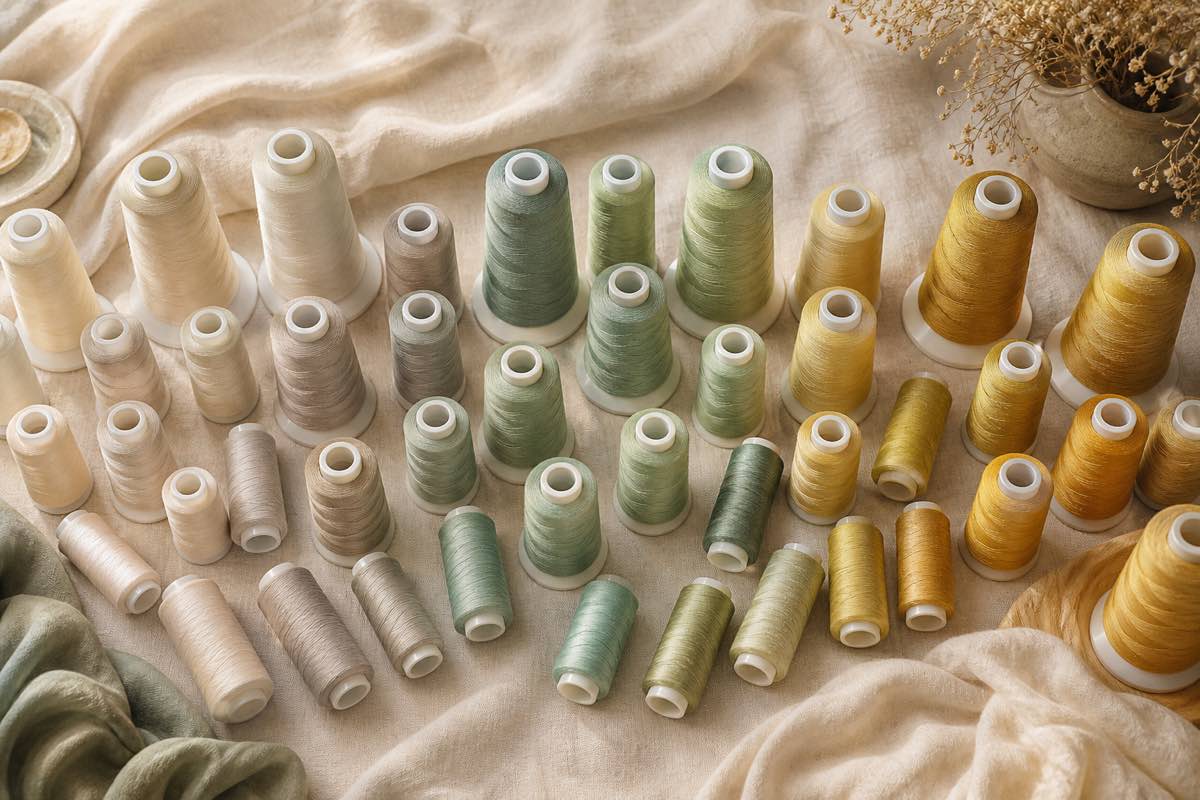
- Serger cones — log the cone weight (thread yardage) not spool count
- Metallic thread — note the type (Sulky Sliver vs. Madeira FS) since substitutes are painful
- Vintage/discontinued — flag so you don't waste them on scrap
- Bobbin thread — separate category, log by pre-wound size and quantity
Start your thread catalog free in Sewist Studio.