How to Organize Sewing Books, Magazines and Catalogs
A twenty-year run of Sew Beautiful is a goldmine you'll never use if you can't search it. Here's how to catalog sewing books, magazines and catalogs properly.
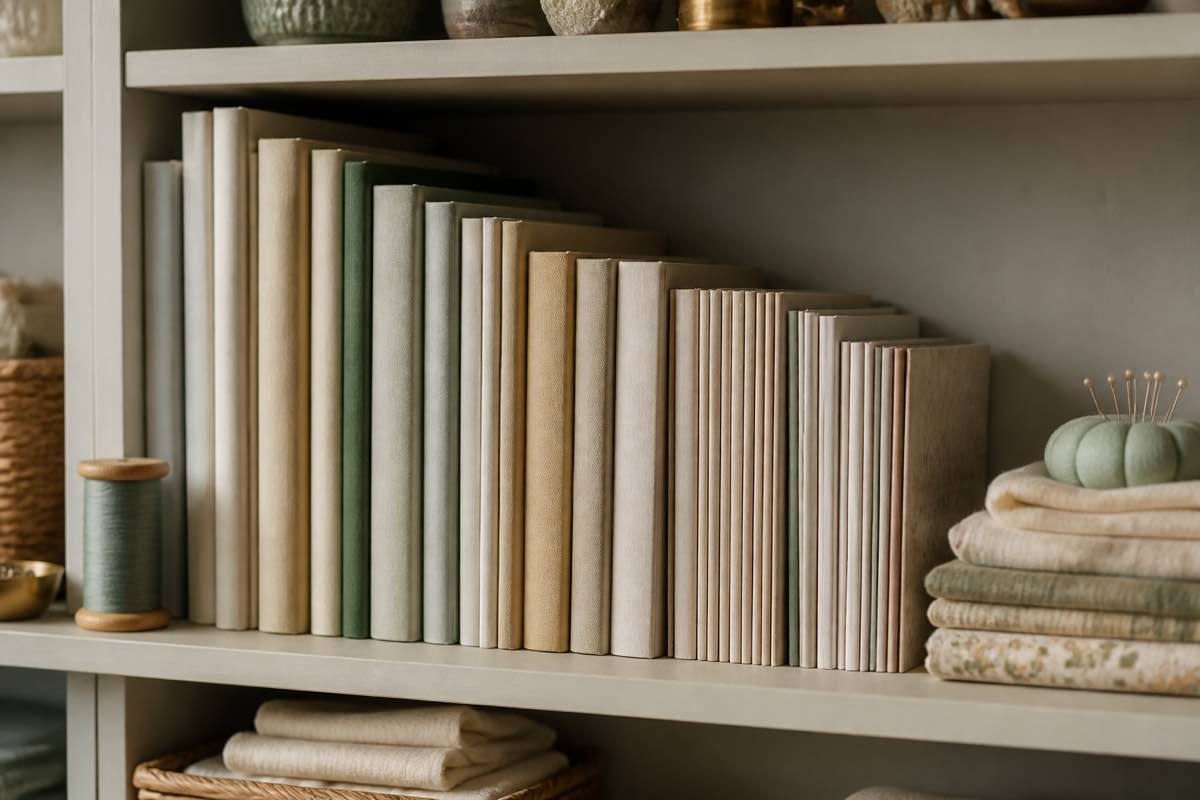
The problem with a beautiful shelf
Sewing libraries grow quietly: a technique book here, a decade of Sew Beautiful there, a stack of Australian Smocking & Embroidery, a few vintage catalogs from an estate sale. It looks wonderful and it functions poorly, because the thing you need is never on the spine. It's on page 42 of an issue you can't place.
The fix is to catalog the library the same way you catalog patterns — as records with fields — and then to index the contents.
Step 1: Record the item type
Different item types need different fields, so start by naming what each thing is: Book, Magazine issue, Catalog, Leaflet collection, Smocking plate, or Smocking plate collection.
Sewist Studio's Library section uses exactly these types, and it sits alongside your pattern stash rather than in a separate app.
Step 2: Use consistent publication names
Magazine runs only sort correctly if the title is spelled identically every time. Common heirloom and sewing publications worth standardizing:
Sew Beautiful · Australian Smocking & Embroidery · Creative Needle · Classic Sewing · Threads · Sewing World · Burda Style · Ottobre Design · Golden Hands · SAGA publications
Step 3: Date and number every issue
For each magazine, record the issue date (month and year), the issue or volume number, and the era bucket. That's what turns a pile into a run — and it makes the gaps visible, which is how you know what to hunt for at the next guild sale.
For books, record the author, publisher, and publication year. For catalogs, record the season and year, since that's how they're referenced.
Step 4: Index the contents — this is the whole point
The spine tells you nothing. The contents tell you everything. For each item, list what's inside:
- Patterns included — with the pattern's own name, number, and sizes, plus a pull-out sheet reference
- Techniques covered — shadow work, entredeux, pintucks, piping, French seams
- Smocking plates included — with row and pleat counts if given
- Projects — the named makes you might want to sew
Ten minutes per issue feels slow until the first time you type "entredeux" and land on the exact page in a magazine from 2004.
Step 5: Photograph the cover and note the condition
A cover photo makes visual scanning instant, and condition (New, Like new, Good, Worn, Damaged, or Digital/PDF) matters for insurance, for selling duplicates, and for knowing which copy to actually handle.
Step 6: Let a web lookup do the typing
Bibliographic data already exists online. When you add a book or magazine issue, Sewist Studio offers a web lookup that searches for the exact title or ISBN and proposes cover images, publication dates, contributors, and contents — you review each field and apply only the ones you want. It's the fastest path from shelf to searchable record.
Step 7: Cross-reference to your patterns
The last step ties the library to the rest of the studio. When an issue contains a pull-out pattern you actually use, create the pattern record too and note which issue it came from. Then a search for "bishop dress" returns both the standalone leaflets and the magazine issues that contain one.
Ready to make your shelf searchable? Start a free Sewist Studio account and catalog your books, magazines and catalogs in the Library.