How to Organize Your Fabric Stash by Color Family
A 7-bin color-family system that makes fabric shopping (yours) actually fun.
Why color-family sorting works
Sewists shop stash by "what color am I in the mood for?" more than by fiber or yardage. Sorting by color mirrors how you actually reach for fabric.
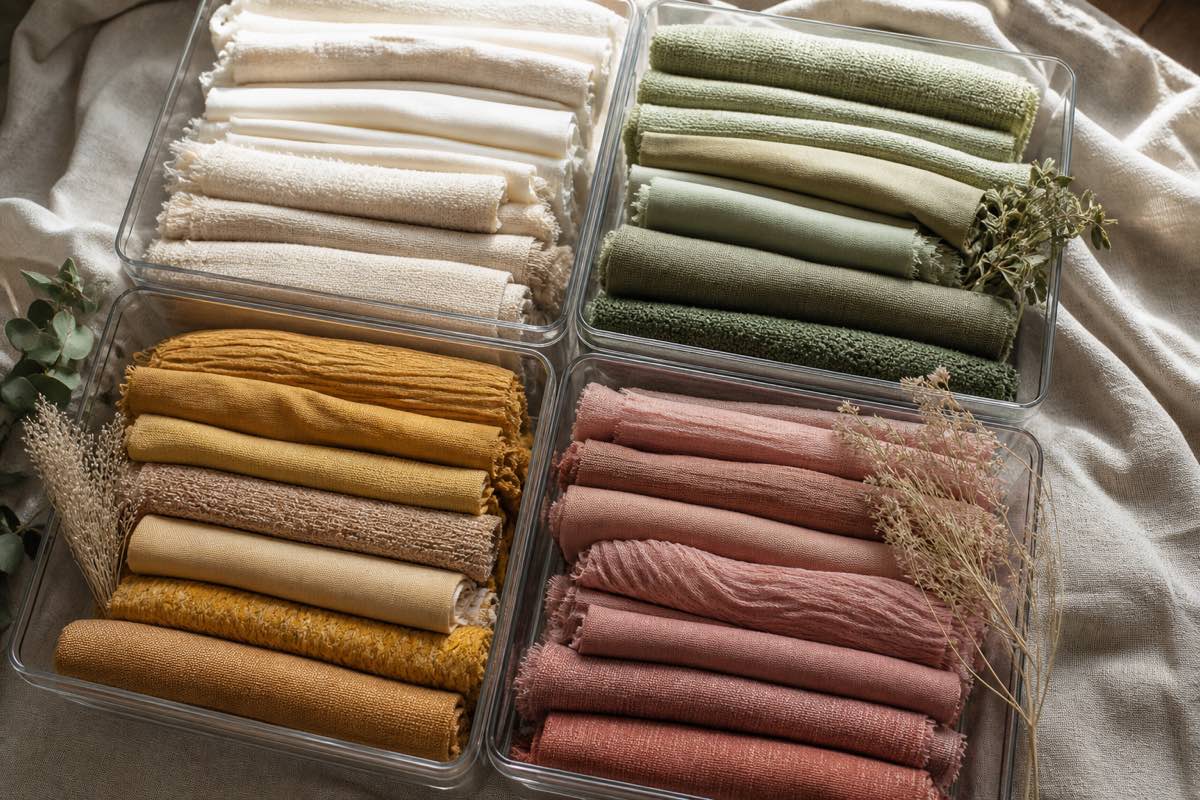
The 7 color families
- Reds & pinks
- Oranges, yellows, golds
- Greens (including sages, olives)
- Blues (all — navy through baby blue)
- Purples
- Neutrals (white, cream, tan, brown, black, gray)
- Prints & multicolor
An 8th "to sew next" bin keeps active project fabric out of storage.
Step 1: Empty the stash
Yes, all of it. You can't sort what you can't see.
Step 2: Fold consistently
Fold every piece the same size (a 9" comic board is standard). Consistent folds = tidy stacking and instant visual inventory.
Step 3: Sort into piles
Move fast. When in doubt about which family, use the dominant color. Prints go together regardless of ground color.
Step 4: Photo-catalog each piece
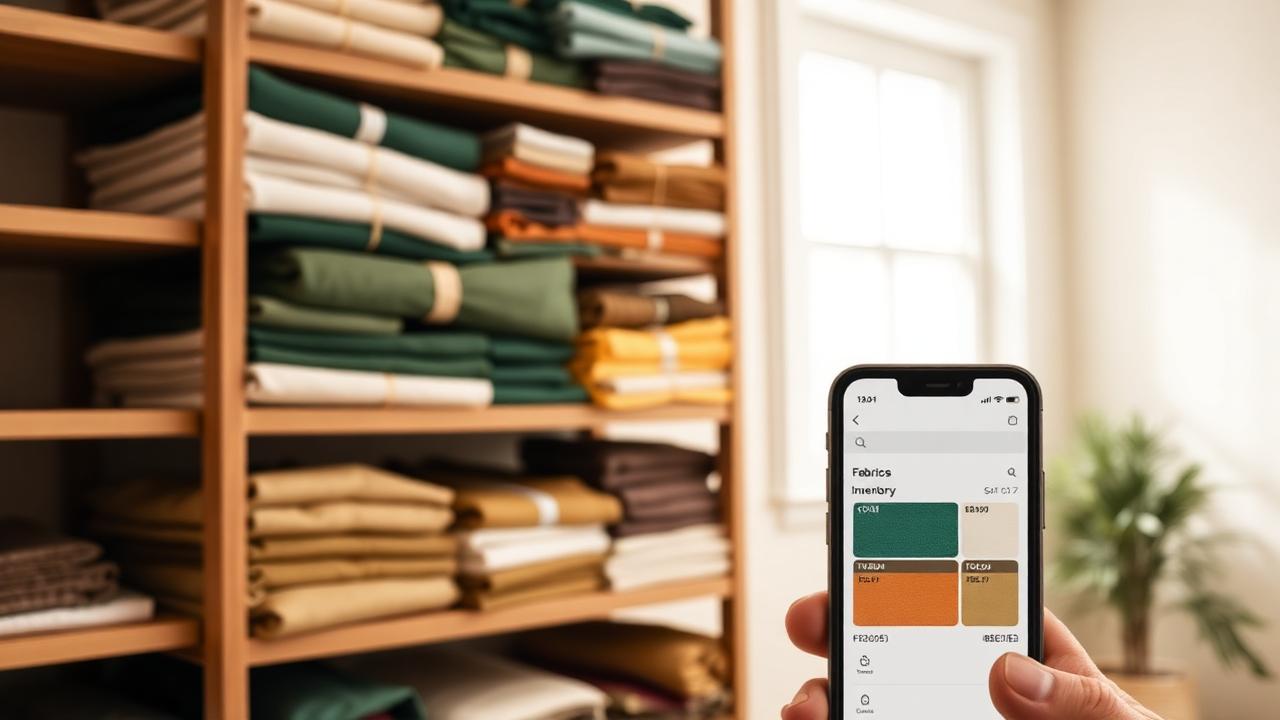
Before returning fabric to a bin, snap a photo on a plain background. Log in Sewist Studio with:
- Color family (matches the bin)
- Material (cotton, linen, knit…)
- Yardage
- Width
- Bin/location
Step 5: Bin and label
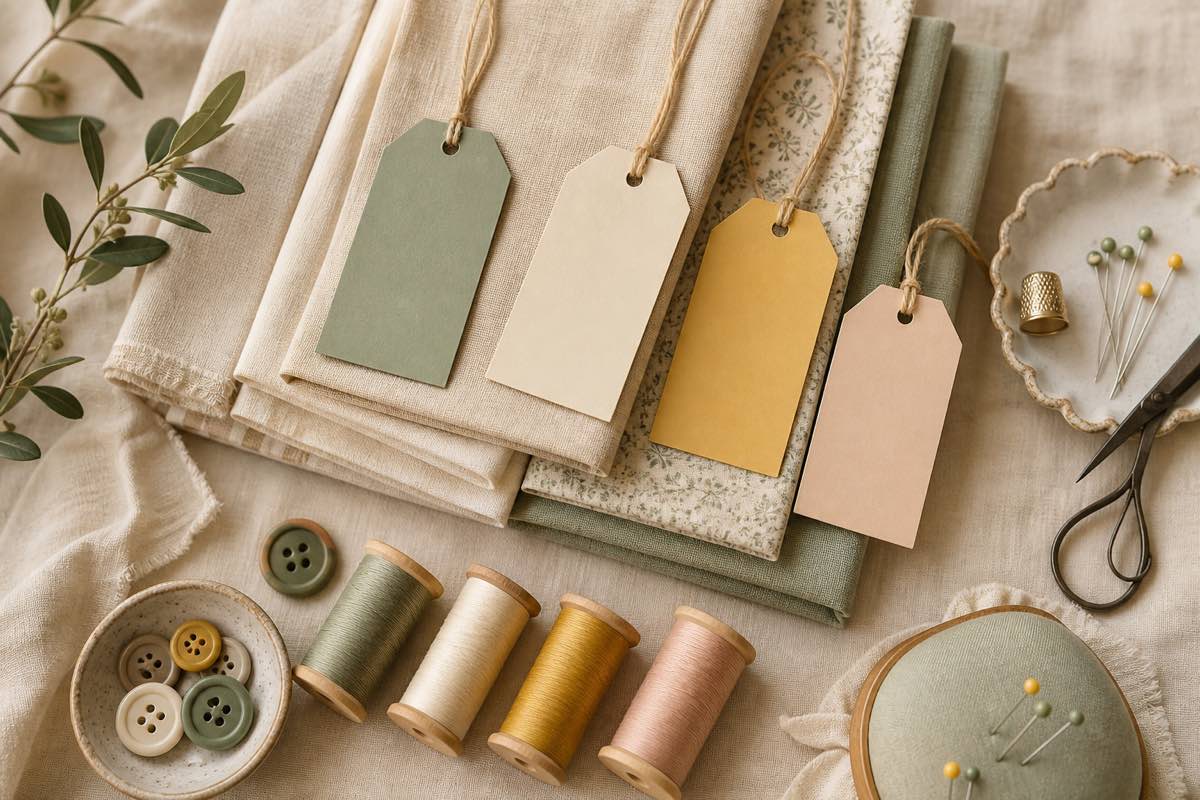
Clear bins beat opaque ones — you see contents before opening. Label each bin with the color family on the short side (visible when stacked).
Shop your stash by color
When you plan a new project, filter your Sewist Studio catalog by color family, then by material. A red cotton knit for a dress appears in one tap.
Prints: the exception
Prints are messy to sort by color. Options:
- All prints together, sub-tagged by dominant color (recommended)
- Separate florals, geometrics, novelty prints
- By scale (small-scale, medium, large)
Whichever you choose, be consistent and record it in the catalog.
Maintenance
Every fabric purchase gets photo-cataloged and binned the same day. Skip a week and the system erodes.