How to Organize Your Sewing Pattern Collection (Digital & Physical)
Tired of digging through piles of pattern envelopes? Here's a step-by-step system for organizing your sewing patterns — whether you have 20 or 2,000.
Why organizing your sewing patterns matters
Every sewist knows the feeling: you're inspired to start a new project, but you can't find that perfect dress pattern you bought six months ago. It's buried somewhere in a drawer, a bin, or maybe still in the shopping bag. Sound familiar?
An organized sewing pattern collection saves you time, prevents duplicate purchases, and actually inspires you to sew more. When you can see what you have at a glance, you're more likely to reach for a pattern and start cutting.
Step 1: Gather everything in one place
Before you can organize, you need to know what you're working with. Pull every pattern out — from drawers, shelves, bags, and that "I'll deal with it later" pile. Include:
- Envelope patterns (Simplicity, McCall's, Butterick, Vogue, etc.)
- PDF patterns stored on your computer or tablet
- Indie patterns from Etsy or independent designers
- Magazine patterns from Burda, Threads, or other publications
- Self-drafted patterns and muslin adjustments
You might be surprised by how many you actually own.
Step 2: Sort by category
Group your patterns into logical categories that match how you think about sewing:
- Garment type: Tops, dresses, pants, skirts, outerwear, loungewear
- Audience: Women, men, children, babies
- Season: Spring/summer vs. fall/winter
- Difficulty: Beginner, intermediate, advanced
The key is picking a system that feels natural to you. There's no single right answer.
Step 3: Catalog with photos and details
This is where a sewing pattern organizer app becomes invaluable. For each pattern, record:
- Pattern name and number
- Brand / designer
- Size range included
- Garment type and features (e.g., "wrap dress with pockets")
- A photo of the envelope or cover image
- Fabric requirements and suggestions
With a digital catalog, you can search and filter instantly — no more flipping through stacks of envelopes.
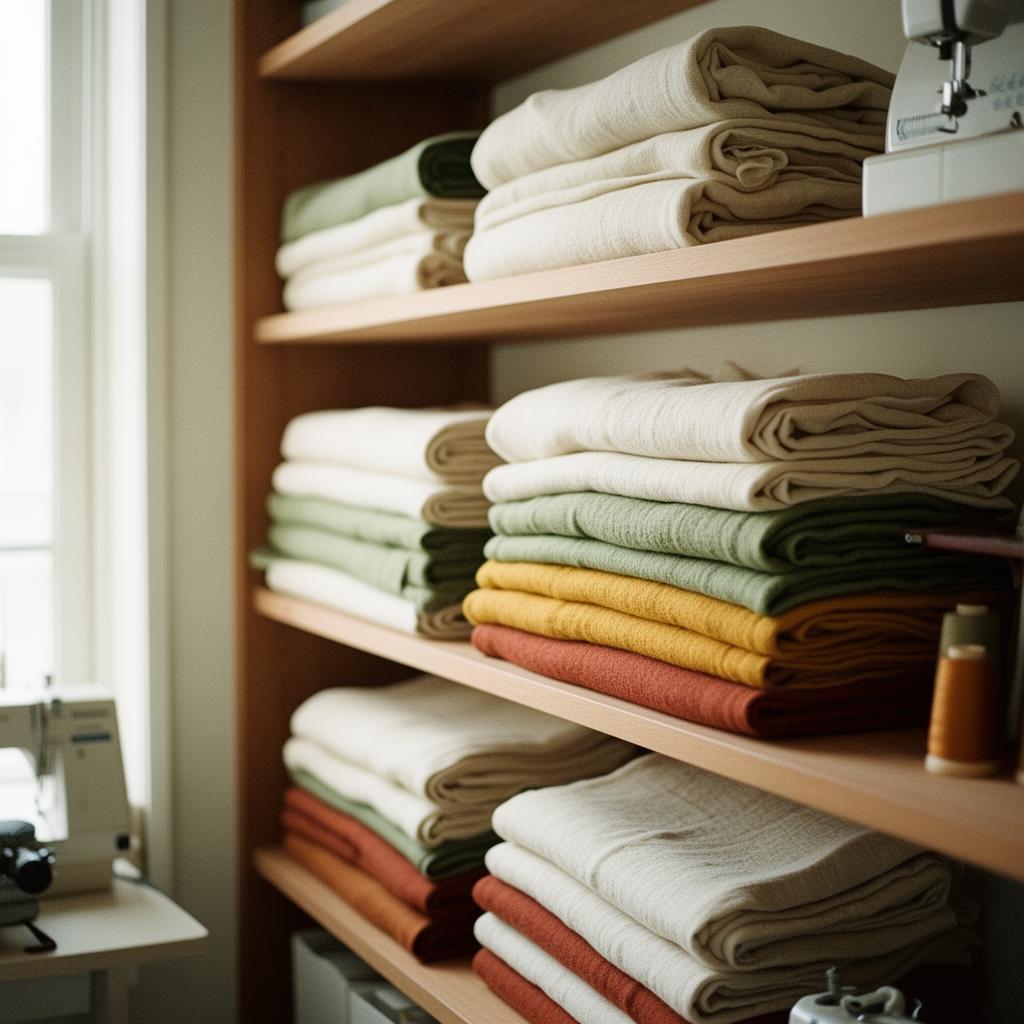
Step 4: Track what you've made
One of the most underrated organizing tips is tracking your cut history. Note which patterns you've actually sewn, what sizes you cut, any fit adjustments you made, and your personal rating.
This turns your collection from a static pile into a living reference library. Next time you want to make a quick weekend top, you can filter to patterns you've already perfected.
Step 5: Prevent duplicate purchases
Once your collection is cataloged, you'll immediately see if you're about to buy a pattern you already own. A good sewing pattern organizer lets you quickly search by name, brand, or garment type before you hit "add to cart" at the next pattern sale. For more on this, read our guide on how to stop buying duplicate sewing patterns.
Going digital: the modern approach
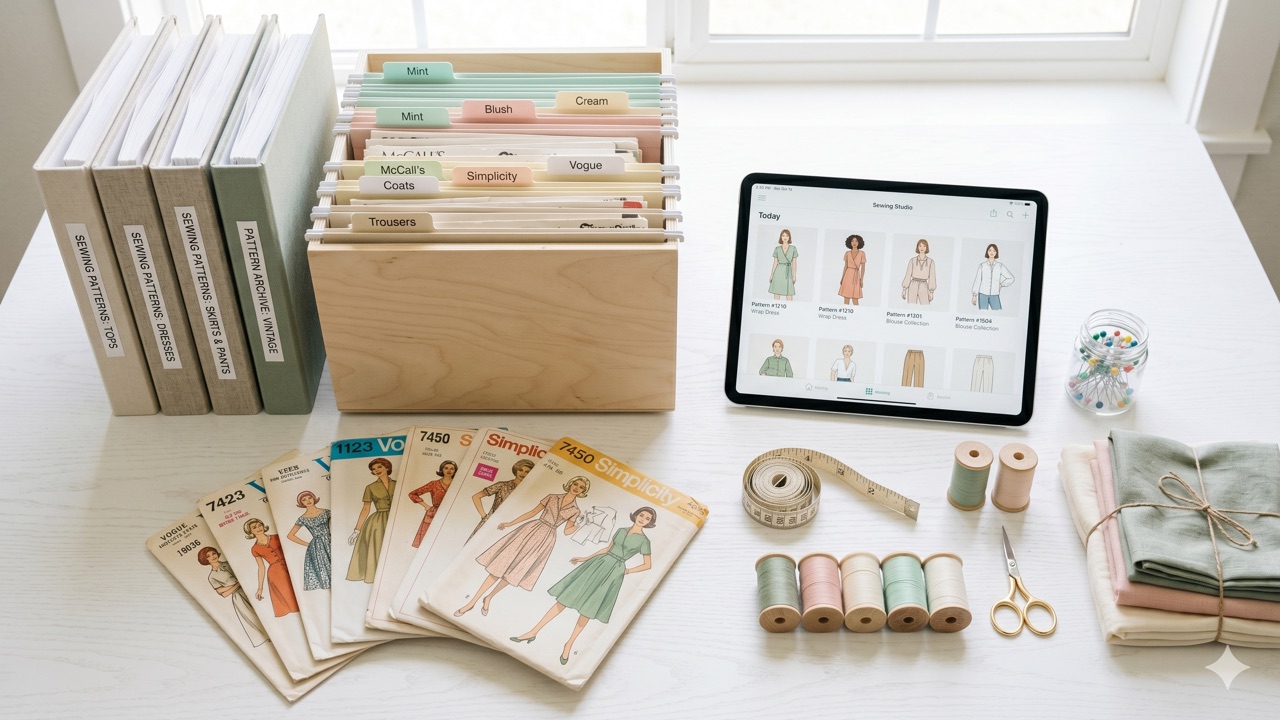
Physical storage (binders, hanging files, filing cabinets) works, but digital pattern organizers offer major advantages:
- Search instantly across hundreds of patterns
- Filter by garment type, season, difficulty, or audience
- See photos without opening every envelope
- Access from anywhere — your phone, tablet, or computer
- Never lose a pattern to water damage, pets, or moves
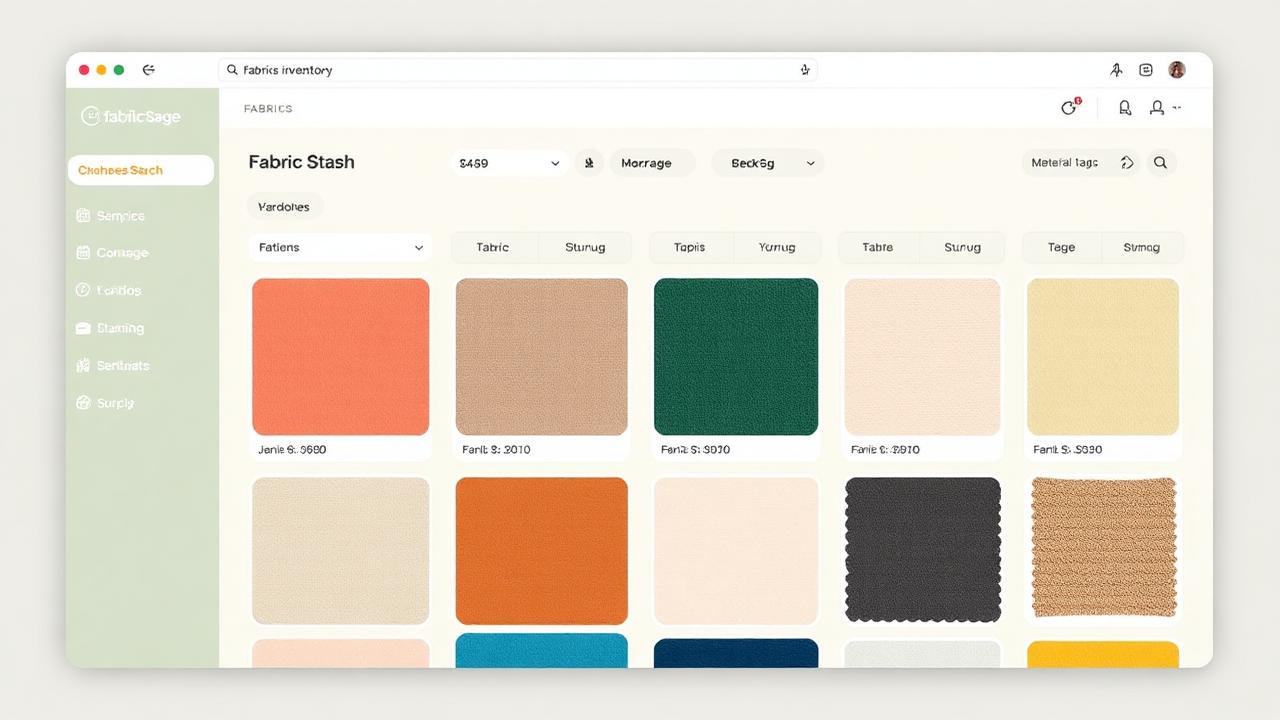
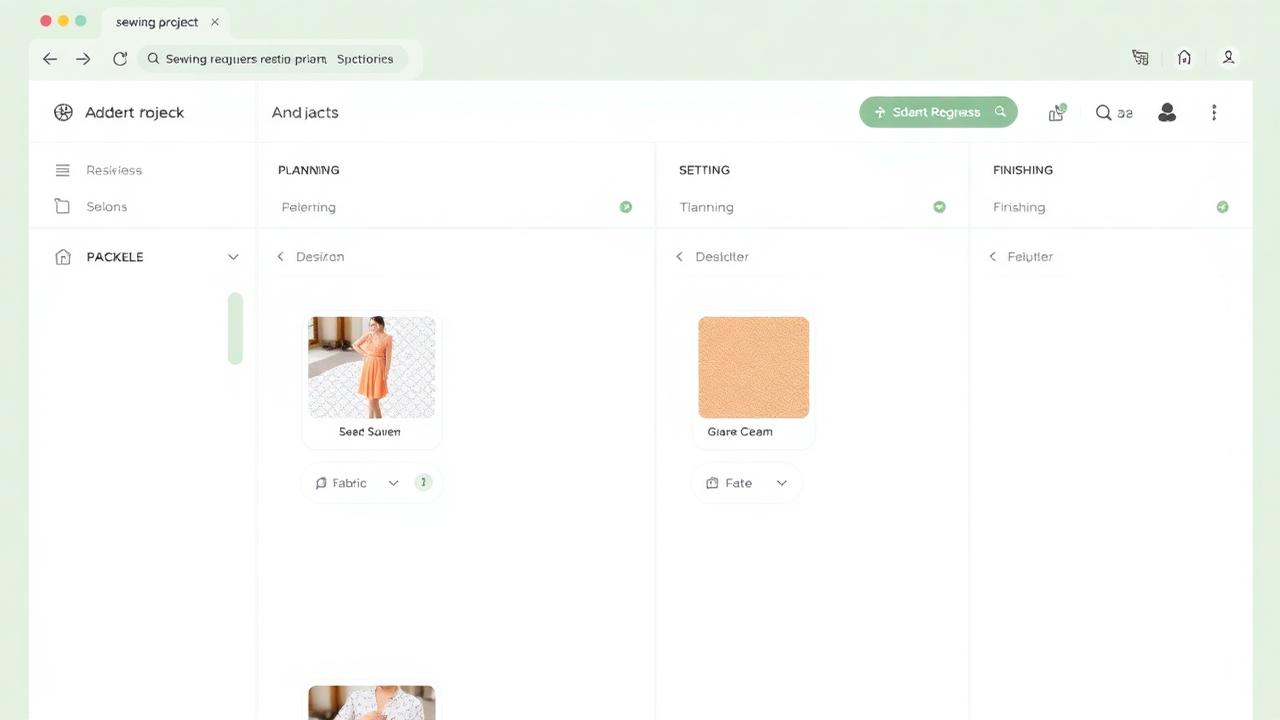
Apps like Sewist Studio let you catalog your entire collection with photos, track your fabric stash alongside your patterns, and even get AI-powered suggestions for fabric-pattern pairings. Once you're organized, you can use a sewing project tracker to plan what to sew next.
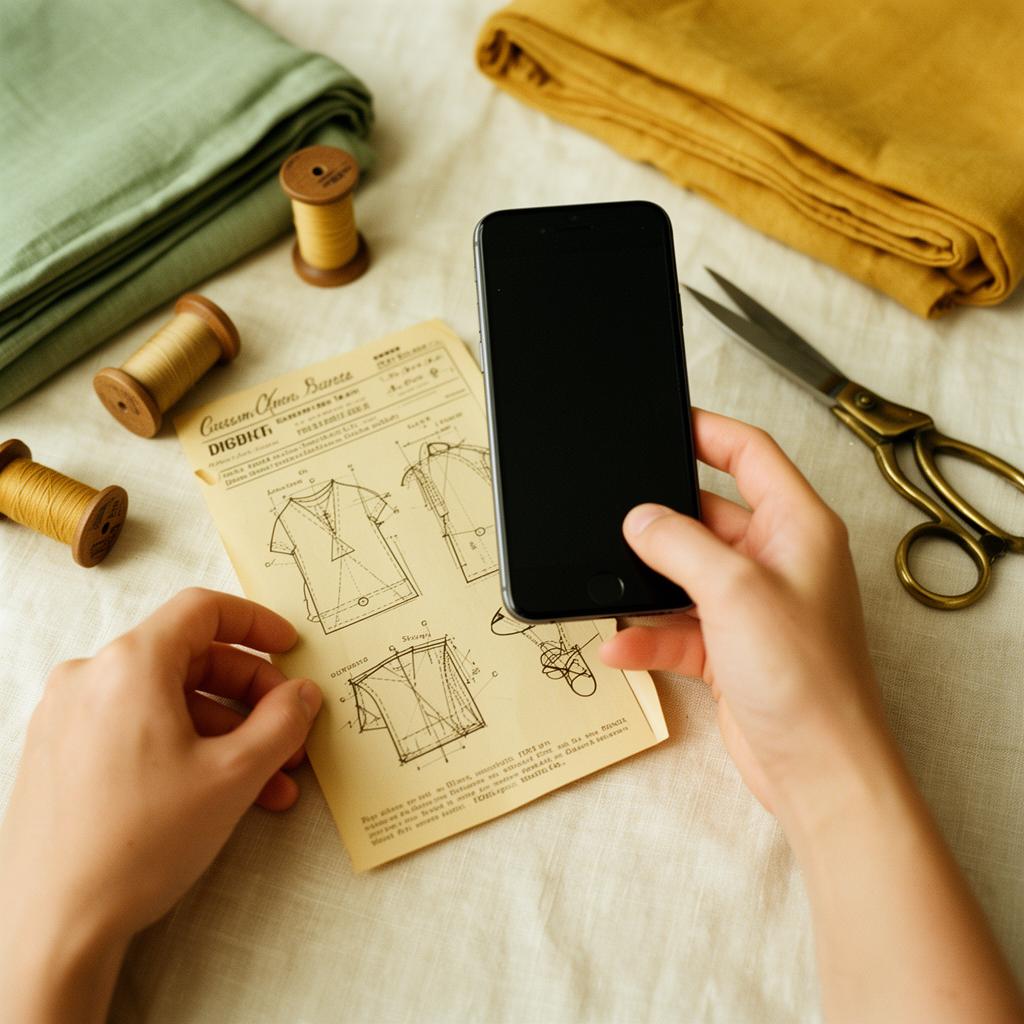
Start small, stay consistent
You don't have to catalog everything in one weekend. Start with your 10 favorite patterns, then add more as you use them or buy new ones. The goal is a system that grows with your collection and makes sewing more enjoyable.
Ready to organize your sewing patterns? Try Sewist Studio free — the digital sewing room organizer that keeps your patterns, fabric, and projects all in one place.