How to Open PES Embroidery Files on a Mac
Double-click a PES file on a Mac and nothing useful happens. Here's what actually works on macOS, which embroidery apps are Windows only, and how to get the file onto your machine.
Why your Mac won't open a PES file
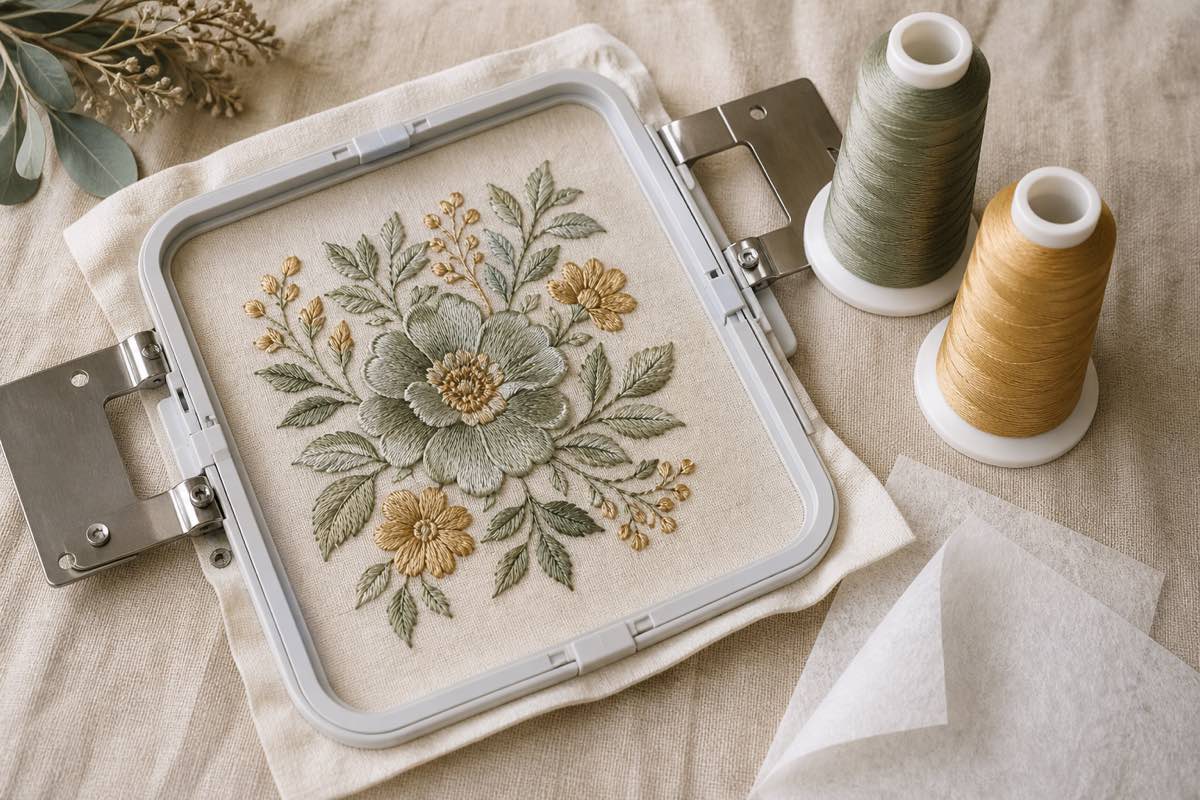
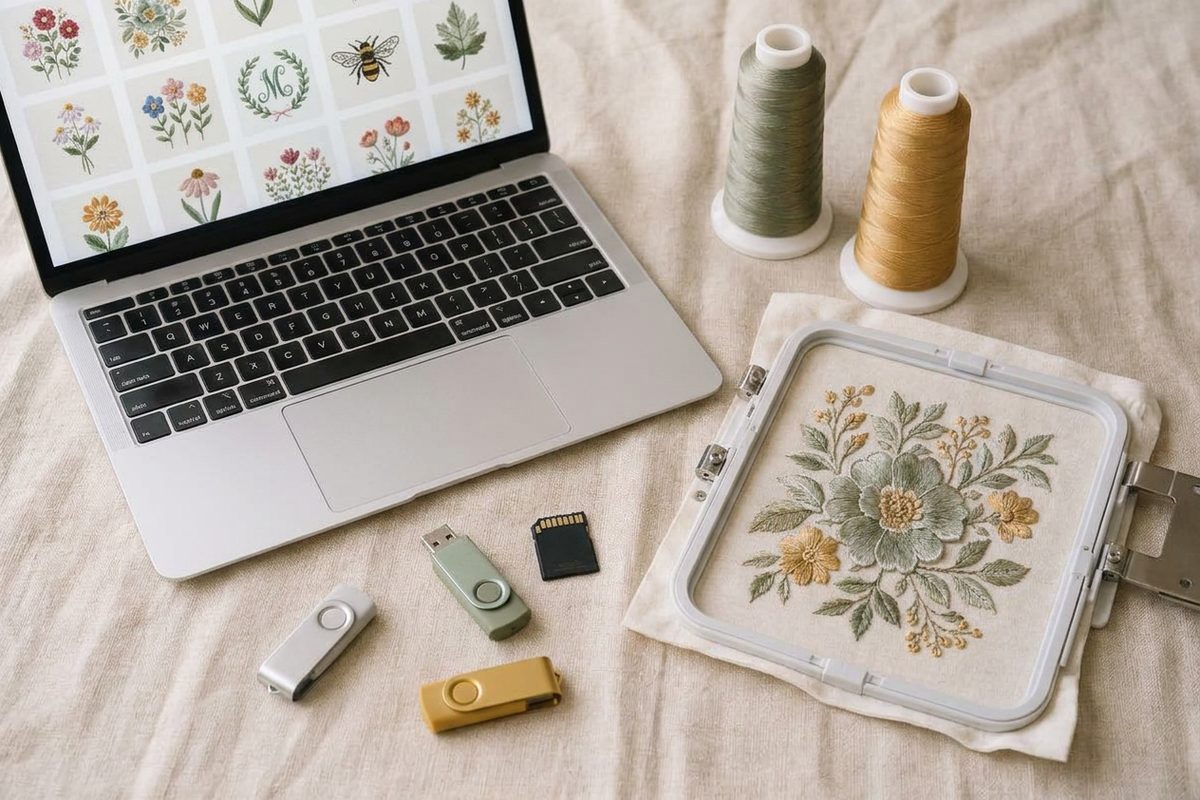
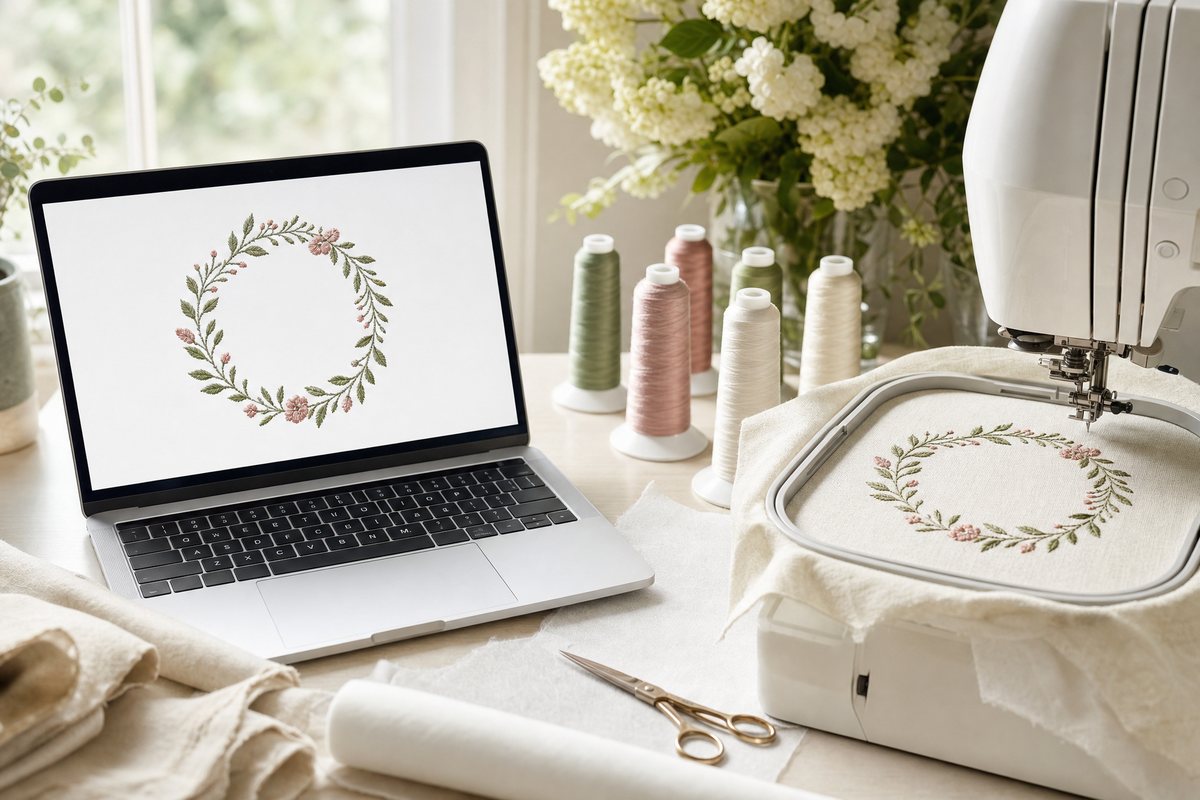
A PES file is Brother and Baby Lock's embroidery format. It holds stitch coordinates, color stops and thread colors, not a picture, and macOS has no built-in program that reads it. Preview won't open it, Quick Look shows a blank icon, and Finder thumbnails stay empty.
Most embroidery software makes this worse because it's Windows only. We checked the vendors' own pages on October 19, 2026:
| Software | Runs on a Mac? |
|---|---|
| Brother PE-Design 11 | No, Windows only |
| Brother Design Database Transfer | No, Windows only |
| Brother Artspira | iPhone, iPad and Android only, no Mac app |
| Hatch Embroidery | Only through Parallels (Windows on a Mac) |
| Embird | Only through Wine or Parallels |
| SewWhat-Pro | No, Windows only |
| Ink/Stitch | Yes, free |
| StitchBuddy | Yes, Mac App Store |
| Embrilliance Essentials | Yes, native Mac and Windows |
Here are the options that work natively, from quickest to most capable.
Option 1: A free browser viewer (nothing to install)
The fastest way to see what's in a PES file on a Mac is the free Sewist Studio embroidery file viewer. It runs in your Mac's web browser and reads the file on your computer; nothing is uploaded and there's no account. Drop a file in to see:
- every stitch in sewing order, with a sew-out slider
- the thread colors and the order they're used
- the finished size in millimeters and inches, and the smallest hoop that fits
- the stitch count, jumps and trims, and an estimated stitch-out time
It also opens DST, JEF, EXP, VP3, XXX and PEC files. It's for viewing, not editing.
Option 2: Ink/Stitch (free, open source)
Ink/Stitch is a free extension for the Inkscape drawing program, and it has a native macOS version. Install Inkscape first, then Ink/Stitch (its install guide covers macOS 12 and later).
Ink/Stitch reads PES and dozens of other formats and can save to PES, DST, JEF, EXP, VP3 and more, so it's the free choice if you also want to convert files or digitize your own designs. The trade-off is setup time and a learning curve; it's more than you need just to peek inside a file.
Option 3: StitchBuddy (Mac app)
StitchBuddy is a Mac app from the Mac App Store (macOS 12 or later), with a companion iPad and iPhone version. It opens PES, PEC, JEF, VP3, DST, EXP and more, and it can edit and save designs.
Two things make it especially Mac-friendly:
- Finder and Quick Look previews. StitchBuddy can show embroidery designs as thumbnails in Finder and in Quick Look (tap the space bar on a file), which solves the blank-icon problem.
- Free to try. The download is free; saving designs over 1,000 stitches needs an in-app purchase (the Pro upgrade was $49.99 when we checked).
Note that StitchBuddy saves PES in an older version limited to 5x7 inch designs, and reads VP3 but doesn't save it.
Option 4: Embrilliance Essentials (full editing)
Embrilliance Essentials runs natively on Mac and Windows, and one license covers both. It opens and saves PES and the other common home formats, and handles lettering, resizing, recoloring and merging designs. It's paid (list price $159; it was on sale when we checked).
Two Embrilliance products are often mistaken for PES viewers:
- Embrilliance Express is free, but it only opens Embrilliance's own .BE files and BX fonts, not PES.
- Embrilliance Thumbnailer (paid, about $45 list) adds embroidery thumbnails to Finder. It's a good fit if you have a big library and already like Embrilliance.
Getting a PES file from your Mac to your machine
Once you've checked the design, the transfer is the easy part:
- Unzip the download. Double-click the zip in Finder. Designers usually include every format; keep the PES.
- Copy it to a USB stick. Drag the .pes file onto the stick in Finder, then eject it before unplugging.
- If your machine doesn't see the stick, check your manual for the supported stick size and format. Many machines want a stick formatted as FAT32, which is "MS-DOS (FAT)" in Disk Utility.
- Ignore files starting with "._". macOS can add small hidden files with that prefix to USB sticks. Some machines list them as unreadable designs; they're harmless.
Brother's wireless machines use Artspira on an iPhone or iPad, or Brother's Windows tools, rather than a Mac app.
Which option should you use?
- "What's in this file?" The free browser viewer.
- Converting or digitizing for free: Ink/Stitch.
- Thumbnails in Finder: StitchBuddy or Embrilliance Thumbnailer.
- Lettering, merging and real edits on a Mac: Embrilliance Essentials.
Keep your whole design library viewable
The blank-icon problem gets worse as your collection grows. Sewist Studio's embroidery design library works in the browser on any Mac: drop in a folder or zip and every PES, DST, JEF, EXP, VP3 and XXX design gets a stitched preview, its size, thread colors and hoop fit, all searchable on one page. It's free for up to 15 designs.
For other formats, see how to open JEF, EXP, VP3 and HUS files, and if a shop offers PES and DST, PES vs DST explains which to download.