How to View PES, DST, and JEF Embroidery Files (Without Buying Software)
Bought a bundle of embroidery designs and can't see what's inside? Here are the free ways to preview machine embroidery files — including the one that handles a whole library at once.
Why machine embroidery files are so annoying to preview
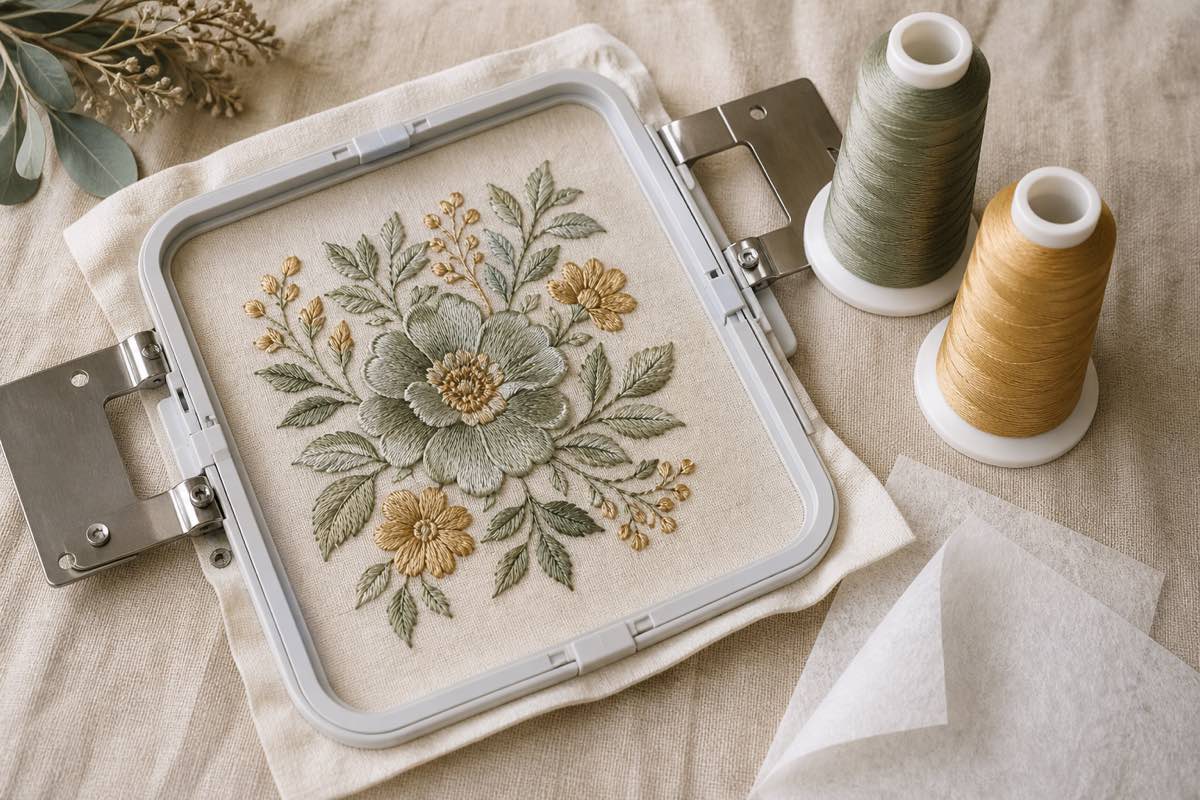
Every embroidery machine brand uses its own file format. Brother and Babylock read .PES. Tajima and most commercial machines read .DST. Janome reads .JEF. Husqvarna Viking reads .HUS or .VP3. Bernina reads .ART or .EXP.
None of them open in a normal image viewer. None of them generate thumbnails by default in Windows or macOS. So when you buy a bundle of 50 embroidery designs on Etsy, you're staring at 50 mystery files named `floral_set_01.pes` and praying you guessed right at transfer time.
There are three real options for previewing them — free, paid, and "just throw the whole folder into a browser tool". Here's how each one works.
Option 1: Windows File Explorer thumbnails (.PES only)
Windows can show thumbnails for .PES files if you install a free shell extension:
1. Install Wilcom TrueSizer (free) or PE-Design Plus (paid). Wilcom TrueSizer is the one most hobbyists use.
2. Once installed, .PES files show stitched-out previews in Explorer.
3. macOS does not have a native equivalent — you'd need a third-party viewer.
This only works for .PES. If your bundle is .DST, .JEF, or .EXP, the thumbnails stay blank.
Option 2: Ink/Stitch (free, all formats)
Ink/Stitch is a free, open-source Inkscape extension that opens and stitches out almost every embroidery format — .PES, .DST, .JEF, .EXP, .VP3, .HUS, and more.
Pros: Free, cross-platform (Windows, Mac, Linux), handles every common format, and renders accurate stitch previews.
Cons: You have to install Inkscape + Ink/Stitch, then open each file one at a time. Previewing a 50-design bundle takes 30 minutes of clicking. Great for occasional use, painful for cataloging a library.
Option 3: Online single-file viewers
Sites like My Editor Free (Wilcom) or Embroidery Designs Studio let you upload a single embroidery file and see a preview in the browser. They work, but:
- You have to upload one file at a time.
- Most have file-size limits.
- They don't save anything — you're starting over on the next visit.
Fine for a quick "what's in this file" check; useless for organizing a real library.
The easiest option: drop the whole folder into a browser catalog
If you have a real embroidery library — even just 20 or 30 designs — none of the above scales. The fastest path is Sewist Studio's embroidery catalog, which is built specifically to solve the "I bought a bundle and have no idea what's in it" problem.
Drag and drop a folder of .PES, .DST, .JEF, or .EXP files into your browser. The app parses the stitch data, renders a color-accurate PNG preview of each design, and stores them in a searchable catalog. From there you can:
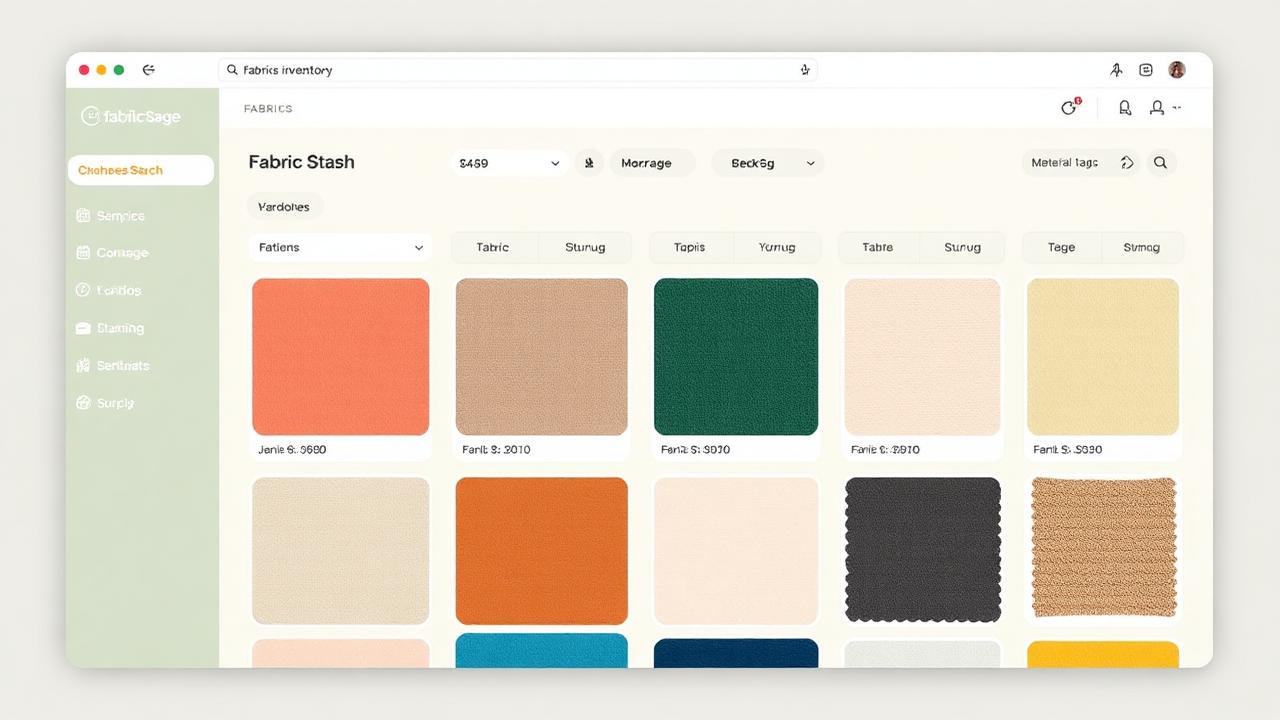
- See every design as a thumbnail, all on one page
- Search by name, hoop size, stitch count, or thread count
- Tag designs by project, season, or recipient
- Cross-reference each design's required thread colors against your thread inventory
No installation. No clicking through 50 files. No "this format isn't supported" errors.
Bonus: cross-link designs with your thread stash
The hidden frustration with machine embroidery isn't viewing the designs — it's discovering halfway through a stitch-out that you don't own the burgundy you needed. A cataloged design library lets the app tell you, before you hoop the fabric, exactly which threads and stabilizers you're missing.
Pair that with stash-aware project suggestions and your embroidery library starts feeling like a real working tool instead of a folder you avoid.

Which option to pick
- One mystery file, this one time: an online viewer.
- A handful of designs, occasionally: install Ink/Stitch.
- A real library — bundles, freebies, paid designs piling up: Sewist Studio's embroidery catalog. Preview everything at once, search by anything, and never lose a design in a folder again.
Ready to actually see your embroidery library? Start a free Sewist Studio account and drop your designs folder in. The thumbnails generate in seconds — and your library becomes searchable forever.