How to Open JEF, EXP, VP3 and HUS Embroidery Files
Downloaded a design and your computer has no idea what a .JEF or .VP3 is? Here's which machine each format belongs to and the free ways to open them.
Which machine uses which format
Every embroidery machine brand reads its own file type. The extension tells you who the file was made for:
| Extension | Made for |
|---|---|
| .JEF | Janome (and Elna) |
| .VP3, .HUS | Husqvarna Viking and Pfaff |
| .EXP | Melco, also read by many Bernina machines |
| .ART | Bernina (proprietary) |
| .PES | Brother and Babylock |
| .DST | Tajima and most commercial machines |
Designers usually sell a design in several formats in one download. If you can't open a file, first check whether the bundle already includes the format your machine uses.
Why your computer can't open them
These files hold stitch coordinates and color stops, not pictures. Your computer has no built-in program for them, so double-clicking does nothing useful and file thumbnails stay blank. You need a program that reads stitch data and draws it.
Option 1: Ink/Stitch (free)
Ink/Stitch is a free, open-source extension for Inkscape. It opens most home-embroidery formats, including JEF, EXP, VP3 and HUS, and shows the stitched design.
1. Install Inkscape and the Ink/Stitch extension.
2. Open the embroidery file in Inkscape.
3. To convert, use Save As and pick the format you need, such as PES or DST.
Bernina's .ART files are the exception. They are proprietary and generally need Bernina's own software, such as its free ARTlink program. If a design comes in both .ART and .EXP, use the .EXP.
Option 2: Your machine brand's software
Machine makers offer their own software for viewing and transferring designs, and some of it is free. It's worth checking your machine's support page, especially if you only ever stitch on one brand.
Keep every design findable
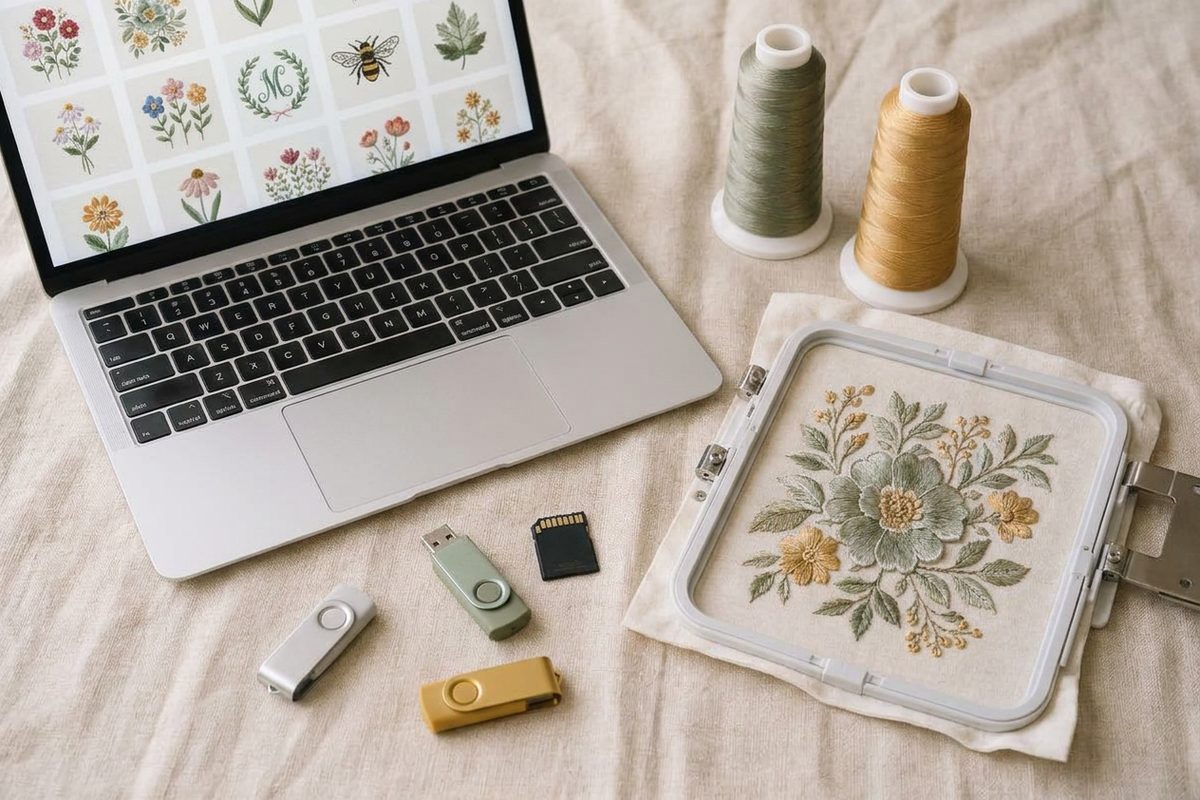
Opening one file is easy. Remembering what's inside a folder of 200 is not. Sewist Studio's embroidery design library renders a preview of each PES and DST design and makes them searchable.
Sewist Studio reads PES and DST. For JEF, EXP, VP3 or HUS designs, convert them to PES or DST in Ink/Stitch first, then upload them to see them alongside the rest of your collection. More on that in how to convert PES to DST and back, and for previewing PES and DST files see how to view PES, DST and JEF embroidery files.