PES vs DST: Which Embroidery File Should You Use?
A design shop offers the same file as PES and DST, and you're not sure which to pick. Here's what each format actually stores, and which one to download for your machine.
The short answer
Use the format your machine reads. If your machine reads both, use PES on a Brother or Baby Lock home machine and DST on a commercial or multi-needle machine. The stitches inside the two files can be identical. What differs is the extra information each format carries along with them.
| PES | DST | |
|---|---|---|
| Made by | Brother (also used by Baby Lock) | Tajima |
| Typical machines | Brother and Baby Lock home and combo machines | Commercial and multi-needle machines from many brands |
| Stitches and jumps | Yes | Yes |
| Color-change stops | Yes | Yes |
| Thread colors | Yes | No (some software adds them, most machines ignore it) |
| Trim command | Yes | No, machines trim by counting jumps |
| Preview image for the machine screen | Yes | No |
| Design name | Yes | A short label in the header |
What a PES file stores
A PES file is really two parts. The inner part, called the PEC block, is what Brother machines read: the stitch path, the color-change stops, a small preview image for the machine's screen, and a color for each thread from Brother's built-in thread palette. Newer PES versions add a fuller thread list on top, with color names, catalog numbers and brands, plus details like the design name.
That is why a PES file opens on a Brother screen showing the right colors in the right order. You still choose the actual spools, but the machine tells you which ones.
What a DST file stores
DST is one of the oldest embroidery formats, and almost every commercial machine and digitizing program reads it. It is lean: a short text header with a label and the design's size, then the stitches, three bytes at a time.
Each stitch can move at most 12.1 mm. Longer moves are split into a series of jumps. There is a color-change command, so the machine stops at the right moments, but the file doesn't say what color comes next. There is also no dedicated trim command; commercial machines usually trim after a set number of jumps in a row, a setting you can often change on the machine.
That leanness is the point. DST works on nearly everything, and shops that run several machine brands can send one file to all of them.
Does PES or DST stitch better?
Neither. A design stitches well or badly because of how it was digitized: underlay, density, pull compensation and stitch order. A well-digitized design saved as PES and as DST sews out the same on machines that read each one.
What can go wrong is the extra information:
- A DST on a home machine stitches correctly but shows generic colors, so you have to match threads from the designer's color chart.
- Trims can differ. Because DST signals trims with jumps, a DST that trims cleanly on a commercial machine may leave a few more jump threads to snip on another machine.
- A converted file is only as good as its source. Both are stitch files, not the digitizer's editable working file, so resizing either one by a lot can thin or crowd the stitches.
Which format should you download?
- Check your manual for the formats your machine reads. That list is the final word. Some home machines read several formats, including DST.
- Brother or Baby Lock home machine: download PES. You keep the thread colors and the screen preview.
- Multi-needle or commercial machine: DST is the safe default, and most shops include it.
- Janome, Husqvarna Viking, Pfaff or Bernina: neither is ideal. Look for JEF, VP3 or EXP in the bundle (see how to open JEF, EXP, VP3 and HUS files for who uses which).
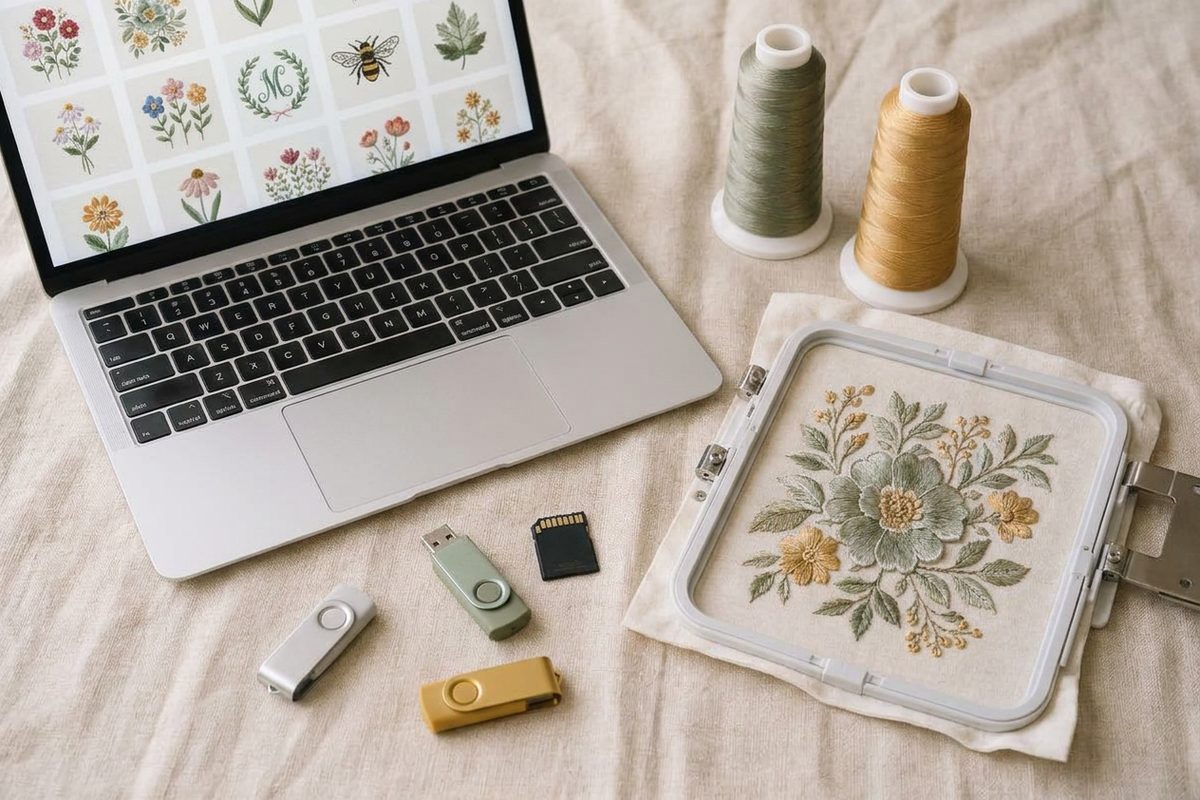
- Not sure yet? Download every format in the zip. Most design shops put several formats in one download.
If you've already downloaded the wrong one, how to convert PES to DST and back walks through the free options.
See the difference for yourself
The free Sewist Studio embroidery file viewer opens PES, DST, JEF, EXP, VP3, XXX and PEC files in your browser without uploading them. Open the PES and DST versions of one design and compare:
- Stitch count and size should match closely.
- Thread colors: the PES shows the designer's colors, the DST shows placeholder colors in the same order.
- Jumps and trims are listed for each, so you can spot a file that will leave more threads to snip.
To keep both versions together, drop the zip into your embroidery design library. It previews every PES, DST, JEF, EXP, VP3 and XXX design inside, with size, colors and hoop fit, and it's free for up to 15 designs. For more ways to preview files, see how to view PES, DST and JEF embroidery files.