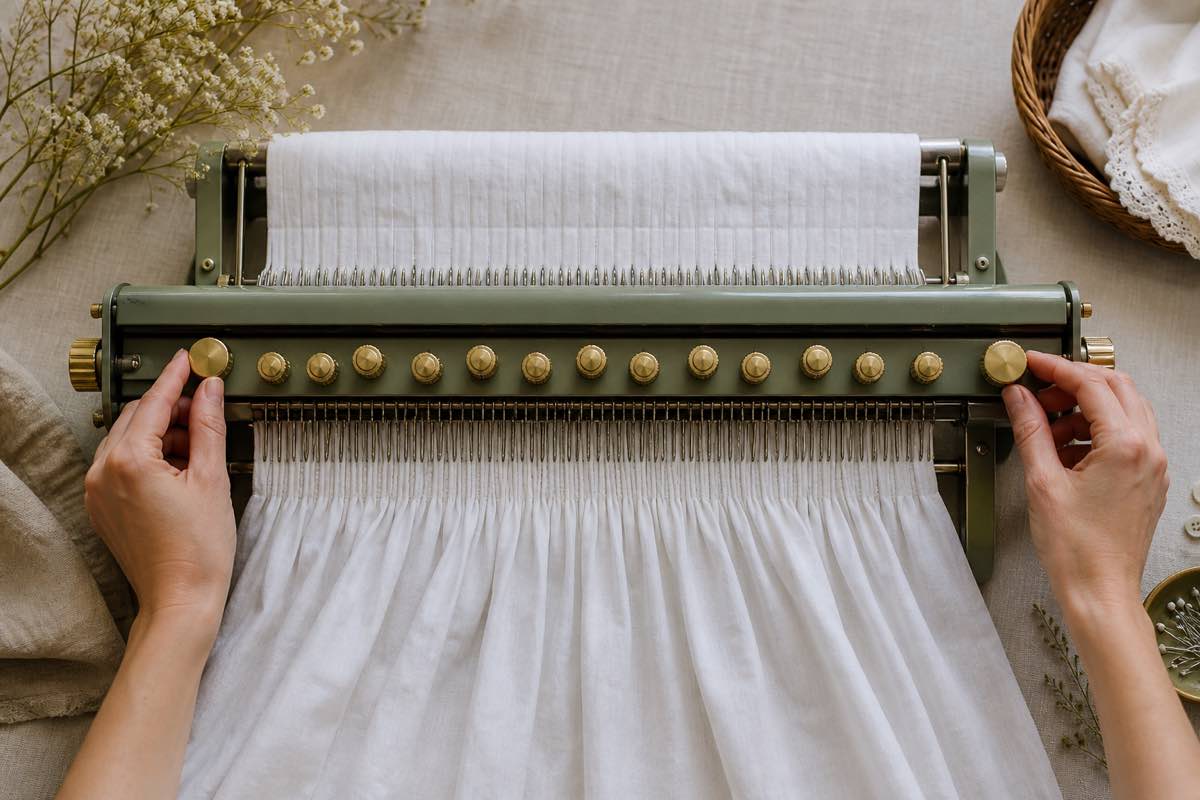
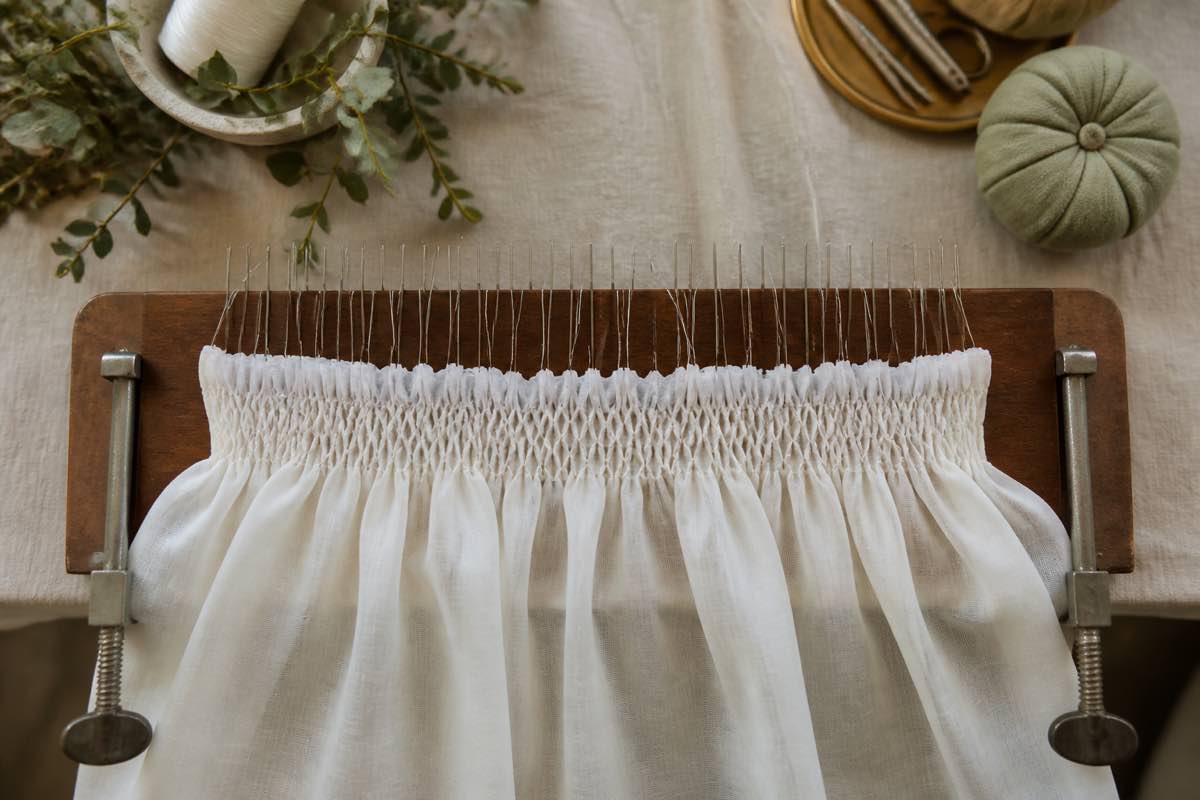
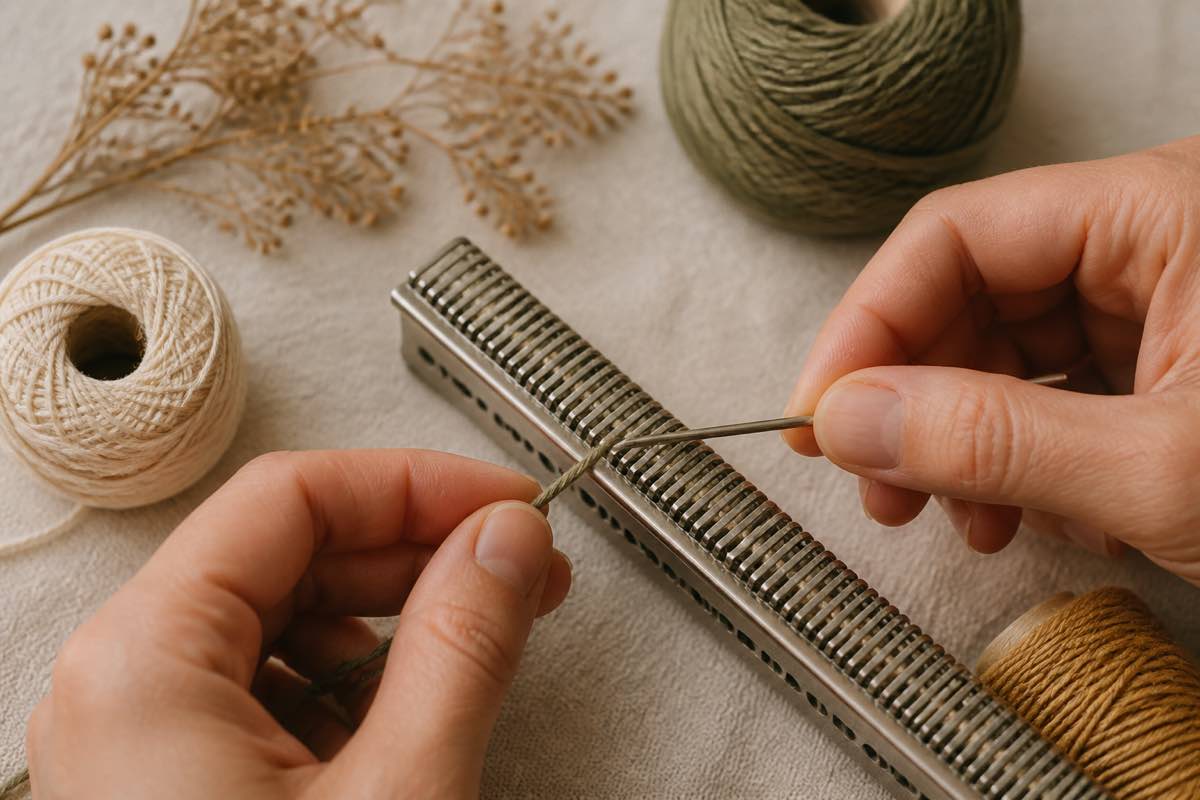
Read Pleater Troubleshooting: Bent Needles, Skipped Pleats, and Jammed Rollers
When a Read pleater fights you, one of three things is usually wrong. Here's how to diagnose and fix them fast.
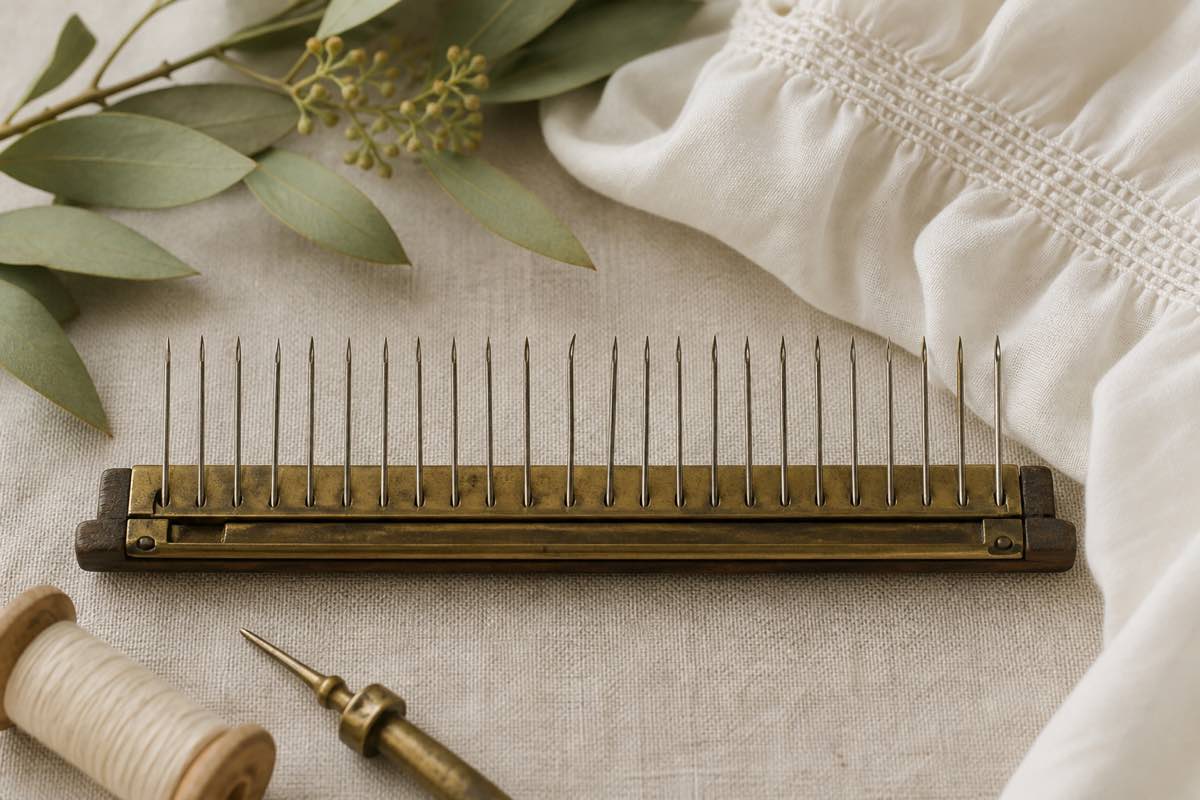
The three root causes
Almost every pleater problem traces to:
- Off-grain fabric — pleats crooked, needles stressed
- Bent needles — skipped pleats, thread breakage
- Wrong thread — snaps mid-pleat
Fix these three and 90% of pleater trouble disappears.
Symptom: crank feels stuck or heavy
Stop immediately. Do not force it — a forced crank bends needles wholesale.
Back the fabric out by turning the crank in reverse. Then check:
- Is the fabric on grain? Fold and align selvages before feeding.
- Is there a thick seam or hem being pulled into the rollers? Pleaters cannot pleat over seams.
- Is a bent needle catching?
Symptom: skipped pleats on one row
A single row producing loose, missed, or irregular pleats almost always means that row's needle is bent.
To confirm:
- Turn the crank until the row is exposed.
- Sight down the needle from the side — a straight needle has an even curve; a bent one shows a flat spot or kink.
- Replace it. Read pleater needles unscrew from their collar with fingertip pressure.
Symptom: thread snaps mid-pleat
Almost always thread choice.
- Regular sewing thread → snaps
- Old, dried-out thread → snaps
- Button and carpet or quilting thread → holds
If you're using the right thread and it still snaps, check for a burr in the needle eye — replace the needle.
Symptom: fabric feeds crooked
Off-grain. Stop, remove the fabric, and re-square it:
- Snip the selvage and tear across the grain — cotton tears straight along the weft.
- Align the torn edge with the pleater's guide.
- Restart.
Symptom: pleats aren't even from front to back
The top roller isn't seating flush. Lift the roller assembly, remove any lint or thread bits, and re-close firmly.
Preventing needle damage
- Only pleat lightweight, tightly woven cotton (batiste, broadcloth, lawn, fine gingham)
- Never pleat over pins, seams, hems, or interfacing
- Never pleat knits, silks with slip, or heavy fabrics
- Feed on grain, always
Track fabrics that cause trouble
Some fabrics look pleater-friendly and aren't. Log every fabric you pleat as a Sewist Studio digital stash note, and add a comment on the project kanban card if it caused bent needles or skipped pleats. Next time you shop the stash for a smocking project, the problem fabrics are flagged.
Track your pleater-safe fabrics in Sewist Studio and stop bending needles on the same broadcloth twice.