Is There a "Ravelry for Sewing"? How to Build Your Digital Sewing Room
Knitters have Ravelry. Sewists have a doom box, a Pinterest board, and a half-finished spreadsheet. Here's what a real digital sewing room looks like — and how to build yours in an afternoon.
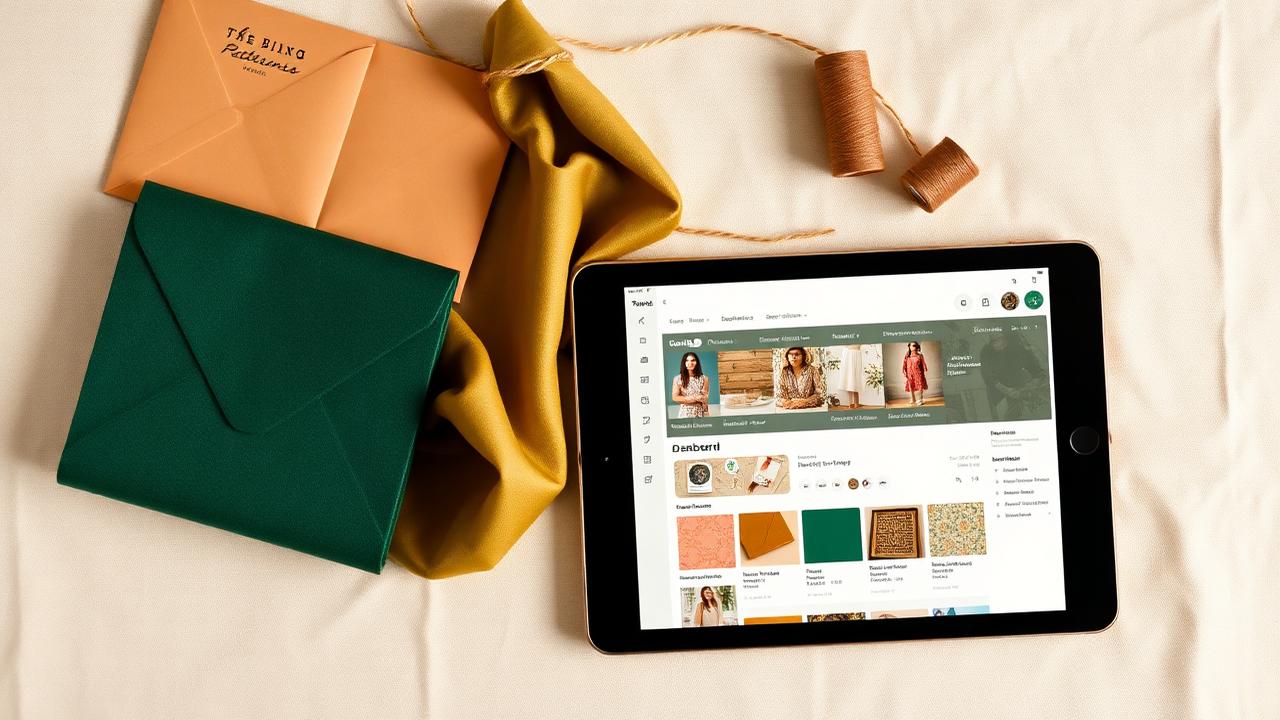
TL;DR. There is no true "Ravelry for sewing" — but you don't need one. What you actually need is a digital sewing room: a single mobile-friendly app that catalogs your patterns, fabric, thread, notions, and machines and links them together. Sewist Studio is built for exactly this, with a free tier that covers unlimited cataloging.
Why sewists keep asking for "the Ravelry of sewing"
If you've knit anything in the last decade you know the answer to "what yarn do I have, and what can I make with it?" takes about ten seconds on Ravelry. Sewists have spent fifteen years asking why their craft doesn't have the same thing.
A real answer requires some honesty about why it never happened:
- Sewing data is messier. A knit pattern is mostly "this yarn, this needle, this gauge." A sewing pattern is sizes, views, fabric recommendations, yardage by size and view, notions, lining, interfacing, and skill level.
- Fabric is harder than yarn. Yarn has weight, fiber, and yardage. Fabric has length, width, fiber blend, stretch, weight, and grain — all of which change which patterns it can become.
- The community fractured. Sewists ended up split across Pattern Review, Instagram, Reddit, Pinterest, Discord, Threads, and Substack instead of consolidating in one place.
So no, Ravelry didn't get a sewing twin. But what sewists actually need isn't a community site — it's a personal database that answers practical questions in five seconds. That's the digital sewing room.
The problem with how most sewists track things now
Walk into any sewing group and ask how people manage their stash. You'll hear:
- A spreadsheet they updated twice three years ago.
- Photos in a phone album they never label.
- A Pinterest board of "patterns to buy" that overlaps 40% with patterns already owned.
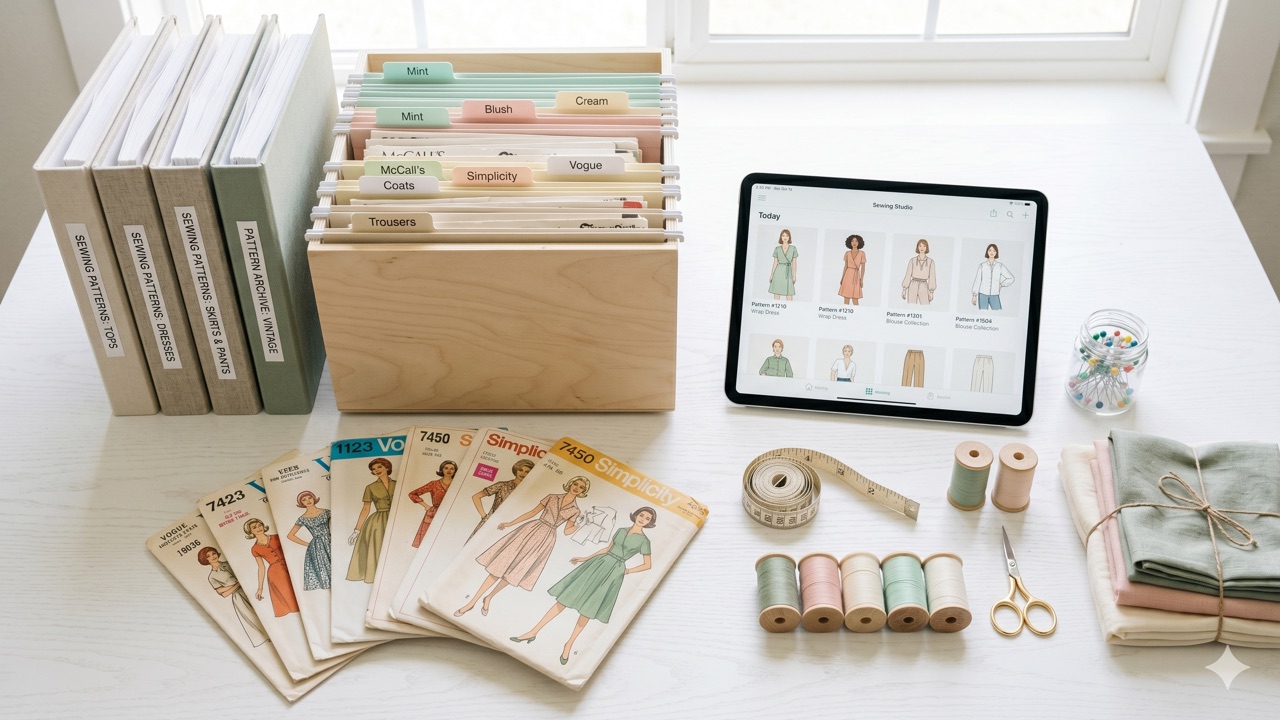
- A literal binder of pattern envelopes sorted by brand.
- A "stash room" they actively avoid opening.
These systems share two failure modes:
1. They don't scale. A spreadsheet works fine at 20 patterns. At 200 it's a graveyard.
2. They don't connect. Even if your spreadsheet is current, it can't answer "do I have enough navy ponte for this McCall's pattern?" — because your pattern list and your fabric list live in different files.
What a "sewing Ravelry" actually needs to do
If you strip away the community features and look at what makes Ravelry useful for the average knitter, it's four things:
1. Pattern database — find, save, and tag patterns you own.
2. Stash tracker — log yarn (or fabric) with photos, fiber, yardage.
3. Project log — link a pattern to specific stash items as you make them.
4. Search across all of it — "3 skeins of fingering weight wool" → instant list.
A digital sewing room is the same idea, scaled to the messier reality of garment sewing:
| What a sewist needs | Ravelry equivalent | Why it matters |
|---|---|---|
| Pattern catalog with sizes, views, yardage | Pattern library | Stop buying duplicates |
| Fabric stash with length, width, fiber | Yarn stash | "What can I sew tonight?" |
| Thread + notion inventory | (Ravelry has none) | Skip the JoAnn run mid-project |
| Project tracker linking pattern → fabric → thread | Project notebook | Finish more, abandon less |
| Mobile-first photo entry | App | You log from the fabric store, not from your desk |
| AI extraction from photos | (Ravelry has none) | 30 seconds per pattern, not 5 minutes |
How Sewist Studio fills the gap
Sewist Studio was built around exactly this list. The free tier covers the cataloging layer — unlimited patterns, unlimited fabric cuts, unlimited threads, unlimited notions, unlimited machines — plus the master dashboard that ties them together.
You don't pay anything to:
- Catalog every pattern you own (with photos, sizes, views, recommended fabric, yardage).
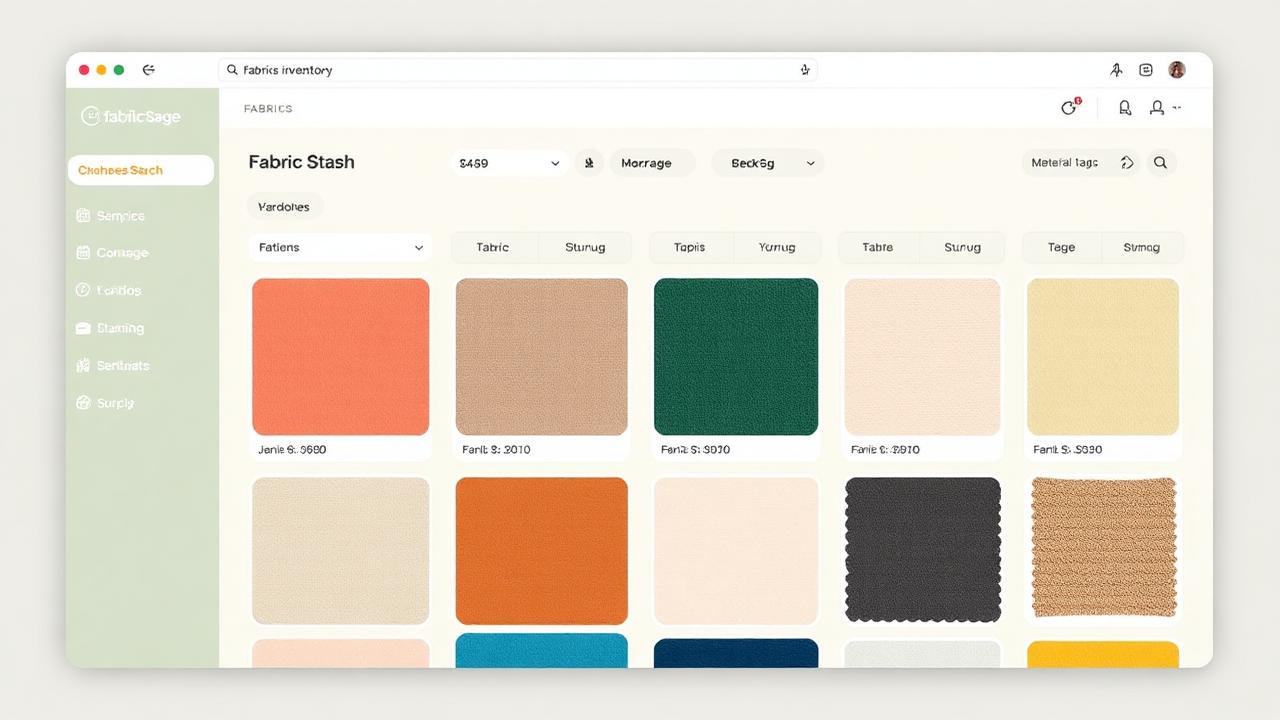
- Log every fabric cut with length, width, fiber, and weight.
- Track thread colors and counts so you stop buying that exact Gütermann shade for the third time.
- See everything on one dashboard, on your phone, in the fabric store.
The Pro plan ($4.99/month — less than a yard of quilting cotton) adds the AI layer: snap a pattern envelope and watch the AI fill in every field, point your camera at a fabric bolt and get color/material/yardage auto-tagged, and use the Stash Planner to answer "what can I sew this weekend?" in five seconds.
If you want the deep-dive version of this, the complete 2026 digital sewing room guide walks through every station.
Set yours up in 30 minutes
1. Create a free Sewist Studio account. No card, no trial timer.
2. Add 10 patterns. Photo of the envelope, brand and number, done. (On Pro, the AI fills it in for you.)
3. Add 10 fabric cuts. Length, width, fiber, a quick swatch photo.
4. Add your machines. Just brand + model is enough — the system pulls in specs.
5. Open the dashboard. That's a digital sewing room. You're done.
Two weeks of using it casually is enough to break the spreadsheet habit permanently. A month in, you'll stop buying duplicates. Three months in, you'll plan projects from your couch instead of standing in front of the fabric shelves.
Frequently asked questions
Is there a Ravelry for sewing?
Not in the community-hub sense. The closest equivalent for personal pattern + fabric + project tracking is Sewist Studio.
What is a digital sewing room?
A searchable mobile-friendly inventory of every physical thing in your sewing space, with patterns, fabric, thread, and projects linked together.
Is Sewist Studio free?
Yes — the free tier covers unlimited cataloging. Pro ($4.99/month) adds AI scanning and the Stash Planner.
Can I import an existing pattern spreadsheet?
Yes, via CSV import for patterns and fabric.
Start building your free digital sewing room on Sewist Studio →