How to Build a Sewing Pattern Database (and Why a Spreadsheet Always Fails)
If you've ever tried to catalog your patterns in a spreadsheet and given up by week three, you're not lazy — the format is wrong. Here's what actually works.
Why "I'll just put it in a spreadsheet" never sticks
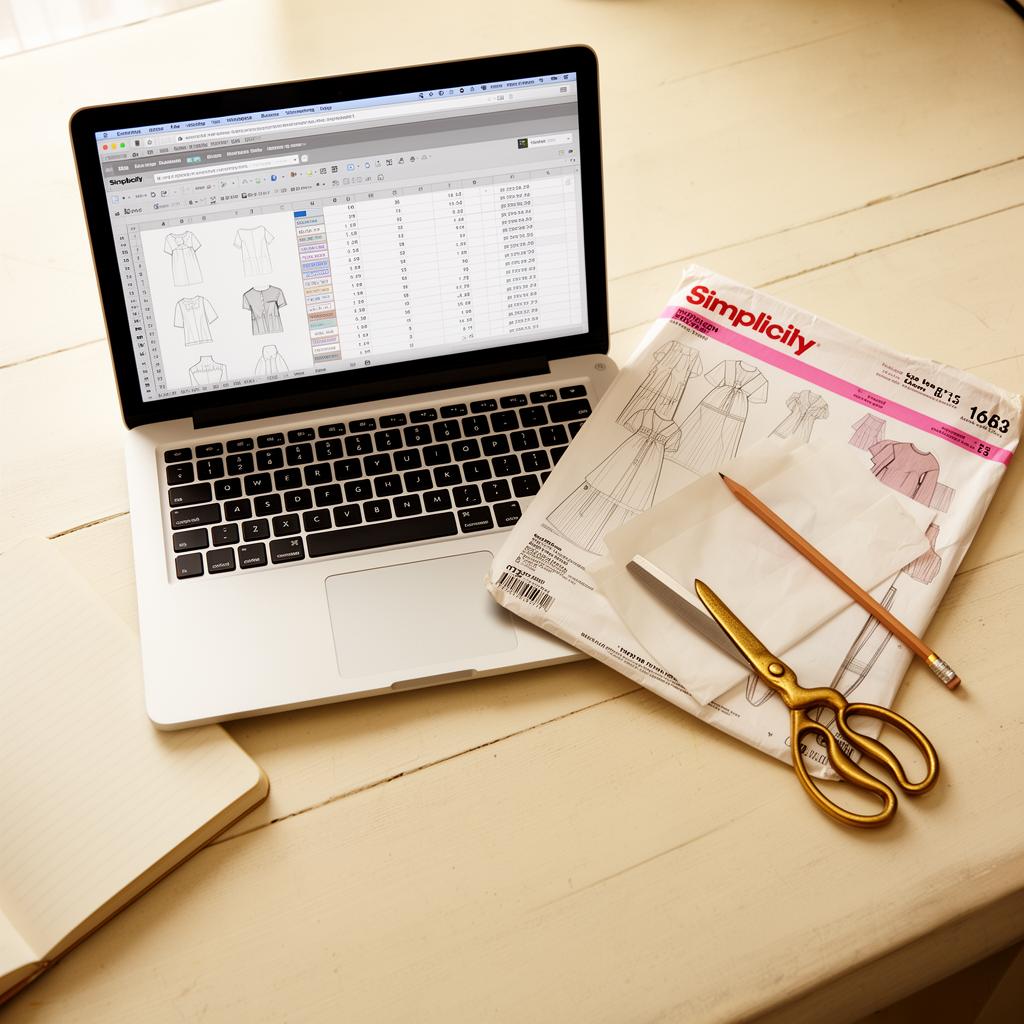
Every sewist with more than 30 patterns has the same fantasy: a clean spreadsheet, every pattern entered, sortable by size and fabric type, fully searchable. Most have tried — usually right after a particularly humiliating duplicate purchase or a frantic search for "that dress pattern I bought last spring."
Nearly all of those spreadsheets are dead by month two. Not because sewists are lazy — because the spreadsheet format is wrong for the job. Here's what an actual sewing pattern database needs, how to build one the DIY way, and the shortcut that fixes the maintenance trap.
The 12 fields a real pattern database needs
If your spreadsheet has fewer than these fields, it's not useful. If it has more, you'll never fill them in.
| # | Field | Why it matters |
|---|---|---|
| 1 | Brand | Filter "show me all Closet Core patterns" |
| 2 | Pattern number | The unique identifier |
| 3 | Cover thumbnail | Visual scanning is 10x faster than text |
| 4 | Garment category | Dress, top, pants, jacket, accessory |
| 5 | Sizes included | "Does this fit me?" in one glance |
| 6 | Views (A/B/C) | Same pattern, different garments |
| 7 | Recommended fabrics | The pre-purchase fabric filter |
| 8 | Yardage at 45" | What you need for narrow fabric |
| 9 | Yardage at 60" | What you need for wide fabric |
| 10 | Notions | Zippers, buttons, elastic, interfacing |
| 11 | Difficulty | Beginner / intermediate / advanced |
| 12 | Fit notes | What you changed last time — the single most useful field |
Any field you add beyond these (release year, designer Instagram, price paid, storage location) is optional. Any field you remove makes the database progressively less useful.
How to build it yourself
Three platforms most sewists try, in increasing order of capability:
Option 1: Google Sheets (free, simplest)
Set up:
1. Create a new sheet with 12 column headers matching the list above.
2. Add a thumbnail column using `=IMAGE("url")` formulas.
3. Set up a filter view so you can sort by category, size, or fabric.
Pros: Free, works on every device, easy to share.
Cons: Thumbnails are a pain (you need a URL for each), no relational links to fabric, slow with 100+ rows on mobile.
Option 2: Airtable (free tier, more capable)
Set up:
1. Create a base with a "Patterns" table.
2. Add an Attachment field for the envelope photo.
3. Add Single Select fields for category, difficulty, and brand.
4. Create a "Fabric" table and link the two with a relational field.
Pros: Real database — relational links work, mobile app is decent, free tier handles 1,000 records.
Cons: The free tier caps attachments at 1 GB; still 100% manual data entry.
Option 3: Notion (most flexible, most maintenance)
Set up:
1. Create a Patterns database with all 12 properties.
2. Create a Fabric database and a Projects database.
3. Link them with relation properties.
4. Build views: gallery (with thumbnails), table, by category.
Pros: Beautiful, totally customizable, supports multi-database links.
Cons: Notion's data entry is slow on mobile. Maintenance burden is real. You'll spend hours building the system before you catalog a single pattern.
Why most spreadsheets die in month two
Three predictable failure modes:
Failure 1: The intake bottleneck
Typing in a single pattern takes ~3 minutes. A 100-pattern backlog is 5 hours of pure data entry. Almost nobody finishes the backlog. The half-entered database becomes "the spreadsheet I'll get back to," and never does.
Failure 2: The drift problem
You buy a new pattern. It's exciting. You don't enter it — you'll do it later. "Later" becomes "after this project." Three months in, your spreadsheet is missing the last 20 patterns and you stop trusting it.
Failure 3: The thumbnail problem
A pattern database without thumbnails is a list of pattern numbers, which is useless for browsing. But sourcing a thumbnail for every pattern means scraping cover images, hosting them somewhere, and pasting URLs into a column. Most DIY databases give up here.
These aren't motivation problems. They're format problems. Any solution that requires 3 minutes of manual entry per pattern will fail at scale, no matter who builds it.
The shortcut: skip the spreadsheet entirely
The data entry burden is what every previous attempt at a "Ravelry for sewing" died of (full history in our Ravelry vs sewing piece). It's also what your spreadsheet will die of.
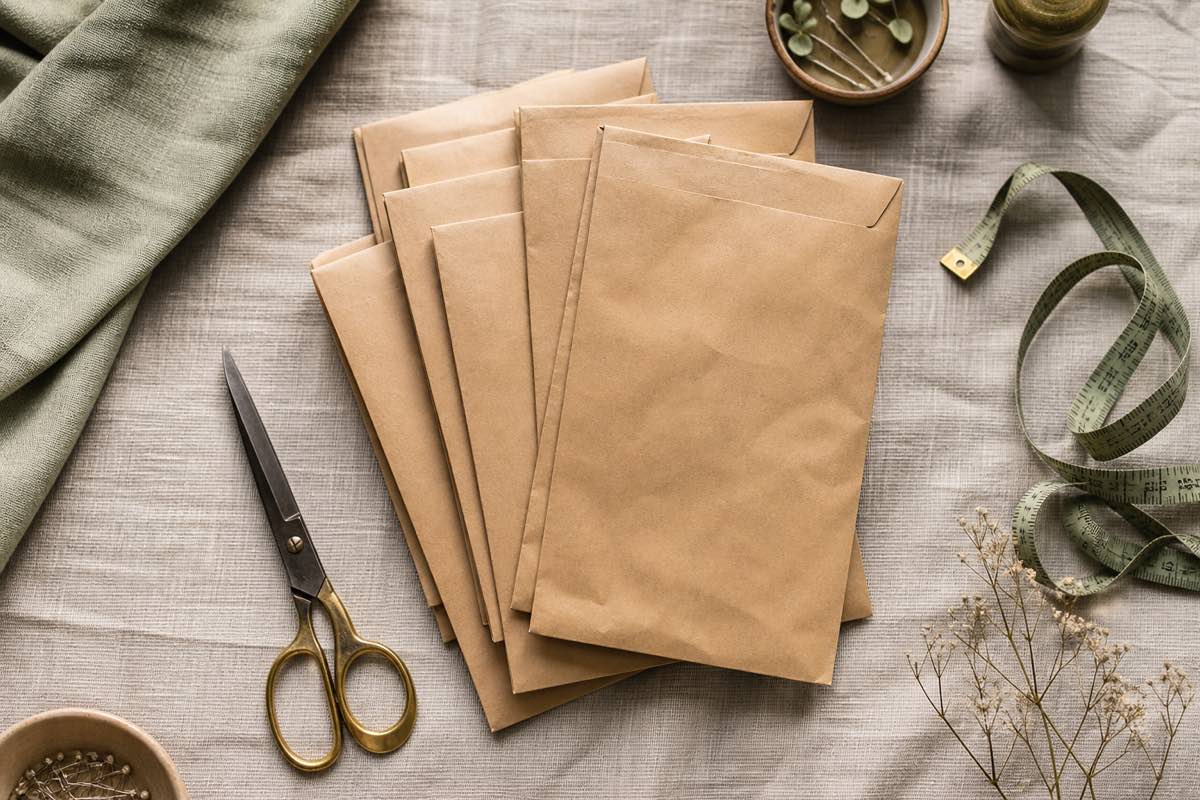
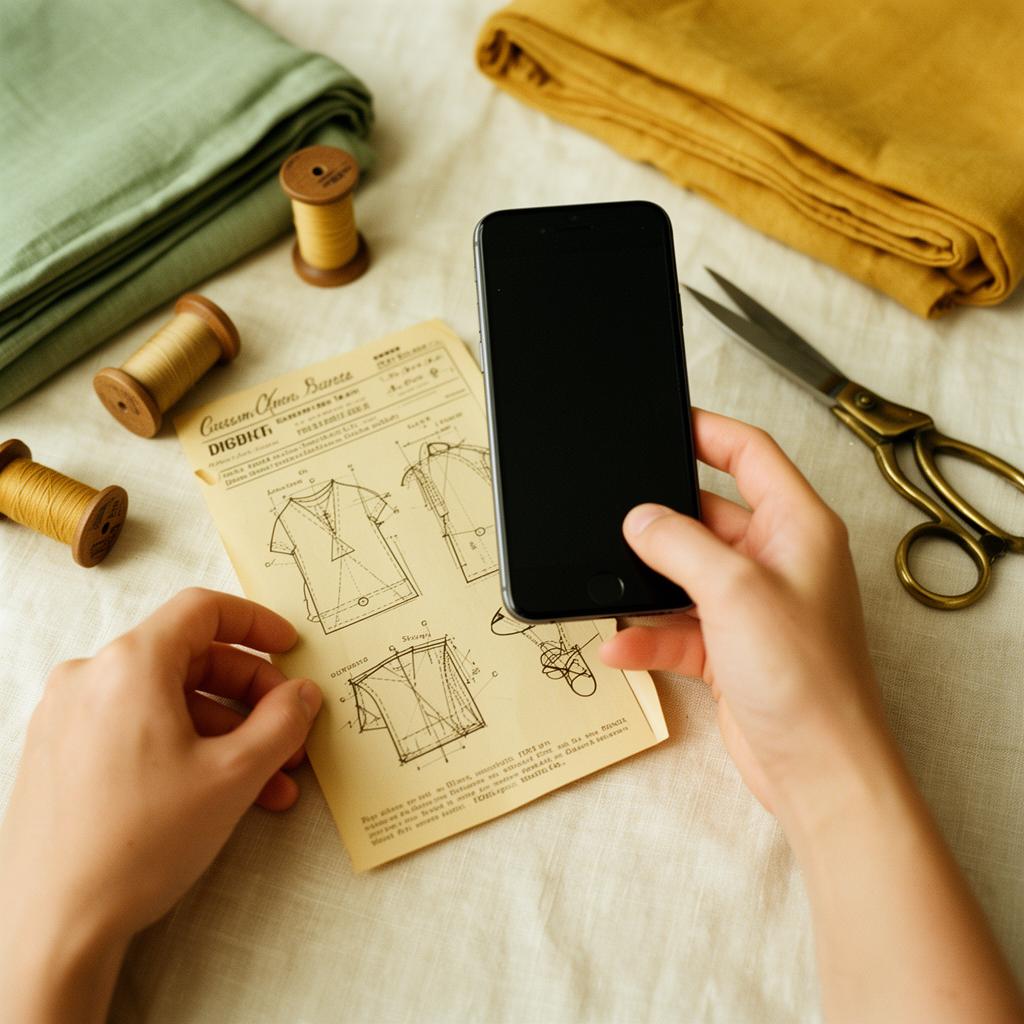
Modern AI vision models can read a sewing pattern envelope front and back and extract every one of those 12 fields in under five seconds, accurately. That collapses the intake step from 3 minutes to about 10 seconds (the time it takes to snap two photos). A 100-pattern backlog goes from 5 hours to roughly 20 minutes.
That's exactly what Sewist Studio's AI pattern scanner does:
- Snap the envelope front and back.
- The AI extracts brand, number, sizes, views, recommended fabrics, yardage at both widths, notions, and difficulty.
- The cover photo becomes the thumbnail automatically.
- The pattern lands in a searchable, filterable library.
You add fit notes (field 12) after you actually sew the pattern. Everything else is done for you.
What a real pattern database unlocks
A database without integrations is just a list. The reason knitters love Ravelry isn't the pattern catalog — it's that the catalog talks to the yarn stash and the project queue. The same logic applies here.
Linking a pattern database to a fabric stash lets you ask the only question that actually matters when you sit down to sew: what can I make today with what I own?
A pattern database that doesn't answer that question is filing for filing's sake. One that does answers it in 5 seconds — and that's when sewists actually use it.
If you still want to DIY
If you genuinely love systems and want to build it yourself, Airtable is the best target — relational, free tier, decent thumbnails. Use the 12 fields above. Plan to spend a full Saturday on the intake. Set a calendar reminder every two weeks to log new patterns, because without one, the drift problem will get you.
If that sounds like a chore, it's because it is one. The DIY route only makes sense if the building of the system is itself the fun part for you. For most sewists, it isn't.
Want a pattern database without the spreadsheet maintenance trap? Start a free Sewist Studio account. Photograph your first ten envelopes — the database builds itself. By the end of an evening, you'll have what a Notion sewist spends three months trying to build.