7 Pattern Review Alternatives Every Sewist Should Know in 2026
PatternReview.com has been the go-to since 2001. Here's what else exists in 2026, what each one is actually good at, and the all-in-one that finally ties them together.
Why "where do I review my sewing projects?" is still an open question in 2026
Knitters have Ravelry. Sewists have a fragmented landscape — a handful of decent options, none of them complete. The question isn't whether you should log and review your makes (you absolutely should — fit notes from your last version of a pattern are the single biggest predictor of whether the next one fits). The question is where.
Here are the seven platforms sewists actually use in 2026, with honest pros and cons. Pick what fits your workflow.
1. PatternReview.com — the OG
Founded: 2001. Best for: reading thorough, structured reviews before buying a pattern.
PatternReview is the longest-running sewing platform on the internet. It has a massive review database — most popular patterns have dozens of detailed write-ups with finished photos, fit notes, and modification suggestions. For pre-purchase research, it's still indispensable.
Pros:
- Largest sewing-specific review database online
- Structured format (fabric used, alterations, recommendation)
- Free read access, paid membership for posting
Cons:
- UX is straight from the early 2000s
- No fabric stash, no project tracker, no library
- Pattern catalog is incomplete and slow to update
- Mobile experience is rough
Use it for: reading reviews before buying. Not for your daily project tracking.
2. Instagram (#memade, #handmadewardrobe)
Best for: showing off finishes, finding modern indie patterns, getting inspired.
The sewing community on Instagram is huge and welcoming. Hashtags like #memade, #handmadewardrobe, #isew, and pattern-specific tags (#wilderdress, #zadiejumpsuit) make it easy to see dozens of versions of any popular pattern.
Pros:
- Massive community, fast feedback
- Modern visual format
- Discovery of indie designers happens here
Cons:
- Nothing is searchable later — your own posts vanish into the feed
- No structured fit or fabric data
- Algorithmic ranking buries useful reviews under aesthetic ones
- Tied to a platform you don't control
Use it for: community and discovery. Not for organizing your own makes.
3. Reddit r/sewing and r/sewhelp
Best for: asking specific questions, getting feedback on fitting problems.
The Reddit sewing communities are friendly and technically sharp. r/sewhelp is especially good for "is this fabric right for this pattern?" questions, and you'll get genuine answers from experienced sewists within hours.
Pros:
- Free, fast, anonymous
- Honest technical feedback
- Searchable archive of past questions
Cons:
- No project tracking
- No personal library
- Reviews don't accumulate against patterns
Use it for: troubleshooting. Not for cataloging.
4. Notion templates
Best for: sewists who already live in Notion and enjoy building their own systems.
Search "Notion sewing template" and you'll find dozens. They typically include a pattern database, a fabric database, and a project tracker, all linked.
Pros:
- Total customization
- Free for personal use
- Works on every device
Cons:
- 100% manual data entry — every pattern is typed by hand
- No AI scanning, no stash matching, no automatic anything
- Maintenance burden kills 90% of them within three months
- No community, no sharing
Use it for: if you already love Notion. Otherwise, see #7.
5. Trello / Asana for sewing WIPs
Best for: Kanban-minded sewists who want to drag projects from "cutting" to "fitting" to "done."
A Trello board with columns for project status works well. Each card holds project photos, pattern reference, and notes.
Pros:
- Excellent Kanban UI
- Free tier is generous
- Comfortable for project-management types
Cons:
- No concept of a pattern library or fabric stash
- No matching, no suggestions
- Same maintenance burden as Notion
- No reviews or community
Use it for: if you only want to track active WIPs and nothing else.
6. Cora Sewing Tracker (mobile app)
Best for: sewists who want a phone-first project tracker with basic pattern and stash fields.
A purpose-built mobile app for tracking sewing projects, patterns, and fabric. Solid execution within its scope.
Pros:
- Built for sewing specifically
- Mobile-friendly
- Reasonable pricing
Cons:
- Mobile-only (no desktop or web access)
- No AI cataloging
- Stash-to-pattern matching is manual
- Limited pattern field structure
Use it for: mobile-only workflows. If you want desktop, see #7.
7. Sewist Studio (the all-in-one)
Best for: sewists who want everything PatternReview, Instagram, Notion, Trello, and Cora do combined, with AI doing the data entry.
Sewist Studio is the only platform in 2026 that puts the library, stash, project tracker, fabric/pattern matching, and reviews into one place — and uses AI to skip the data-entry problem that killed every previous attempt at a "Ravelry for sewing." The full case for why it took so long lives in our companion piece, Ravelry vs Sewing: Why Knitters Got a Hub and Sewists Didn't.
Pros:
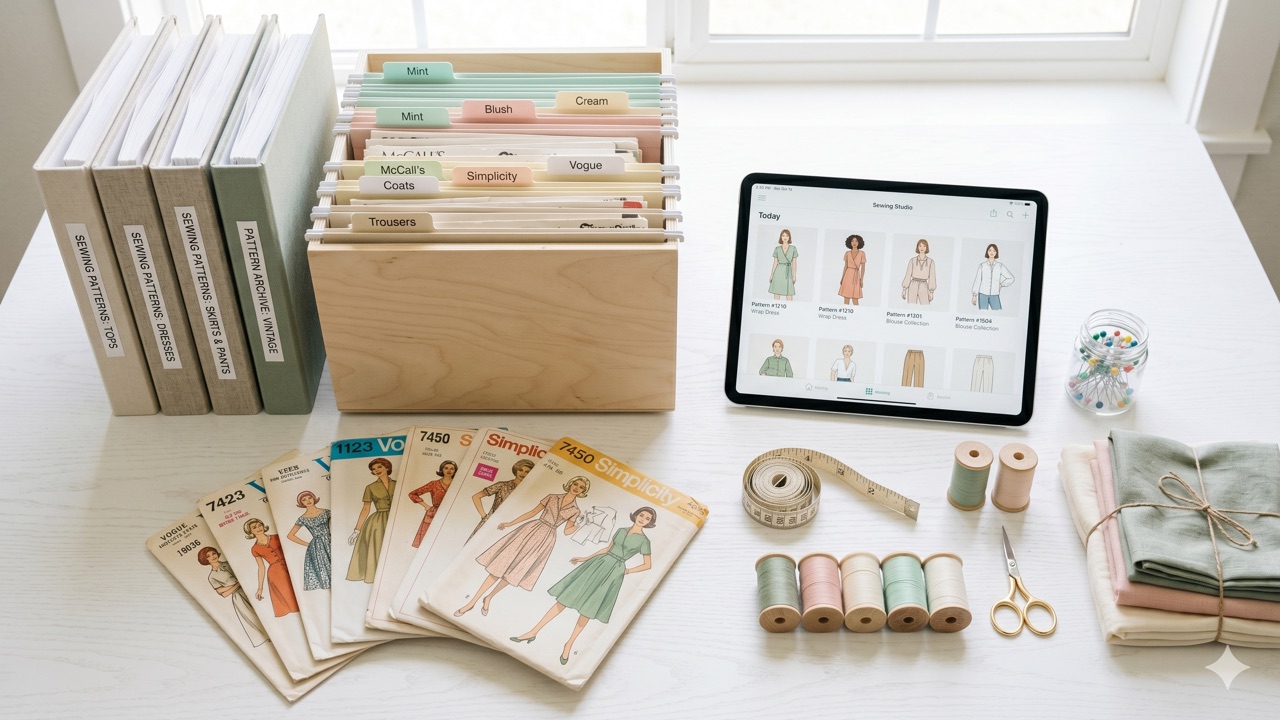
- AI pattern scanner builds your catalog from envelope photos
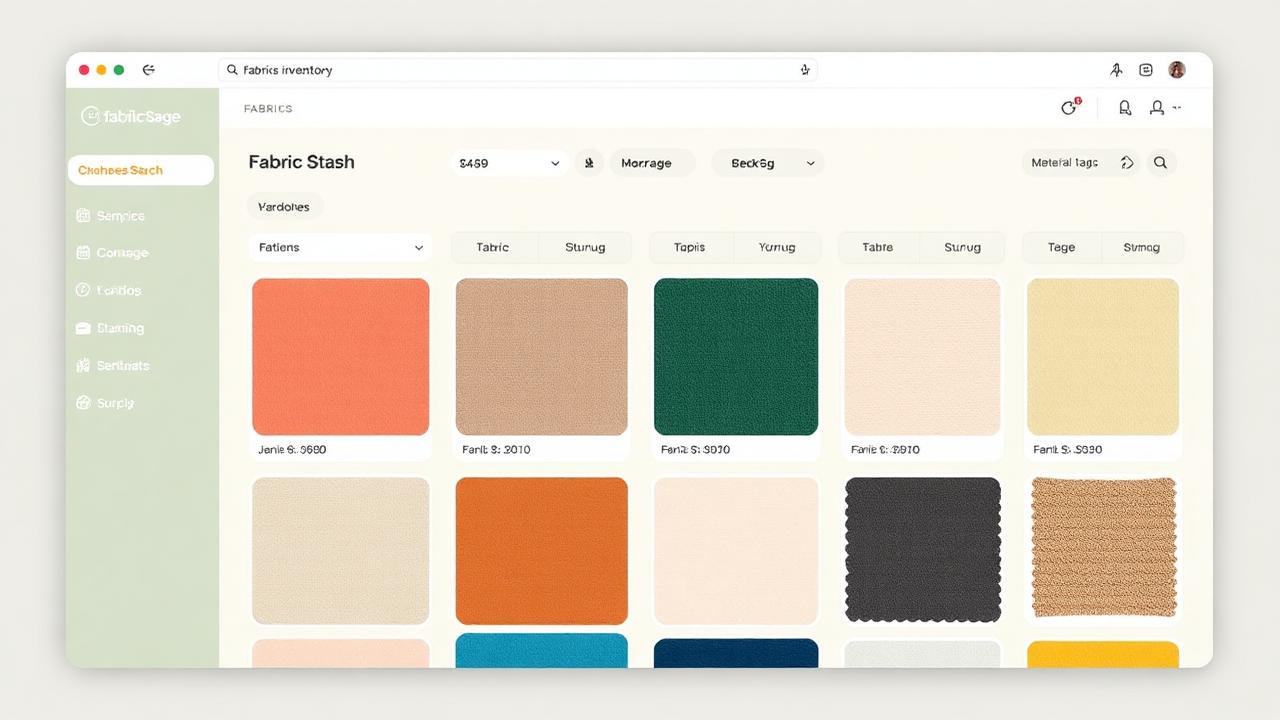
- Structured fabric stash with weight, drape, dimensions
- Kanban project tracker that links patterns + fabric + finished photos
- AI suggests what to sew next from what you already own
- Embroidery file previews, machine maintenance logs, thread inventory
- Web + mobile, single account
- Free tier is generous; Pro is $4.99/mo
Cons:
- Community feed is still growing (the tool came first; community follows)
- Won't replace PatternReview's archive for pre-purchase research yet
Use it for: your actual sewing life — library, stash, projects, and reviews in one place. See our breakdown of how the project tracker and pattern library work together.
What to actually use
A realistic 2026 setup:
- PatternReview.com before buying a pattern (read reviews).
- Instagram for inspiration and to share finishes publicly.
- Reddit when you hit a problem mid-project.
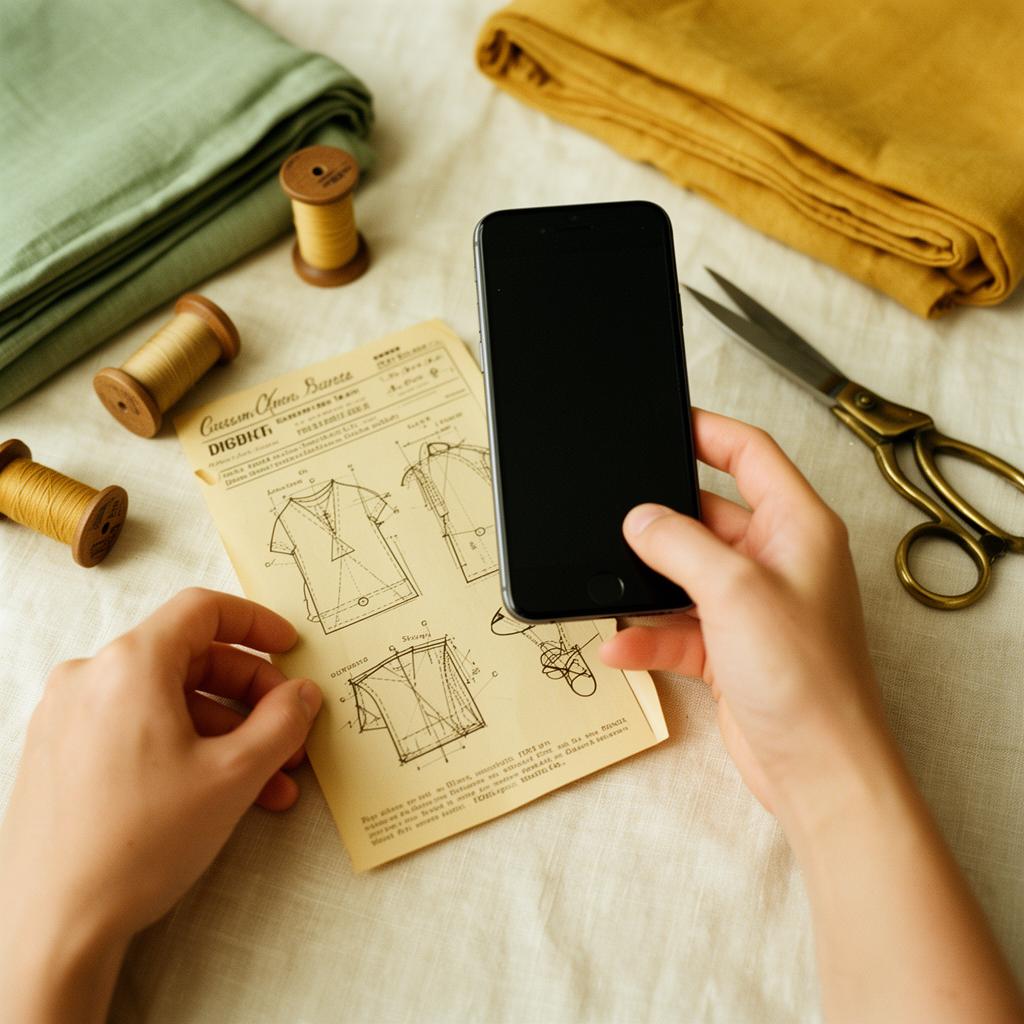
- Sewist Studio as your home base — library, stash, project tracker, reviews you can actually search later, AI suggestions.
You don't have to pick one. You do have to pick one home base for your actual data, because spreading it across five platforms is how patterns get forgotten and fabric gets re-bought.
Want a home base that does what PatternReview, Notion, Trello, and Cora try to do — combined, with AI handling the data entry? Start a free Sewist Studio account. Catalog ten patterns, log a few cuts of fabric, and see what an integrated sewing platform actually feels like.