Sewing Project Tracker: How to Manage Your WIPs and Finish More Projects
Too many works-in-progress and not enough finished projects? A sewing project tracker helps you plan, prioritize, and actually complete your sewing goals.
The WIP problem
WIP — "work in progress" — is a badge of honor in some sewing circles and a source of guilt in others. A few active projects is normal. But when you have 8, 12, or 20 unfinished garments scattered across your sewing room, something needs to change.
The problem isn't discipline. It's systems. Without a way to track what's in progress, what's next, and what's waiting on supplies, projects pile up and motivation tanks. (If your patterns are also disorganized, start with our guide to organizing your sewing pattern collection.)
What a sewing project tracker does
A good sewing project tracker gives you:
- A clear view of all active projects — what's in progress, what's planned, what's done
- Project details — which pattern, which fabric, what stage you're at
- Priority management — what to work on next
- A sense of accomplishment — seeing completed projects builds momentum
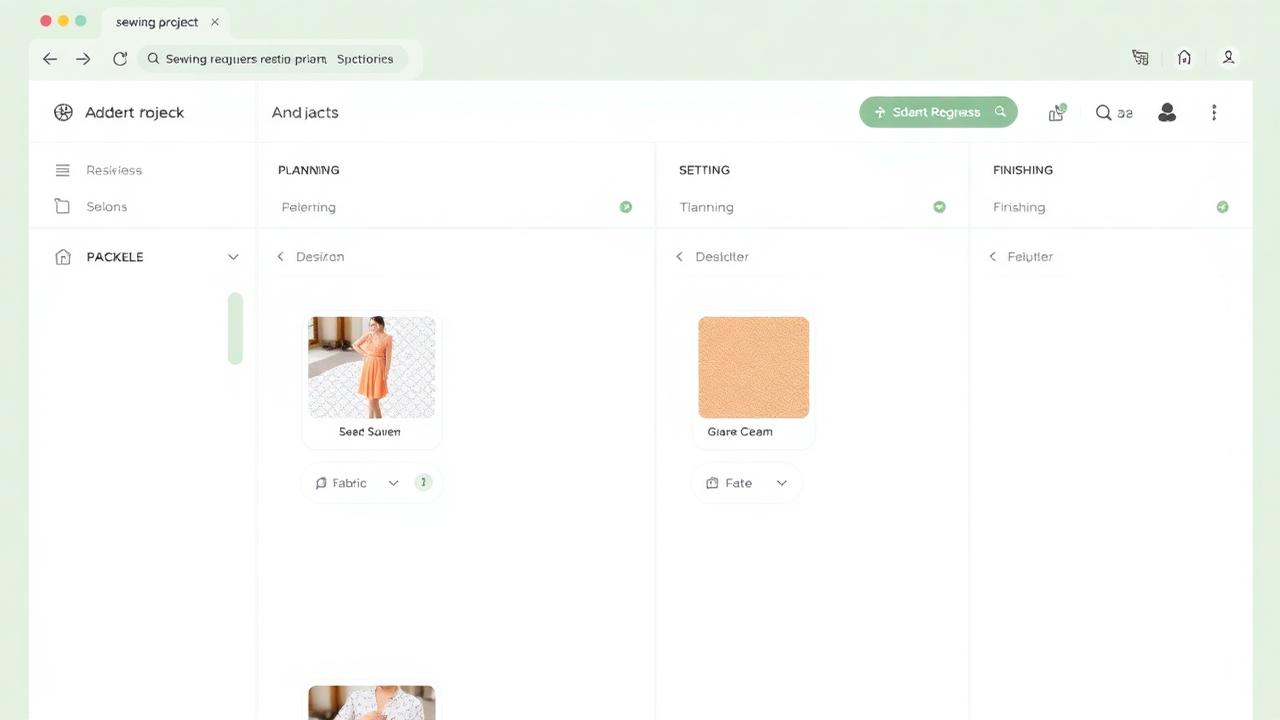
Think of it like a kanban board for your sewing room.
How to set up your project tracker
Step 1: List every active WIP
Get everything out of your head and into your tracker. For each project, note:
- Project name (e.g., "Linen wrap dress for vacation")
- Pattern being used
- Fabric assigned
- Current status: Not started / Cutting / Sewing / Fitting / Finishing
- Any blockers: Waiting for a zipper? Need to do a muslin first? Missing a button?
Step 2: Be honest about what you'll finish
Look at your list. Some of those WIPs have been sitting untouched for months (or years). Ask yourself:
- Am I still excited about this project?
- Does the fabric still appeal to me?
- Has my size changed since I started cutting?
It's okay to retire a WIP. Unpin that half-sewn project, reclaim the fabric if possible, and free up mental space for projects you're actually excited about.
Step 3: Limit your active WIPs
A key principle from project management: limiting work in progress increases throughput. This sounds counterintuitive, but it works. When you have 3 active projects instead of 12, you focus better and finish faster.
Try setting a WIP limit of 3-5 active projects. New projects go into a "Planned" queue. You only start something new when you finish (or officially retire) something current.
Step 4: Plan before you cut
For each planned project, make sure you have everything ready before you start:
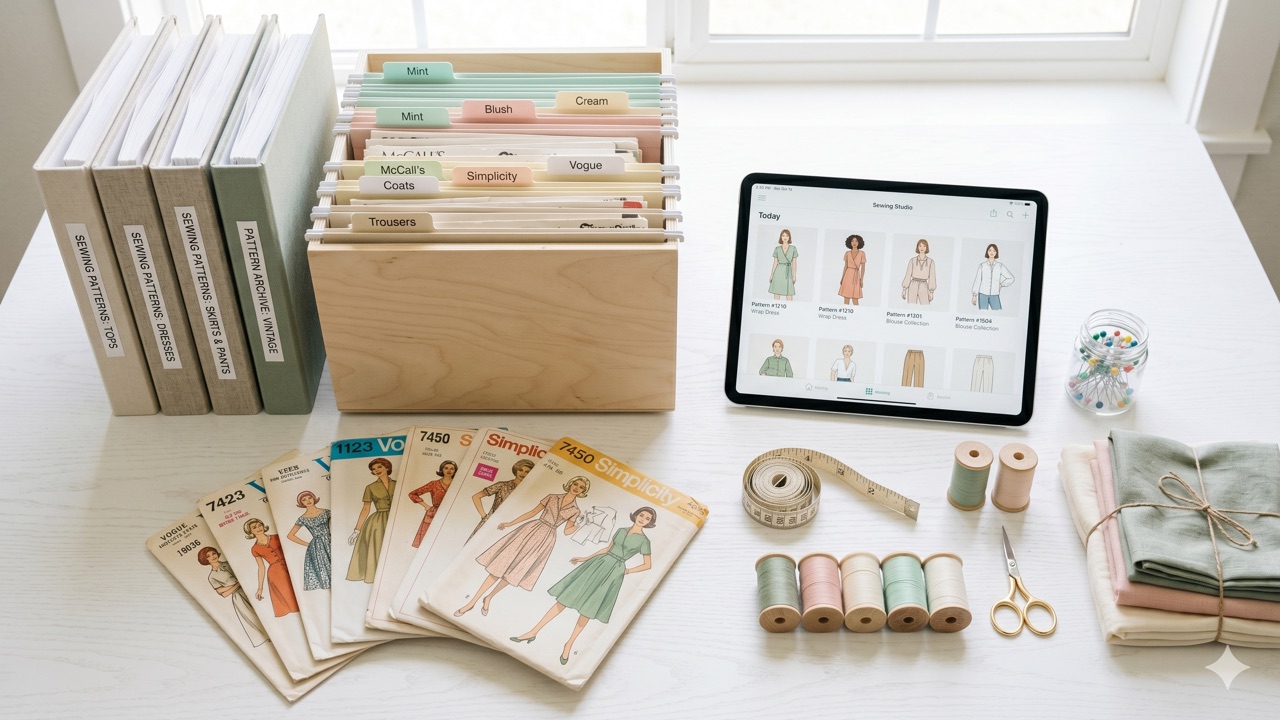
- Pattern selected and size determined — use your organized pattern catalog to pick the right one
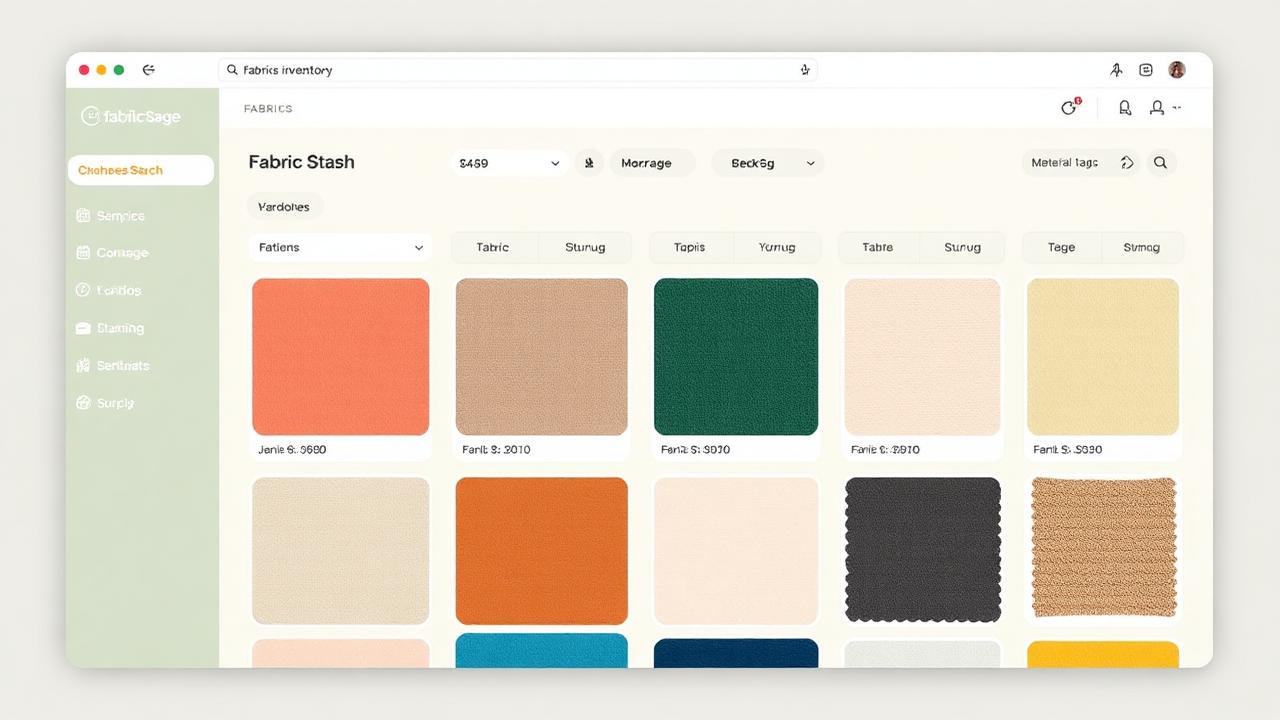
- Fabric washed and pressed — check your fabric stash tracker for what you have on hand
- Thread, zipper, buttons, and other notions on hand
- Any fitting adjustments noted from previous makes
A sewing project management app like Sewist Studio lets you link patterns to fabrics, track required notions, and plan your project from start to finish — all before you make the first cut. And when you're shopping for new patterns, make sure you avoid buying duplicates.
Step 5: Celebrate completions
When you finish a project, document it! Take a photo, note what worked and what you'd change, and record the date. This builds a personal portfolio of your sewing journey and motivates you to keep going.
The finished-project feeling
There's nothing quite like the satisfaction of wearing something you made yourself. A sewing project tracker helps you experience that feeling more often by keeping you focused, organized, and moving forward.
Tools for tracking sewing projects
Simple options
- A notebook with a project list and checkboxes
- A whiteboard in your sewing room
- A spreadsheet with project columns
Purpose-built sewing tools
- Sewist Studio — full project management with pattern/fabric linking, status tracking, and a kanban-style workflow
- Track projects alongside your full pattern and fabric inventory in one app
Start finishing more projects with Sewist Studio — the sewing project tracker that helps you plan, prioritize, and complete your sewing goals. Free to get started.