Back to blog
sewist studio vs notion
notion for sewing
notion sewing template
sewing database app
Sewist Studio vs Notion for Sewing Organization
By Sabrina Dowling6 min read
Notion asks you to build a sewing app. Sewist Studio ships one.
The short answer
Notion is a blank canvas. Sewist Studio is a completed sewing app. If you enjoy building Notion templates, Notion wins. If you want to sew, Sewist Studio wins.
Feature comparison
| Feature | Notion | Sewist Studio |
|---|---|---|
| Pattern database | Build yourself | Pre-built |
| Fabric inventory | Build yourself | Pre-built with yardage math |
| Cross-database relations | Yes (manual setup) | Automatic |
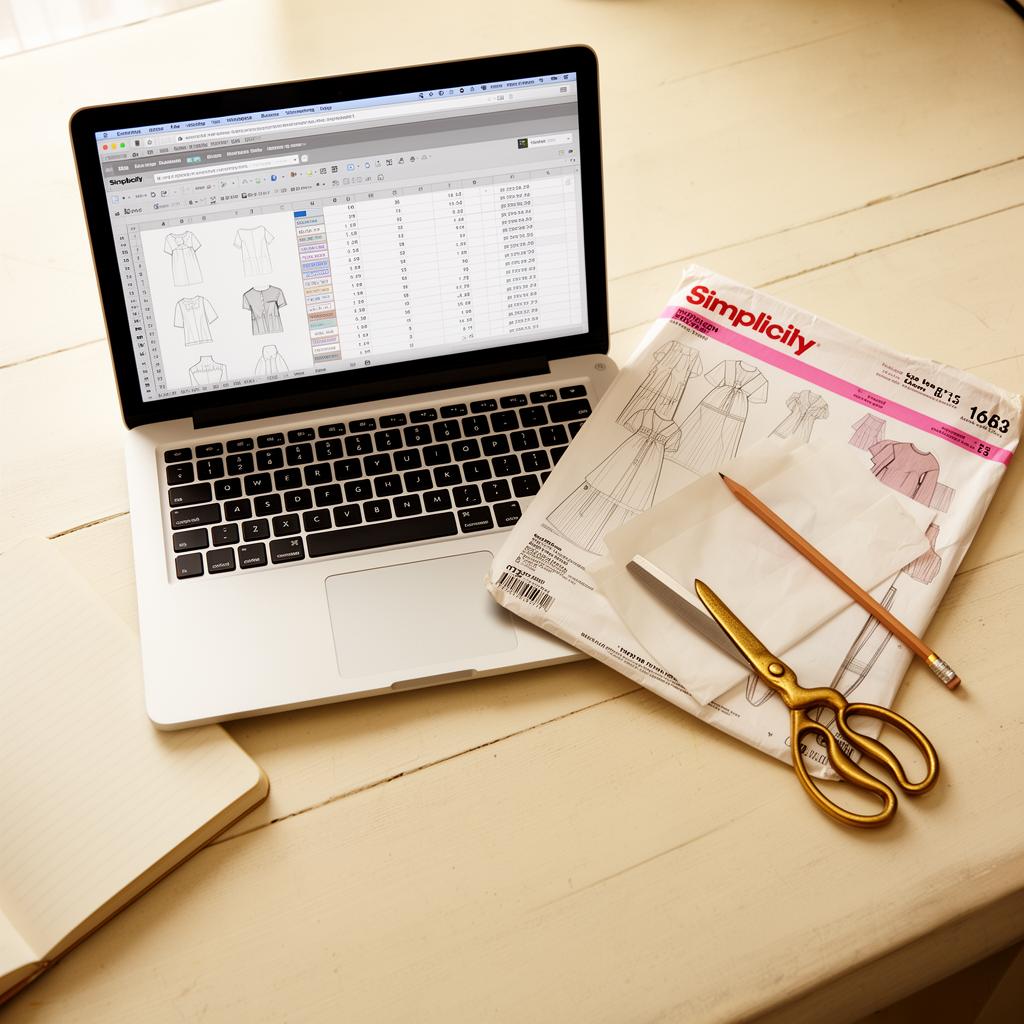
| Photo scanning for patterns | No | Yes (AI) |
| Cut history tracking | Build yourself | Built-in field |
| Mobile app quality | Slow at scale | Fast PWA |
| Shopping list from projects | Manual formula | Auto-generated |
| Setup time to first pattern | 2-4 hours | 30 seconds |
| Cost | $10/mo Pro | Free tier + Pro |
Where Notion wins
- Total customization. Custom fields, formulas, and views however you want.
- Everything-in-one-place users. If your recipes, work notes, and reading list are already in Notion, sewing can join.
- Wiki-style long-form content. Notion is excellent for writing.
Where Sewist Studio wins
- Ready-made schema. Fields for garment type, size, view, and cut history are already right.
- AI-native. Scan pattern envelopes and recreate garments from photos — impossible in Notion.
- Mobile-first. Notion mobile lags on large databases. Sewist Studio was designed for phone-first use in fabric stores.
- Fabric yardage math. Sewist Studio subtracts yardage automatically when you add fabric to a project. Notion needs a manual formula per project.
What Notion sewing templates look like
Popular templates offer:
- One database for patterns, one for fabric, one for projects
- Manual "relation" fields between them
- Text-only pattern entries (no photo-first browsing)
- No yardage subtraction
Fine for 50 patterns; painful at 500+.
Migration
Verdict
Choose Notion if you're a template-building enthusiast and want total control.
Choose Sewist Studio if you want to organize your stash tonight and sew this weekend.