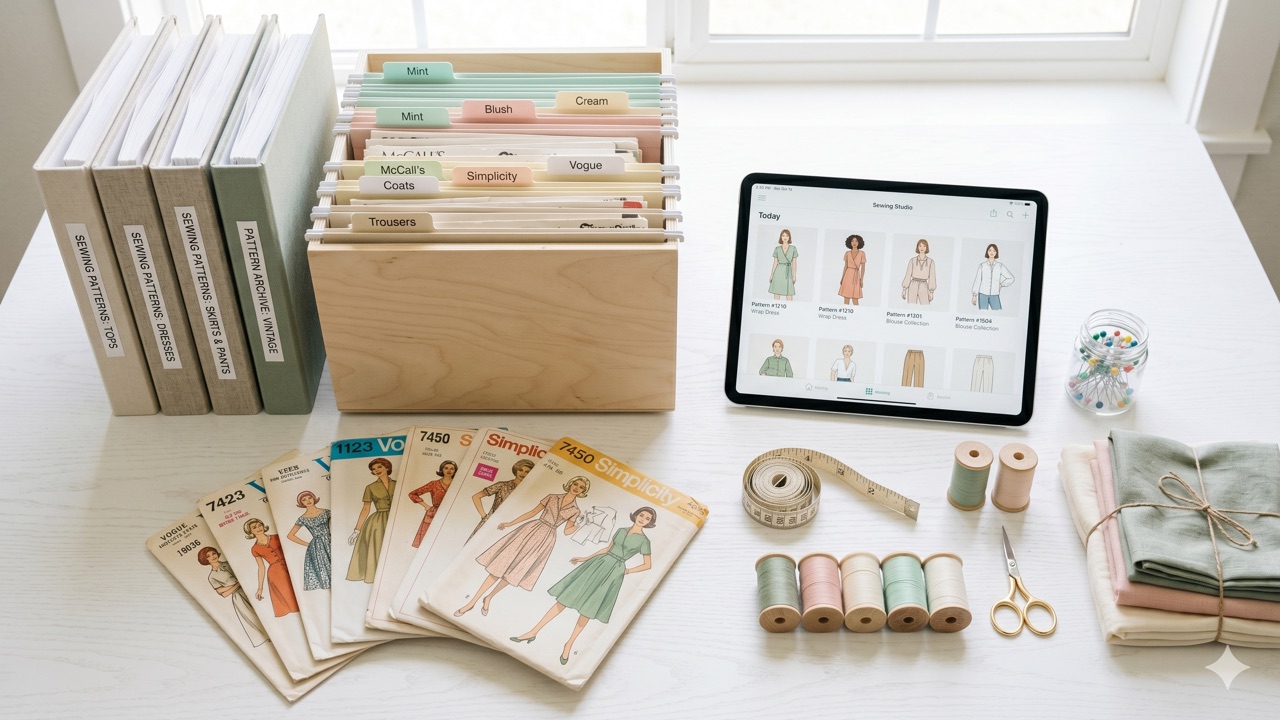
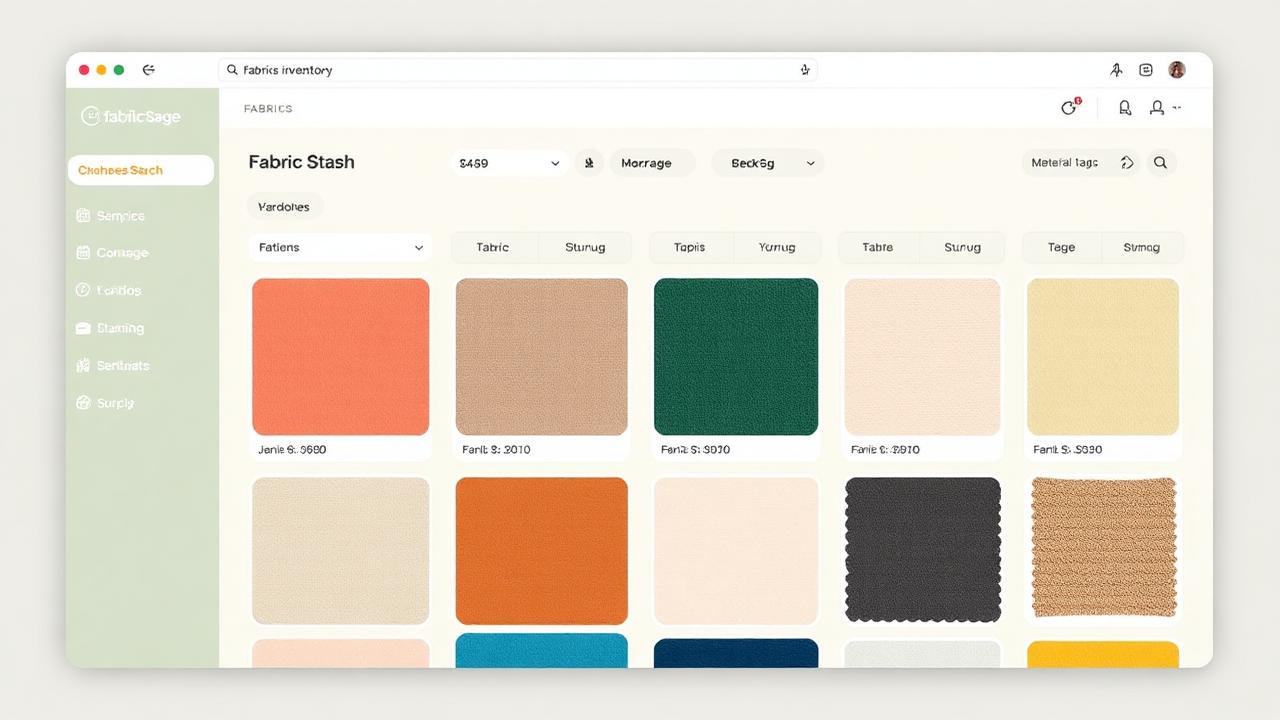
Catalog Your Sewing Patterns in Seconds with an AI Scanner
Manually typing out 300 pattern envelopes is why most sewists never catalog their stash. AI photo scanning makes it a one-tap job.

The reason your stash isn't cataloged yet
You've thought about it. You may have even tried. Then you opened a spreadsheet, typed "Simplicity 8975 — wrap dress — sizes 6–14 — woven, lightweight" and realized you have two hundred more to go. That's the moment most sewists quit.
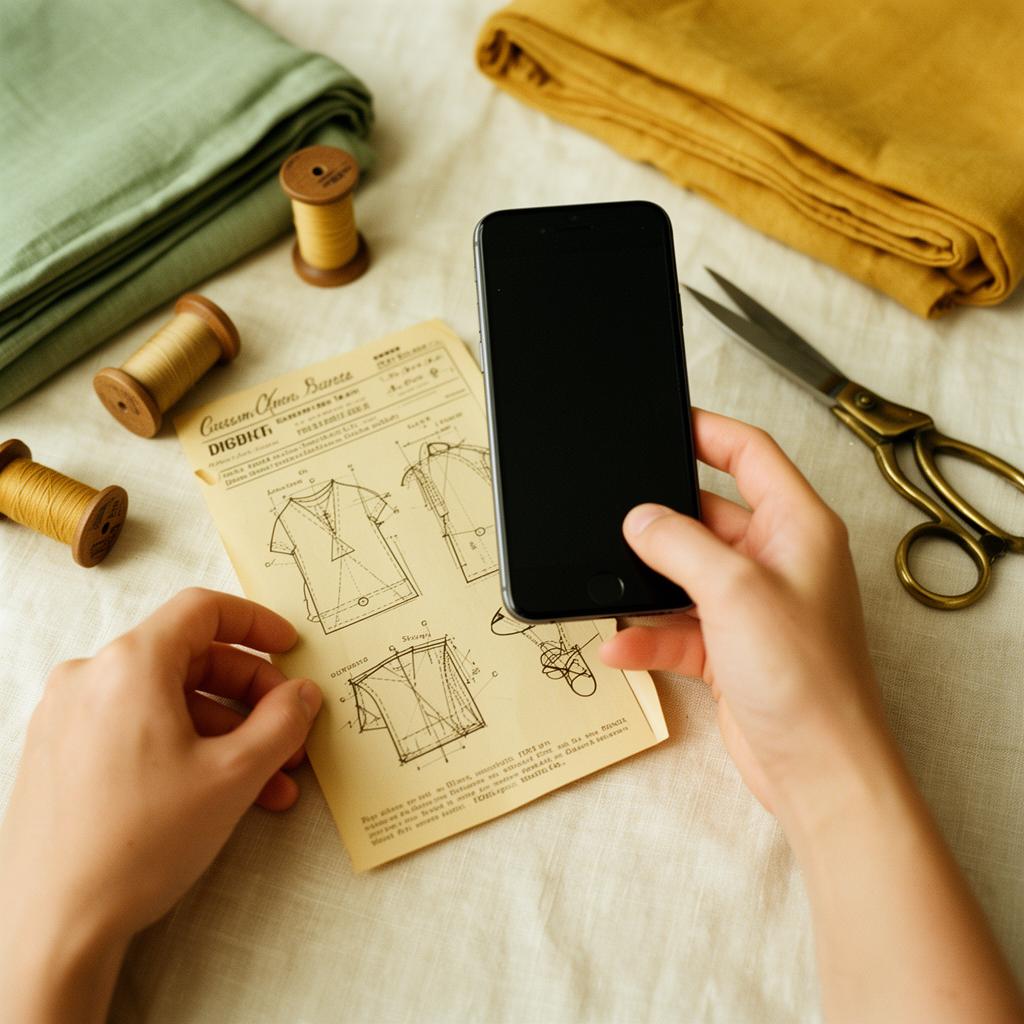
Sewist Studio's AI pattern scanner removes the typing. Take a photo of any pattern envelope and the AI reads it, extracts every detail that matters, and adds a fully-cataloged record to your library. The scanner works on the same Smart Ingestion pipeline that powers fabric and notion scanning — it's the spine of the whole app.
What the scanner actually extracts
From a single envelope photo, the AI pulls:
- Brand (Simplicity, McCall's, Butterick, Vogue, New Look, Burda, indie names)
- Pattern number (with view variants when shown — A/B/C/D)
- Garment type(s) — dress, top, pants, jacket, costume, etc. — including multi-garment envelopes
- Sizes included — both numeric (6–22) and lettered (XS–XXL), with bust/waist/hip when printed
- Recommended fabrics — knits, wovens, weight, drape suggestions
- Notions list — zippers (length and type), buttons (count and size), interfacing, elastic
- Yardage estimates by size and view (when shown on the envelope back)
- Difficulty rating when the envelope provides one
- A clean cover photo for the catalog grid, using the envelope front you uploaded
You can edit any field after the fact, but for most envelopes the AI gets enough right on the first pass that you'll just hit save.
Batch mode: catalog a whole drawer in ten minutes
For sewists with serious stashes, the scanner runs in batch mode — upload up to 20 envelope photos at once and the AI processes them in parallel. A sewist with 300 patterns can realistically be done in two or three sittings instead of two or three weekends.
Batch mode is also how most users do their initial migration:
1. Lay your patterns out on a table in groups of 10–20.
2. Snap a quick photo of each envelope front (one tap per pattern — no styling required).
3. Drag the whole folder into Sewist Studio's batch importer.
4. Walk away, come back, review the results.
The most common feedback after a batch run: "I had no idea I owned that one."

PDF patterns work too
For digital patterns, you don't even need a photo — upload the PDF cover sheet and the scanner extracts the same structured data. Pair this with the PDF pattern organizer guide for a complete digital stash workflow.
Why a structured catalog matters more than you think
A cataloged pattern stash unlocks every other feature in Sewist Studio:
- AI search can only rank patterns it has fingerprinted — the catalog is what gets fingerprinted.
- The AI Pattern Finder can only return owned matches if those patterns have structured metadata.
- The stash-aware project planner only suggests projects when it knows which patterns work with the fabrics you own.
- The duplicate-purchase warning only fires when the new pattern's profile can be compared against your library.
In short: catalog once, benefit forever. And the catalog step used to be the hard part.
Free to try, generous on Pro
Every account gets a monthly allotment of free scans. Pro users get a much larger monthly pool plus batch mode for serious stash migrations — a single one-time setup that pays back for years.
Ready to finally know what's in your stash? Start a free Sewist Studio account, photograph your first ten envelopes, and watch them appear in your catalog as the AI works. The hard part is over.