PDF Sewing Patterns: How to Organize, Store, and Actually Use Them
PDF sewing patterns have transformed the indie pattern world — but they come with an organizational challenge paper patterns don't. Here's how to tame the digital chaos.

PDF sewing patterns have transformed the indie pattern world. Instant delivery, no international shipping, often a lower price point — it's easy to see why so many sewists have shifted toward them. But PDF patterns come with an organizational challenge that paper patterns don't: they're invisible.
A paper pattern takes up physical space. You know it exists because you can see it. A PDF pattern lives in a folder somewhere on your computer, tablet, or email inbox — and out of sight really does mean out of mind.
The PDF Pattern Graveyard Problem
Ask any sewist who's been buying PDFs for a few years and they'll tell you: there's a graveyard of patterns they've purchased, partially printed, or never touched. A pattern bought on sale "for someday" that got filed away and forgotten. Three versions of a similar shirt pattern that all blur together.
The good news is this is entirely solvable with a simple system.
Step 1: Create a Dedicated Folder Structure
If your PDFs are scattered across Downloads, Desktop, and email attachments, start here. Create a single "Sewing Patterns" folder and sort into subfolders by garment type (Tops, Dresses, Trousers, Outerwear, Kids, etc.) or by brand, depending on how your brain works. Consistency matters more than the specific system you choose.
- By garment type: Tops, Dresses, Trousers, Skirts, Outerwear, Accessories
- By brand: Closet Core, Helen's Closet, Friday Pattern Company, etc.
- Hybrid approach: Top-level by garment type, sub-folders by brand within each
Pro tip: Add a "To Print" folder at the top level for patterns you've bought but haven't printed or tiled yet. This prevents the "I know I bought it somewhere" hunt.
Step 2: Rename Files as You Download
Most PDF patterns download with a filename like "FionaPattern_v2_FINAL.pdf" which tells you nothing six months later. Rename files immediately using a consistent format:
- "Closet Core – Fiona Trousers – Size 12-18.pdf"
- "Friday Pattern Co – Avenir Jumpsuit – All Sizes.pdf"
- "Helen's Closet – Gilbert Top – Size 14-30.pdf"
A clear naming convention — Brand, Pattern Name, Size Range — makes every file instantly identifiable. You'll thank yourself the next time you're searching for a specific pattern.
Step 3: Build a Visual Catalog
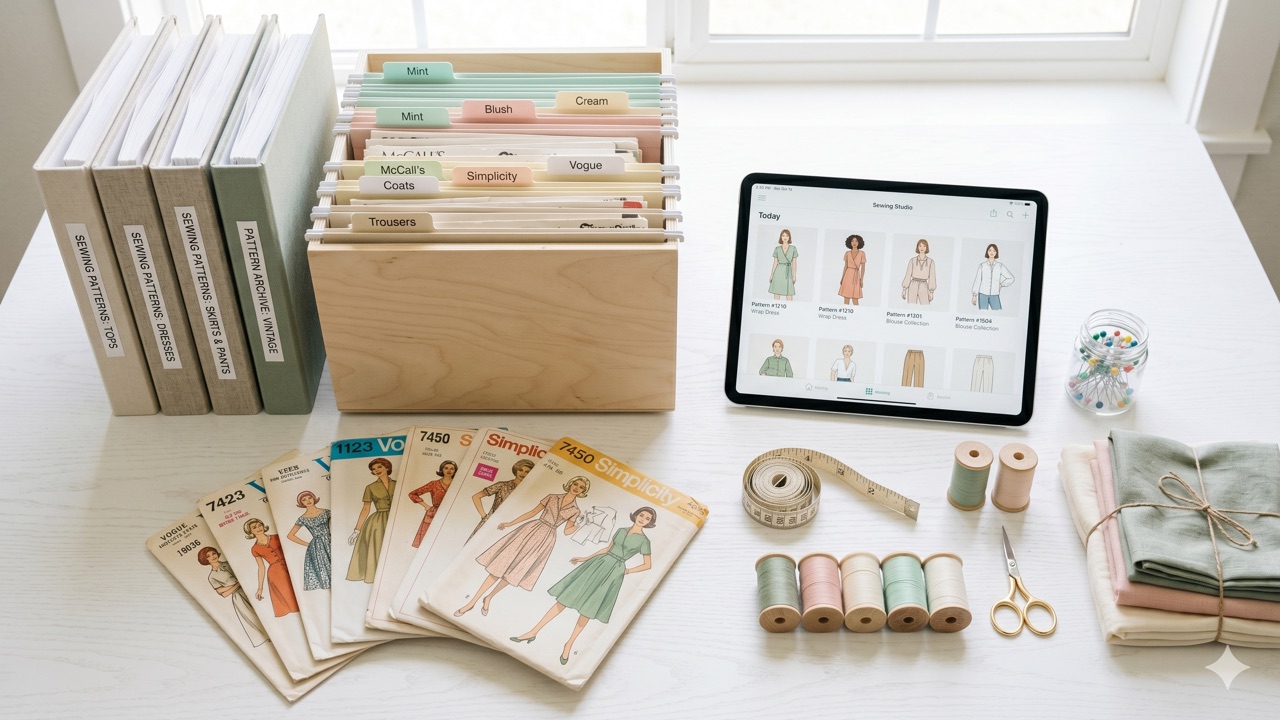
A folder full of PDFs is still not very browsable. The real upgrade is a visual catalog — somewhere you can see the cover image, garment type, size, and whether you've made it. A spreadsheet works. A dedicated app works better.
When your PDF patterns are cataloged with photos and tagged by garment type, skill level, and season, finding the right pattern for a project goes from a search expedition to a 30-second browse. For a full guide on setting this up, see our post on how to organize your sewing pattern collection.
Step 4: Log It When You Buy It
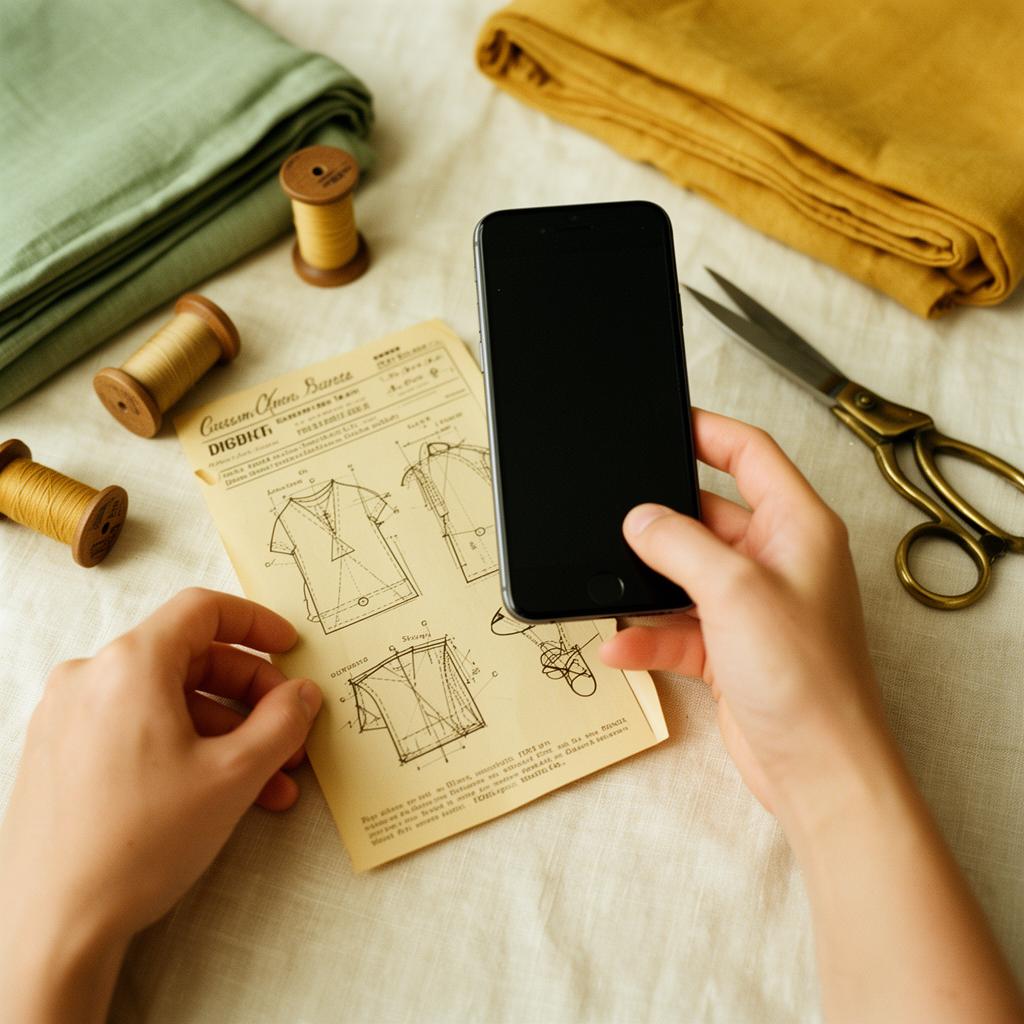
The habit that prevents the graveyard from growing: log every pattern the moment you purchase it, before you file it away. The five minutes you spend logging it now saves you from the "wait, do I own this?" confusion later.
This is especially important during pattern sales when you might grab 5-10 patterns at once. Log them all before closing the browser tab. If you use a sewing pattern organizer app, you can snap the cover image and fill in the details in under a minute per pattern.
Bonus: Prevent Duplicate PDF Purchases
Because PDF patterns don't take up physical space, it's even easier to buy duplicates than with paper patterns. You can't see the duplicate sitting next to the original on a shelf. A searchable digital catalog solves this — search by pattern name or number before every purchase.
Pair Your Patterns with Your Stash
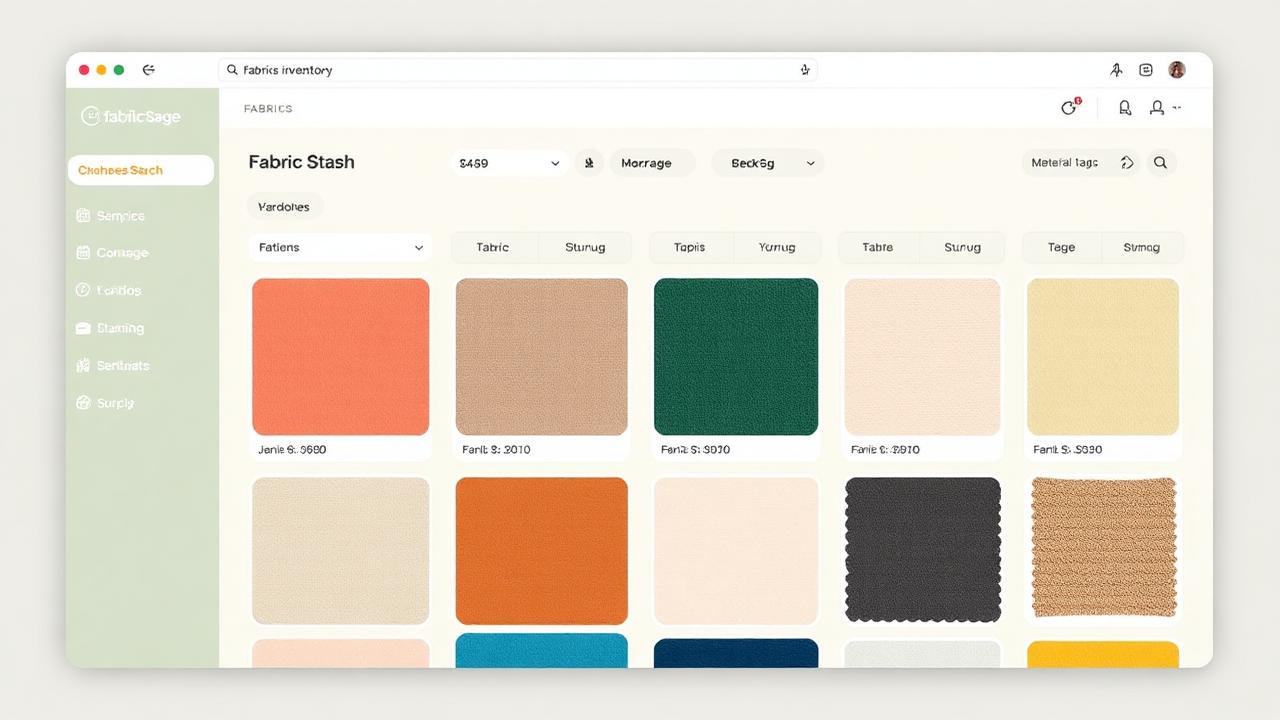
Once your PDF patterns are organized, the next step is connecting them with the fabrics you already own. Pair your organized pattern library with a fabric stash tracker to instantly see which fabrics work for which patterns. Then use a project tracker to plan what you'll sew next.
Ready to organize your PDF patterns? Try Sewist Studio free — catalog your entire pattern collection with photos, search by garment type or designer, and never lose a PDF pattern in your downloads folder again.