What Can I Make With My Fabric Stash? See Each Idea Sketched
A list of project ideas is easy to ignore. A sketch of that idea in your own fabric is much harder to forget.
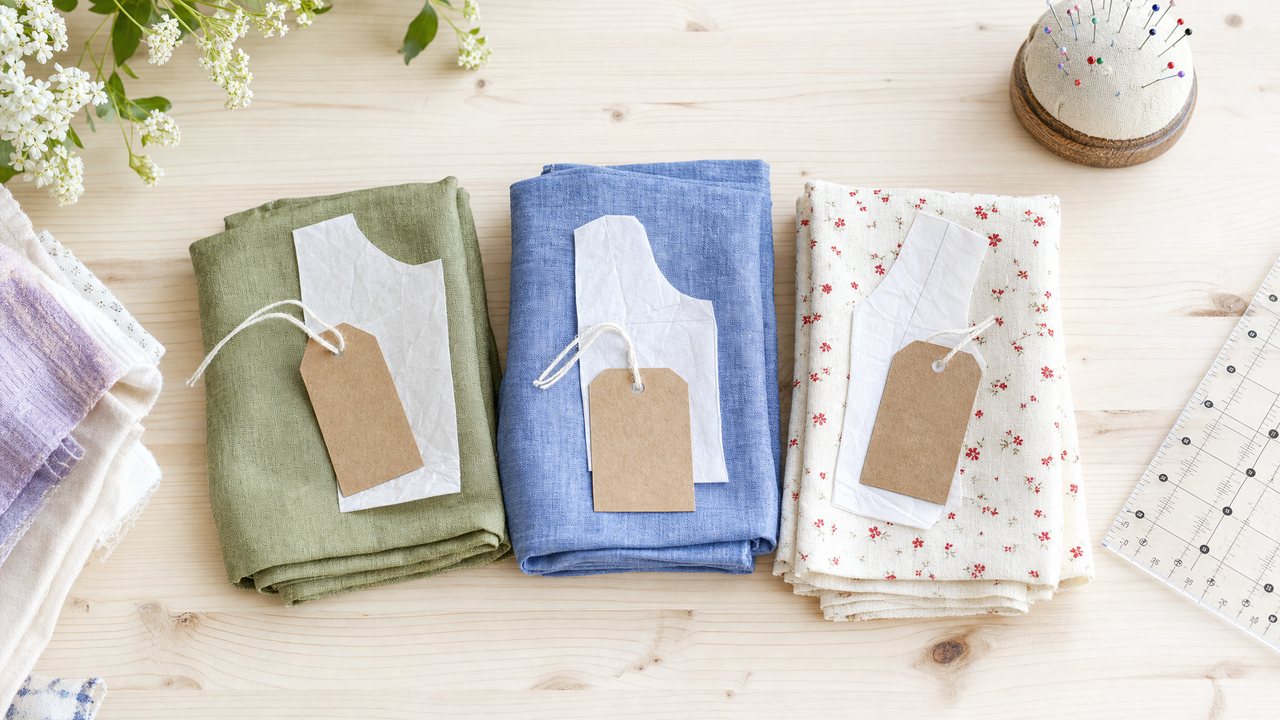
The fastest way to answer "what can I make with my fabric stash?" is to start from the fabric, not the pattern. Look at how much of each fabric you have, find the patterns that fit inside that amount, and then picture each option in that fabric before you cut.
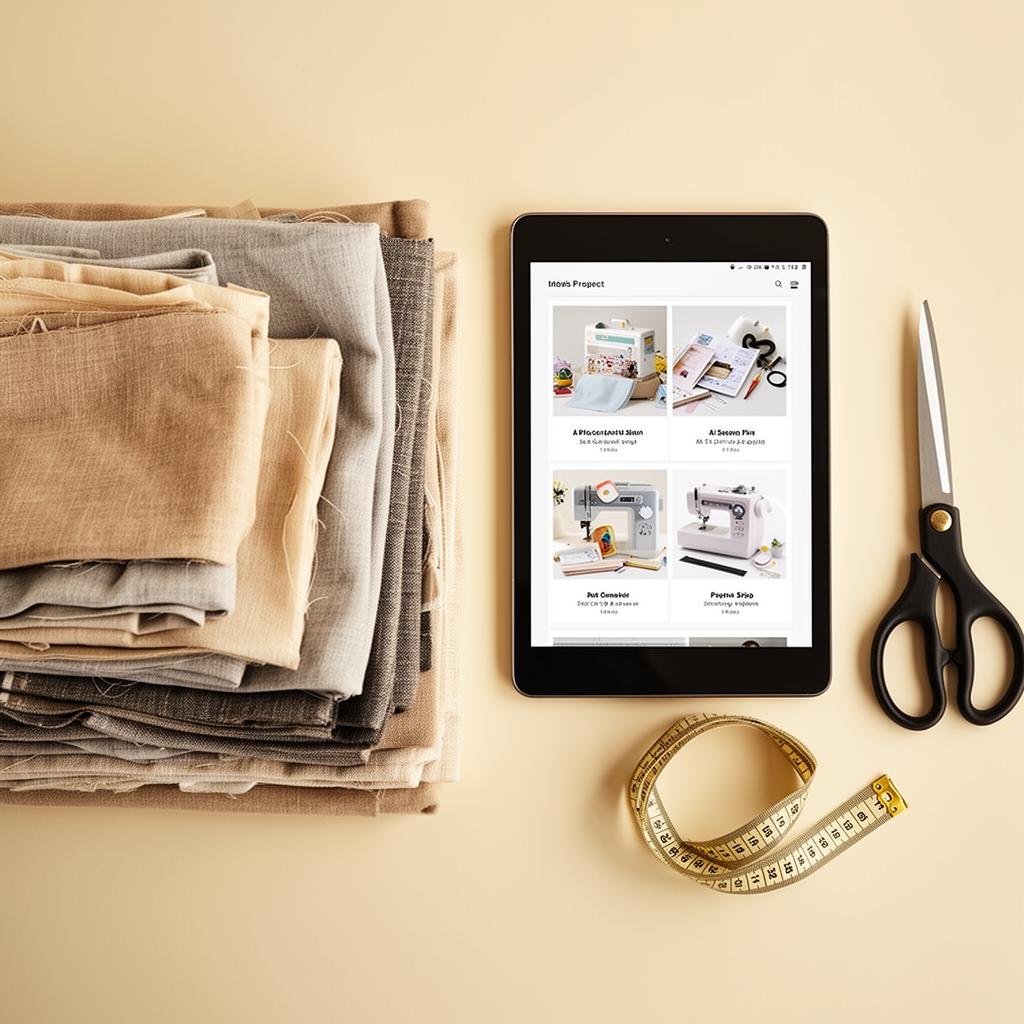
Sewist Studio's Stash Planner does this per fabric. It suggests projects you can actually make with the yardage you have, in your own units, and each suggestion can now be drawn as a sketch from its pattern and fabric photos. This post shows how it works and how to get useful suggestions out of it.
How does the Stash Planner decide what you can make?
It works from yardage. For each fabric in your stash, it suggests projects that are feasible with the amount you have recorded.
That is the key difference from browsing patterns and hoping. A beautiful dress pattern that needs 3 yards is no use for a 1.5 yard remnant. The planner filters for what fits, so you see a short list of real options for that specific piece.
It also answers in your units. If you have set Sewist Studio to metric, a 1.4 m length of linen is reasoned in meters, not yards. More on that in how the app handles metric.
What does the sketch add?
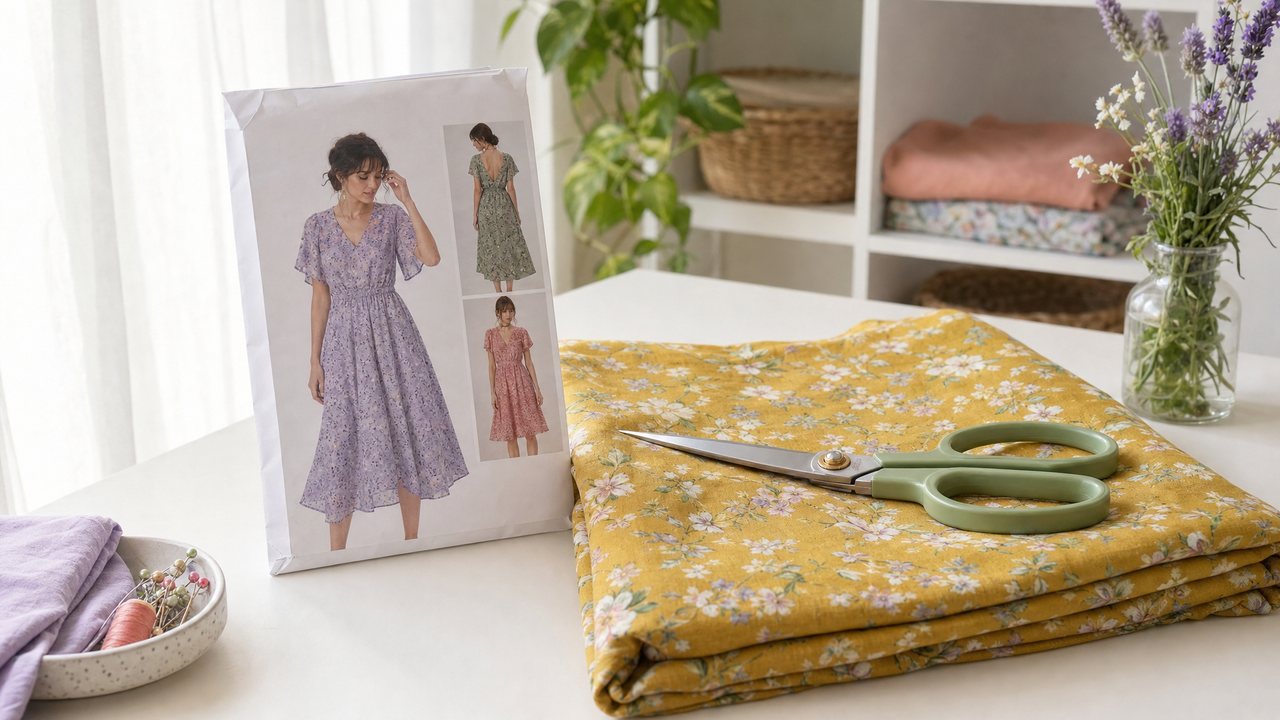
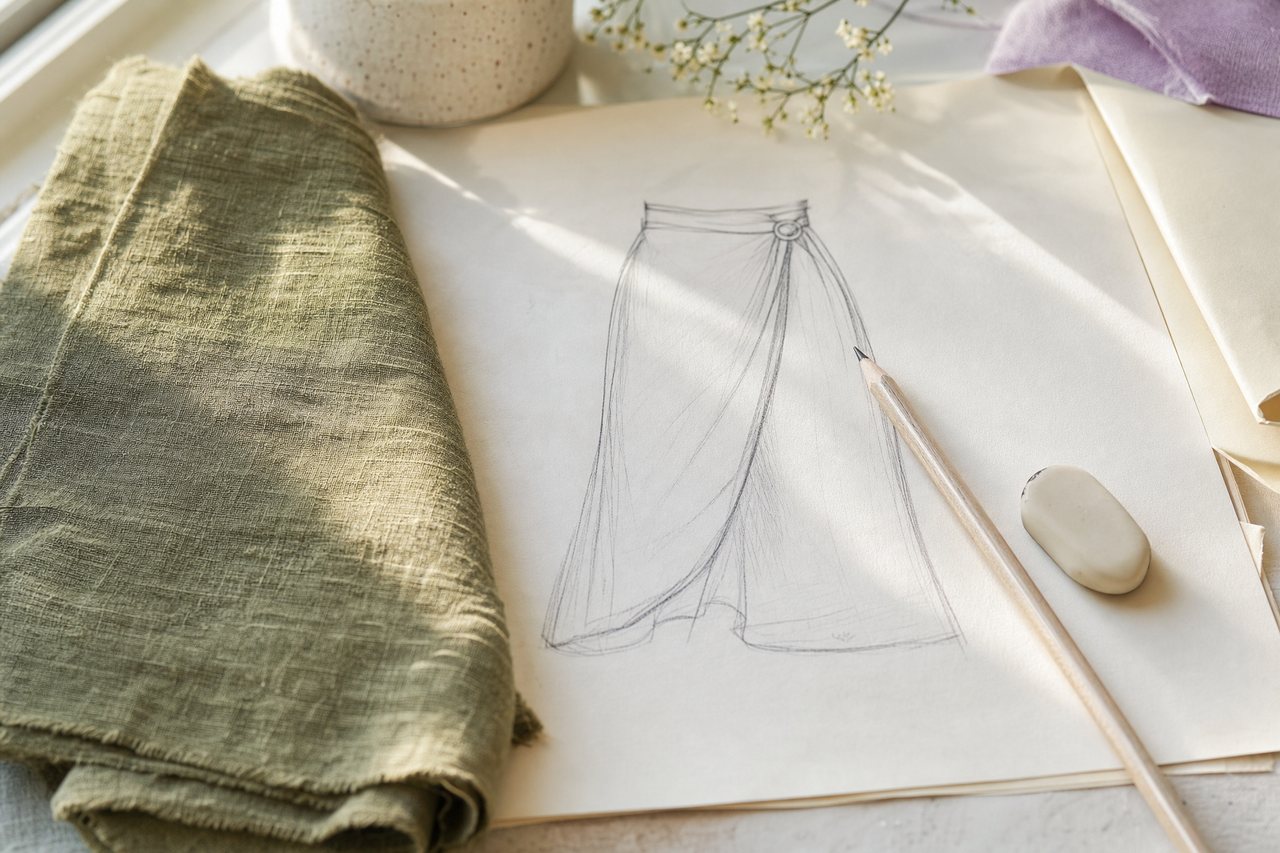
The sketch turns an idea into something you can picture. Each suggested project can be drawn as a sketch using that project's pattern photo and your fabric photo.
This uses the same reference-first approach as the other image tools: your real photos go in as references, rather than a written description of them. So the sketch is built from your pattern and your print, not a generic stand-in. If you want to know why that matters, here is why most AI sewing images look fake.
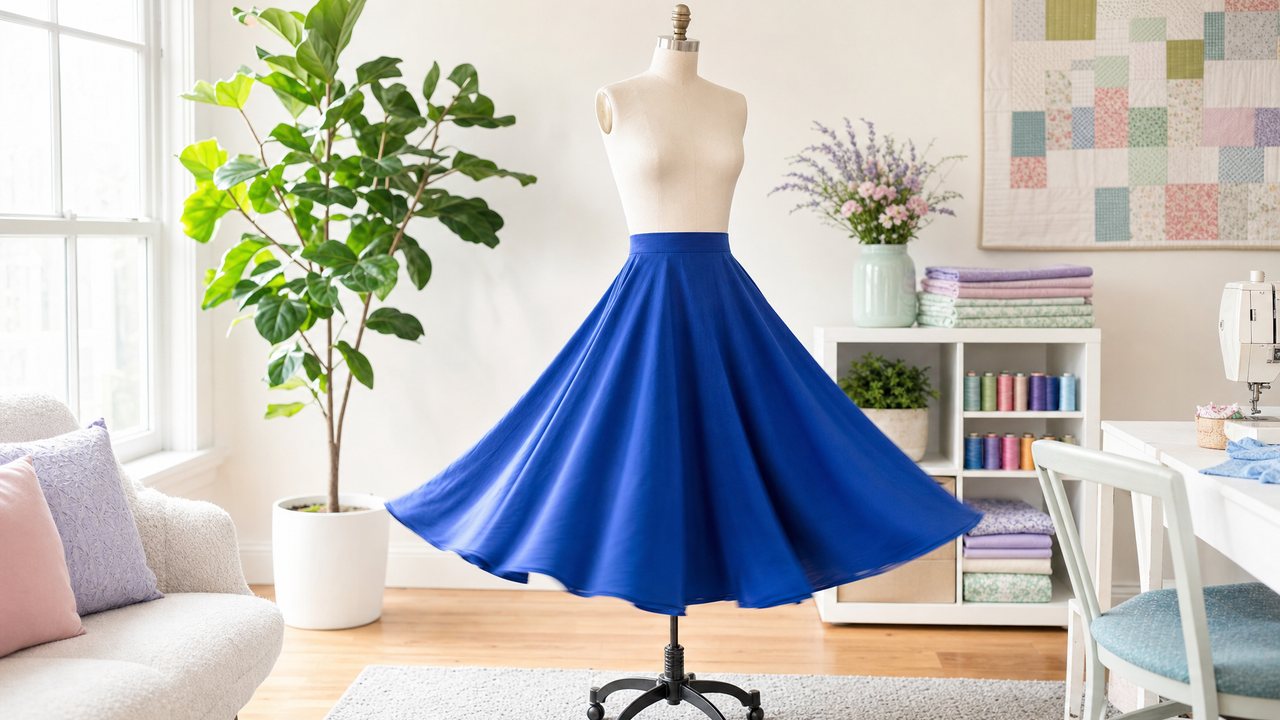
A sketch is a quick way to compare ideas. You might get three suggestions for a piece of chambray: a camp shirt, a gathered skirt and a sleeveless top. Sketched side by side, one usually stands out.
How to use the Stash Planner, step by step
The whole loop takes a few minutes once your stash has yardage recorded.
1. Check your fabric records. Each fabric needs a length and, ideally, a width and a clear photo.
2. Open the Stash Planner. Pick a fabric you want to use up.
3. Read the suggestions. Each one is a project that fits the yardage you have.
4. Sketch the ones you like. The sketch is drawn from the suggestion's pattern and fabric photos.
5. Pick one and plan it properly. For a full-color look on the pattern, move to the Visualizer. For yardage checks, compare against the pattern envelope.
If you want to see your fabric on a pattern as a photo rather than a sketch, the Visualizer guide covers that next step.
How much fabric do common projects need?
Every pattern is different, so always check the envelope. These rough ranges help you guess what a piece of fabric could become before you open the planner.
| Project | Typical amount | Notes |
|---|---|---|
| Tote bag | Under 1 yd (under 0.9 m) | Good for remnants and heavier cottons |
| Simple tee | 1.5 to 2 yd (1.4 to 1.8 m) | Usually a wider knit |
| Elastic-waist or A-line skirt | 1.5 to 2 yd (1.4 to 1.8 m) | Longer and fuller skirts need more |
| Button-up shirt | 2 to 3 yd (1.8 to 2.7 m) | Plus extra to match plaids or stripes |
| Sleeveless dress | 2.5 to 3 yd (2.3 to 2.7 m) | Varies a lot with size and skirt fullness |
Width changes everything. The same pattern can need noticeably less of a 60-inch fabric than a 45-inch one. That is why recording width, not just length, makes the planner's suggestions more accurate. If your records are guesses, this guide to measuring fabric yardage shows how to measure both quickly.
What are the limits?
The planner is a shortlist, not a decision. Keep these in mind:
- It only knows what you recorded. Missing or rough yardage means rough suggestions.
- Sketches are image renders. Pro includes 3 Runway renders a month across all render features. After that, each render costs 3 purchased credits, refunded if a render fails.
- Photos matter. Reference photos can be up to 5MB each. A clear, flat fabric photo gives a far better sketch than a dim one.
- A sketch is not a fit check. It shows style and fabric together, not how the garment fits you or how the fabric drapes.
- It needs Pro. The Stash Planner is a Pro feature. Pro is $4.99 a month or $47.88 a year, with a 14-day free trial.
How do you get better suggestions?
Better records give better ideas. Run through this checklist before you plan:
- Every fabric has a length, in the unit you prefer.
- Widths are measured, not copied from a listing.
- Each fabric has a flat, well-lit photo.
- Your patterns have envelope photos, so sketches have something to work from.
- Fiber and type are noted, so you can judge which suggestions suit the fabric's drape and stretch.
If your patterns are not photographed yet, the AI photo scanner catalogs them from a picture of the envelope.
Where this fits with other planning tools
The Stash Planner starts from one fabric. Other tools start elsewhere. Using AI to plan a sewing project from your stash walks through the wider planning process, and what to sew with your fabric stash has idea-led prompts if you want inspiration first. When you already have a pattern and need a fabric for it, what pattern to use for this fabric covers the pairing tool in both directions. For every tool in one place, see the complete guide to AI sewing tools.
Try it
Pick the fabric you have owned the longest and see what it could be. Open the Stash Planner and sketch an idea from your own fabric. New here? Create a free account and add a few fabrics first, or see what is included on the Pro plan page.