How to Catalog Your Paper and PDF Sewing Patterns Fast
Filing cabinet full of vintage Big 4s. Hard drive full of A0 PDFs. Here's how to catalog both in a weekend — including the AI shortcut that does the typing for you.
TL;DR. Most sewists own way more patterns than they remember. Paper patterns belong in comic-book sleeves filed by brand and number; PDFs belong in one folder per pattern with cloud backup. Then put every pattern — paper and PDF — into one searchable digital inventory. Sewist Studio's AI Pattern Scanner auto-fills brand, sizes, views, and suggested fabrics from a single envelope photo, turning a weekend project into an afternoon.
The two storage problems
Sewists tend to have two distinct piles, each with its own organizational disaster.
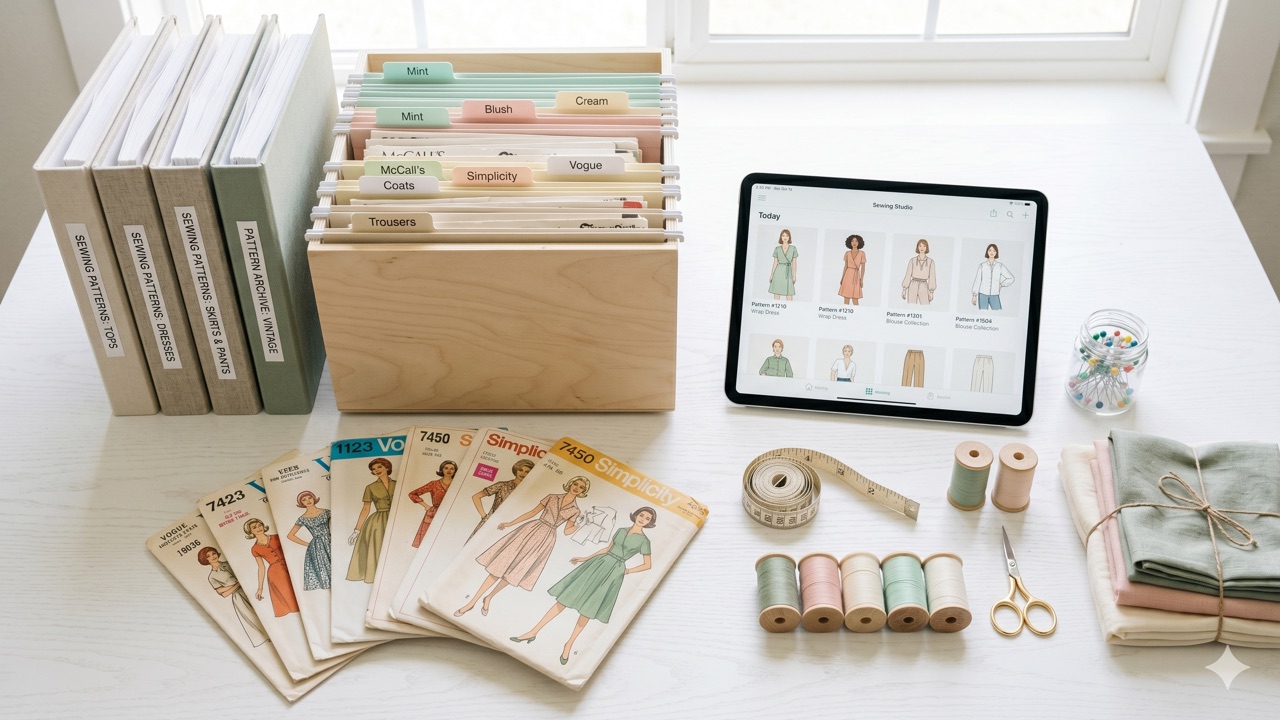
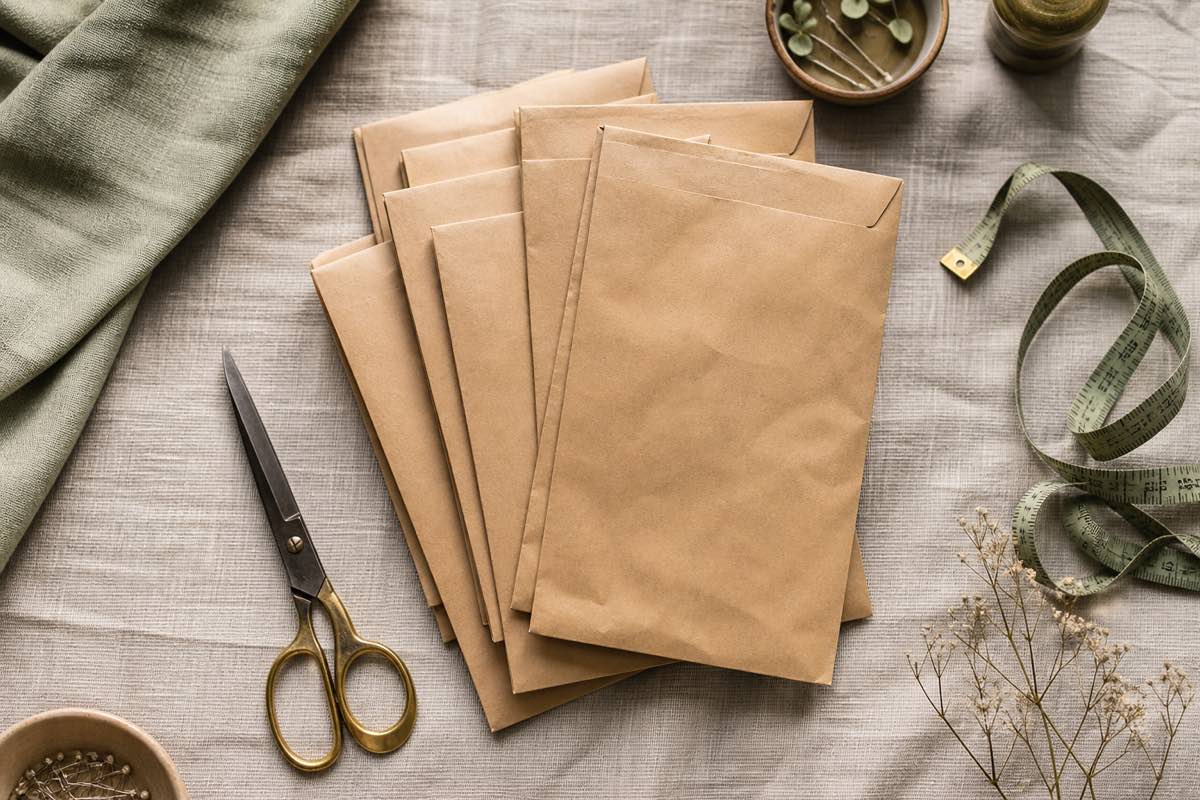
Pile one: paper patterns. Big 4 envelopes from the 1970s through last week's pattern sale. Vintage McCall's, modern Simplicity, indie paper patterns from Closet Core. Usually living in a filing cabinet, a banker's box, or — worst case — a giant Ziploc bag that requires you to dump everything onto the floor to find one pattern.
Pile two: PDF patterns. A downloads folder full of ZIP files with names like `pdf_pattern_FINAL_FINAL_v3.zip`. Hundreds of dollars of indie patterns you may or may not remember buying. Most have never been printed. A handful have been printed and the rest of the file is gone.
The good news: each pile has well-trodden solutions. The bad news: most sewists never apply them because the cataloging itself feels overwhelming. We'll fix that.
Storing paper patterns
The pros at quilt shops and vintage pattern resellers all use the same system.
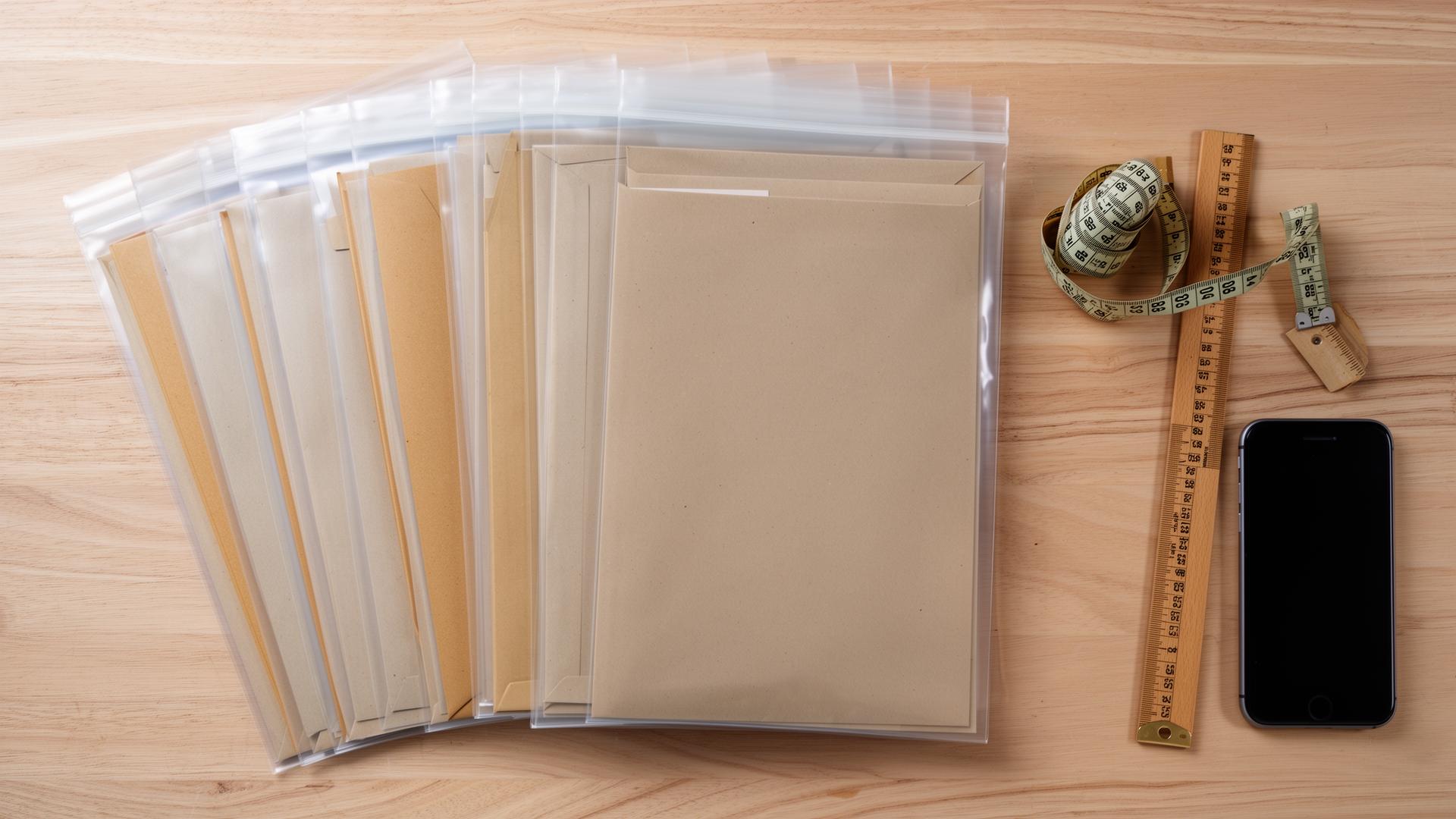
Sleeve every envelope. Clear comic-book sleeves (7.5 x 10.5 inch, available on Amazon for about $15 per 100) fit standard pattern envelopes perfectly. They prevent the flap from tearing, keep small pieces from migrating between envelopes, and let you read the back without removing anything.
File upright in a banker's box or filing cabinet. Pattern envelopes are designed to file upright like books. Stacking them flat breaks the spines and crushes the pieces inside.
Sort by brand, then number. Don't try to sort by garment type or season. Brand-and-number is how patterns are referenced in every pattern database and conversation. Sticking with the universal system saves you when someone asks "do you have McCall's 7969?"
Store away from light and humidity. Vintage paper goes brittle in sunlight and warps in damp basements. A closet shelf at room temperature lasts decades.
Tag your "tried and tested" patterns. A simple sticker on the sleeve marks the ones you've already sewn successfully. Future-you will thank you when planning a new project.
Storing PDF patterns
The PDF black hole is mostly a naming problem.
One folder per pattern. Not one folder per brand. Not one folder per year. One folder named `Brand_Number_GarmentName` per pattern — e.g., `ClosetCore_Pietra_PullOnPants` or `Friday_Wilder_Dress`.
Inside each folder, keep three things:
1. The original purchased ZIP (in case the unzipped files get corrupted)
2. The unzipped instruction PDF (the "how-to-sew-it" file)
3. The A0, letter, or A4 tiled pattern PDF (the "print-and-cut" file)
Use a consistent root folder. Something like `Documents/Sewing/Patterns/`. Everything goes there. No exceptions. If a PDF lives anywhere else, it doesn't exist.
Back up to cloud storage. iCloud Drive, Google Drive, Dropbox — any of them. Your laptop will die eventually; your patterns shouldn't die with it. A free Google Drive account holds approximately a few thousand PDF patterns.
Don't print until you're ready to sew. Printed and taped pattern paper takes up enormous space. Print only the size you need, only when you're about to cut. See How to organize PDF sewing patterns for a deeper printing workflow.
The duplicate-purchase tax
Every sewist eventually does this: buys a PDF pattern, downloads it, forgets, and buys it again 18 months later in a Black Friday sale.
The duplicate-purchase tax is real. For a sewist who buys 30 patterns a year at $12 average, accidentally re-buying just two per year costs $24 — a year of a pro tracker, gone to forgetfulness.
The fix is one searchable inventory of every pattern you've ever bought. Search it before you buy. If you already own it, don't buy it again. That's it.
A spreadsheet works for the first 50 patterns. Around 100, the spreadsheet becomes annoying to maintain. Around 200, it becomes impossible. That's why most sewists eventually move to a pattern organizer app.
The AI shortcut: Sewist Studio's camera scanning + Pattern Library
Manual data entry is the reason most sewists never finish cataloging. Typing the brand, pattern number, sizes, views, suggested fabrics, and yardage for each of 300 envelopes is roughly 25 hours of work. Nobody has 25 hours.
The AI Pattern Scanner drops it to roughly an afternoon.
How it works:
- Snap a photo of the front of the envelope. Hold the phone over it, tap shutter, done.
- The AI reads the envelope and auto-fills brand, pattern number, garment type, sizes included, views (A/B/C/etc.), and suggested fabrics. Confidence shown per field.
- You review and confirm. Two or three taps to fix anything the AI misread (rare — accuracy on modern envelopes is high).
- Pattern is saved to your library with structured metadata that powers search, fabric pairing, and project planning.
Average time per pattern: ~15 seconds end to end. A 200-pattern stash → about an hour of scanning instead of a week of typing.
PDF patterns get added similarly: upload the cover image (or a screenshot of the storefront listing) and the AI extracts the same metadata.
What the Pattern Library actually tracks
Once a pattern is in your library, Sewist Studio tracks more than the envelope metadata:
| Field | Why it matters |
|---|---|
| Brand + pattern number | Universal reference, prevents duplicate buying |
| Garment type | Filter by "dresses", "trousers", etc. |
| Sizes included | Know at a glance if your size is in range |
| Views (A/B/C) | Multiple versions per envelope tracked separately |
| Recommended fabrics | Powers AI [fabric pairing](/blog/match-fabric-to-sewing-pattern-guide) |
| Recommended notions | Avoid 9 PM trips to the haberdashery |
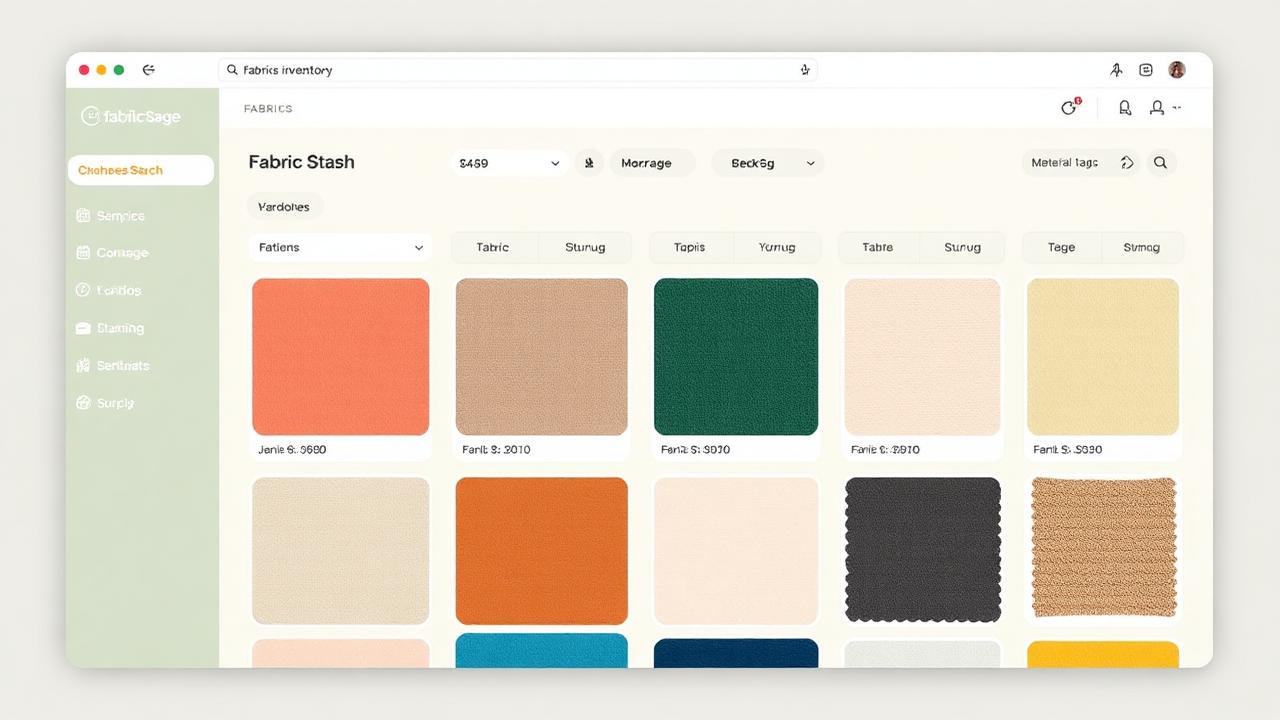
| Suggested yardage | Quick check against [stash inventory](/fabric-stash-organizer) |
| Format (paper / PDF) | Filter by what you can sew tonight vs. need to print |
| Location | Bin 3, Folder PDFs/ClosetCore, etc. |
| Cut history | Which sizes you've already cut (paper patterns are cut to one size at a time) |
| Condition | "Pristine", "missing piece 7", "cut to size 14" |
| Linked makes | Photos, fabric, threads, and review notes from every project sewn from this pattern |
That's the data depth that makes searching your library by description and getting AI project recommendations actually work.
Pro tip: Cataloging the patterns you've already sewn (not just unused ones) is the secret unlock. The patterns most worth remembering are the ones you've already loved.
Your weekend cataloging plan
You can realistically catalog 200 patterns in one weekend. Here's the schedule that works.
Saturday morning (2 hours): Sleeve all paper patterns into comic-book sleeves. File by brand and number. This is the slowest physical step; get it done first.
Saturday afternoon (1.5 hours): Scan every paper pattern with Sewist Studio's AI Pattern Scanner. Photograph the envelope, confirm, next. ~15 seconds per pattern means about 90 minutes for 200 patterns.
Sunday morning (2 hours): Reorganize your PDF folders into `Brand_Number_GarmentName` format. Cloud-back-up the parent folder.
Sunday afternoon (1 hour): Add PDFs to the library — upload cover images and confirm extracted metadata.
By Sunday night, every pattern you own is searchable from your phone. Forever.
Get started
1. Create your free Sewist Studio account.
2. Scan your first 5 patterns — see how quickly the AI fills in the metadata.
3. Block out a weekend and finish the catalog.
4. Search before every purchase. Duplicate tax: zero from here on.
Cataloging isn't sexy. But it's the one task that pays off on every project for the rest of your sewing life.
Frequently asked questions
What's the fastest way to catalog a sewing pattern collection?
AI camera scanning. About 15 seconds per pattern vs. 3-5 minutes for manual entry.
How should I store paper sewing patterns?
Sleeve each envelope in a comic-book sleeve, file upright by brand and number, away from sunlight and humidity.
How should I organize PDF sewing patterns?
One folder per pattern named Brand_Number_GarmentName, with ZIP + instructions + tiled PDFs inside, cloud-backed up.
How do I avoid re-buying a PDF pattern I forgot I owned?
Keep one searchable inventory of every pattern you've ever bought; check it before any new purchase.
What does Sewist Studio's pattern library track?
Brand, number, sizes, views, fabrics, notions, yardage, format, location, cut history, condition, and linked project makes.