How to Try On Your Sewing Project in Motion Before You Cut
A still preview shows color. A short clip of you turning, walking and reaching shows whether the garment you planned actually suits the way you move.
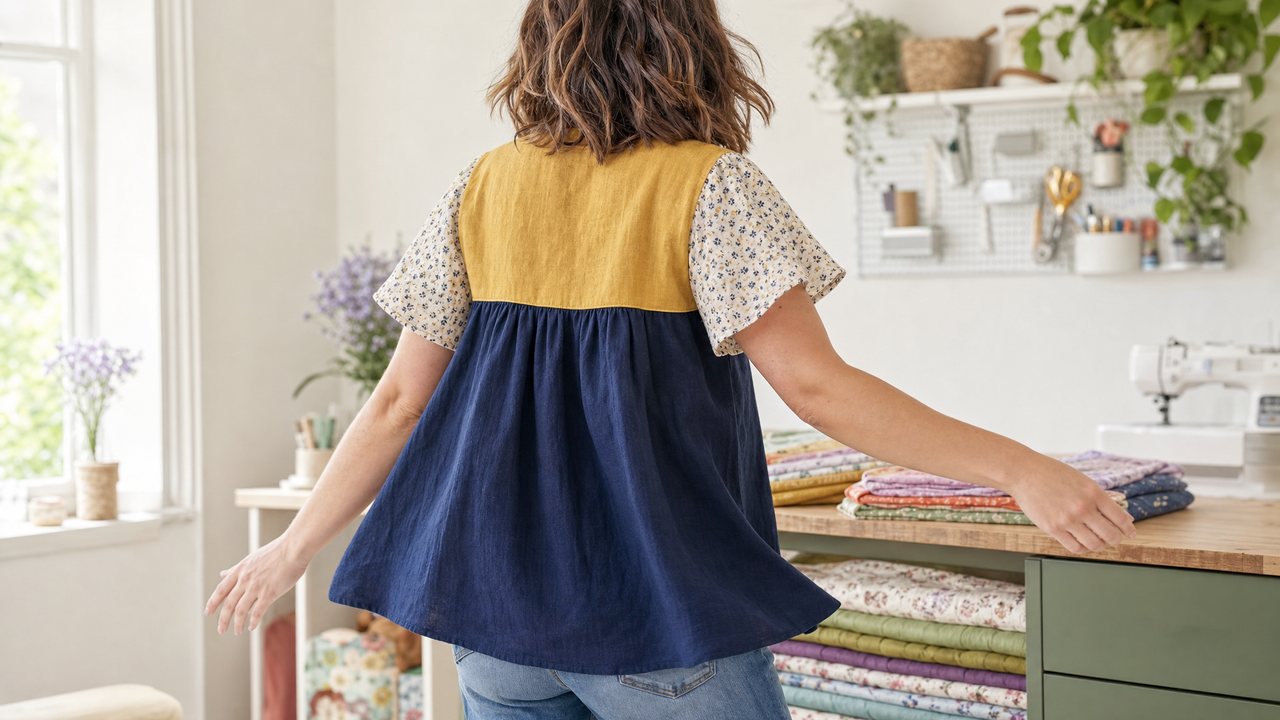
You can now see a garment you have not sewn yet on your own body, moving, in your own room. You film a short phone clip of yourself, about five seconds, wearing anything. An AI video model then redresses you in the look you planned, keeping how you actually moved and where you actually stood.
In Sewist Studio this is called Try it on in motion, and it lives in Cut Line Studio, the color-block planner. It is powered by Runway Aleph, a video-to-video model. This post covers how it works, how to film a clip that gives you a useful result, and where it falls short.
What does "try it on in motion" actually do?
It takes a real clip of you and swaps your clothes for the garment you designed. Your motion, your room and your lighting stay; the outfit changes.
Here is the sequence:
1. You plan a color-blocked garment in Cut Line Studio: a blouse, dress, tee, shirt, shorts or skirt.
2. You assign a fabric from your stash to each panel. The panels are painted with the real photo of that fabric, not a flat color swatch.
3. You upload a phone clip of about 5 seconds of you moving. The file can be up to 60MB.
4. Runway Aleph dresses you in the planned look. It first dresses you in the clip's own first frame, so the background in your video stays your real background instead of drifting into a generic set.
The result is a short clip of you wearing a garment that, so far, only exists as a plan and some yardage in your stash.
Why see a planned garment moving instead of a still?
Because the questions that ruin a make are usually about movement, not color. A still image answers "do these fabrics look good together". A clip answers "does this look good on me when I walk".
A few things a still cannot tell you:
- Where a color break lands when you move. A horizontal seam between a navy bodice and a mustard skirt panel can sit perfectly in a still and look awkward once you reach or turn.
- How busy a print feels in motion. A small ditsy floral on one panel and a bold stripe on another can read as lively on a hanger and restless on a body.
- Whether a contrast panel draws the eye where you want it. If a bright side panel on a tee is the first thing you notice every time you turn, you may want it on the back instead.
If you only need a still, the Visualizer guide to seeing fabric on a pattern before cutting is the faster route. For a video of a single-fabric garment rather than a color-blocked one, see how to make a 5-second AI video preview of a dress.
How do you film a good clip for the try-on?
Keep it short, simple and well lit. The model keeps your real motion, so give it motion that shows off the garment.
A checklist that helps:
- About 5 seconds. Longer clips are not the point here, and the upload limit is 60MB.
- Full view of the area the garment covers. For a skirt or shorts, include your legs to below the hem. For a blouse or tee, frame from the top of your head to the hips.
- One clear movement. A slow quarter turn, a few steps toward the camera, or lifting your arms. One movement reads better than three rushed ones.
- Even, bright light. A window to the side of you, not behind you.
- Plain, fitted clothes underneath. You can wear anything, but a fitted tee and leggings give the model a cleaner shape to dress than a bulky jumper.
- A steady phone. Lean it against a stack of books or use a tripod.
You do not need a plain wall. The point of keeping your room is that you see the garment in your real life, so film where you would actually wear it.
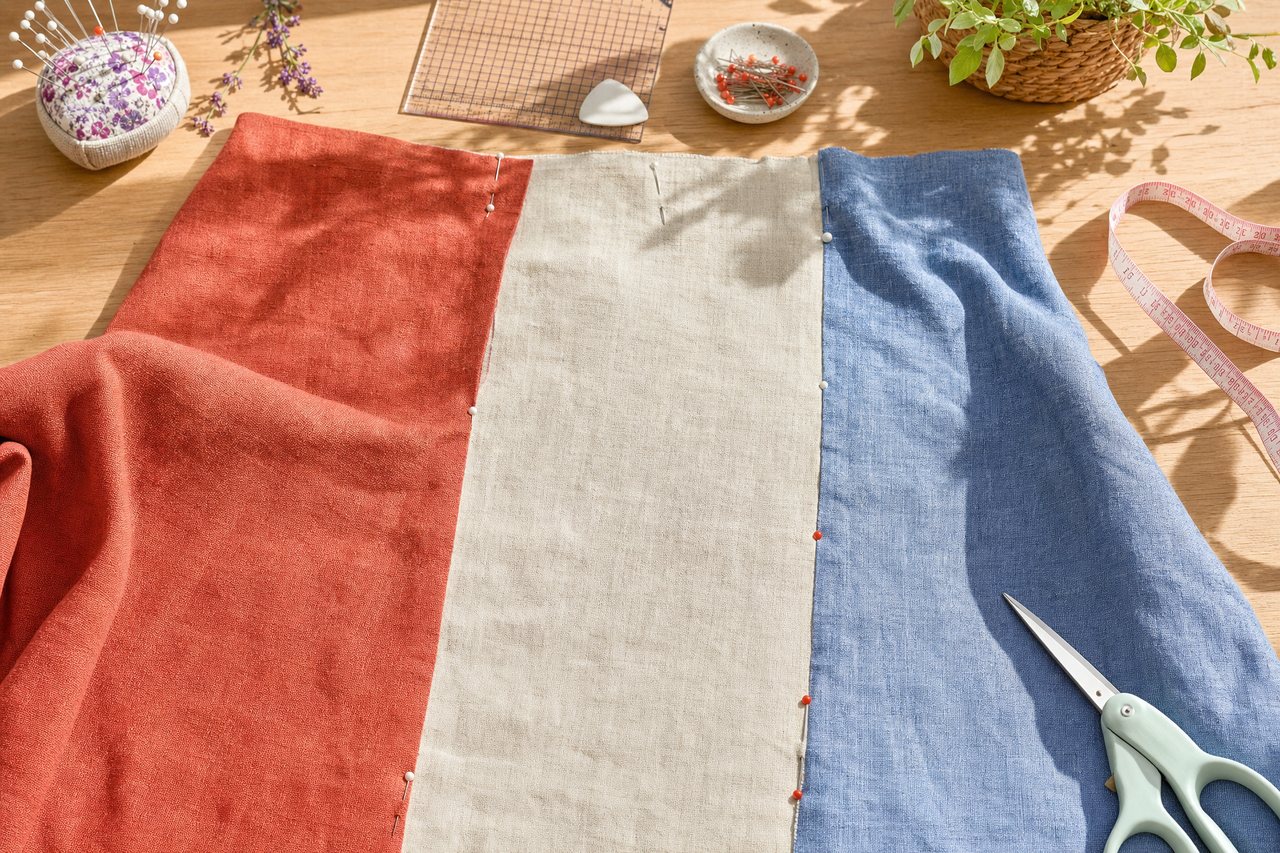
Planning the look before you film
The motion try-on can only be as good as the plan. Spend your effort on the panels.
A few planning habits that pay off:
| Decision | What to check |
|---|---|
| Garment type | Pick the closest of blouse, dress, tee, shirt, shorts or skirt |
| Panel fabrics | Use fabrics you actually own, with photos in your stash |
| Print scale | Fill in print type, bolt width and repeat so the print renders at true scale |
| Contrast | Put your strongest contrast where you want people to look |
| Yardage | Confirm each fabric has enough for its panel before you fall in love |
You can edit the canvas with typed commands, for example asking it to change the fabric on one panel, which is quicker than clicking through every panel when you want to compare two options. When you like a plan, you can share the look by link with a sewing friend before you commit. The full planner walk-through is in the color block sewing planner guide.
What it costs, and what it needs
Try it on in motion counts as one render. Sewist Studio Pro is $4.99 a month or $47.88 a year, with a 14-day free trial, and includes 3 Runway renders a month across all render features. After those, each render costs 3 purchased credits, and credits are refunded if a render fails.
You need to be signed in. Your clip and the result are kept in private storage and returned as signed links that expire after 24 hours, so download anything you want to keep.
Honest limits
This is a preview, not a fitting. Stated plainly:
- It does not test fit. The model dresses you in the look; it does not know your ease, your seam allowances or whether the bodice will gape. Make a toile for fit.
- It does not simulate weight or hand exactly. A crisp poplin and a fluid rayon can look closer on screen than they feel. Handle the fabric.
- Clip quality matters. Dim light, fast movement or a cropped frame give weaker results.
- It works on color-blocked looks from the planner. It is not a general way to redress yourself in any garment from the internet.
Used for what it is good at, it answers one question well: when you move through your day in this combination of fabrics, do you still like it.
Try it
Pick three fabrics from your stash, plan a color-blocked tee or skirt, and film five seconds of yourself walking toward the camera. Plan a look and try it on in motion. New here? Start a free account or see what Pro includes. For a map of every AI feature, read the complete guide to AI sewing tools, and if your stash is not catalogued yet, start with the best way to track a fabric stash.