How I Built AI Garment Previews That Use Your Real Fabric
My first AI previews drew a stranger's dress. Here is what I changed, what broke after that, and what the app does now.
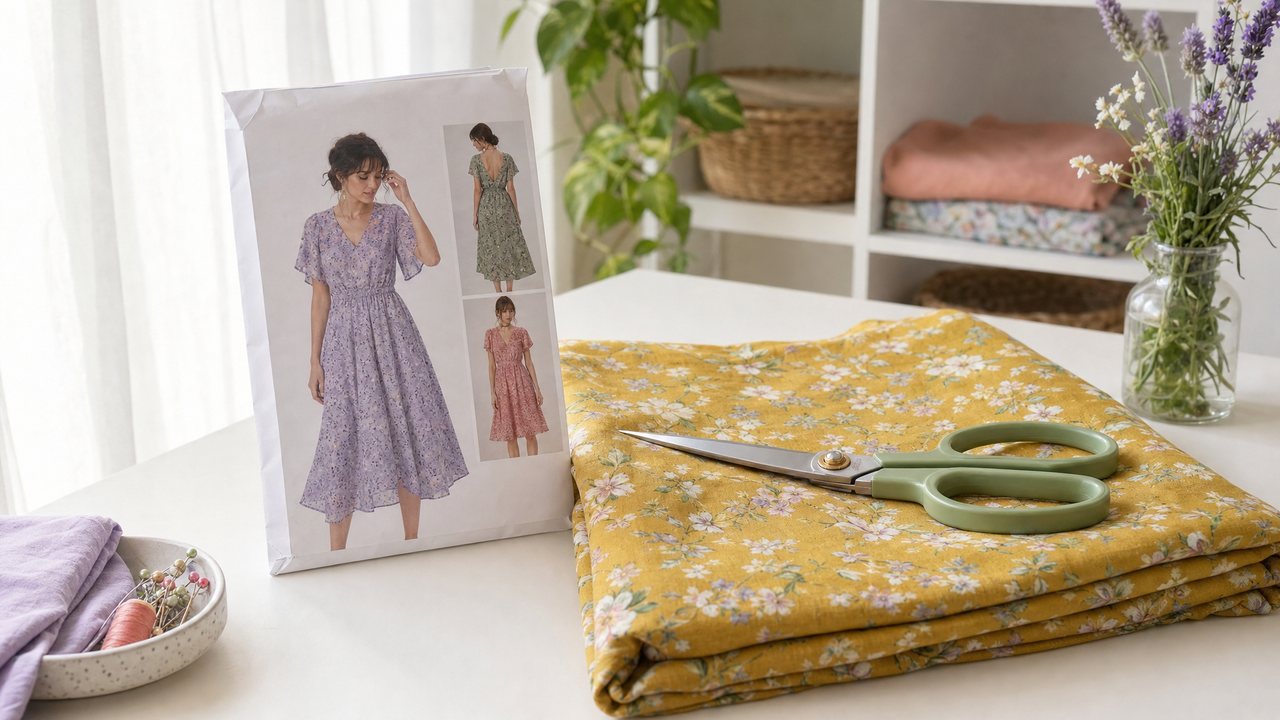
I build Sewist Studio by myself. It is a browser-based digital sewing room for your patterns, fabric stash, threads and projects. For a while it also had an AI preview that was supposed to show your pattern made up in your fabric. It did not really do that, and this is the story of how I fixed it.
The short version: I stopped describing your fabric to the image model and started showing it. I rebuilt the previews around reference images for the Runway hackathon in San Francisco on September 30, 2026. These are my notes on what failed, what I changed and what still has limits.
Why build a garment preview at all?
Because cutting fabric cannot be undone. Once the scissors go through a good piece of linen, you have committed. Sewists want to see the garment before that moment.
That was the whole pitch I sent to the hackathon, and it had to fit in 280 characters. I entered solo. The idea was simple: use the pattern and fabric photos people already upload to their stash, instead of asking a model to imagine them.
What was wrong with the first version?
The first version turned item details into a text prompt. The app took a fabric record and a pattern record, wrote a paragraph about them, and sent that paragraph to an image model.
The results were what people call AI slop. Pleasant pictures of a garment that was not yours. The model filled every gap in the paragraph with its own average idea of a dress and its own idea of the fabric. Any sewist could spot the wrong neckline or seam in a second, and once you see that, you stop trusting the preview. I wrote up the general problem in why AI sewing images look fake.
The night before the hackathon
I wrote most of the new code the night before. A client for Runway's API, a new version of the image function that accepts tagged references, a render for the Cut Line Studio color-block planner, and a short video preview.
None of it had run against Runway yet. I did not have an API key on that machine. So the first job on the day was a small standalone script that generated the same preview two ways, the old prose way and the new reference way, before touching the app at all.
I also built it so that if the new path failed, the app fell back to the old one. Demo days are not the time to find out a feature has no safety net.
The first side-by-side test
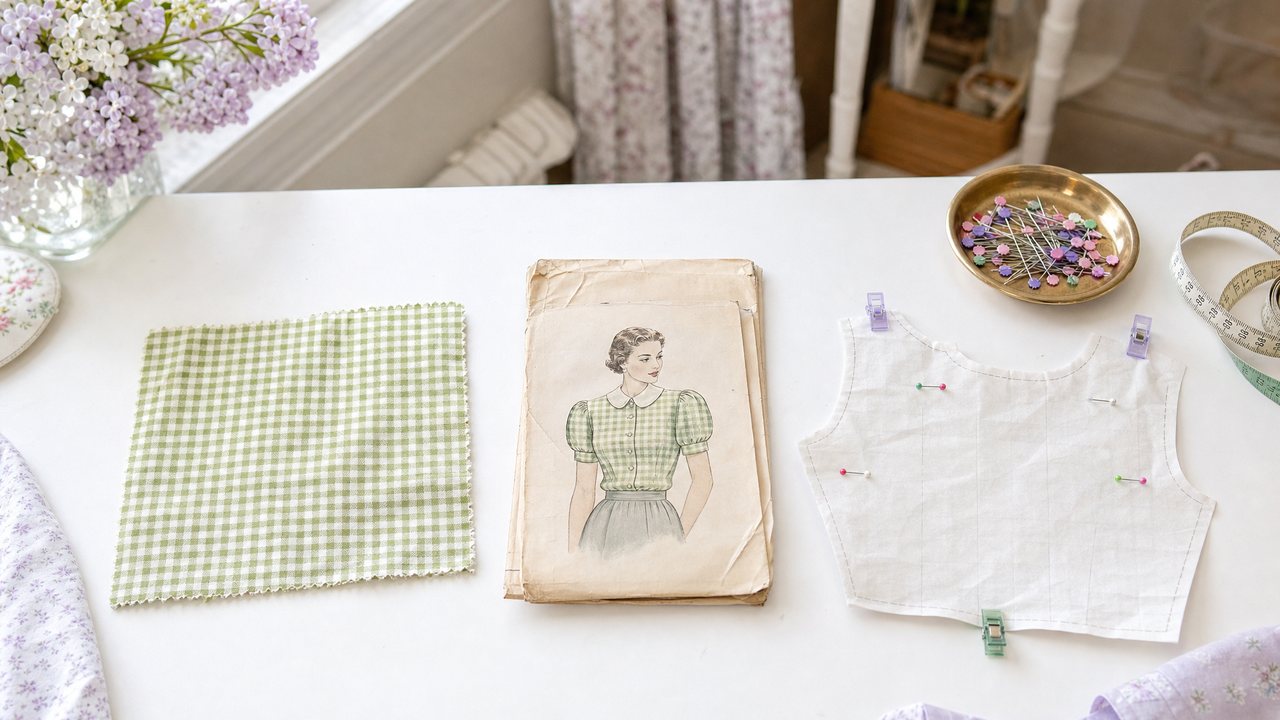
The test was one pattern envelope and one fabric swatch: McCall 4746 and a green gingham.
The prose version invented a square-neck mini dress on a fashion drawing figure, and it printed the pattern number onto the image as text. It looked confident and had almost nothing to do with the pattern.
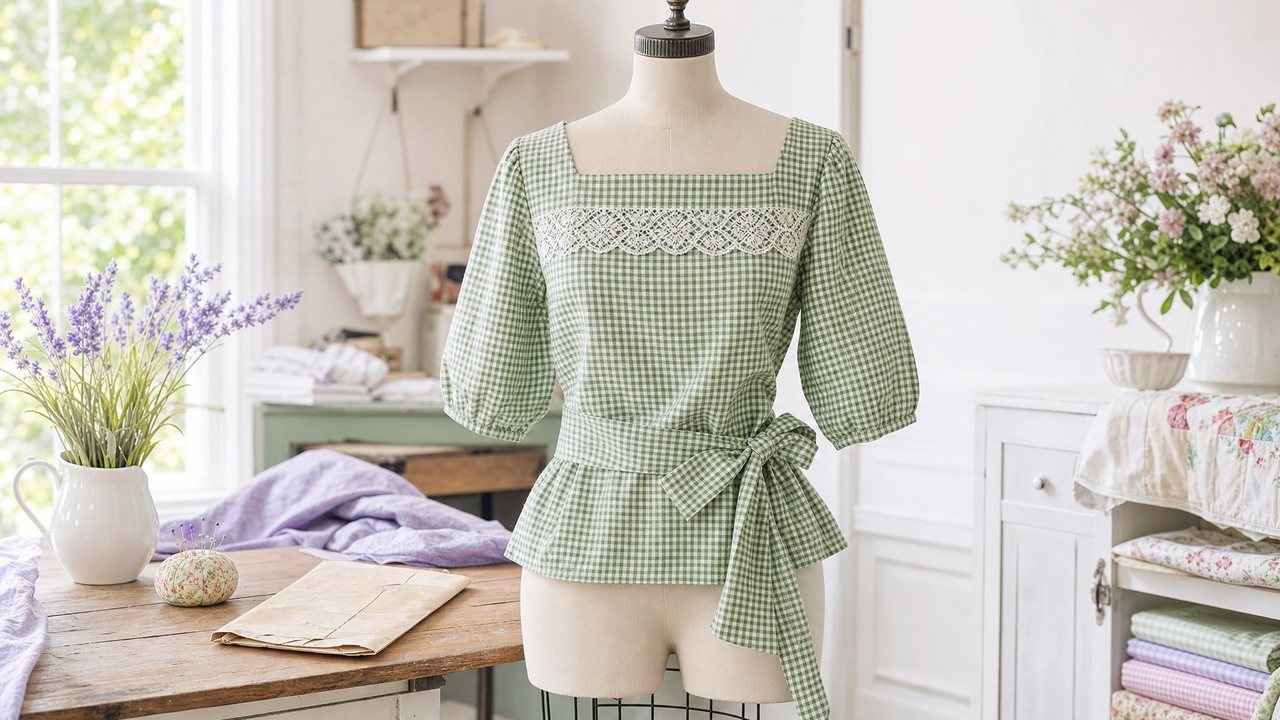
The reference version produced the actual garment from the envelope, a vintage slip-over waist with a square neck, lace insertion, elbow sleeves and a waist tie, made up in that gingham on a dress form. That side-by-side became my opening slide.
The design rule that came out of it
Images are the source of truth, and text is only a modifier. Every sentence in the prompt now points at a tagged reference image: this is the pattern, this is the fabric, build one from the other. No scene-setting prose.
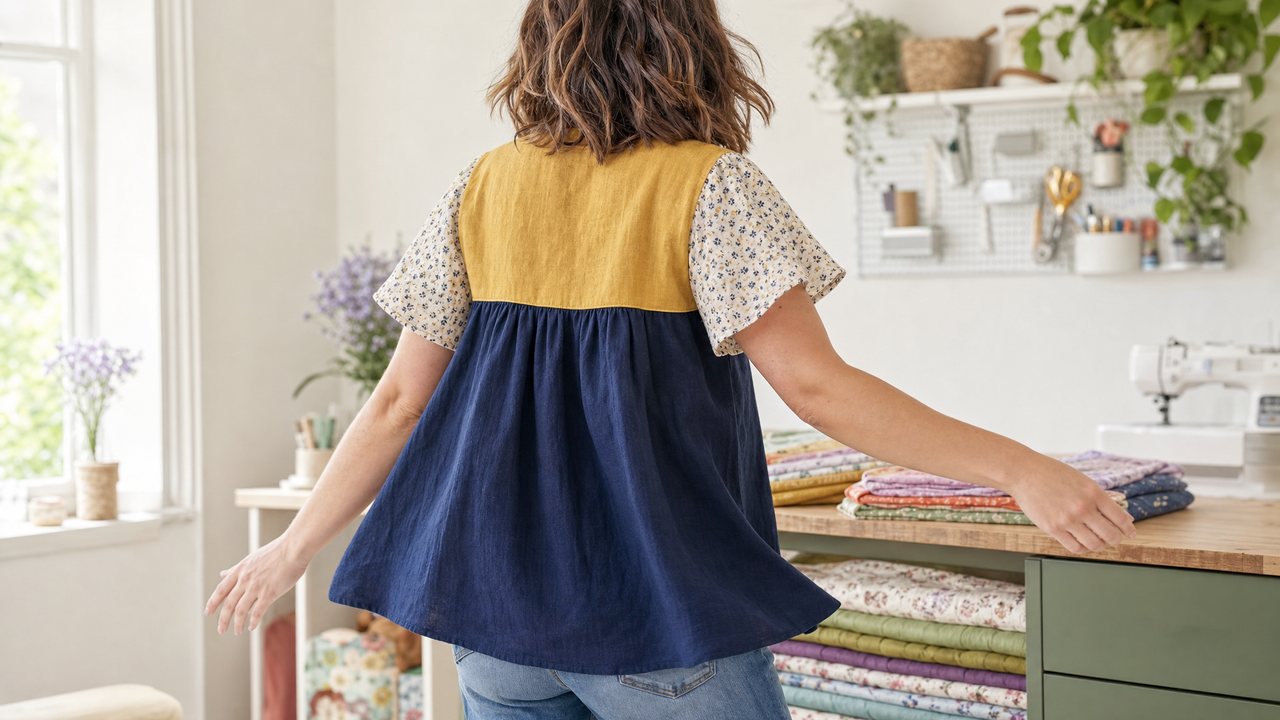
That rule now runs through the image tools in the app: the Visualizer, mashup illustrations built from clipped pattern pieces, and Cut Line Studio renders, where each panel's fabric goes in as its own reference.
What broke next
Fixing the slop exposed the next two problems. Both were things a sewist notices immediately.
1. Everything was on a dress form. A preview on a dress form tells you about the fabric and the pattern, but not about you. The question people actually have is "will this look good on me?"
2. Print scale was a guess. The model had the fabric photo but no idea how big the print really was. A small check could come out the size of a tablecloth plaid.
My notes from that week list the wearer photo as the biggest idea to add if there was time, and print scale as a small change, since bolt width and print type were already stored in every fabric record.
What fixed them
Both fixes came from data people already give the app.
- Your photo. In the Visualizer you can add your own photo, and the garment is put on you, keeping your face, hair and body, instead of on a dress form. Virtual try-on for sewing projects covers how to take a good one.
- Print scale pinned per fabric. The prompt uses each fabric's print type, bolt width and print repeat to keep the print at true scale.
- Motion. The first video was a dress form turning. Today Make it move turns the still into a 5-second vertical video with Runway Gen-4.5, turning the wearer if there is one, in about 2 minutes. More in the AI video preview guide.
The color-block planner also gained Try it on in motion, which uses Runway Aleph to dress you in your planned look in a short clip of yourself, keeping your real room and movement.
What are the honest limits?
It is still image generation, and I want to be clear about where it stops.
- My first prompts were tuned on one envelope and one swatch. More patterns mean more edge cases, and I keep testing.
- Small construction details can drift. Check seams and closures against the pattern.
- Your photos set the ceiling. Reference photos can be up to 5MB each.
- Renders cost money to run. Pro includes 3 Runway renders a month; after that each costs 3 purchased credits, refunded if a render fails.
- Your photos and renders are kept in private storage and returned as signed links that expire after 24 hours.
See the demo
The public hackathon demo, with a narrated video, is at the Sewist Studio Runway demo page. For the full list of AI tools that came out of this work and when to use each, see the complete guide to AI sewing tools. And if you have never used the app, the digital sewing room guide explains the non-AI basics.
Try it
Pick a pattern you have been nervous to cut and see it in your own fabric first. Open the Visualizer with your own pattern and fabric. AI features are part of Pro, $4.99 a month or $47.88 a year with a 14-day free trial; details on the Pro page, or create a free account to start.