How to Recreate a Look You Love With Fabric You Already Own
You do not need to buy the fabric in the photo. You need to know which of your own fabrics and patterns get you closest, and to see that version before you cut.
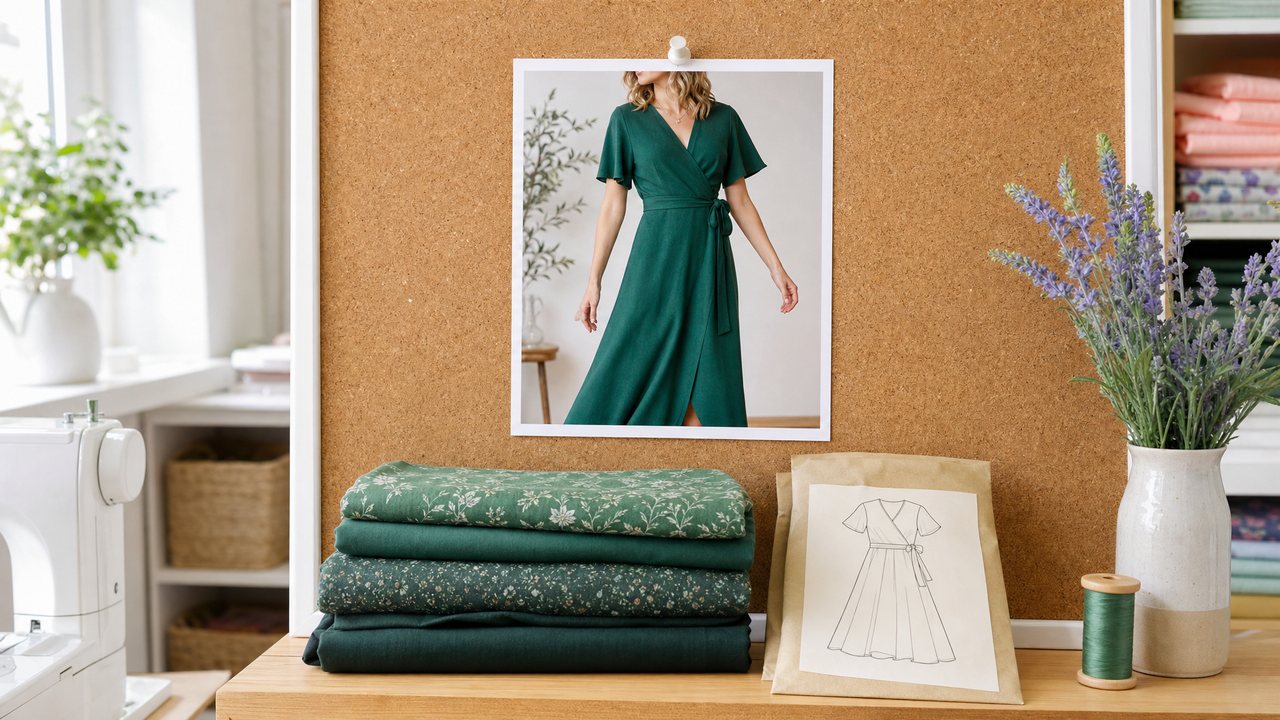
To recreate a look with fabric you already own, you work backwards from the garment. Name its parts, find the closest pattern and fabric for each part in your stash, and then check your version against the original before you cut.
The hard part is the last step. It is easy to convince yourself that your navy cotton lawn is "basically" the cobalt silk in the photo. Seeing the two side by side settles it. This post walks through the process and shows how Sewist Studio's Recreate This Look and Render My Stash Version handle each step.
Why start from your stash instead of the shop?
Because most sewists already own fabric that could work, and buying more to match a photo is how stashes grow. Starting from what you have keeps the project cheaper and uses yardage that is already sitting on a shelf.
It also changes the question. Instead of "where can I buy that exact fabric", you ask "which of my fabrics carries the same idea". A loose linen shirt dress in oatmeal can become a loose shirt dress in a sand cotton twill you bought last spring. The silhouette and mood survive the swap.
If you are still deciding what your stash can make at all, what to sew with your fabric stash is a good place to start.
Step 1: Break the garment into parts
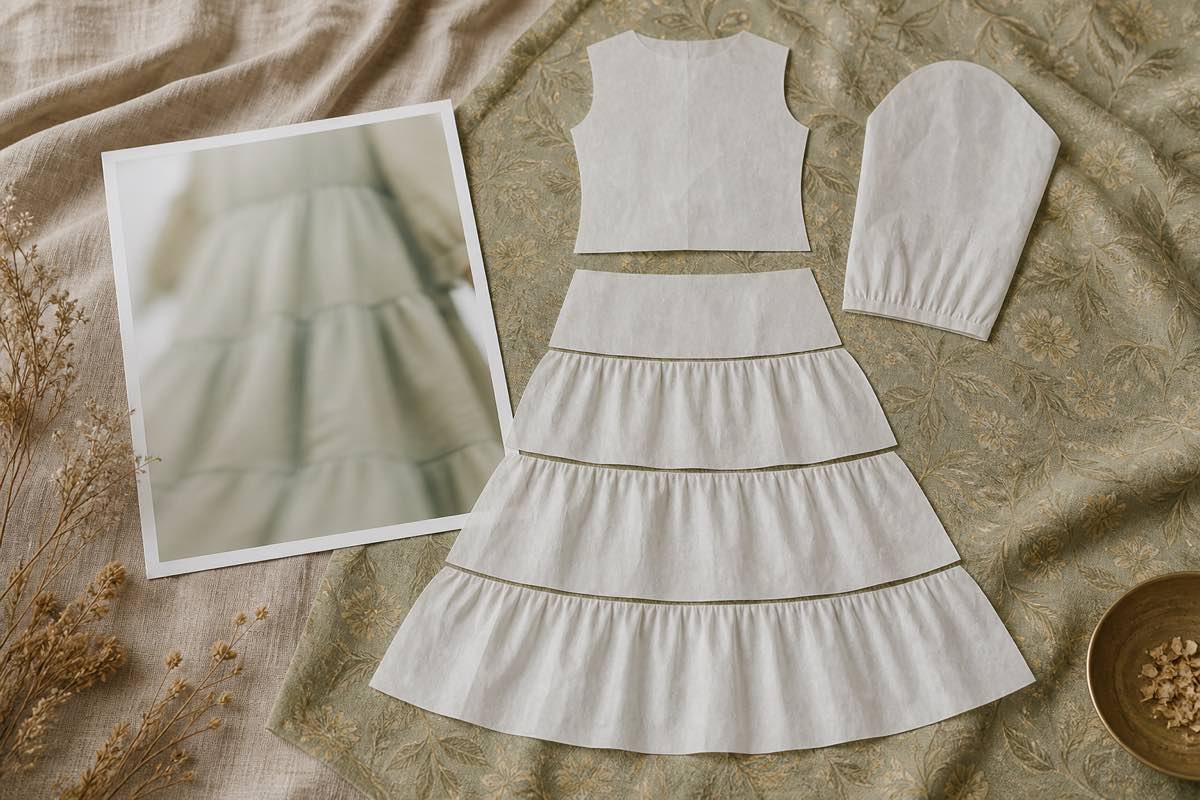
Every garment is a set of parts: neckline, bodice, sleeves, skirt or trousers, closures and details. Naming them turns a photo into a build list.
In Recreate This Look, you upload up to 8 inspiration photos of the same garment. More angles give a better read: a front view, a back view and a close-up of the sleeve tell the AI far more than one cropped photo. It returns a breakdown of the garment into parts.
Your first 3 analyses are free, so you can try it on a few saved photos before deciding if it is useful to you.
Step 2: Match each part to your patterns and fabric
Once the parts are named, each one is matched to a pattern and a fabric in your stash. You might get one pattern for most of the garment, or a bodice from one pattern and a skirt from another.
This is where a well-catalogued stash pays off. The matching can only choose from what you have recorded, so photos, fabric types and yardage matter. If your stash is a pile of unlabelled bins, see the best way to track a fabric stash first.
When the match needs pieces from more than one pattern, that is a pattern mashup. The guide to visualizing a pattern mashup before sewing covers how to preview those combinations.
What is a Stash-Adapted Twin?
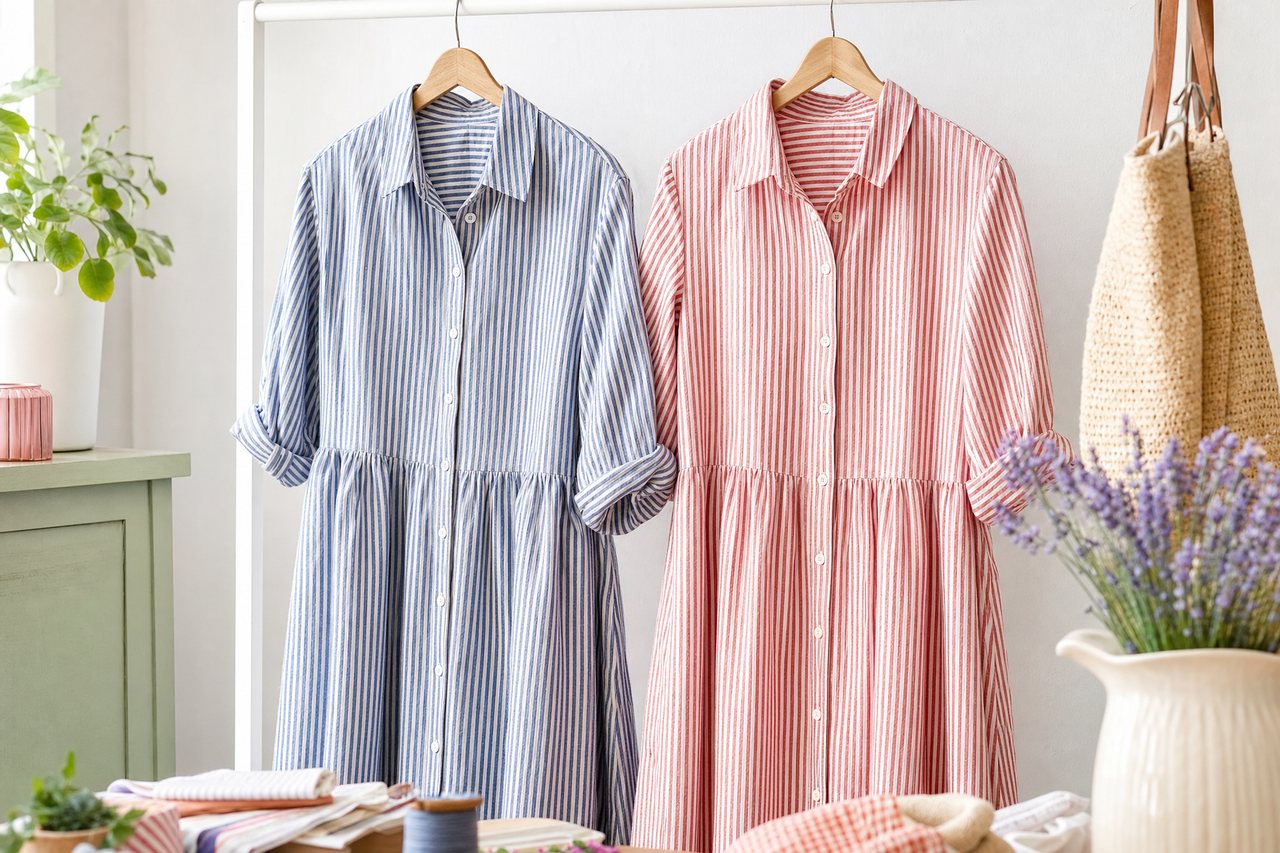
A Stash-Adapted Twin is a render of the inspiration garment remade in your matched fabric and pattern, shown side by side with the original photo. In Sewist Studio the view is labelled "Inspo vs. My Stash Version".
You make it by clicking Render My Stash Version after the breakdown. The render uses:
- Up to 2 of your inspiration photos (5MB max each)
- The photos of the fabrics matched from your stash
- The photos of the matched patterns
These go in as reference images, so the render is built from your real fabric photo rather than a written description of it. Print scale is pinned using the print type, bolt width and repeat recorded in your stash, so a small floral stays small and a wide stripe stays wide.
How do you judge your version against the inspiration?
Look at the pair and check a short list. The side-by-side view makes each of these obvious in a way that imagining never does.
| Check | What to look for | If it is off |
|---|---|---|
| Color | Same family and depth as the original? | Try a darker or lighter fabric from the same family |
| Print scale | Does the motif read at the same size? | Swap to a fabric with a closer repeat |
| Contrast | Does the original rely on contrast you lost? | Add a contrast fabric for a yoke, band or cuff |
| Mood | Does it still feel like the same garment? | Change the fabric before changing the pattern |
| Yardage | Do you have enough for every piece? | Choose a fabric with more yardage or shorten a part |
Some differences are fine. A twin that is a little more relaxed or a little quieter than the original may suit you better. The point is that you choose the difference on purpose.
Want flats for construction planning? You can also generate per-part technical flat sketches from the same breakdown, covered in AI technical flat sketches for sewing.
What it costs and what it needs
Recreate This Look needs you to be signed in, and your first 3 analyses are free. After that, it is part of Sewist Studio Pro: $4.99 a month or $47.88 a year, with a 14-day free trial.
Render My Stash Version is a render. Pro includes 3 Runway renders a month across all render features, then each render costs 3 purchased credits. Credits are refunded if a render fails. Renders are kept in private storage and returned as signed links that expire after 24 hours, so save the ones you want.
Honest limits
- It matches only what is in your stash. If nothing you own is close, the twin will show you that, which is useful but not magic.
- It is a preview. It shows color, print and overall look. It cannot tell you how a fabric drapes in your hands or whether the garment fits.
- Photo quality counts. Blurry or heavily filtered inspiration photos give a weaker breakdown.
- Reference photos are capped at 5MB each. Resize very large files first.
Try it
Pick one saved inspiration photo you keep coming back to, add two more angles if you have them, and run the breakdown. Then render your stash version and look at the pair. Recreate a look from your stash, or start a free account to get your first 3 analyses. Compare plans on the Pro page. For a step-by-step take on copying a specific dress, read how to dupe a designer dress with fabric you already own, and for every AI tool in one place, see the complete guide to AI sewing tools.