How to Make a Technical Flat Sketch for Sewing (By Hand or With AI)
Technical flats turn a garment into a clear line drawing you can plan from. Here is how to draw one, and how to get one from a photo.
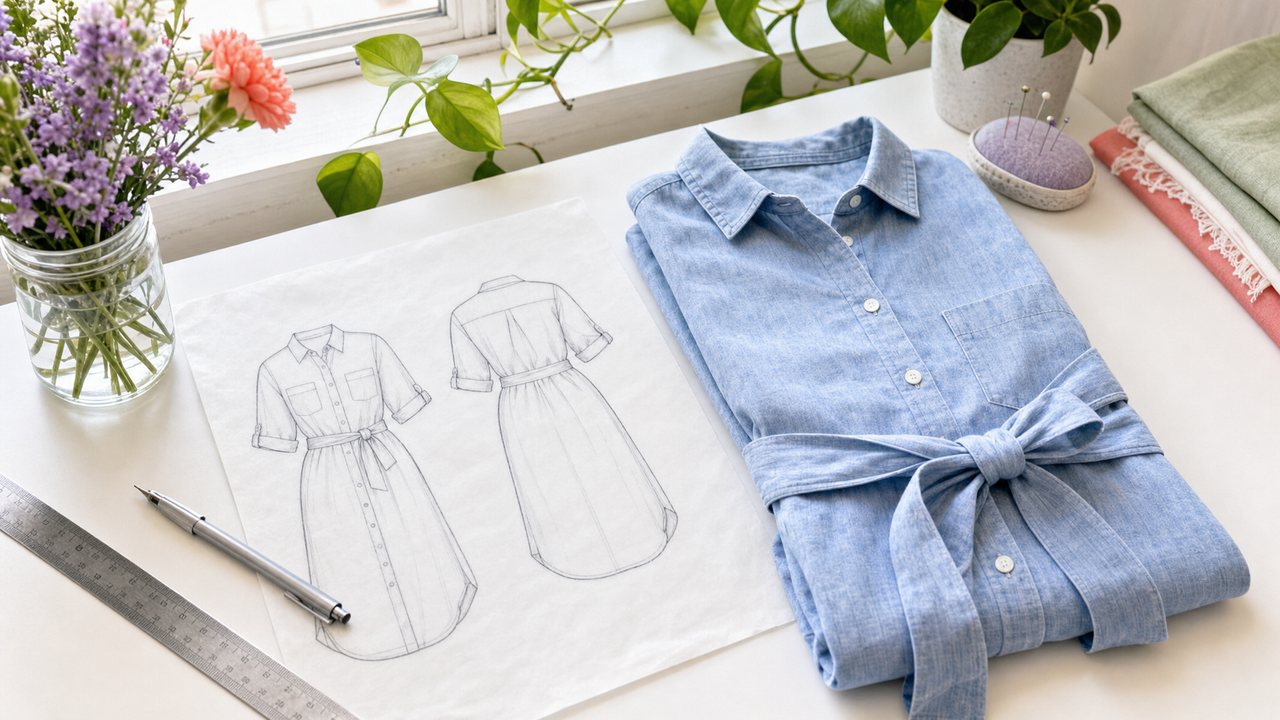
A technical flat sketch (often just called a "flat") is a line drawing of a garment as if it were laid flat on a table. It shows the front and back, every seam, dart, pleat, pocket, closure and topstitching line, with no body, no pose and no shading.
Sewists use flats to plan a make, compare patterns, and keep a clear record of what they sewed. You can draw one by hand in under an hour, or get per-part flats from an inspiration photo with Recreate This Look in Sewist Studio.
What is a technical flat sketch?
It is a precise, symmetrical line drawing of a garment's construction. A fashion illustration shows mood. A flat shows how the garment is built.
A good flat includes:
- Front and back views, side by side, at the same scale.
- Every seam line, including side seams, shoulder seams and princess seams.
- Darts, pleats, tucks and gathers, drawn where they sit.
- Closures: buttons with their count, zips, ties, snaps.
- Topstitching, usually as a dashed line.
- Proportions that match the real garment, so a cropped top looks cropped.
In the fashion industry, flats are part of the tech pack a factory sews from. For home sewists, the line drawing on the back of a pattern envelope is a flat. You have been reading them for years.
Why do sewists use technical flats?
Because flats strip away styling and show you the garment itself. A model photo can hide a dart under a belt or a seam under a print. A flat cannot.
Common uses:
1. Comparing patterns. Two dresses can look different on models and nearly identical as flats, or the other way around.
2. Planning a mashup. Draw each part from a different pattern and see whether they fit together. Our guide to visualizing a pattern mashup before you sew goes further.
3. Color and fabric planning. Photocopy a flat and color it in with pencils for each fabric idea.
4. Recording your makes. A flat with notes (size, changes, fabric) is a better memory than a photo of a finished garment on a hanger.
5. Recreating a garment from a photo. A flat forces you to decide where each seam goes.
How do I draw a technical flat by hand?
Draw half the garment over a template, then mirror it. Symmetry and clean lines matter more than drawing skill.
1. Start with a template. Use a figure template (a "croquis" or flat template) under tracing paper so proportions stay realistic.
2. Draw a center line. Everything is built out from it.
3. Sketch one half lightly in pencil. Neckline, shoulder, armhole, side seam, hem.
4. Add construction. Darts, seams, pockets, plackets, button positions.
5. Trace and flip to draw the other half, so both sides match.
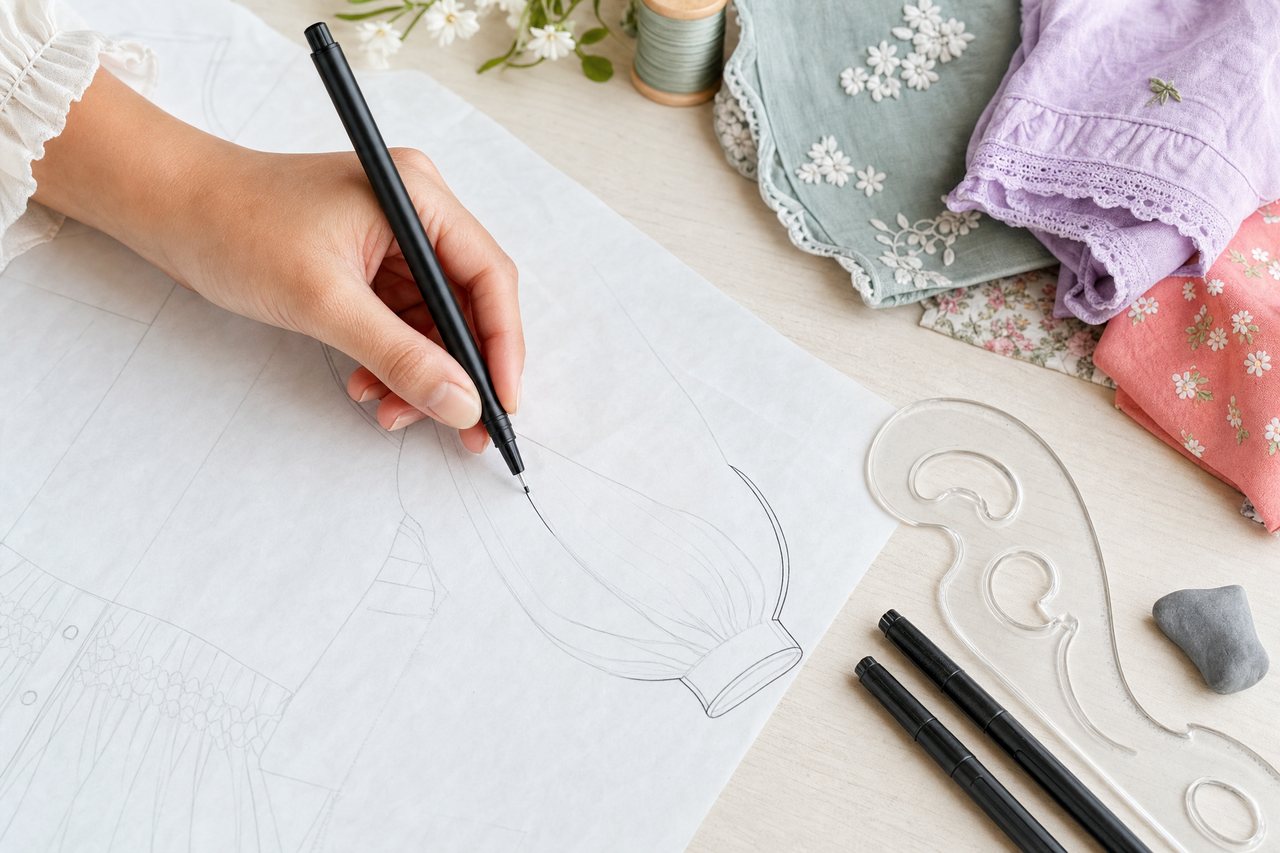
6. Ink the final lines. Solid lines for seams and edges, dashed lines for topstitching. Then repeat for the back view.
A ruler and a French curve help with hems and armholes. You do not need artistic training. The best flats look boring, which is the point.
Can AI make a technical flat from a photo?
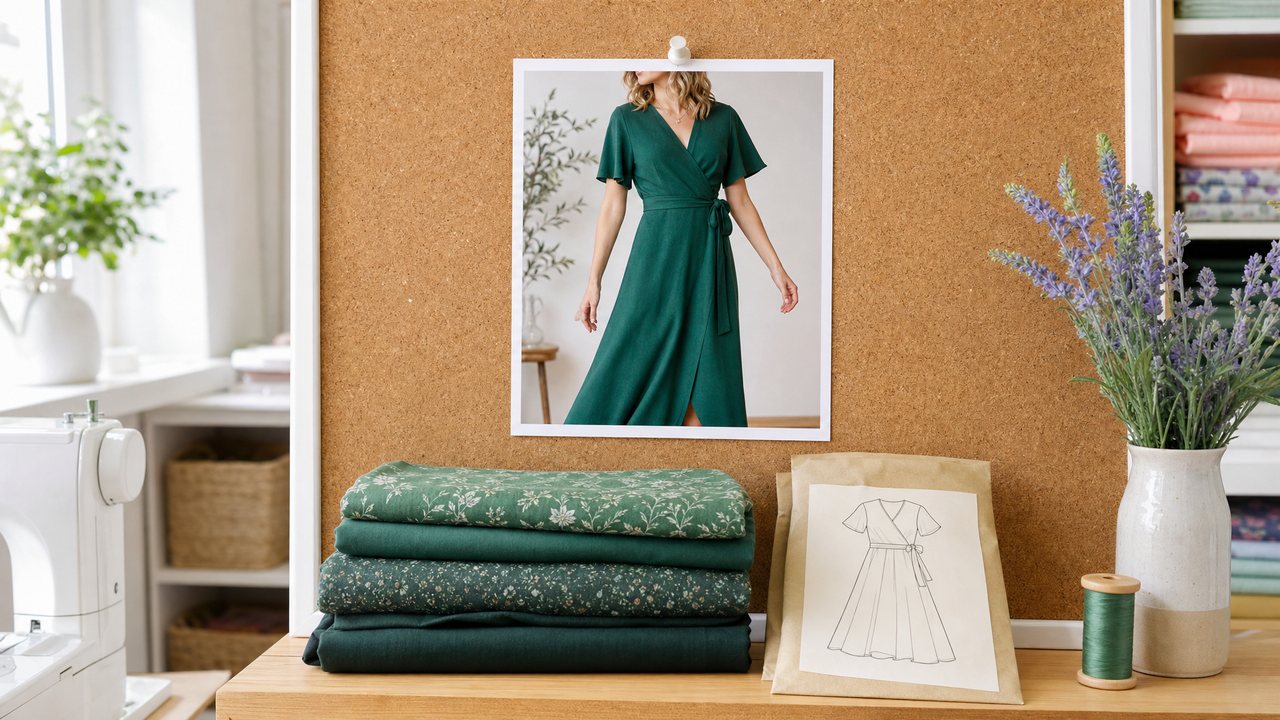
Yes. Sewist Studio's Recreate This Look breaks a garment from your inspiration photos into parts, and can generate a technical flat sketch for each part. Upload up to 8 photos of the same garment for the strongest read.
Here is the workflow:
1. Sign in and open Recreate This Look.
2. Upload your inspiration photos (up to 8).
3. The AI breaks the garment into parts (bodice, sleeves, skirt, collar and so on) and matches each one to a pattern and fabric in your stash.
4. Generate flat sketches for the parts you want to study.
Your first 3 analyses are free. After that, Recreate This Look needs Pro. If you also want a picture of the whole look in your own fabric, the same tool makes a side-by-side render, explained in how to recreate a look with fabric you own.
Limits, stated plainly: an AI flat is drawn from what the photos show. If you only have a front view, the back is a guess. Hidden details like an invisible zip, a lining or a dart under a gathered panel may be missed or invented. Check every AI flat against your pattern's own line drawing before you rely on it.
AI flat or hand-drawn flat: which should I use?
Use AI to get a fast first draft from a photo, and draw by hand when you need certainty. Many sewists do both.
| Hand-drawn flat | AI flat from Recreate This Look | |
|---|---|---|
| Time | 30 to 60 minutes | Minutes |
| Starting point | Your own eye, a template | Up to 8 inspiration photos |
| Accuracy on hidden details | As good as your research | Limited to what photos show |
| Matched to your stash | No | Each part matched to a pattern and fabric |
| Cost | Paper and a pencil | First 3 analyses free, then Pro |
| Best for | Final records, careful mashups | Quick study of an inspiration garment |
Where flats fit in the bigger picture
Flats are one step between inspiration and cutting. First you break the look into parts, then you match each part to a pattern, then you check the fabric.
If you are working from a photo of a garment you love, the guide to identifying pattern pieces and visualizing them in your fabric walks through the whole process, and finding a pattern with the AI pattern finder helps when you want one commercial pattern instead. For a designer piece specifically, see how to dupe a designer dress with fabric you already own. And for every tool in one place, read the complete guide to AI sewing tools.
Try it
Pick one garment photo you have saved. Either print a template and draw a flat in six steps, or upload the photo to Recreate This Look and generate per-part flats. You can start with a free account, and your first 3 analyses are free. See Pro for everything after that: $4.99 a month or $47.88 a year, with a 14-day free trial.