12 Questions to Ask an AI Sewing Coach About Your Fabric
Twelve questions worth asking an AI sewing coach while you hold your fabric up to the camera, and the ones a test scrap still answers better.
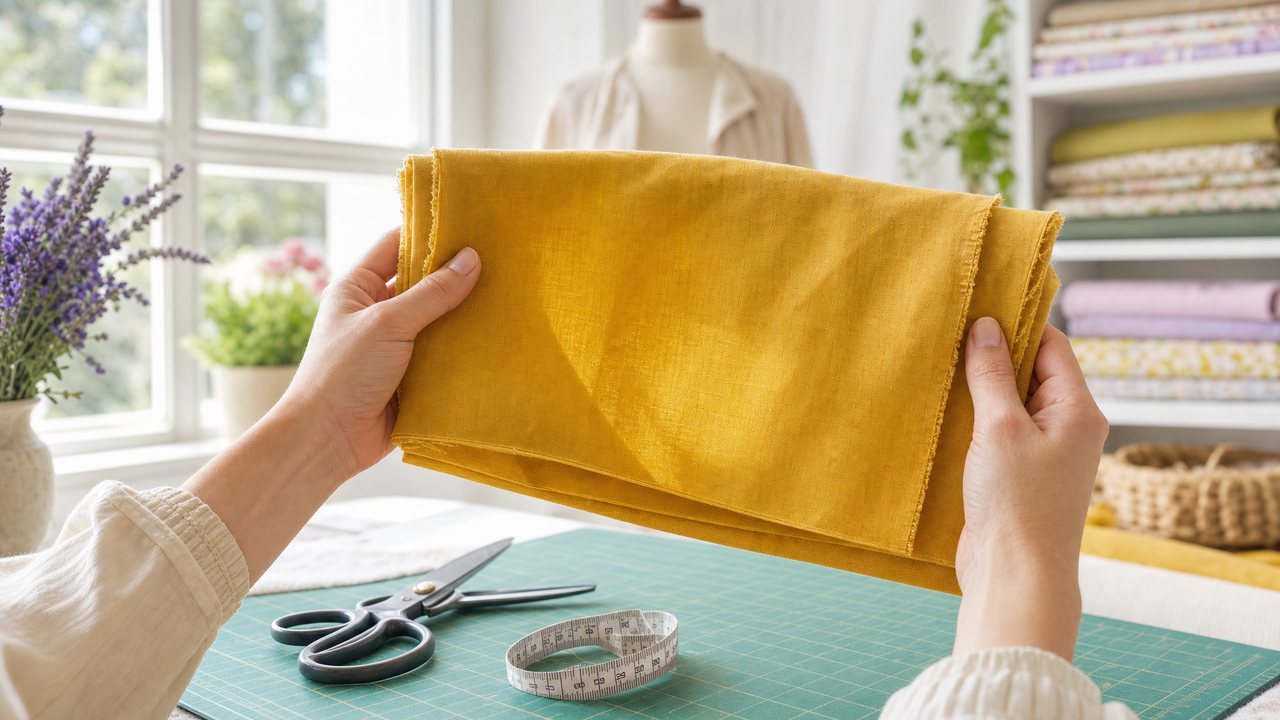
You can show your fabric to an AI sewing coach and get answers in real time. In Sewist Studio, the coach is called Wren: a live, talking video-call avatar that can see what you hold up to your camera, already knows your current project, and can look up your stash while you talk.
The trick is asking good questions. Below are 12 that work well on camera, plus an honest list of what a camera cannot tell you. A coach is an assistant. A test scrap is still the final word.
How does showing fabric to an AI coach work?
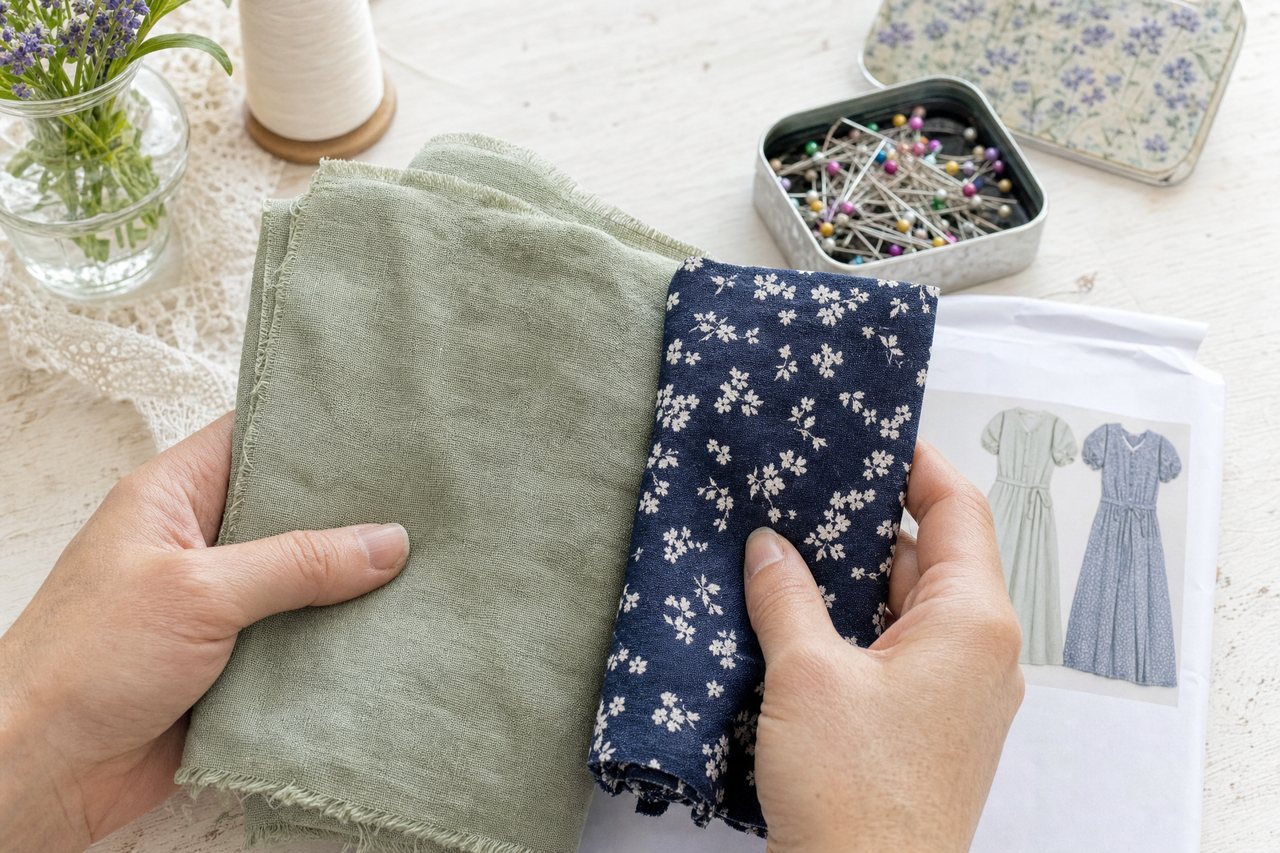
You start a video call, turn on your camera, and hold the fabric up. Wren sees what you show it and answers out loud, using what it already knows about your project.
Here is the setup in Sewist Studio:
1. Sign in and open the Sewing Coach.
2. Start a call. Wren already knows your current project: the pattern, the size and the fabrics you assigned, in your units.
3. Choose Show Wren your fabric to turn on your camera.
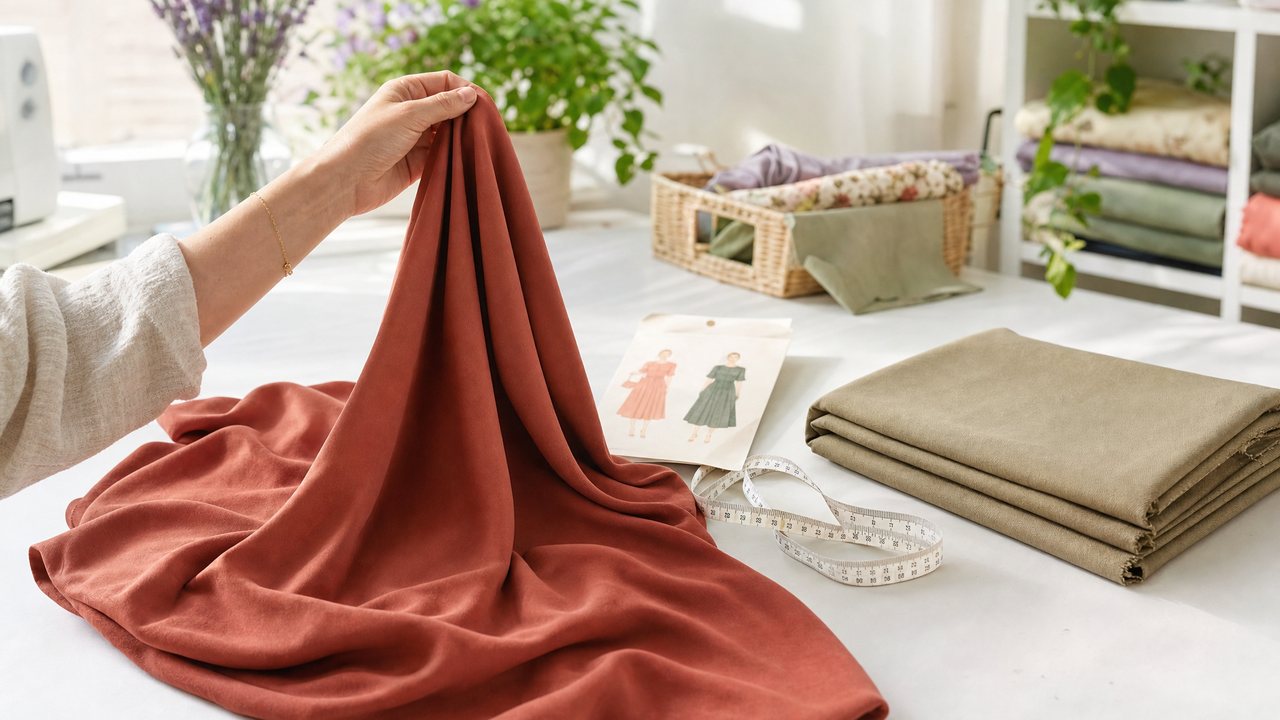
4. Hold the fabric up, flat and in good light, and ask your question.
5. If you need a fact from your records, ask. Wren can look up your stash (fabric, patterns, thread, notions) and your project during the call.
Calls end after 5 minutes, so have your questions ready. Free accounts get 1 call. Pro is unlimited calls. For a fuller tour of the coach itself, see our guide to the AI sewing coach on a live video call.
12 questions to ask while you hold up your fabric
The best questions combine what the camera can see with what Wren already knows about your project. Questions that only need a look (is this a print with a direction?) or only need your records (how much of this do I have?) both work. The ones that need both work best.
1. "Is this enough fabric for my project?" Wren knows your pattern and size, and can check what your stash says about this fabric. Ask it to compare. If the yardage in your stash is a guess, measure first with our guide to measuring fabric yardage.
2. "Which side looks like the right side?" Hold up both faces, one after the other. On printed cotton the print is usually crisper on the right side. On some solids, either side works, and that is a useful answer too.
3. "Does this print have a direction?" Florals with stems, animals and scenic prints can end up upside down on half your pieces. Ask before you lay out a single piece.
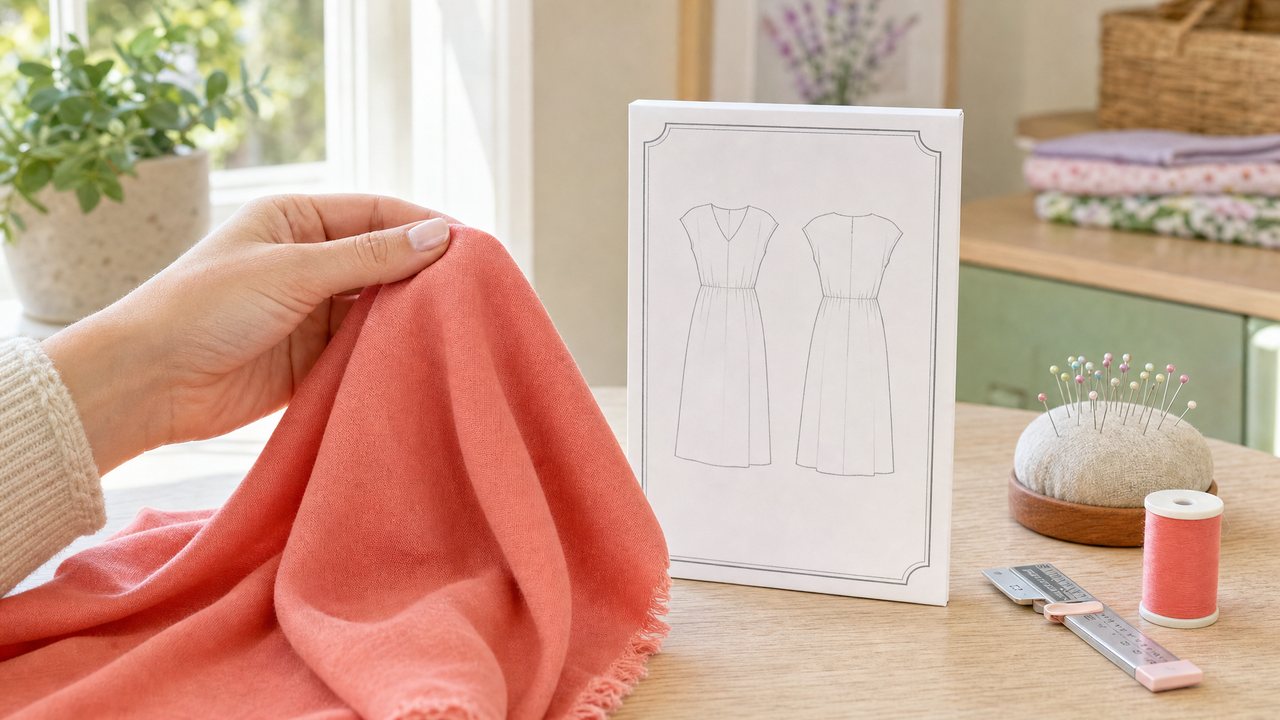
4. "Would this print work at this scale for my pattern?" A big motif can swallow a small yoke or a narrow sleeve. Hold the fabric against your body if you can, so the scale reads.
5. "What kind of interfacing would suit this fabric?" Ask about weight (light, medium, heavy) and type (fusible or sew-in) for collars, facings and button bands. Then fuse a sample before you commit.
6. "Which thread in my stash would work with this?" Wren can look up your threads. If you want hex codes and full palettes, the thread mode in AI Ideas does that in more detail, covered in what color thread to use for your fabric.
7. "Should I pre-wash this, and how?" Mention the fiber if you know it. Cotton, linen and rayon often shrink. Ask how to test a scrap first.
8. "Do I need to match this plaid or stripe?" If yes, ask where matching matters most for your pattern (side seams, center front, pockets) and whether you need extra fabric for it.
9. "Which way does this stretch?" Pull the fabric gently on camera in both directions. Ask whether it suits a pattern drafted for knits or one drafted for wovens.
10. "Is this too sheer for my pattern?" Hold it up to a window. Ask whether it needs lining or underlining, and what kind.
11. "Is there a better fabric in my stash for this pattern?" This is where the live stash lookup earns its keep. If you want a wider search, try the pairing approach in what pattern to use for this fabric.
12. "What should I test on a scrap before I cut?" End every call with this one. You will get a short list: needle, stitch length, pressing temperature, interfacing, seam finish.
What can the camera not tell you?
A camera sees color and pattern. It cannot feel weight, hand or drape. Treat anything about texture as a suggestion to check, not a verdict.
Be honest with yourself about these limits:
- Color shifts on camera. Warm room light, cool daylight and your camera's own processing all change how a fabric reads. Ask in daylight if color matters.
- Fiber content is a guess. A polyester crepe and a silk crepe can look the same on video. A burn test or the bolt label is better evidence.
- Hand and drape are invisible. Let the fabric hang from your hand on camera so the coach sees some movement, but your fingers know more.
- Shrinkage needs a wash. No one can see shrinkage. Wash a measured square and measure again.
This is the same rule good sewing teachers follow: an opinion, then a scrap. Wren is useful for speed and for thinking out loud. It does not replace testing. The same goes for problems after you start sewing: getting live help with sewing mistakes like puckered seams covers what a coach can spot on camera and what needs a hands-on test.
How do I get better answers?
Give the coach clean visual information and a specific question. Vague questions get vague answers on any call.
A quick checklist before you start:
- Your current project is set, with pattern, size and fabric.
- Your fabric is in your stash with yardage, so Wren can look it up.
- Your units are set the way you think. One switch in Account Settings controls imperial or metric, explained in using the AI in centimeters.
- Daylight or a bright lamp, not a dim corner.
- Your 3 most important questions written down. Five minutes goes fast.
If you have not set up a stash yet, the best way to track your fabric stash walks through it. Even a rough stash makes the coach more useful, because it can answer "what else do I have?"
Is an AI sewing coach worth it?
It is worth it if you sew alone and often get stuck on small decisions. It is less useful if you already have a teacher or a sewing friend on call.
The value is in quick, specific answers tied to your actual project, without typing out the pattern name, size and fabric every time. For a broader view of where the coach fits among the other tools, see the complete guide to AI sewing tools.
Try it
Pick one fabric you have been unsure about. Write down three questions from the list above. Then start a call with Wren and show it your fabric. Your first call is free with a free account, and Pro includes unlimited calls, at $4.99 a month or $47.88 a year after a 14-day free trial.